
Best AI tools to reframe videos
Top picks at a glance:
- OpusClip — Creators requiring API access to automate viral clipping at scale.
- Kapwing — Users needing a versatile editor for mixed media including GIFs and images.
- ClipFinder — Streamers aiming to automate the clipping of long-form gaming VODs.
- Vizard — Creators seeking a refund policy and API functionality for their workflow.
- Bytecap — Professionals wanting an all-in-one suite for editing, captioning, and publishing.
| Tool | What it does | Pricing | Free tier | Refunds |
|---|---|---|---|---|
| OpusClip | AI video editing platform that turns long videos into shorter viral clips for social media. | Free tier; paid from $15/mo | Yes | — |
| Kapwing | An online content creation platform for editing videos, GIFs, images, and audio. | Free tier; paid from $16/mo | Yes | None stated |
| ClipFinder | AI tool that watches full streams and VODs to find, reframe, caption, and export short clips. | Free tier; paid from $15/mo | Yes | None stated |
| Vizard | An AI-powered video editing and repurposing tool designed to help creators turn long videos into social-ready clips. | Free tier; paid from $14.50/mo | Yes | 7 days |
| Bytecap | AI-powered video editing platform for creating professional social media content, including auto-captions, clips, and publishing. | Free tier; paid from $15/mo * | Yes | None stated |
— means the vendor does not state it on the pages we read.
* pricing not verified against the vendor's pricing page.
OpusClip
Visit OpusClipopus.pro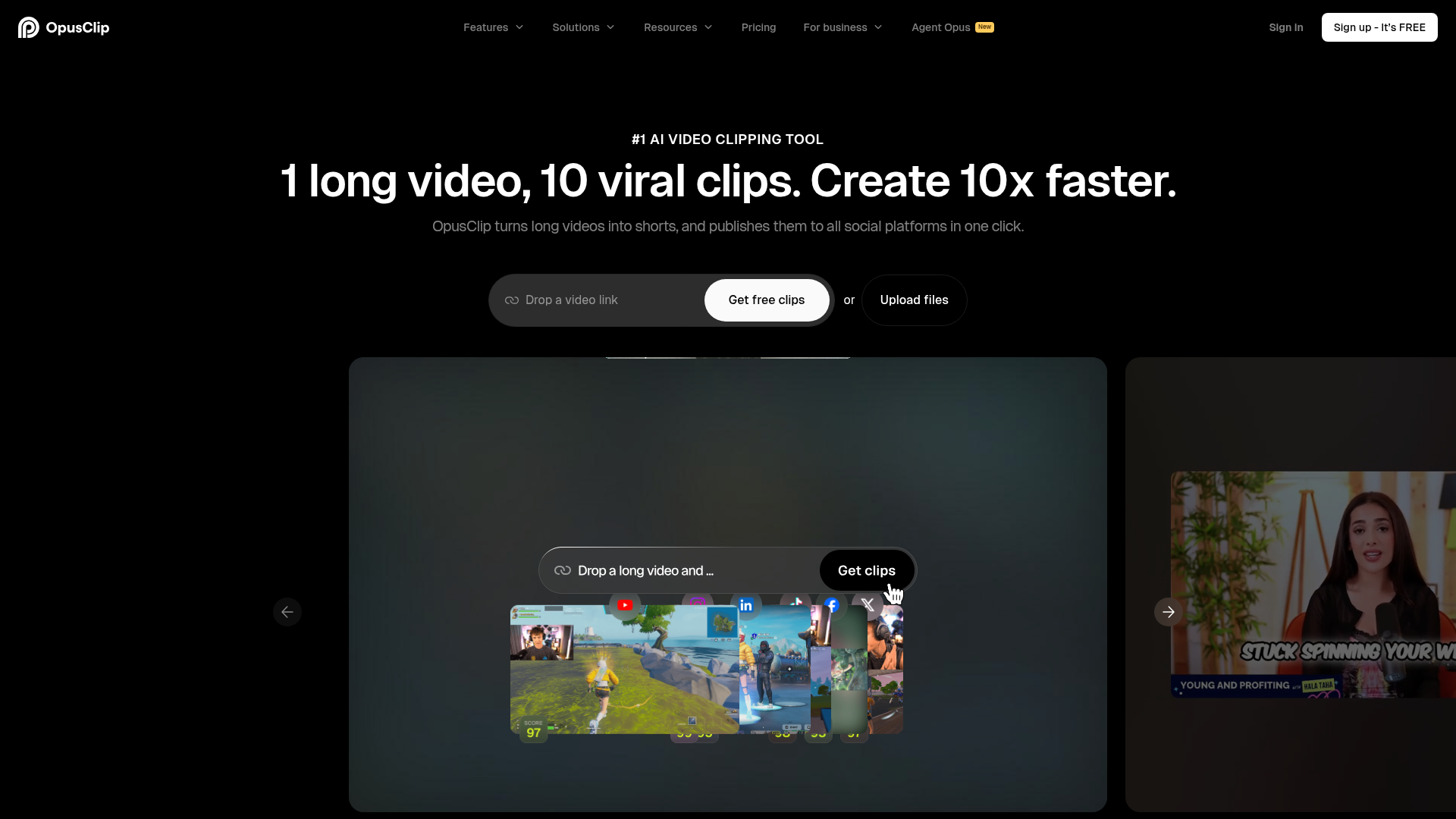
Best for: Creators requiring API access to automate viral clipping at scale.
This platform specializes in turning long-form footage into shorter viral clips specifically for social media. It is available on the web and provides an API for advanced users. You can start with a free tier and upgrade to paid plans starting at $15/mo.
The only AI reframe model that resizes any video for any platform and keeps moving subjects centered with AI object tracking.
— opus.pro
Pricing, in their words: “Free $0 Starter $15/mo Pro $29/mo Business Custom” (pricing)
Subscription terms they state: cancel in-app (source)
No usage limits stated on the pages we read.
Kapwing
Visit Kapwingkapwing.comCancellation & refund terms for Kapwing
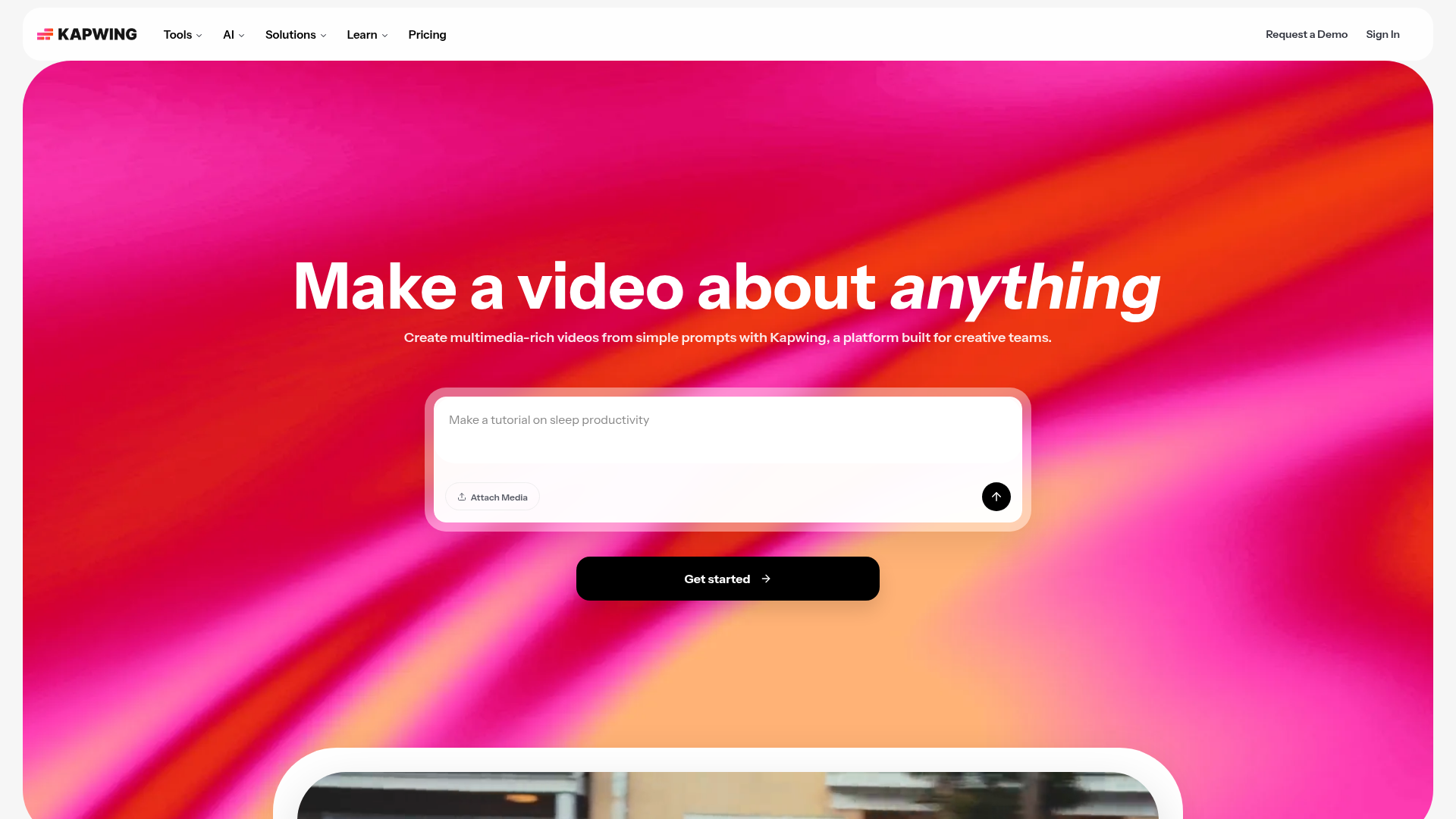
Best for: Users needing a versatile editor for mixed media including GIFs and images.
This online creation platform allows for the editing of images, audio, GIFs, and videos. It is designed to resize video for social media through a web-based interface. Be aware that the service offers no refunds and does not provide a free trial for paid plans.
Resize video online to fit square, widescreen, or portrait frames in just a few clicks.
Pricing, in their words: “Kapwing Pro is available for $16/month billed annually or $192/year. Kapwing Business can supercharge your content creation and is available for $50/month billed annually or $600/year.” (pricing)
Subscription terms they state: cancel in-app · auto-renews · states no refunds (source)
Limits the vendor states:
- No free trial for paid plans
- No refunds
ClipFinder
Visit ClipFinderclipfinder.orgCancellation & refund terms for ClipFinder
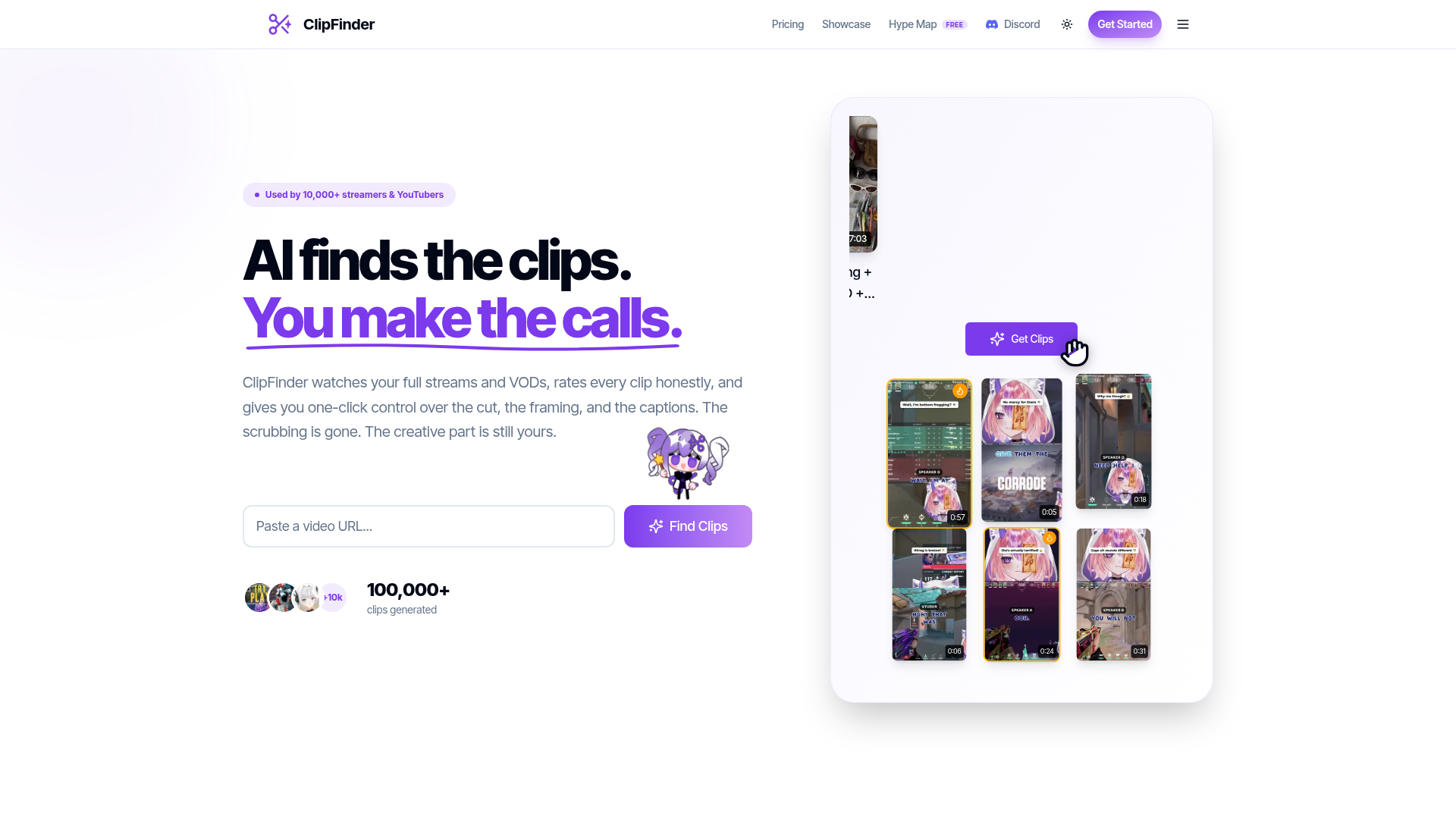
Best for: Streamers aiming to automate the clipping of long-form gaming VODs.
This tool watches full streams to identify, reframe, caption, and export clips for tiktok. It functions on the web and supports videos under 5 hours. Paid plans start at $15/mo, and the service does not offer refunds.
Auto-reframe frames faces and action for vertical, no blind center-crop.
Pricing, in their words: “Starter covers 10 hours of video a month. Pro is unlimited.” (pricing)
Subscription terms they state: cancel in-app · auto-renews · states no refunds (source)
Limits the vendor states:
- videos longer than 5 hours
Vizard
Visit Vizardvizard.aiCancellation & refund terms for Vizard
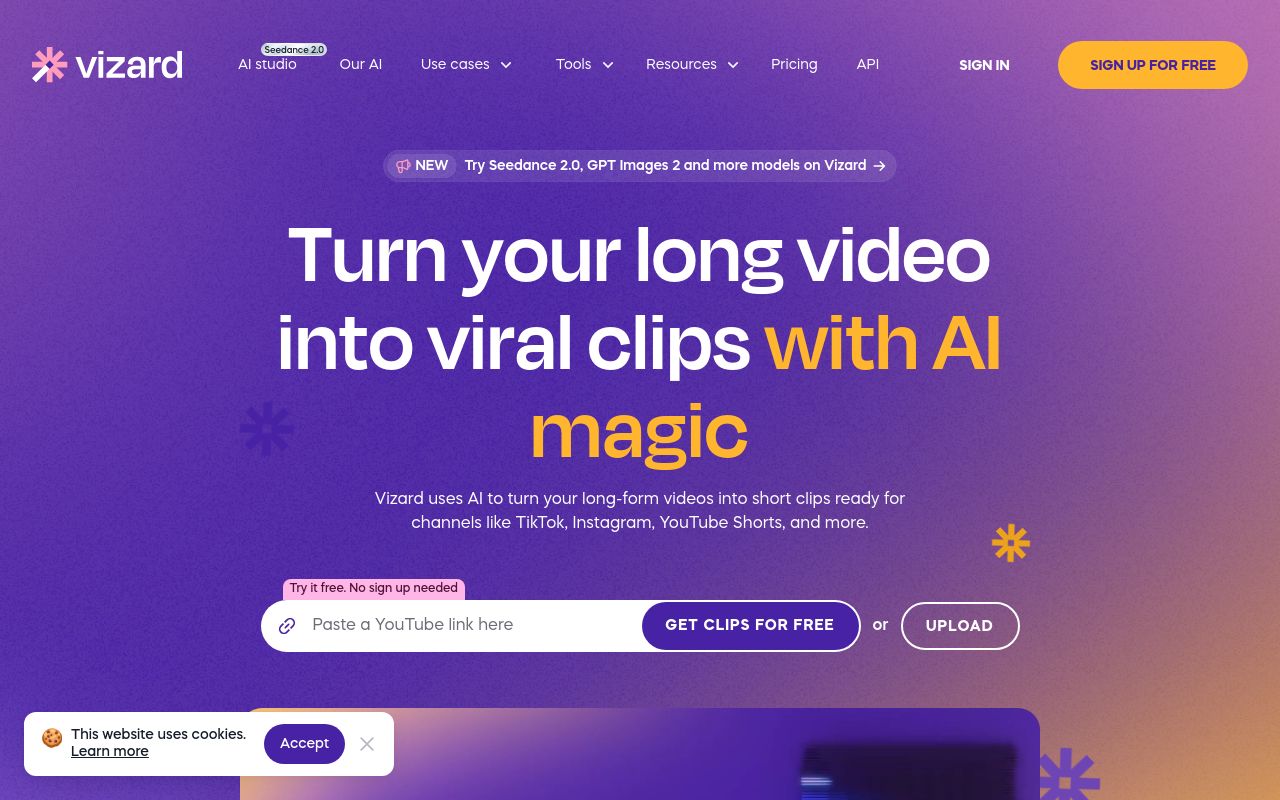
Best for: Creators seeking a refund policy and API functionality for their workflow.
Vizard provides AI-powered repurposing to help creators turn long videos into social-ready clips. The platform is web-based, features API access, and offers a 7-day refund window. Paid subscriptions are available starting at $14.50/mo.
One click to resize and make your videos fit different social platform instantly.
Pricing, in their words: “Subscriptions to the Creator and Business plan renew automatically at the end of each billing cycle unless duly terminated” (pricing)
Subscription terms they state: cancel in-app · auto-renews · 7-day refund window (source)
No usage limits stated on the pages we read.
Bytecap
Visit Bytecapbytecap.io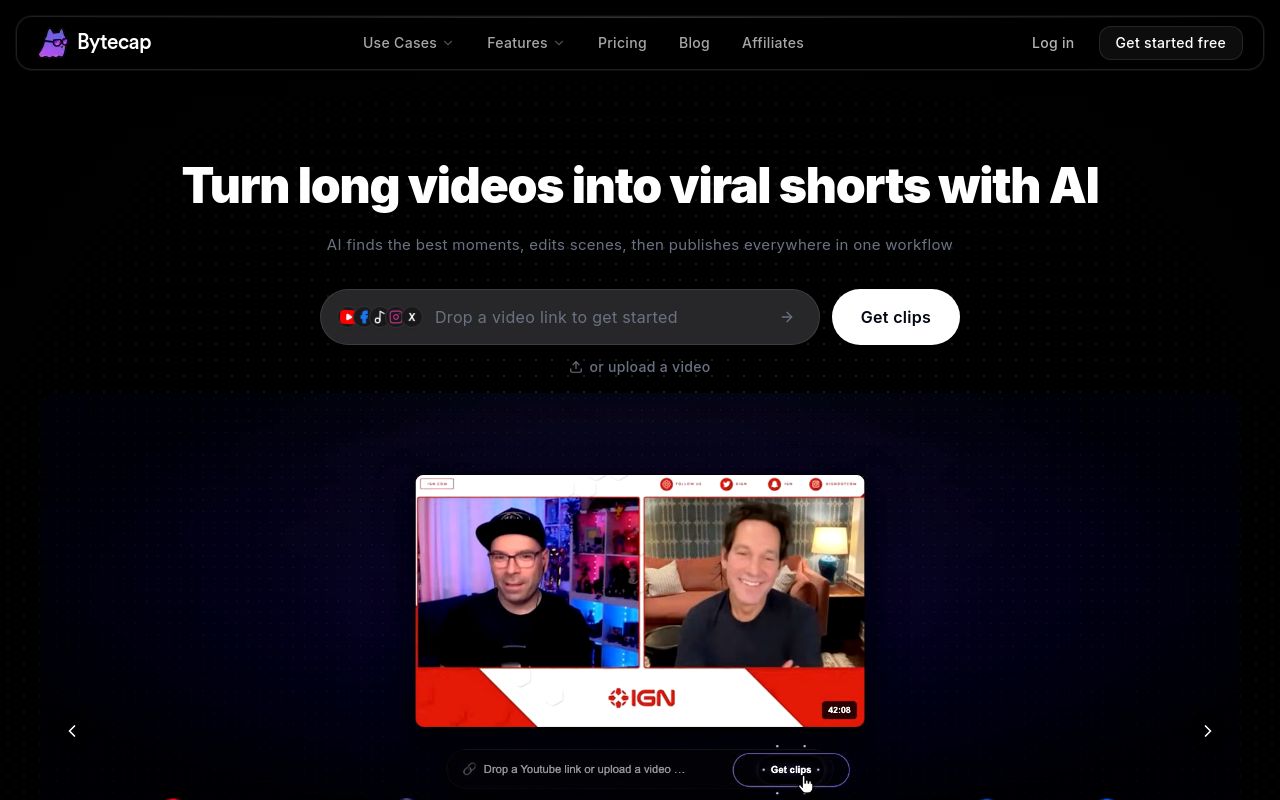
Best for: Professionals wanting an all-in-one suite for editing, captioning, and publishing.
This platform focuses on creating professional social media content, handling everything from auto-captions to final publishing. It is web-accessible and allows users to reframe videos for social media. Note that the service states it provides no refunds for its paid plans.
Auto Reframe Convert complete 16:9 videos into tracked, editable 9:16 projects.
Pricing: Free tier; paid from $15/mo (pricing)
Subscription terms they state: cancel in-app · auto-renews · states no refunds (source)
No usage limits stated on the pages we read.
Which one for your situation?
- You are a social media manager needing an API-integrated tool to scale your agency's output. → OpusClip: It supports API access and offers a free tier for testing before committing to a $15/mo paid subscription.
- You are a solo creator looking for a broad suite of tools beyond just video clipping. → Kapwing: It functions as an online content creation platform capable of editing videos, GIFs, images, and audio beyond simple resizing.
- You are a streamer looking to automatically turn full-length gaming sessions into short clips. → ClipFinder: It is specifically designed to watch full streams and VODs to find and reframe videos for tiktok, provided they are under 5 hours.
- You are a content creator who wants a safety net regarding your purchase decision. → Vizard: It is the only tool that specifies a 7-day refund window, providing more flexibility than platforms that state no refunds.
- You are a professional looking for a single platform that handles everything from editing to publishing. → Bytecap: It provides a comprehensive platform for editing professional social media content, including features like auto-captions and publishing.
FAQ
Is there a free tool to reframe videos?
Yes — OpusClip, Kapwing, ClipFinder, Vizard, Bytecap offer a free tier.
What is the cheapest paid option to reframe videos?
Vizard starts at $14.50/month.
Which of these have an API?
OpusClip, Vizard document a developer API.
How do I cancel these subscriptions?
OpusClip: cancel in-app; Kapwing: cancel in-app; ClipFinder: cancel in-app; Vizard: cancel in-app; Bytecap: cancel in-app.
Can I get a refund?
Kapwing states it does not offer refunds; ClipFinder states it does not offer refunds; Vizard states a 7-day refund window; Bytecap states it does not offer refunds. The other (OpusClip) do not state a refund policy on the pages we read.
Do these subscriptions auto-renew?
Kapwing, ClipFinder, Vizard, Bytecap state that paid plans renew automatically. Check the billing page before subscribing; the rest do not state it either way.
Sources
Every fact above was read from the vendors' own pages: