
Best AI tools to add text to video
Top picks at a glance:
- OpusClip — Creators requiring an automated workflow and API access for social clips.
- ClipFinder — Streamers handling long-form content exceeding five hours of footage.
- imagetocaption.ai — Marketers who need to pair image assets with social captions quickly.
- FlexClip — Users seeking a straightforward, free web-based video editing utility.
- Vmake Labs — Small businesses needing mobile accessibility for their AI video production.
| Tool | What it does | Pricing | Free tier | Refunds |
|---|---|---|---|---|
| OpusClip | AI video editing platform that turns long videos into shorter viral clips for social media. | Free tier; paid from $15/mo | Yes | — |
| ClipFinder | AI tool that watches full streams and VODs to find, reframe, caption, and export short clips. | Free tier; paid from $15/mo | Yes | None stated |
| imagetocaption.ai | Generate on-brand social-media captions from any image in seconds with AI. | Free tier; paid from $9.99/mo * | Yes | None stated |
| FlexClip | FlexClip is a simple yet powerful video maker and editor for everyone. | Free tier * | Yes | — |
| Vmake Labs | An AI social video studio that helps small businesses generate, enhance, and optimize videos. | Free tier; paid from $9.99/mo * | Yes | — |
— means the vendor does not state it on the pages we read.
* pricing not verified against the vendor's pricing page.
OpusClip
Visit OpusClipopus.pro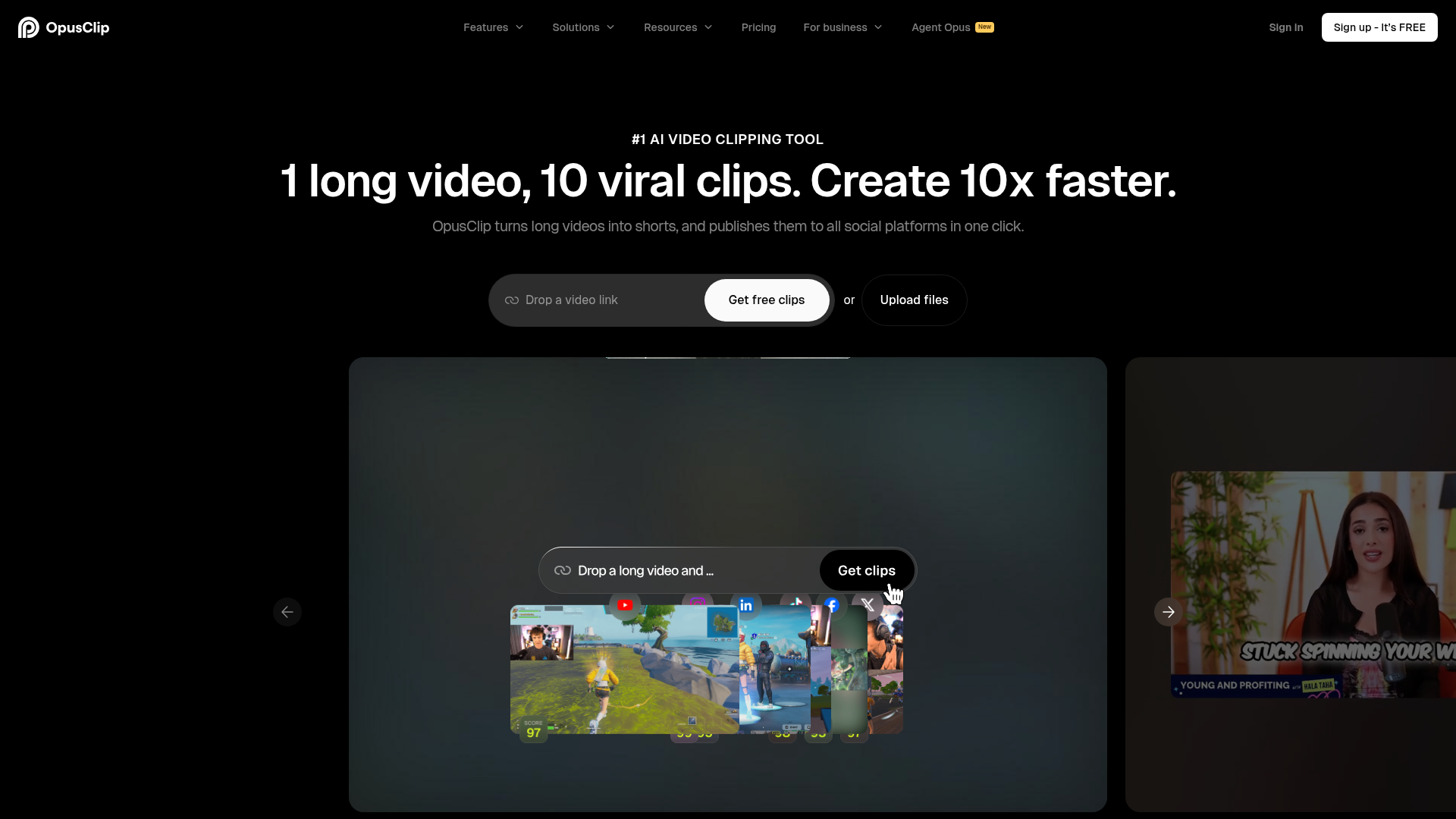
Best for: Creators requiring an automated workflow and API access for social clips.
This AI video editing platform is designed to repurpose long-form content into shorter, viral social media clips. It provides the specific ability to add animated captions to video through its web interface. Users can access the platform via a free tier or opt for paid plans starting at $15 per month.
The fastest way to add animated captions
— opus.pro
Pricing, in their words: “Free $0 Starter $15/mo Pro $29/mo Business Custom” (pricing)
Subscription terms they state: cancel in-app (source)
No usage limits stated on the pages we read.
ClipFinder
Visit ClipFinderclipfinder.orgCancellation & refund terms for ClipFinder
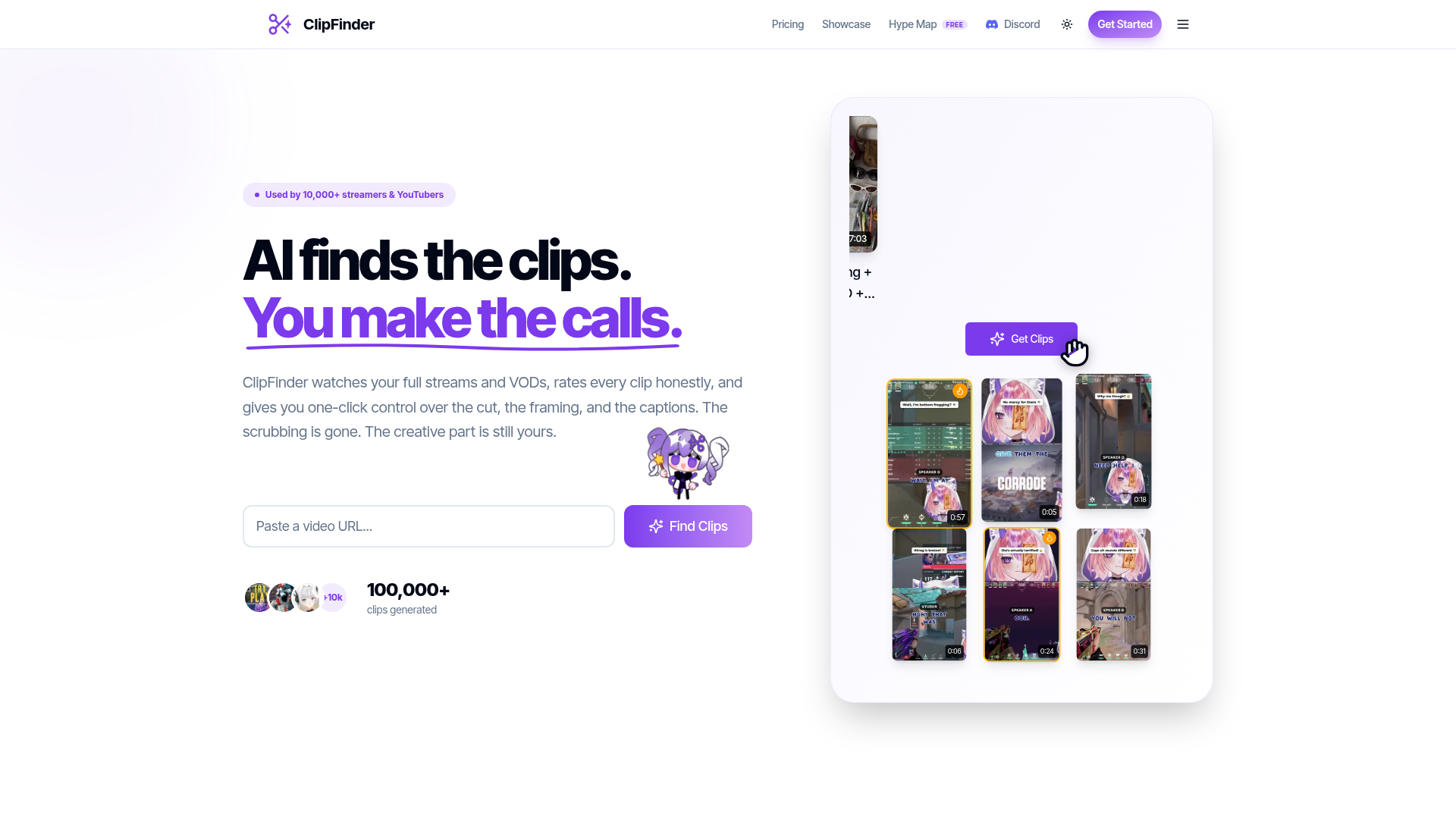
Best for: Streamers handling long-form content exceeding five hours of footage.
This tool monitors full streams and VODs to handle the reframing, exporting, and captioning process. It is specifically engineered to generate captions for videos that are longer than five hours. Note that the service operates on a web-only basis and maintains a strict no-refunds policy.
TikTok word-highlight or Hormozi bold-outline, burned into the export.
Pricing, in their words: “Starter covers 10 hours of video a month. Pro is unlimited.” (pricing)
Subscription terms they state: cancel in-app · auto-renews · states no refunds (source)
Limits the vendor states:
- videos longer than 5 hours
imagetocaption.ai
Visit imagetocaption.aiimagetocaption.ai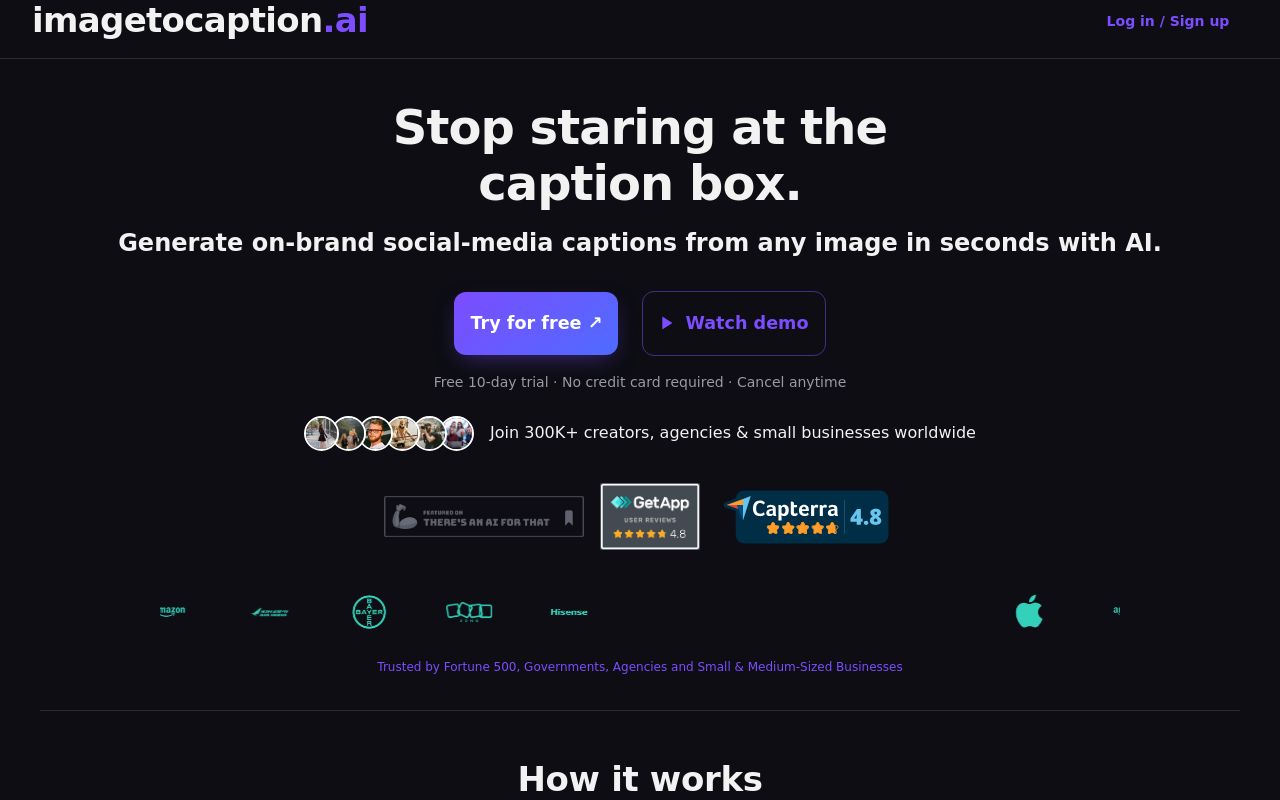
Best for: Marketers who need to pair image assets with social captions quickly.
This tool generates on-brand captions for social media directly from image files. It is optimized to generate captions for tiktok videos in mere seconds. It is available on the web with a free tier and paid subscriptions beginning at $9.99 per month.
imagetocaption.ai is perfect for creating captions for your Instagram Reel or TikTok.
Pricing: Free tier; paid from $9.99/mo (pricing)
Subscription terms they state: cancel in-app · auto-renews · states no refunds (source)
No usage limits stated on the pages we read.
FlexClip
Visit FlexClipflexclip.comBest for: Users seeking a straightforward, free web-based video editing utility.
FlexClip functions as a simple yet powerful video maker suitable for a broad range of users. It offers a direct way to add text to video without complex configuration. The tool is available via the web and provides a free tier for your video creation needs.
Add your caption text to the video and edit it to get your ideas across fast and clearly.
Pricing: Free tier (pricing)
No usage limits stated on the pages we read.
Vmake Labs
Visit Vmake Labsvmake.aiBest for: Small businesses needing mobile accessibility for their AI video production.
This AI social video studio assists small businesses in generating and optimizing their video content. It supports the task to generate captions for video and is unique in offering mobile apps for both iOS and Android. Paid plans for this service start at $9.99 per month.
Caption generator Add accurate captions to make videos easier to watch and convert.
— vmake.ai
Pricing: Free tier; paid from $9.99/mo (pricing)
No usage limits stated on the pages we read.
Which one for your situation?
- You are a content creator looking to turn long-form YouTube uploads into viral social media shorts. → OpusClip: It specializes in transforming long videos into shorter clips and offers an API for automated workflows.
- You are a streamer managing hours of live footage that needs to be reframed and captioned for viewers. → ClipFinder: This tool is built to watch full streams and VODs, specifically supporting videos longer than five hours.
- You are a social media manager who needs to quickly create captions for tiktok videos based on visual assets. → imagetocaption.ai: It focuses on generating on-brand captions directly from images, providing a fast solution for social media posting.
- You are a casual user or small business owner who needs a simple, free video editor to add basic text overlays. → FlexClip: It serves as a simple and powerful video maker that includes a free tier for general video editing tasks.
- You are a small business owner needing a mobile-first AI studio to optimize social media video content on the go. → Vmake Labs: It provides an AI social video studio accessible via web, iOS, and Android platforms.
FAQ
Is there a free tool to add text to video?
Yes — OpusClip, ClipFinder, imagetocaption.ai, FlexClip, Vmake Labs offer a free tier.
What is the cheapest paid option to add text to video?
imagetocaption.ai starts at $9.99/month.
Which of these have an API?
OpusClip document a developer API.
How do I cancel these subscriptions?
OpusClip: cancel in-app; ClipFinder: cancel in-app; imagetocaption.ai: cancel in-app. FlexClip, Vmake Labs do not state a cancellation route on the pages we read.
Can I get a refund?
ClipFinder states it does not offer refunds; imagetocaption.ai states it does not offer refunds. The others (OpusClip, FlexClip, Vmake Labs) do not state a refund policy on the pages we read.
Do these subscriptions auto-renew?
ClipFinder, imagetocaption.ai state that paid plans renew automatically. Check the billing page before subscribing; the rest do not state it either way.
Sources
Every fact above was read from the vendors' own pages: