
Best AI tools to add subtitles to video
Top picks at a glance:
- Magiclight — Users needing cinematic content generation alongside subtitle creation tools.
- Kapwing — Creators requiring an all-in-one editing suite for multimedia projects.
- Video Transcriber AI — Budget-conscious users prioritizing transcription quality and text conversion.
- VideoDubber — Localization specialists focused on automated voiceovers and international video translation.
- VEED — Users seeking a free, prompt-based AI video generation and editing solution.
| Tool | What it does | Pricing | Free tier | Refunds |
|---|---|---|---|---|
| Magiclight | An AI video platform designed for generating long-form videos, animations, and cinematic content from text, scripts, or stories. | Free tier; paid from $6/mo | Yes | — |
| Kapwing | An online content creation platform for editing videos, GIFs, images, and audio. | Free tier; paid from $16/mo | Yes | None stated |
| Video Transcriber AI | An online tool that converts video and audio into text. | Free tier; paid from $4/mo | Yes | 1 day |
| VideoDubber | Automated voiceover and dubbing platform for video translation and content localization. | Free tier; paid from $9/mo | Yes | 7 days |
| VEED | Generate and edit videos from a simple prompt, including voices, avatars, and images. | Free tier | Yes | — |
— means the vendor does not state it on the pages we read.
Magiclight
Visit Magiclightmagiclight.ai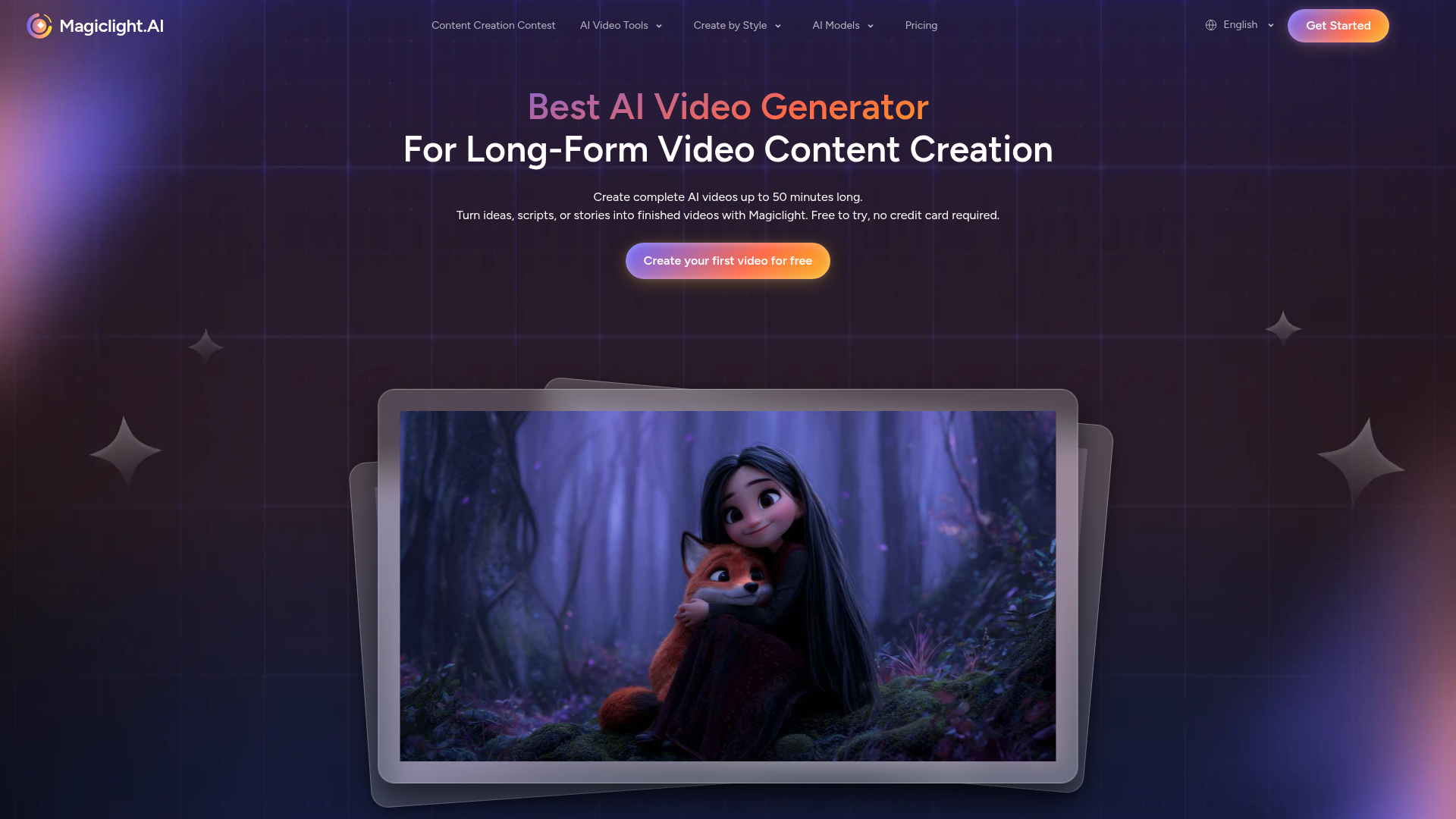
Best for: Users needing cinematic content generation alongside subtitle creation tools.
Magiclight functions as an AI video platform capable of creating long-form animations and cinematic content from scripts. You can use it to generate subtitles for videos via the web or through its available API. Subscriptions can be managed by contacting the company via email.
Automatically generate accurate subtitles for any video.
Pricing, in their words: “Transparent AI video generator pricing for every creator” (pricing)
Subscription terms they state: cancel by email (source)
No usage limits stated on the pages we read.
Kapwing
Visit Kapwingkapwing.comCancellation & refund terms for Kapwing
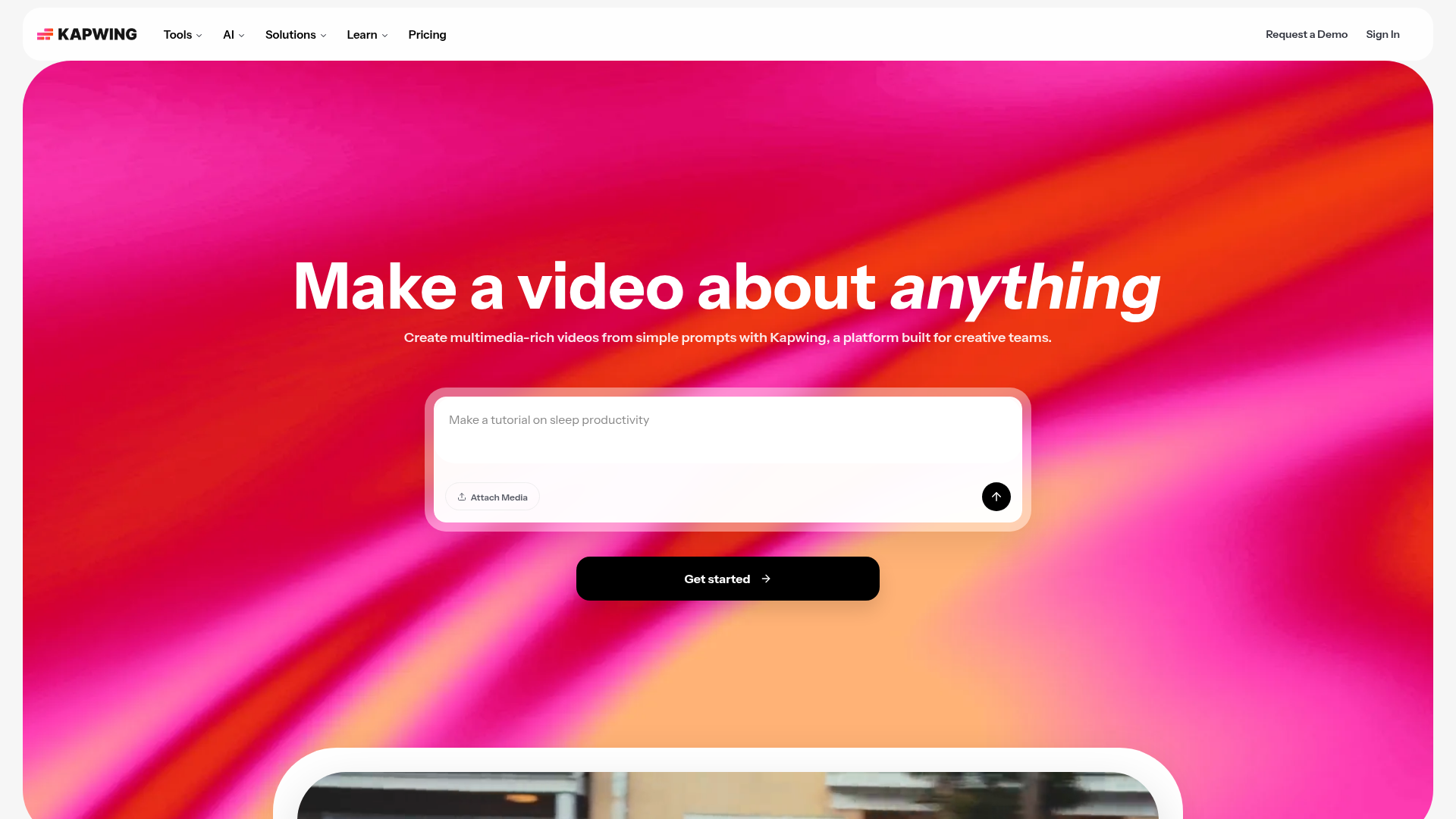
Best for: Creators requiring an all-in-one editing suite for multimedia projects.
Kapwing serves as an online content creation platform for editing video, audio, images, and GIFs. The platform offers a free tier and a paid tier starting at $16 per month. Please note that paid plans have no refunds and subscriptions auto-renew.
Add captions and subtitles to video, completely in the browser.
Pricing, in their words: “Kapwing Pro is available for $16/month billed annually or $192/year. Kapwing Business can supercharge your content creation and is available for $50/month billed annually or $600/year.” (pricing)
Subscription terms they state: cancel in-app · auto-renews · states no refunds (source)
Limits the vendor states:
- No free trial for paid plans
- No refunds
Video Transcriber AI
Visit Video Transcriber AIvideotranscriber.aiCancellation & refund terms for Video Transcriber AI
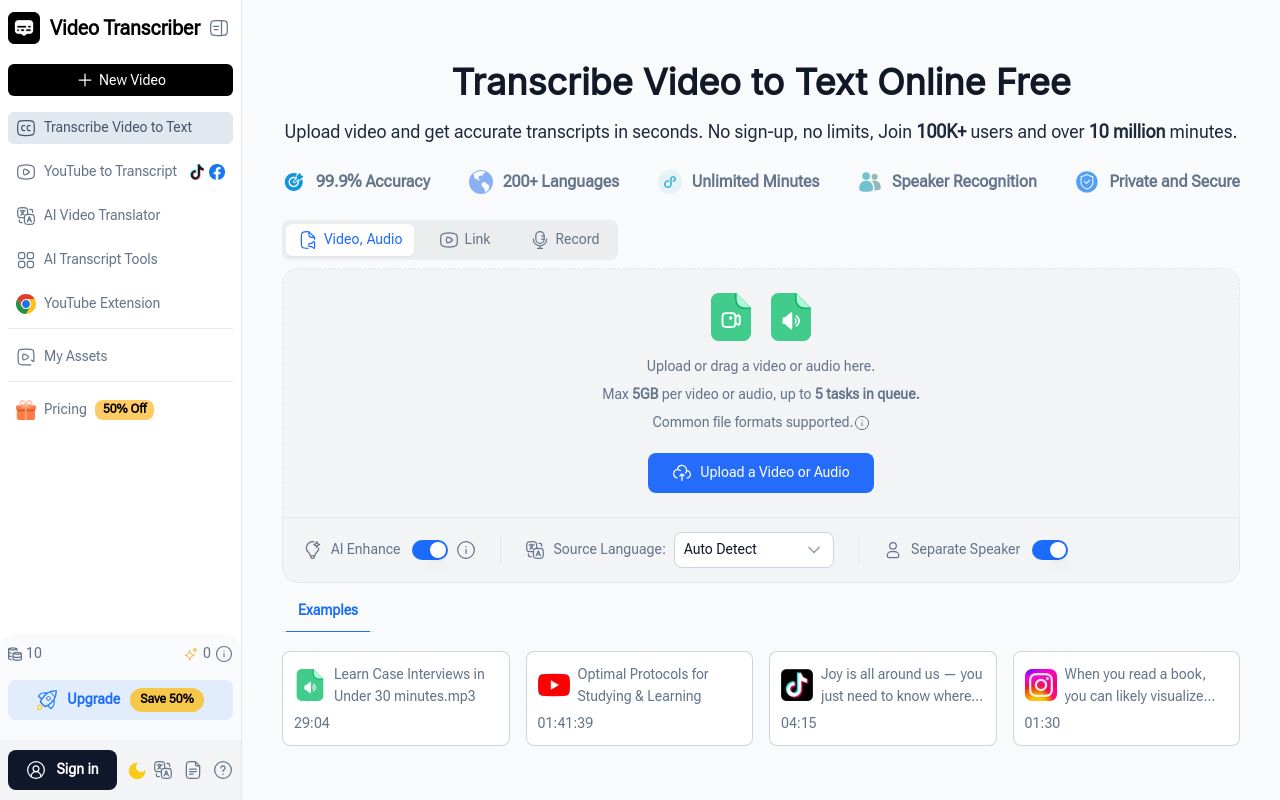
Best for: Budget-conscious users prioritizing transcription quality and text conversion.
Video Transcriber AI is a dedicated online tool focused on converting audio and video files into text. It allows you to generate AI subtitles with pricing starting at $4 per month. Users should note the presence of file size limits and a 1-day refund window.
Auto-generated subtitles
Pricing, in their words: “In Video Transcriber AI, Quota is a credit-based system that gives you access to transcribe videos and audios” (pricing)
Subscription terms they state: cancel in-app · auto-renews · 1-day refund window (source)
Limits the vendor states:
- File size limit
VideoDubber
Visit VideoDubbervideodubber.aiCancellation & refund terms for VideoDubber
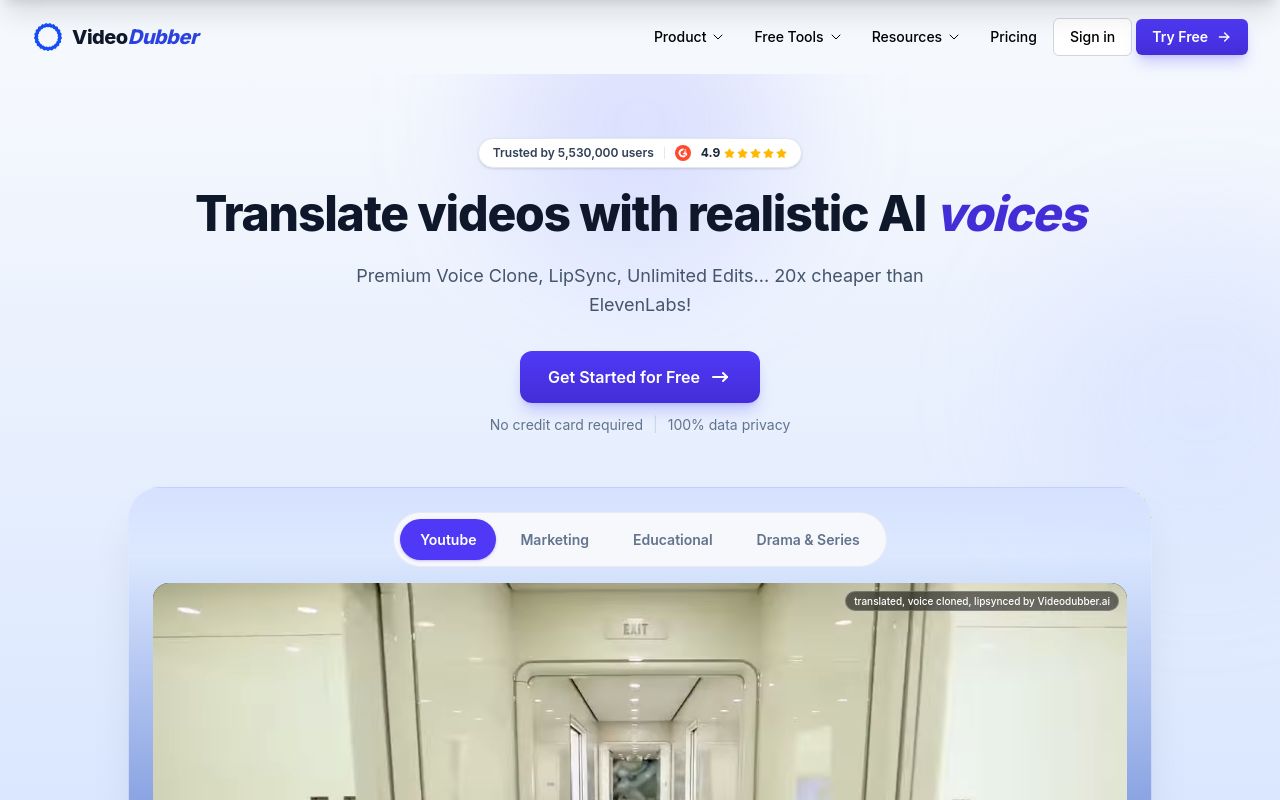
Best for: Localization specialists focused on automated voiceovers and international video translation.
VideoDubber is an automated platform designed for voiceovers and content translation. It supports API integration and provides a 7-day refund window for its paid services, which start at $9 per month. Be aware that the platform prohibits commercial use of website materials.
Get accurate, perfectly timed subtitles you can burn in or export as SRT/VTT.
Pricing, in their words: “Starter $0.15 per minute $15 $9/month” (pricing)
Subscription terms they state: cancel in-app · auto-renews · 7-day refund window (source)
Limits the vendor states:
- no commercial use of website materials
- copyrighted content usage
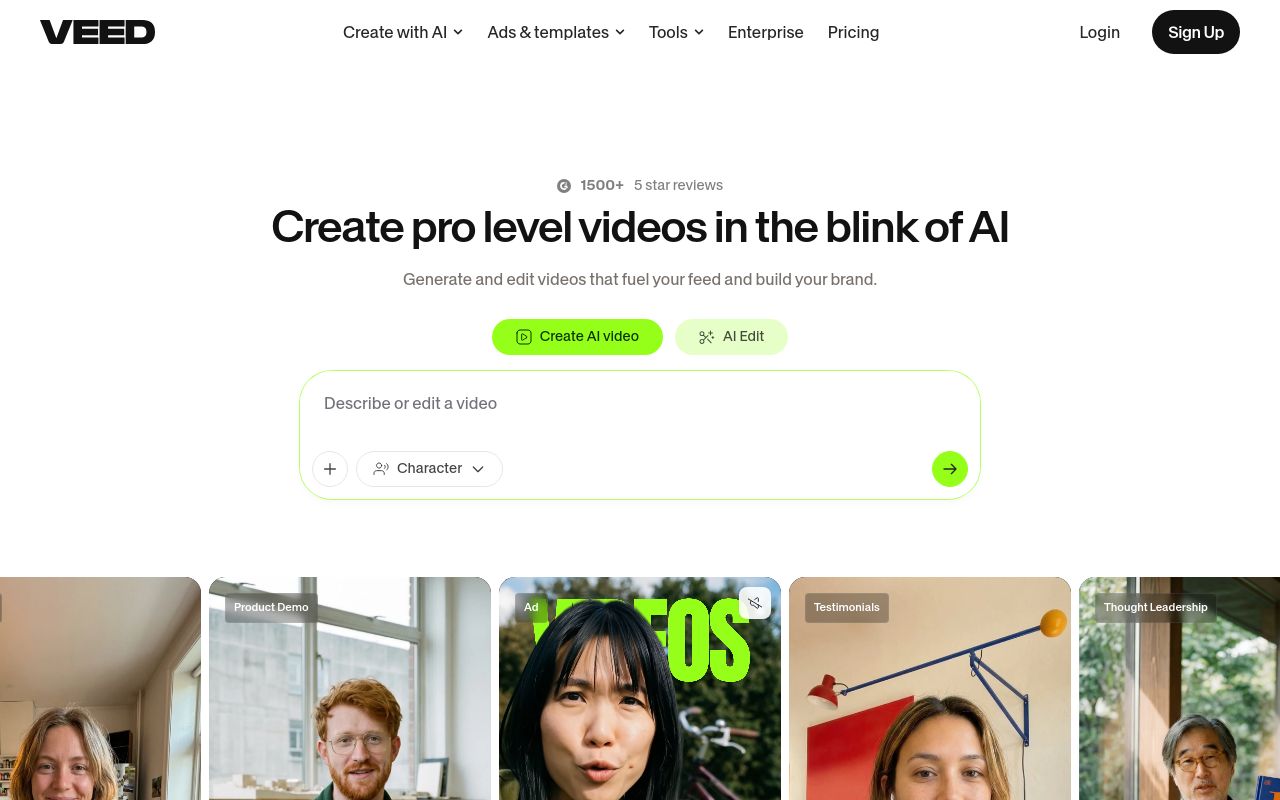
Best for: Users seeking a free, prompt-based AI video generation and editing solution.
VEED allows you to generate and edit videos by providing a simple prompt. The platform supports adding various avatars, images, and voices to your projects. API access is available, and the tool offers a free tier for users.
The best subtitles on the internet — designed to make your videos unskippable.
— veed.io
Pricing, in their words: “Start for free, upgrade to get powerful features.” (pricing)
No usage limits stated on the pages we read.
Which one for your situation?
- You are a filmmaker producing high-end cinematic shorts and need to integrate subtitle generation directly into your custom software pipeline. → Magiclight: It is an AI video platform supporting both web use and API access for generating subtitles for videos.
- You are a social media manager looking for a robust online editing platform to handle video, GIFs, and image creation in one place. → Kapwing: It acts as an online content creation platform that helps you add subtitles to video while editing other media assets.
- You have a large volume of long-form audio and video files and need a cost-effective, dedicated tool for simple transcription tasks. → Video Transcriber AI: It is a specialized online tool for generating AI subtitles with a low entry-level price of $4 per month.
- You are localizing marketing content for international markets and need a solution that handles both automated voiceovers and translated text. → VideoDubber: This platform specializes in automated voiceover and dubbing for localization, offering API access and a 7-day refund window.
- You are a content creator needing a fast, free browser-based solution to generate and edit video projects from simple text prompts. → VEED: It provides a free tier for generating and editing videos via prompt, including API support for your workflows.
FAQ
Is there a free tool to add subtitles to video?
Yes — Magiclight, Kapwing, Video Transcriber AI, VideoDubber, VEED offer a free tier.
What is the cheapest paid option to add subtitles to video?
Video Transcriber AI starts at $4/month.
Which of these have an API?
Magiclight, VideoDubber, VEED document a developer API.
How do I cancel these subscriptions?
Magiclight: cancel by email; Kapwing: cancel in-app; Video Transcriber AI: cancel in-app; VideoDubber: cancel in-app. VEED does not state a cancellation route on the pages we read.
Can I get a refund?
Kapwing states it does not offer refunds; Video Transcriber AI states a 1-day refund window; VideoDubber states a 7-day refund window. The others (Magiclight, VEED) do not state a refund policy on the pages we read.
Do these subscriptions auto-renew?
Kapwing, Video Transcriber AI, VideoDubber state that paid plans renew automatically. Check the billing page before subscribing; the rest do not state it either way.
Sources
Every fact above was read from the vendors' own pages: