
Best AI tools to transcribe audio
| Tool | What it does | Pricing | Free tier | Refunds |
|---|---|---|---|---|
| OpusClip | AI video editing platform that turns long videos into shorter viral clips for social media. | Free tier; paid from $15/mo | Yes | — |
| Otter.ai | AI tool that transcribes meetings, interviews, and everyday discussions, turning them into structured, searchable, and actionable knowledge. | Free tier; paid from $8.33/mo | Yes | None stated |
| AssemblyAI | Voice AI infrastructure providing speech-to-text, voice agent, and speech understanding APIs for developers. | Free tier | Yes | None stated |
| Fireflies.ai | AI voice assistant and transcription tool designed to automate your team’s workflow. | Free tier; paid from $10/mo | Yes | — |
| Kapwing | An online content creation platform for editing videos, GIFs, images, and audio. | Free tier; paid from $16/mo | Yes | None stated |
— means the vendor does not state it on the pages we read.
OpusClip
Visit OpusClipopus.pro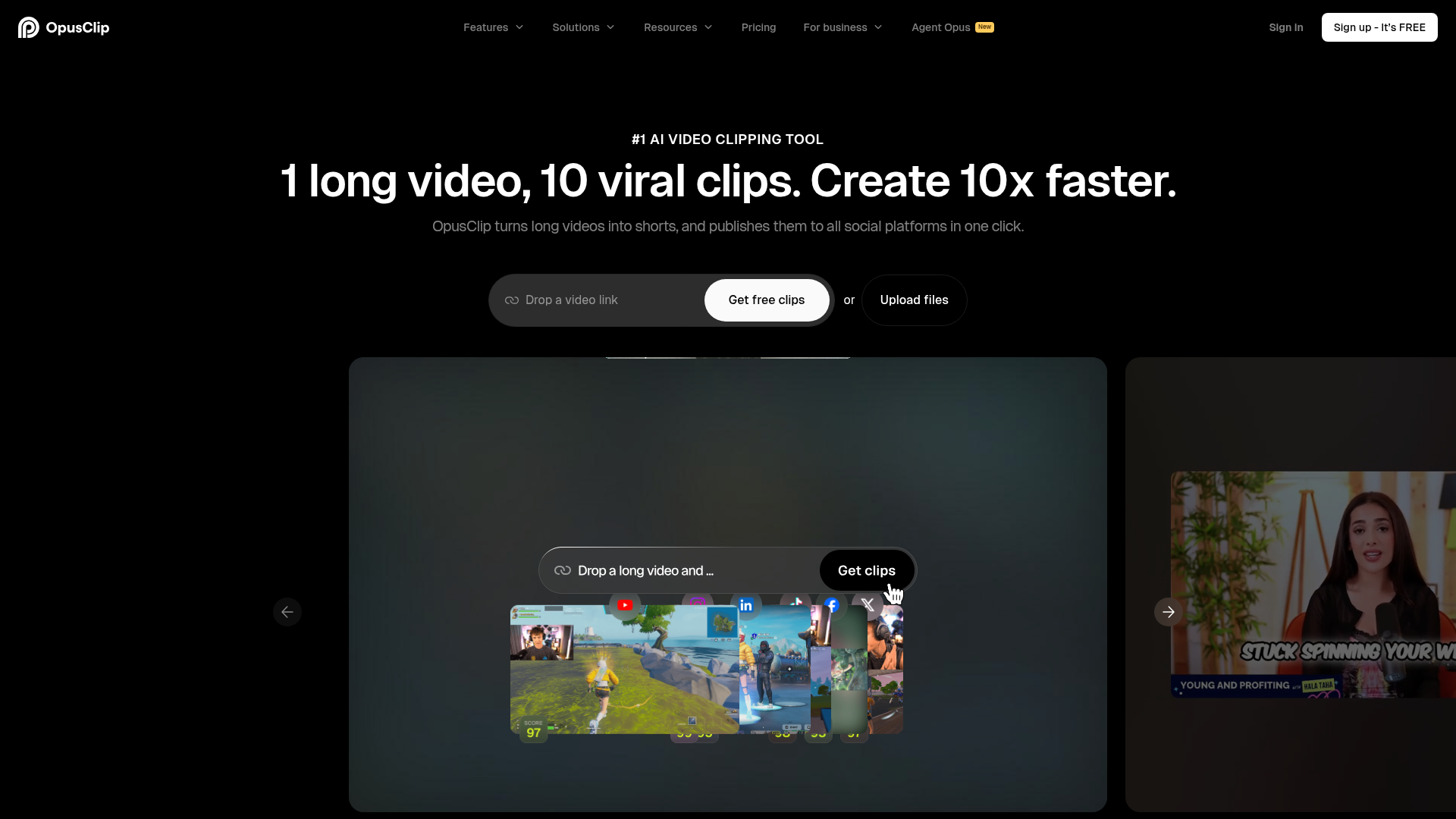
AI video editing platform that turns long videos into shorter viral clips for social media.
Multi-language transcription
— opus.pro
Pricing, in their words: “Free $0 Starter $15/mo Pro $29/mo Business Custom” (pricing)
Subscription terms they state: cancel in-app (source)
No usage limits stated on the pages we read.
Otter.ai
Visit Otter.aiotter.aiCancellation & refund terms for Otter.ai
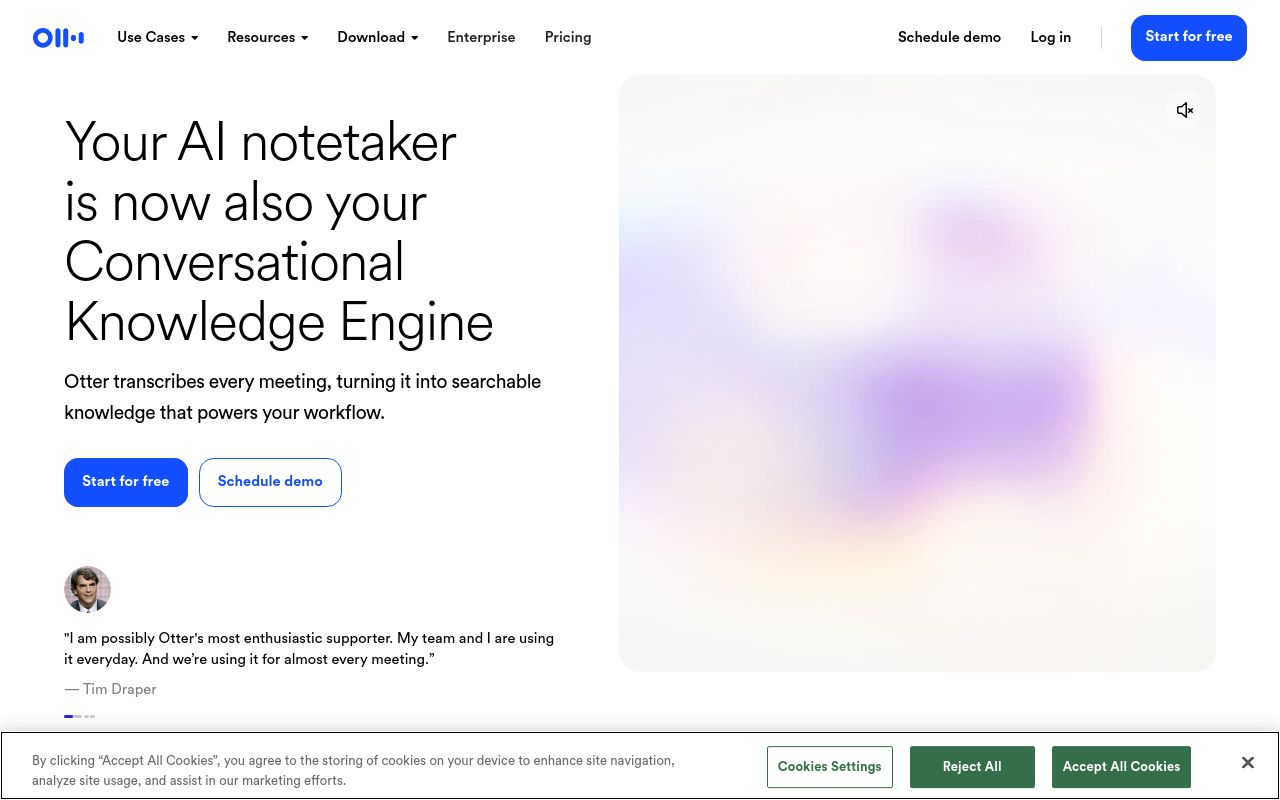
AI tool that transcribes meetings, interviews, and everyday discussions, turning them into structured, searchable, and actionable knowledge.
Upload any audio and video files, and they'll be automatically transcribed into searchable and shareable text.
— otter.ai
Pricing, in their words: “Pro For individuals and small teams $8.33 /user/month” (pricing)
Subscription terms they state: cancel in-app · auto-renews · states no refunds (source)
Limits the vendor states:
- commercial use restrictions
AssemblyAI
Visit AssemblyAIassemblyai.com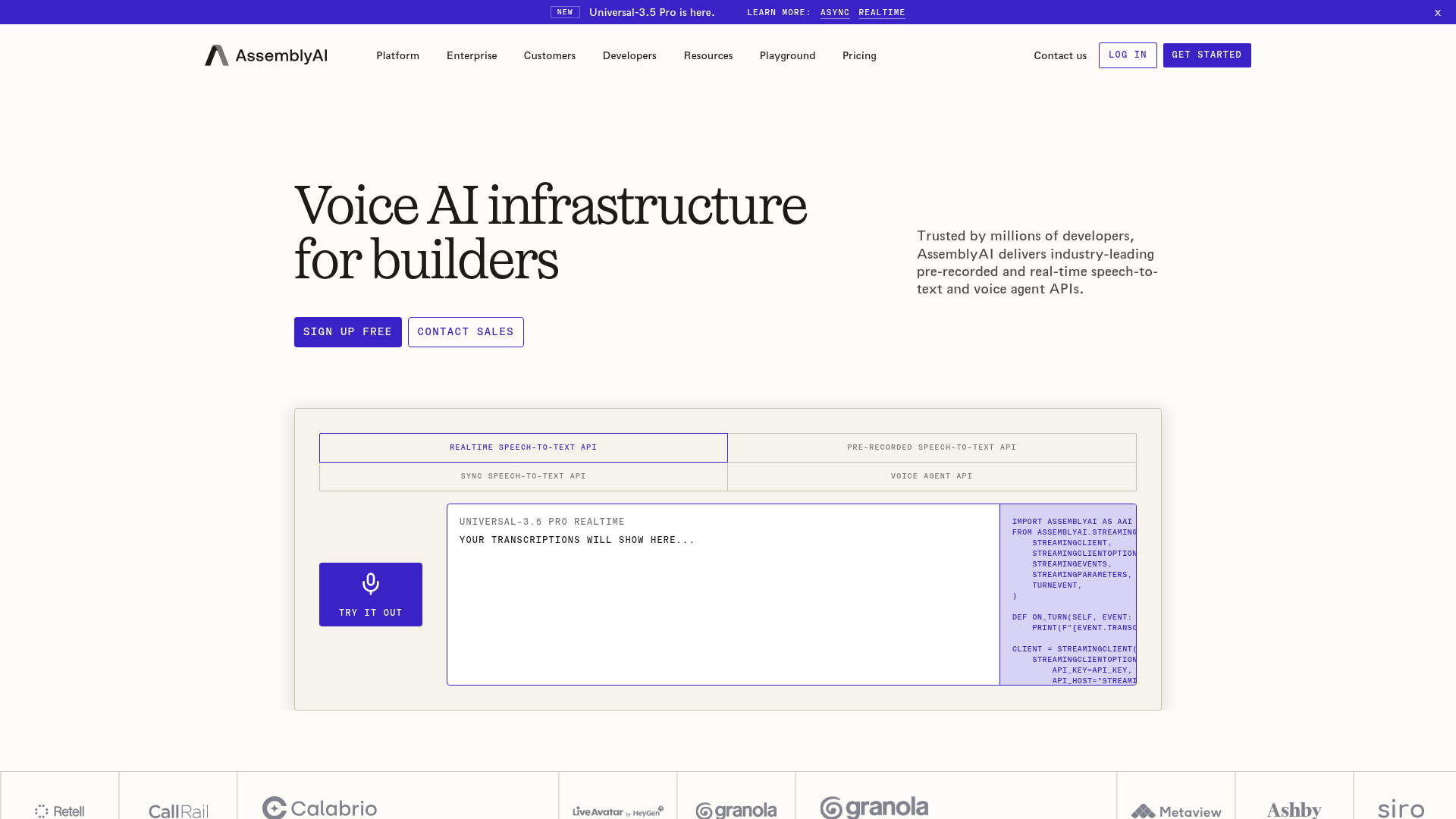
Voice AI infrastructure providing speech-to-text, voice agent, and speech understanding APIs for developers.
Transcribe live audio and video files in real time at ultra-low latency and high-quality accuracy.
Pricing, in their words: “Start free, pay-as-you-go after that – no commitments required.” (pricing)
Subscription terms they state: states no refunds (source)
Limits the vendor states:
- no programmatic extraction
Fireflies.ai
Visit Fireflies.aifireflies.ai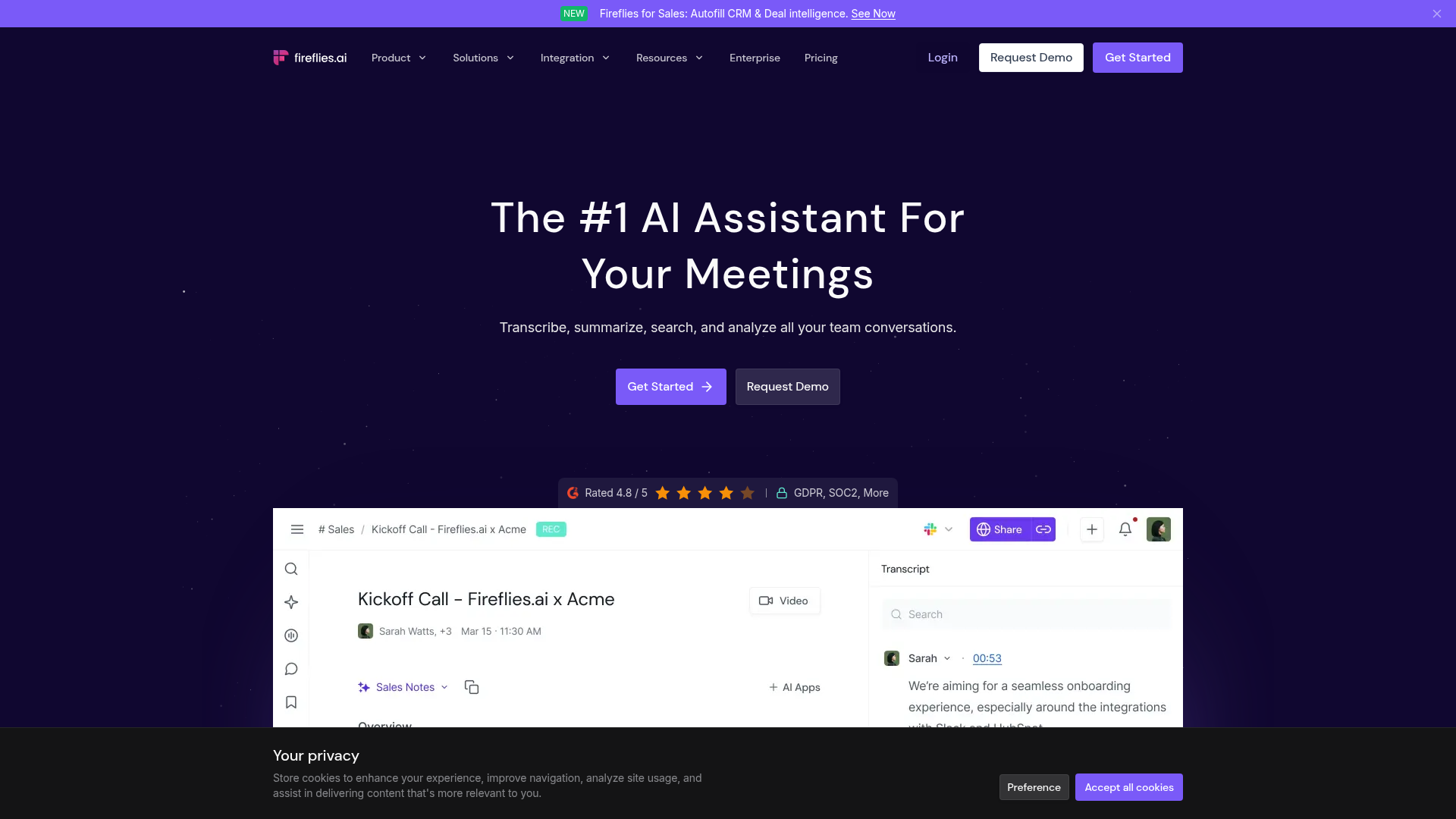
AI voice assistant and transcription tool designed to automate your team’s workflow.
Transcribe, summarize, search, and analyze all your team conversations.
Pricing, in their words: “$10 per seat / month, billed annually” (pricing)
Subscription terms they state: cancel in-app · auto-renews (source)
Limits the vendor states:
- Credits expire at end of period
Kapwing
Visit Kapwingkapwing.comCancellation & refund terms for Kapwing
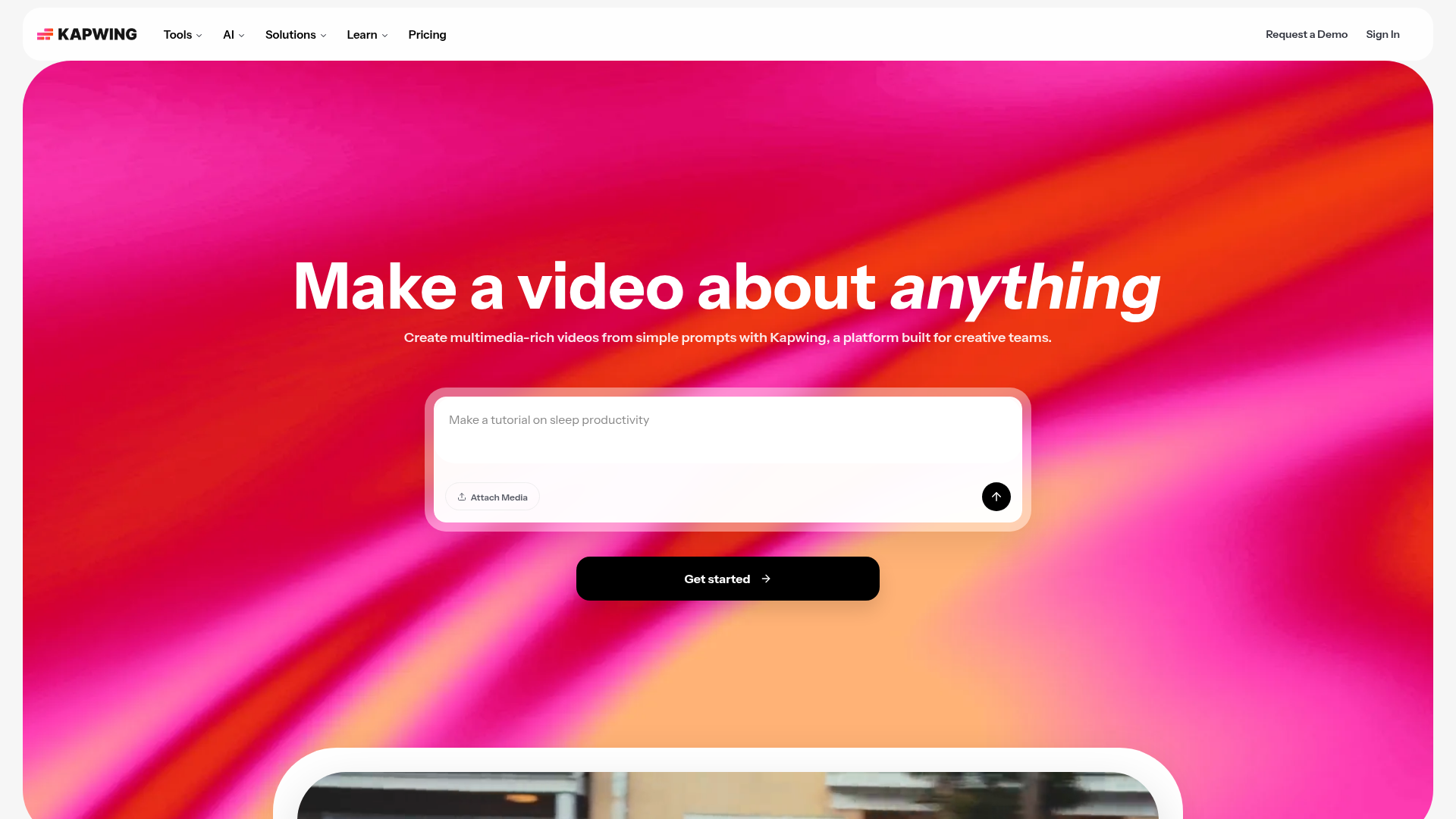
An online content creation platform for editing videos, GIFs, images, and audio.
Turn videos into text automatically
Pricing, in their words: “Kapwing Pro is available for $16/month billed annually or $192/year. Kapwing Business can supercharge your content creation and is available for $50/month billed annually or $600/year.” (pricing)
Subscription terms they state: cancel in-app · auto-renews · states no refunds (source)
Limits the vendor states:
- No free trial for paid plans
- No refunds
FAQ
Is there a free tool to transcribe audio?
Yes — OpusClip, Otter.ai, AssemblyAI, Fireflies.ai, Kapwing offer a free tier.
What is the cheapest paid option to transcribe audio?
Otter.ai starts at $8.33/month.
Which of these have an API?
OpusClip, Otter.ai, AssemblyAI, Fireflies.ai document a developer API.
How do I cancel these subscriptions?
OpusClip: cancel in-app; Otter.ai: cancel in-app; Fireflies.ai: cancel in-app; Kapwing: cancel in-app. AssemblyAI does not state a cancellation route on the pages we read.
Can I get a refund?
Otter.ai states it does not offer refunds; AssemblyAI states it does not offer refunds; Kapwing states it does not offer refunds. The others (OpusClip, Fireflies.ai) do not state a refund policy on the pages we read.
Do these subscriptions auto-renew?
Otter.ai, Fireflies.ai, Kapwing state that paid plans renew automatically. Check the billing page before subscribing; the rest do not state it either way.
Sources
Every fact above was read from the vendors' own pages: