
Best AI tools to denoise audio
Top picks at a glance:
- Kapwing — Editors needing a browser-based suite for video and audio content.
- VideoDubber — Translators and creators requiring automated dubbing and voiceover tools.
- Adobe Podcast — Podcasters needing professional-grade voice cleaning in the browser.
- LALAL.AI — Users needing cross-platform compatibility and echo removal.
- VEED — Creators using text-to-video prompts to generate and edit content.
| Tool | What it does | Pricing | Free tier | Refunds |
|---|---|---|---|---|
| Kapwing | An online content creation platform for editing videos, GIFs, images, and audio. | Free tier; paid from $16/mo | Yes | None stated |
| VideoDubber | Automated voiceover and dubbing platform for video translation and content localization. | Free tier; paid from $9/mo | Yes | 7 days |
| Adobe Podcast | AI-powered audio tools to create high-quality podcasts and voiceovers in the browser. | Free tier; paid from $9.99/mo | Yes | — |
| LALAL.AI | AI-powered suite of audio processing products for vocal separation, voice cleaning, and creative voice tools. | Free tier; paid from $7.50/mo * | Yes | — |
| VEED | Generate and edit videos from a simple prompt, including voices, avatars, and images. | Free tier | Yes | — |
— means the vendor does not state it on the pages we read.
* pricing not verified against the vendor's pricing page.
Kapwing
Visit Kapwingkapwing.comCancellation & refund terms for Kapwing
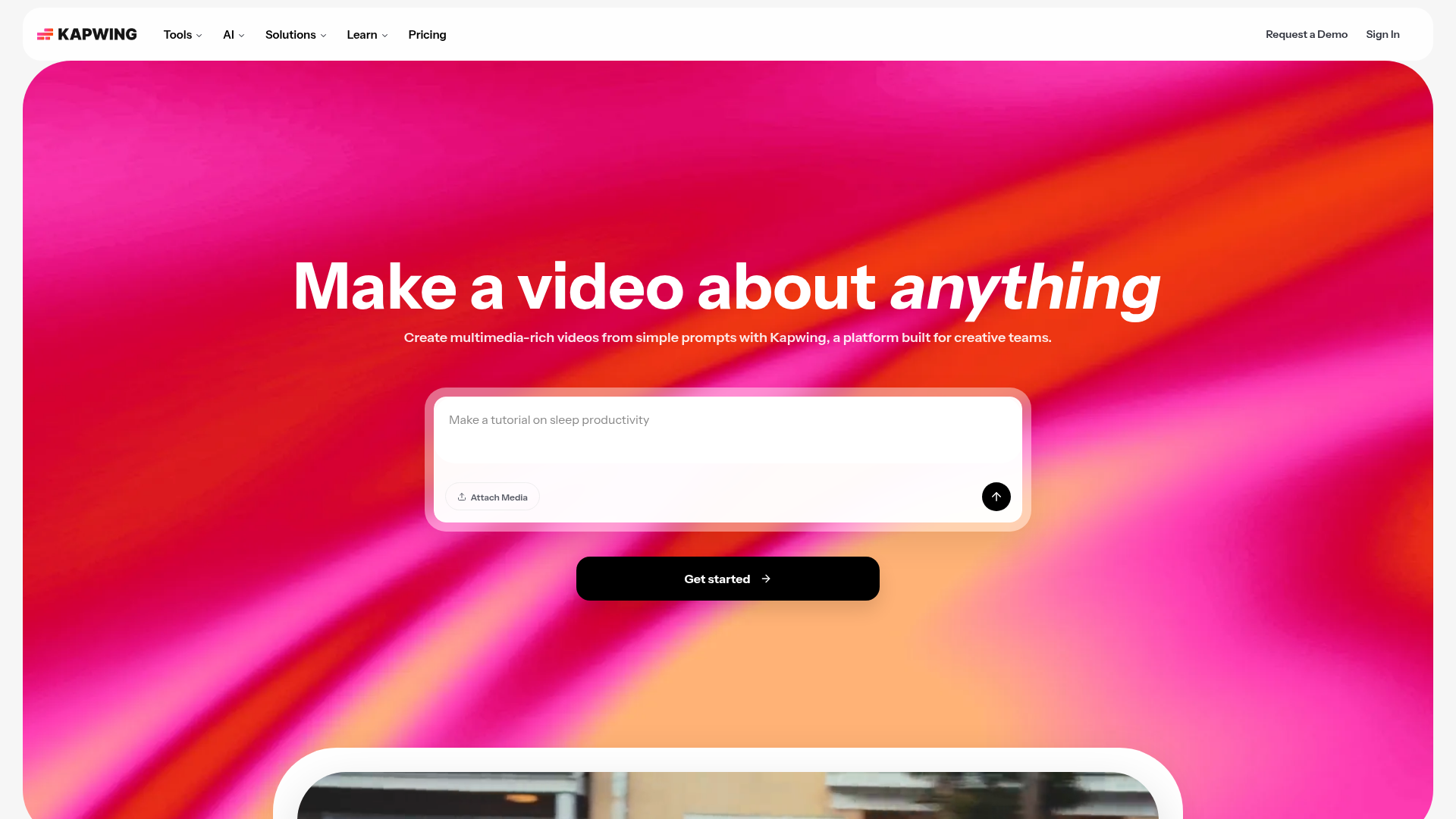
Best for: Editors needing a browser-based suite for video and audio content.
This online platform facilitates content creation for videos, GIFs, images, and audio. It allows users to remove background noise from audio directly within the editor. Please note that paid plans carry no refunds.
Automatically remove background noise, correct loudness, and reduce popping sounds in audio and video files
Pricing, in their words: “Kapwing Pro is available for $16/month billed annually or $192/year. Kapwing Business can supercharge your content creation and is available for $50/month billed annually or $600/year.” (pricing)
Subscription terms they state: cancel in-app · auto-renews · states no refunds (source)
Limits the vendor states:
- No free trial for paid plans
- No refunds
VideoDubber
Visit VideoDubbervideodubber.aiCancellation & refund terms for VideoDubber
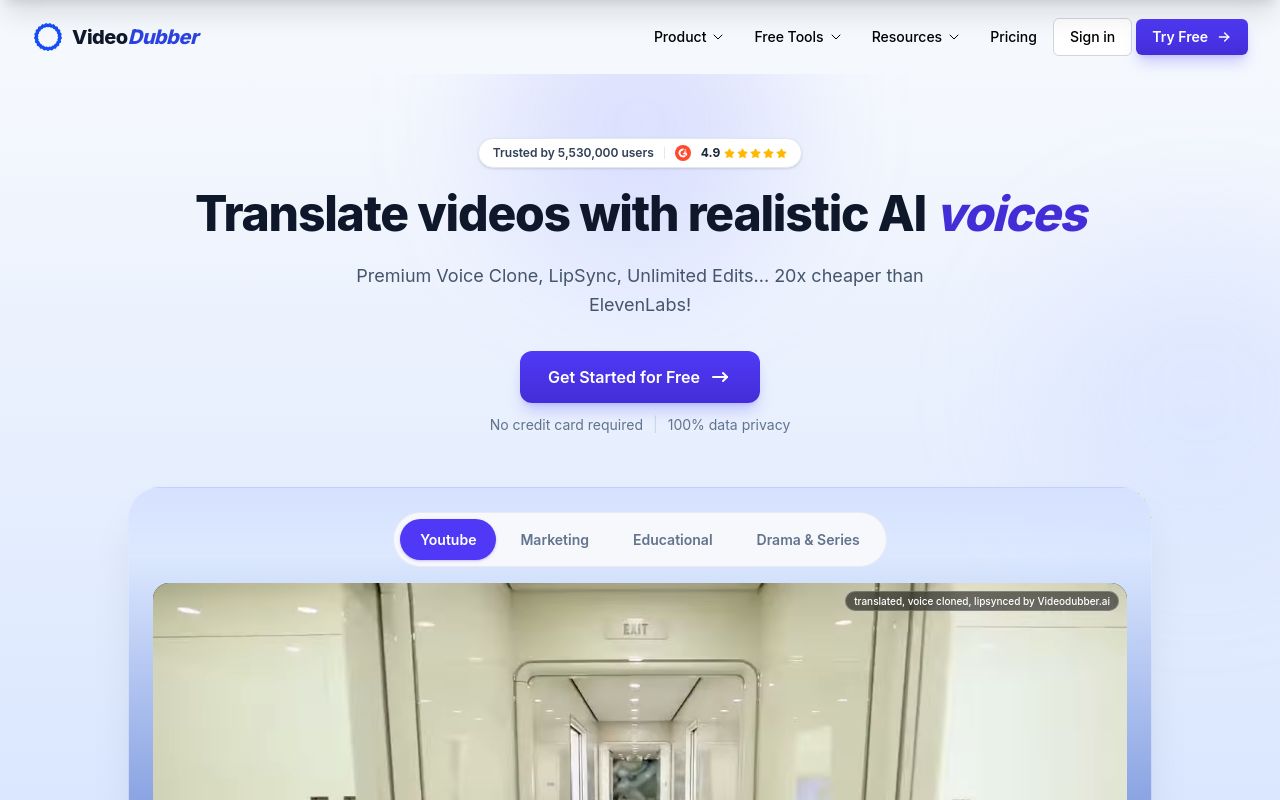
Best for: Translators and creators requiring automated dubbing and voiceover tools.
This platform specializes in video translation and content localization. It helps users remove background noise from audio but prohibits the commercial use of its website materials and the usage of copyrighted content.
Audio Background Remover Remove background noise from audio recordings.
Pricing, in their words: “Starter $0.15 per minute $15 $9/month” (pricing)
Subscription terms they state: cancel in-app · auto-renews · 7-day refund window (source)
Limits the vendor states:
- no commercial use of website materials
- copyrighted content usage
Adobe Podcast
Visit Adobe Podcastpodcast.adobe.com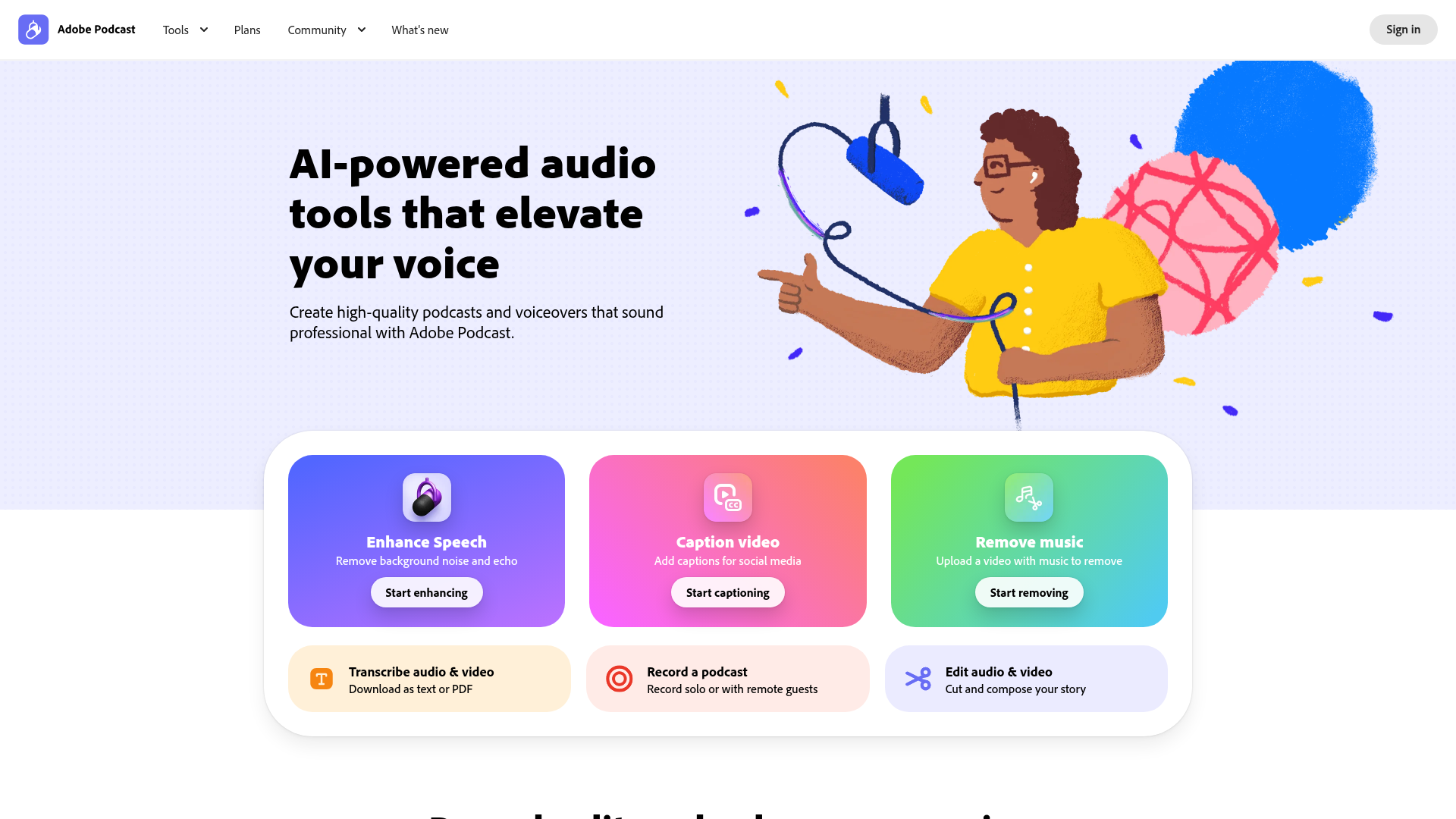
Best for: Podcasters needing professional-grade voice cleaning in the browser.
These AI-powered tools are designed for creating podcasts and voiceovers. While it effectively removes background noise from audio, the free tier lacks support for video and bulk processing.
Remove background noise and echo
Pricing, in their words: “$9.99/ month” (pricing)
Limits the vendor states:
- No video support on Free plan
- No bulk processing on Free plan
LALAL.AI
Visit LALAL.AIlalal.ai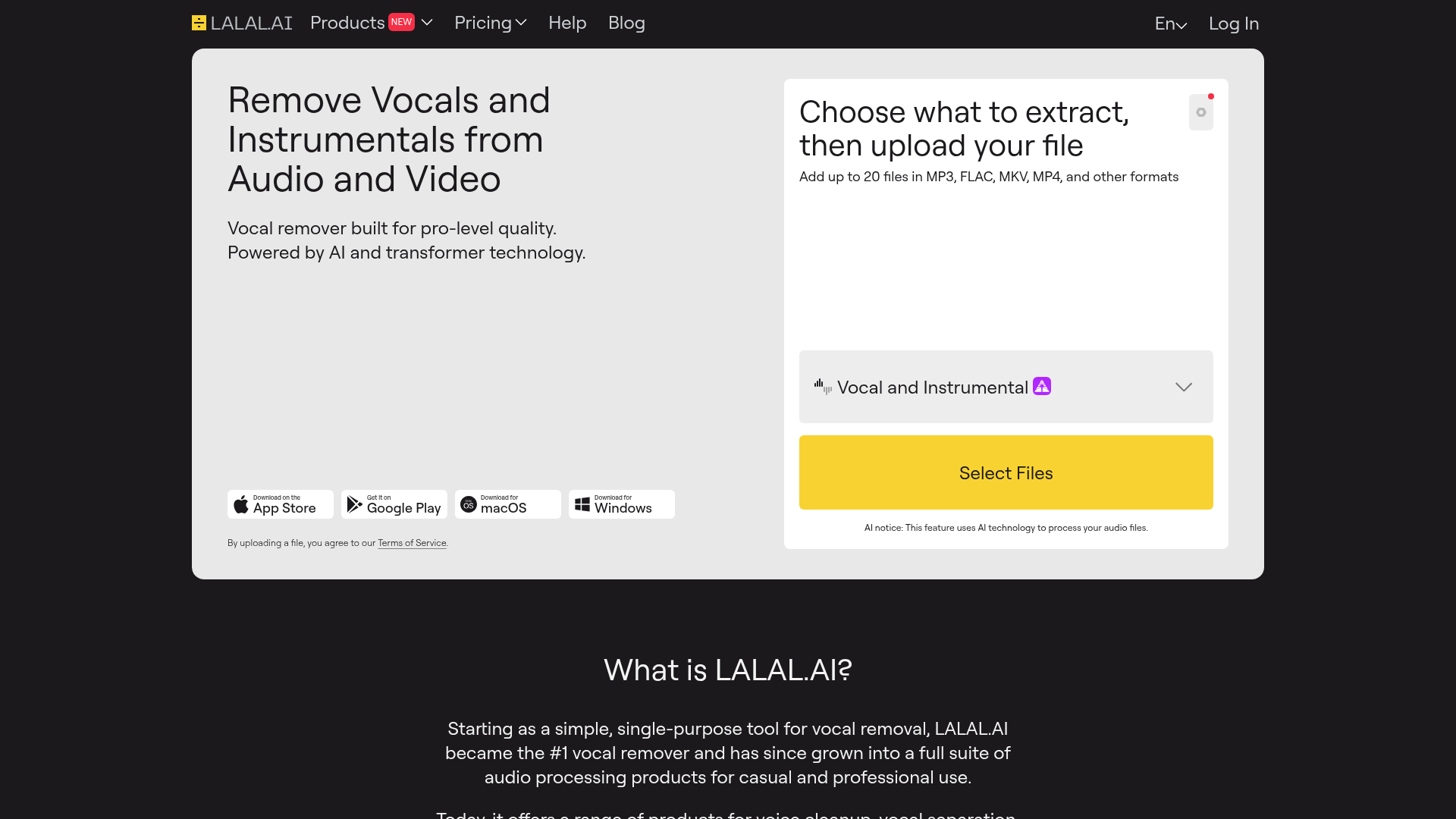
Best for: Users needing cross-platform compatibility and echo removal.
This service offers a suite of AI-powered products for vocal separation and voice cleaning. It is unique in its ability to remove echo and reverb across web, desktop, and mobile platforms.
Remove echo and reverb from roomy recordings to improve voice clarity.
— lalal.ai
Pricing: Free tier; paid from $7.50/mo (pricing)
Subscription terms they state: cancel in-app · does not auto-renew (source)
Limits the vendor states:
- no refund for change of mind or dissatisfaction after use
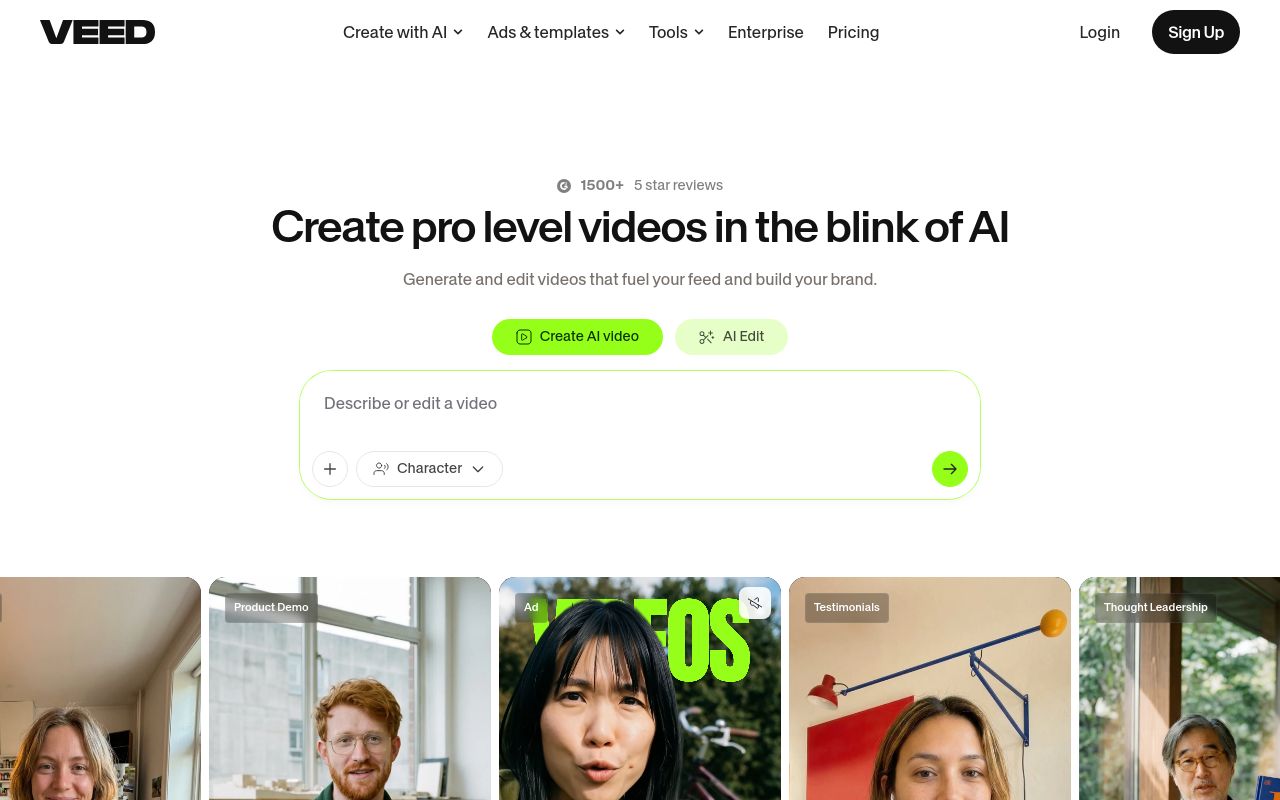
Best for: Creators using text-to-video prompts to generate and edit content.
This platform allows users to generate and edit videos using simple prompts. It includes integrated tools to remove background noise from audio and provides API access for developers.
Source: veed.io
Pricing, in their words: “Start for free, upgrade to get powerful features.” (pricing)
No usage limits stated on the pages we read.
Which one for your situation?
- You are a content creator editing videos and GIFs in your browser. → Kapwing: It is an online content creation platform that helps you remove background noise from audio within your existing video editing workflow.
- You need to localize video content and require automated voiceovers. → VideoDubber: It provides an automated voiceover and dubbing platform that can remove background noise from audio while offering API access.
- You are a podcaster looking for browser-based voice enhancement. → Adobe Podcast: It offers AI-powered tools specifically designed for podcasters to remove background noise from audio, though free users cannot process video files.
- You need to clean up vocal tracks and require mobile app access. → LALAL.AI: It is a versatile suite for cleaning voices and removing echo and reverb, available on web, desktop, and mobile platforms.
- You are a beginner looking to generate and edit videos using simple prompts. → VEED: It allows you to generate and edit videos from prompts and includes features to remove background noise from audio.
FAQ
Is there a free tool to denoise audio?
Yes — Kapwing, VideoDubber, Adobe Podcast, LALAL.AI, VEED offer a free tier.
What is the cheapest paid option to denoise audio?
LALAL.AI starts at $7.50/month.
Which of these have an API?
VideoDubber, LALAL.AI, VEED document a developer API.
How do I cancel these subscriptions?
Kapwing: cancel in-app; VideoDubber: cancel in-app; LALAL.AI: cancel in-app. Adobe Podcast, VEED do not state a cancellation route on the pages we read.
Can I get a refund?
Kapwing states it does not offer refunds; VideoDubber states a 7-day refund window. The others (Adobe Podcast, LALAL.AI, VEED) do not state a refund policy on the pages we read.
Do these subscriptions auto-renew?
Kapwing, VideoDubber state that paid plans renew automatically. Check the billing page before subscribing; the rest do not state it either way.
Sources
Every fact above was read from the vendors' own pages: