
Best AI tools to search meeting transcripts
Top picks at a glance:
- Otter.ai — Users needing a low-cost, multi-platform tool for everyday discussions.
- Fireflies.ai — Teams seeking an automated voice assistant for complex workflows.
- Fathom — Professionals who need to focus during meetings without taking notes.
- ScreenApp — Users who need to organize and search through large meeting archives.
- Voicenotes — Individuals wanting quick summaries and reports from their meetings.
| Tool | What it does | Pricing | Free tier | Refunds |
|---|---|---|---|---|
| Otter.ai | AI tool that transcribes meetings, interviews, and everyday discussions, turning them into structured, searchable, and actionable knowledge. | Free tier; paid from $8.33/mo | Yes | None stated |
| Fireflies.ai | AI voice assistant and transcription tool designed to automate your team’s workflow. | Free tier; paid from $10/mo | Yes | — |
| Fathom | AI meeting assistant that records, transcribes, and summarizes meetings so you can stay focused on the conversation. | Free tier; paid from $15/mo | Yes | None stated |
| ScreenApp | AI-powered meeting assistant that transforms recordings into structured notes, summaries, and actionable insights. | Free tier; paid from $19/mo * | Yes | — |
| Voicenotes | An AI notetaker that records meetings, provides transcripts, and generates instant summaries and meeting reports. | Free tier; paid from $9/mo * | Yes | — |
— means the vendor does not state it on the pages we read.
* pricing not verified against the vendor's pricing page.
Otter.ai
Visit Otter.aiotter.aiCancellation & refund terms for Otter.ai
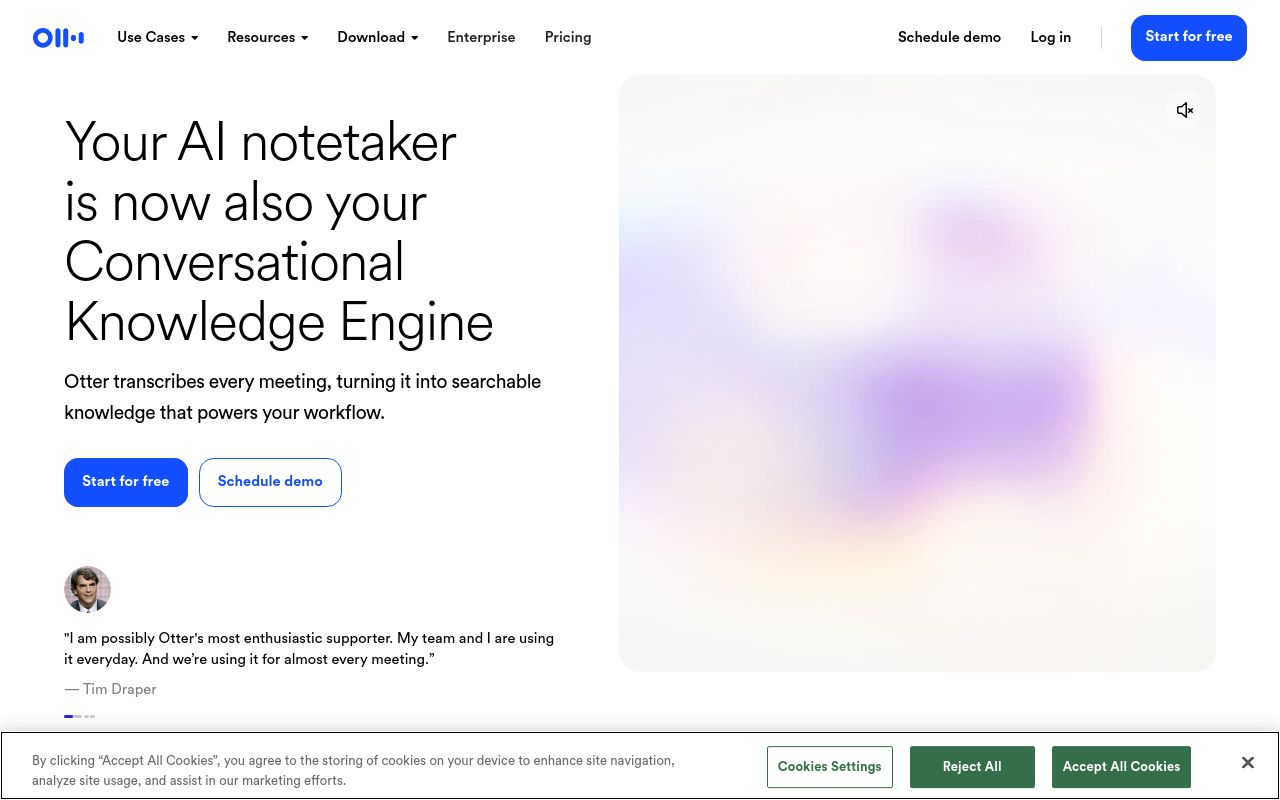
Best for: Users needing a low-cost, multi-platform tool for everyday discussions.
This AI tool transcribes interviews and discussions, organizing them into actionable knowledge. It enables users to search meeting transcripts across web, mobile, and desktop environments. Please be aware that the service enforces commercial use restrictions and maintains a no-refund policy.
Otter transcribes every meeting, turning it into searchable knowledge that powers your workflow.
— otter.ai
Pricing, in their words: “Pro For individuals and small teams $8.33 /user/month” (pricing)
Subscription terms they state: cancel in-app · auto-renews · states no refunds (source)
Limits the vendor states:
- commercial use restrictions
Fireflies.ai
Visit Fireflies.aifireflies.ai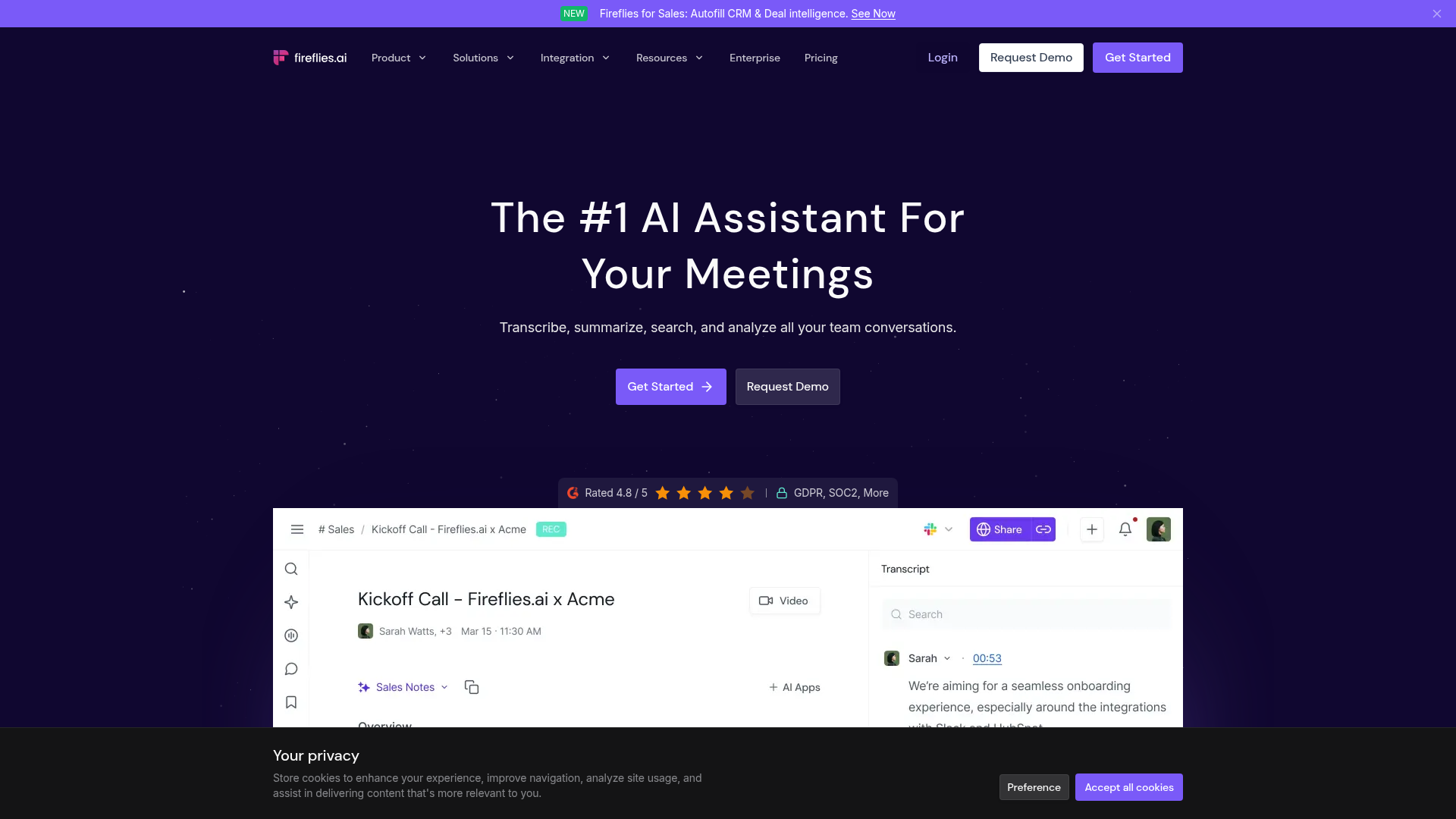
Best for: Teams seeking an automated voice assistant for complex workflows.
Fireflies.ai functions as an AI voice assistant designed to automate your team’s workflow through transcription. It allows you to search meeting conversations easily across all major platforms. Users should note that credits for this service expire at the end of each billing period.
Remember what was discussed on calls several months ago down to the specific sentence and timestamp.
Pricing, in their words: “$10 per seat / month, billed annually” (pricing)
Subscription terms they state: cancel in-app · auto-renews (source)
Limits the vendor states:
- Credits expire at end of period
Fathom
Visit Fathomfathom.videoCancellation & refund terms for Fathom
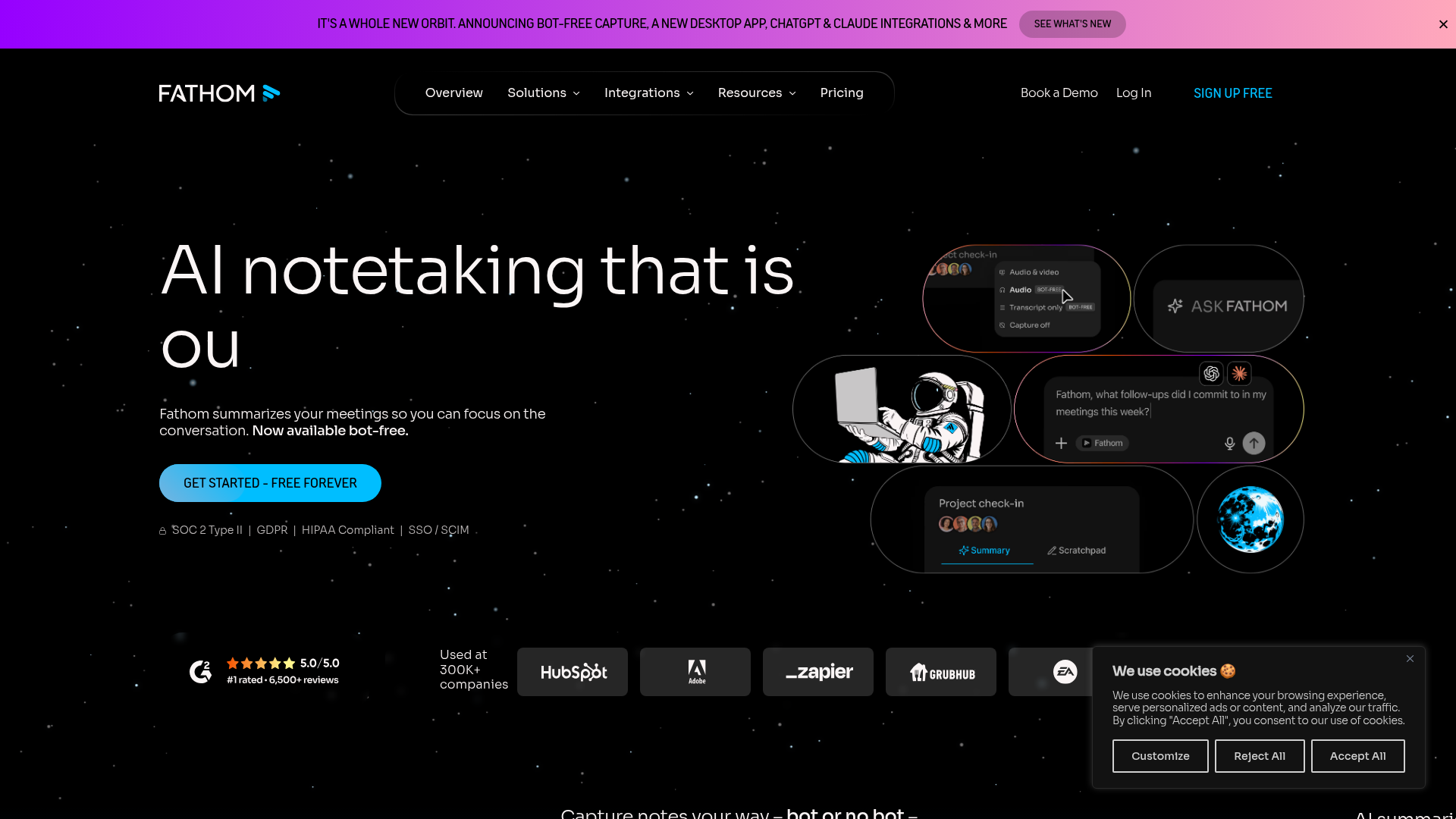
Best for: Professionals who need to focus during meetings without taking notes.
Fathom acts as an AI meeting assistant that records, transcribes, and summarizes your sessions. It facilitates the ability to search meeting transcripts so you can remain present during the call. The subscription renews automatically, and the company states there are no refunds.
Search conversations, spot patterns, and keep work moving without the manual work.
Pricing, in their words: “90 day guarantee” (pricing)
Subscription terms they state: cancel in-app · auto-renews · states no refunds (source)
No usage limits stated on the pages we read.
ScreenApp
Visit ScreenAppscreenapp.io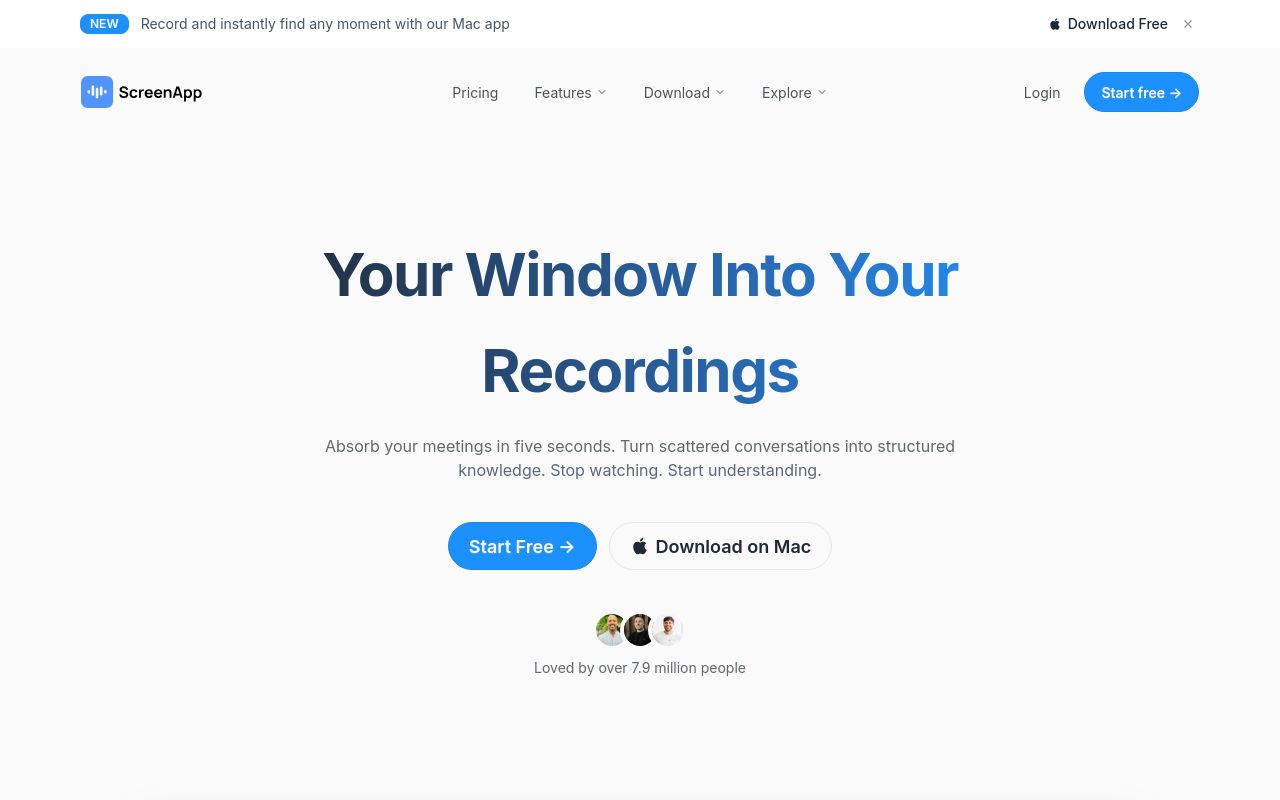
Best for: Users who need to organize and search through large meeting archives.
ScreenApp transforms your video recordings into structured notes, summaries, and actionable insights. It is a powerful assistant that makes it easy to search through meeting archives. It is compatible with web, browser extensions, desktop, and mobile devices.
Search meetings, recordings, and conversations instantly
Pricing: Free tier; paid from $19/mo (pricing)
Subscription terms they state: cancel in-app · auto-renews (source)
No usage limits stated on the pages we read.
Voicenotes
Visit Voicenotesvoicenotes.com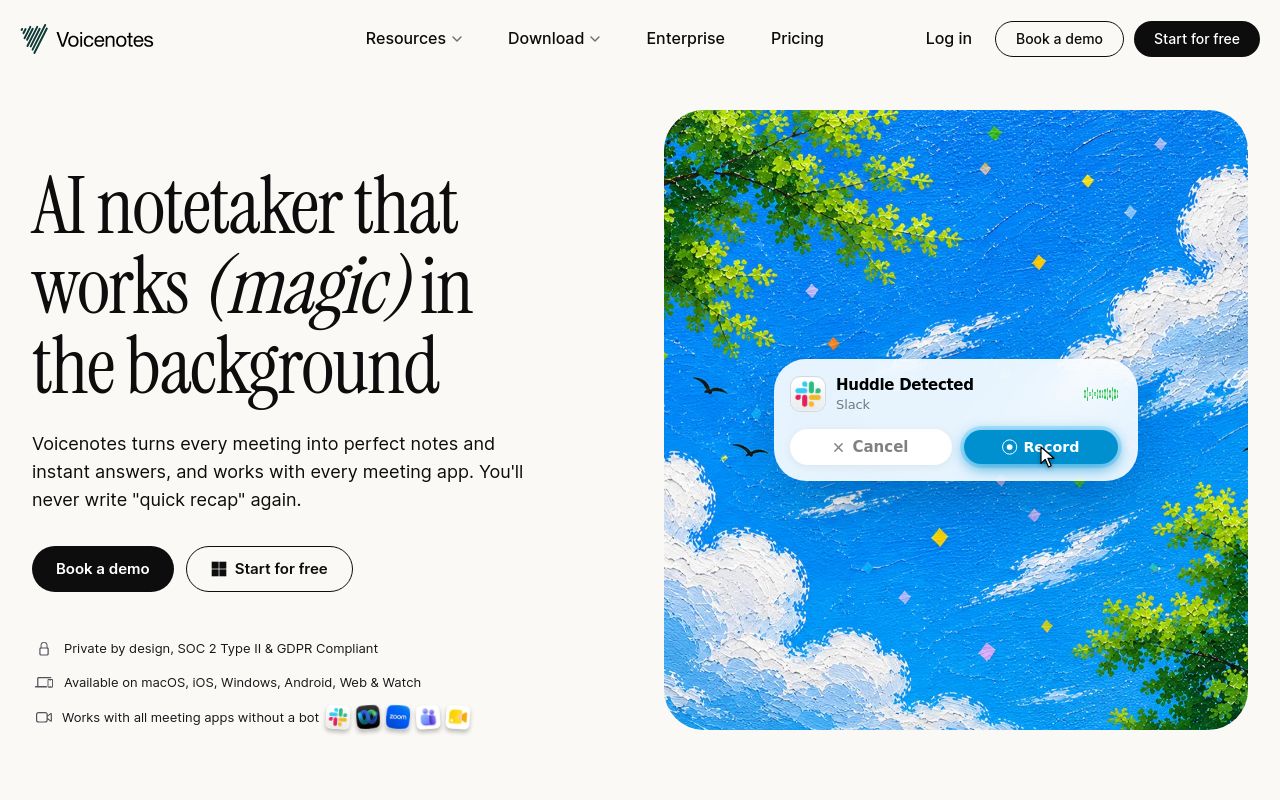
Best for: Individuals wanting quick summaries and reports from their meetings.
This AI notetaker records your meetings and provides transcripts along with instant, automatically generated reports. It allows you to search meeting history to retrieve information quickly. It is accessible across most major platforms including desktop and mobile apps.
Your conversations stay searchable forever
Pricing: Free tier; paid from $9/mo (pricing)
No usage limits stated on the pages we read.
Which one for your situation?
- You need a budget-friendly option for transcribing and searching everyday discussions across various devices. → Otter.ai: It offers the lowest entry price of $8.33/mo and supports a wide range of platforms including web, desktop, mobile, and browser extensions.
- You are part of a team that needs an AI voice assistant to automate workflows and search meeting conversations. → Fireflies.ai: It is specifically designed as an AI voice assistant to automate team workflows, though you must manage usage since credits expire periodically.
- You want to keep your focus on the live conversation while the AI handles recording, transcription, and summarization. → Fathom: It specializes in recording and summarizing meetings to maintain user focus, though note the company explicitly states there are no refunds.
- You need to manage a large collection of recordings and require a tool to search through meeting archives effectively. → ScreenApp: It is built to transform recordings into structured notes and actionable insights, supporting a wide range of desktop and mobile platforms.
- You are an individual who needs a straightforward tool to record and search meeting history without complex API integrations. → Voicenotes: This tool focuses on generating instant summaries and meeting reports, providing a simple, accessible solution for tracking meeting history.
FAQ
Is there a free tool to search meeting transcripts?
Yes — Otter.ai, Fireflies.ai, Fathom, ScreenApp, Voicenotes offer a free tier.
What is the cheapest paid option to search meeting transcripts?
Otter.ai starts at $8.33/month.
Which of these have an API?
Otter.ai, Fireflies.ai, Fathom, ScreenApp document a developer API.
How do I cancel these subscriptions?
Otter.ai: cancel in-app; Fireflies.ai: cancel in-app; Fathom: cancel in-app; ScreenApp: cancel in-app. Voicenotes does not state a cancellation route on the pages we read.
Can I get a refund?
Otter.ai states it does not offer refunds; Fathom states it does not offer refunds. The others (Fireflies.ai, ScreenApp, Voicenotes) do not state a refund policy on the pages we read.
Do these subscriptions auto-renew?
Otter.ai, Fireflies.ai, Fathom, ScreenApp state that paid plans renew automatically. Check the billing page before subscribing; the rest do not state it either way.
Sources
Every fact above was read from the vendors' own pages: