
Best AI tools to repurpose content
| Tool | What it does | Pricing | Free tier | Refunds |
|---|---|---|---|---|
| OpusClip | AI video editing platform that turns long videos into shorter viral clips for social media. | Free tier; paid from $15/mo | Yes | — |
| Fliki | AI video and voice platform that turns text, scripts, or ideas into studio-quality videos. | Free tier | Yes | — |
| ClipFinder | AI tool that watches full streams and VODs to find, reframe, caption, and export short clips. | Free tier; paid from $15/mo | Yes | None stated |
| Vizard | An AI-powered video editing and repurposing tool designed to help creators turn long videos into social-ready clips. | Free tier; paid from $14.50/mo | Yes | 7 days |
| FlowPost | AI autopilot for social media that creates, schedules, and publishes posts consistently across nine platforms. | Free tier; paid from $29/mo | Yes | — |
— means the vendor does not state it on the pages we read.
OpusClip
Visit OpusClipopus.pro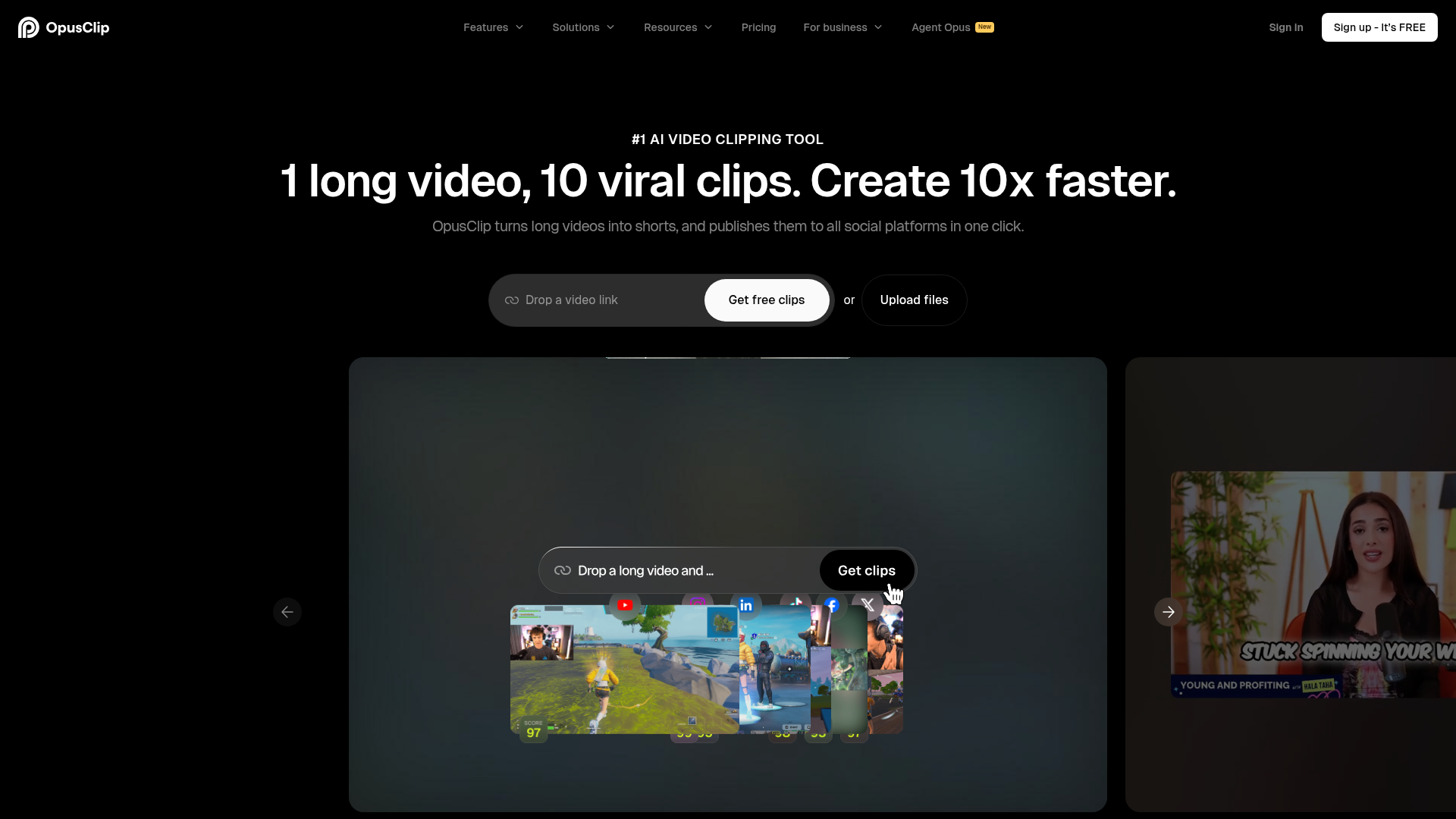
AI video editing platform that turns long videos into shorter viral clips for social media.
OpusClip turns long videos into shorts, and publishes them to all social platforms in one click.
— opus.pro
Pricing, in their words: “Free $0 Starter $15/mo Pro $29/mo Business Custom” (pricing)
Subscription terms they state: cancel in-app (source)
No usage limits stated on the pages we read.
Fliki
Visit Flikifliki.ai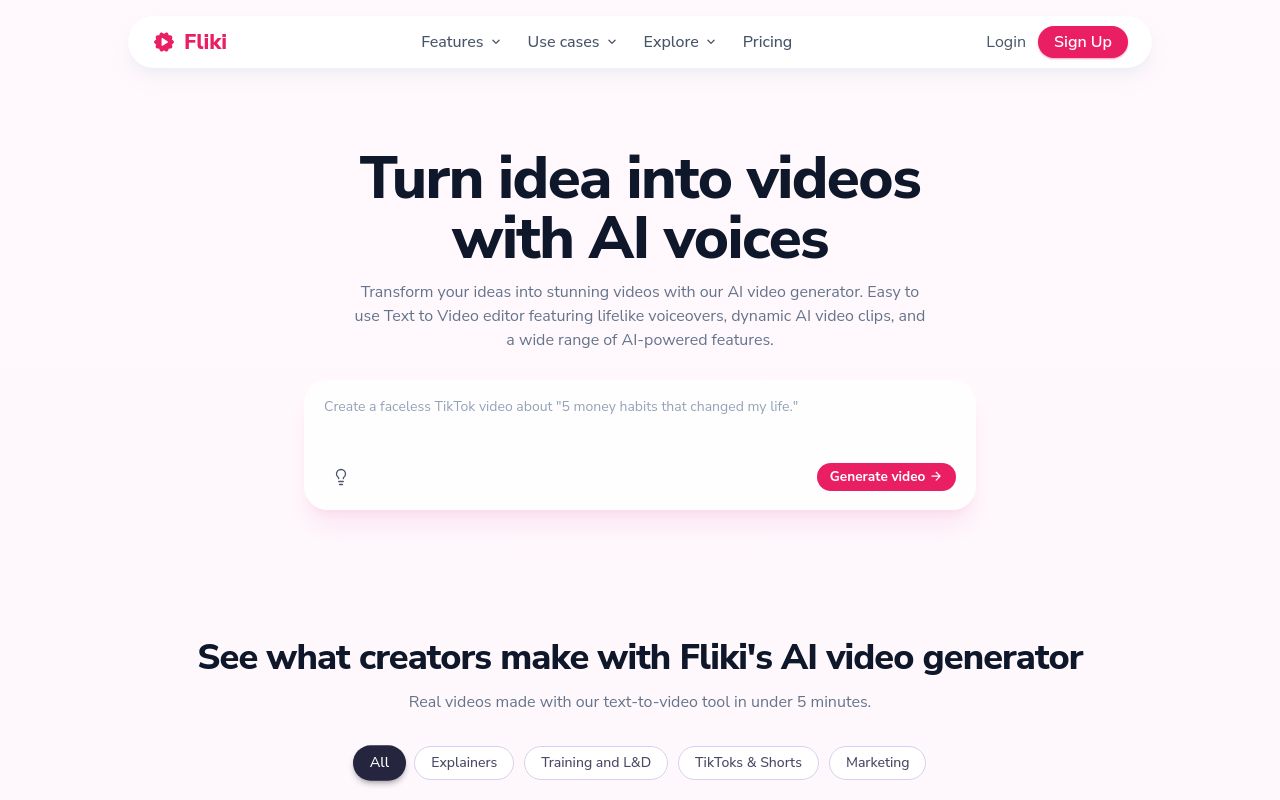
AI video and voice platform that turns text, scripts, or ideas into studio-quality videos.
Create engaging videos from blog articles with Fliki's Blog to Video feature.
— fliki.ai
Pricing, in their words: “Free forever. Upgrade for more credits, longer videos, more voices, and HD exports.” (pricing)
Subscription terms they state: cancel in-app · auto-renews (source)
Limits the vendor states:
- no copyright infringement
- no unauthorized branded content on TikTok
ClipFinder
Visit ClipFinderclipfinder.orgCancellation & refund terms for ClipFinder
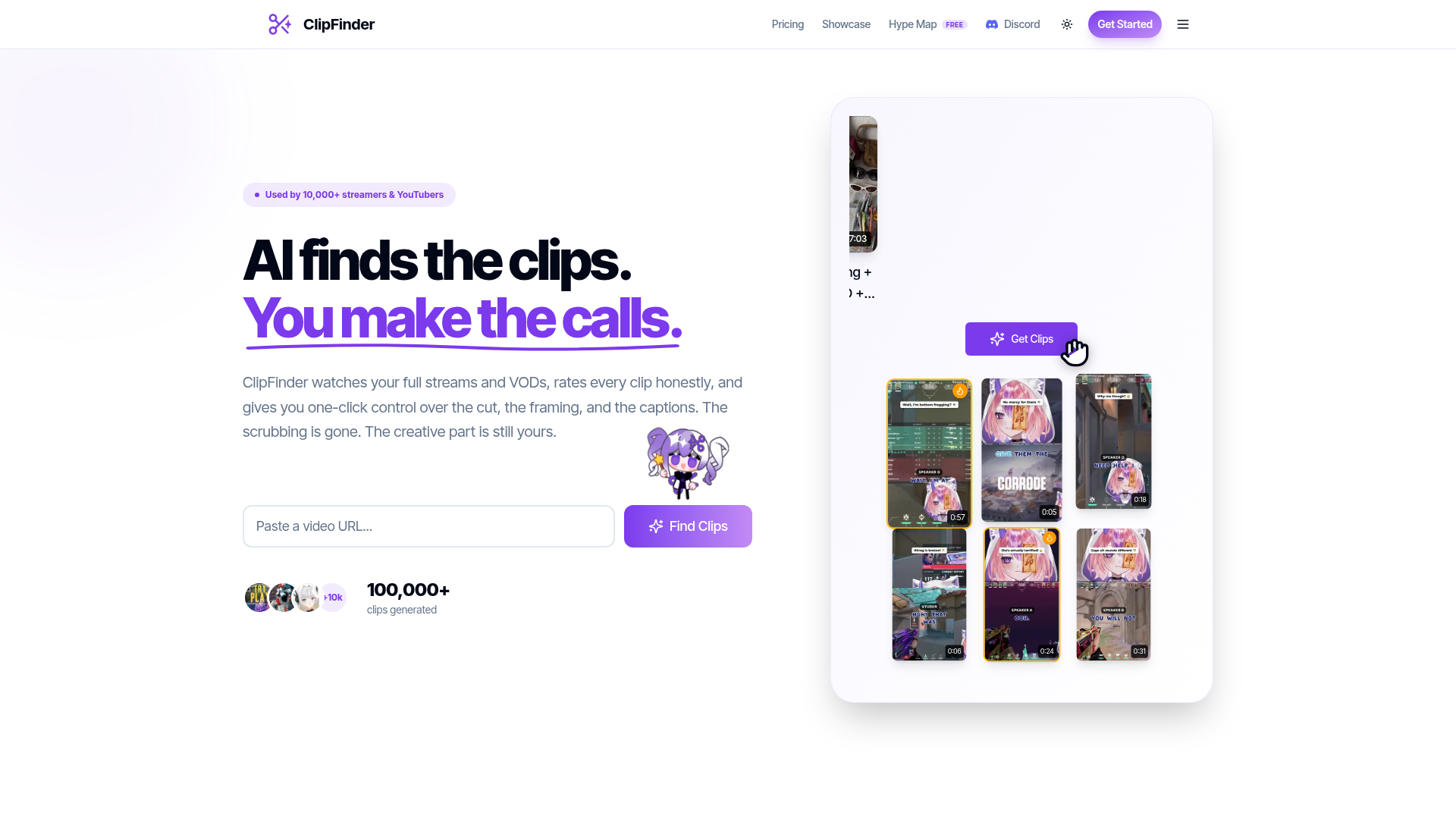
AI tool that watches full streams and VODs to find, reframe, caption, and export short clips.
Turns full streams into captioned portrait clips.
Pricing, in their words: “Starter covers 10 hours of video a month. Pro is unlimited.” (pricing)
Subscription terms they state: cancel in-app · auto-renews · states no refunds (source)
Limits the vendor states:
- videos longer than 5 hours
Vizard
Visit Vizardvizard.aiCancellation & refund terms for Vizard
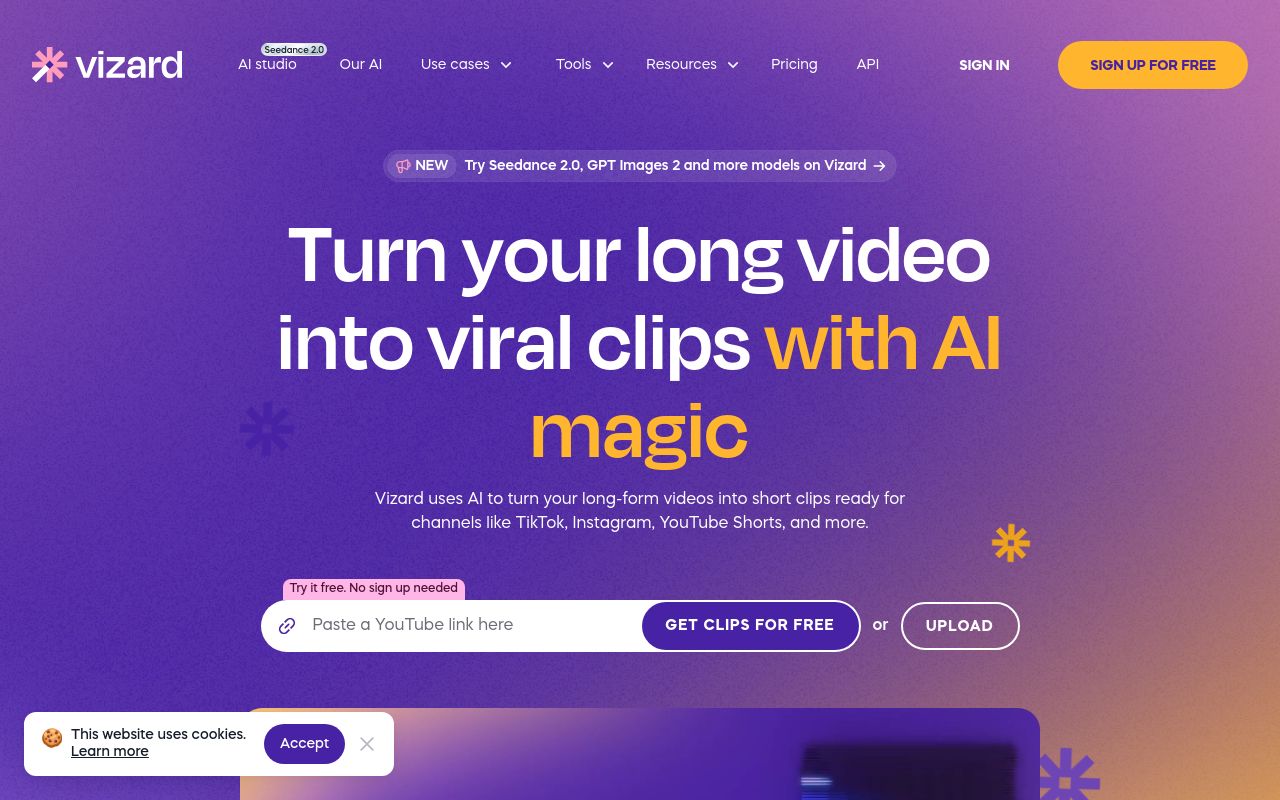
An AI-powered video editing and repurposing tool designed to help creators turn long videos into social-ready clips.
Turn long video into 30+ clips, in one click.
Pricing, in their words: “Subscriptions to the Creator and Business plan renew automatically at the end of each billing cycle unless duly terminated” (pricing)
Subscription terms they state: cancel in-app · auto-renews · 7-day refund window (source)
No usage limits stated on the pages we read.
FlowPost
Visit FlowPostflowpost.ai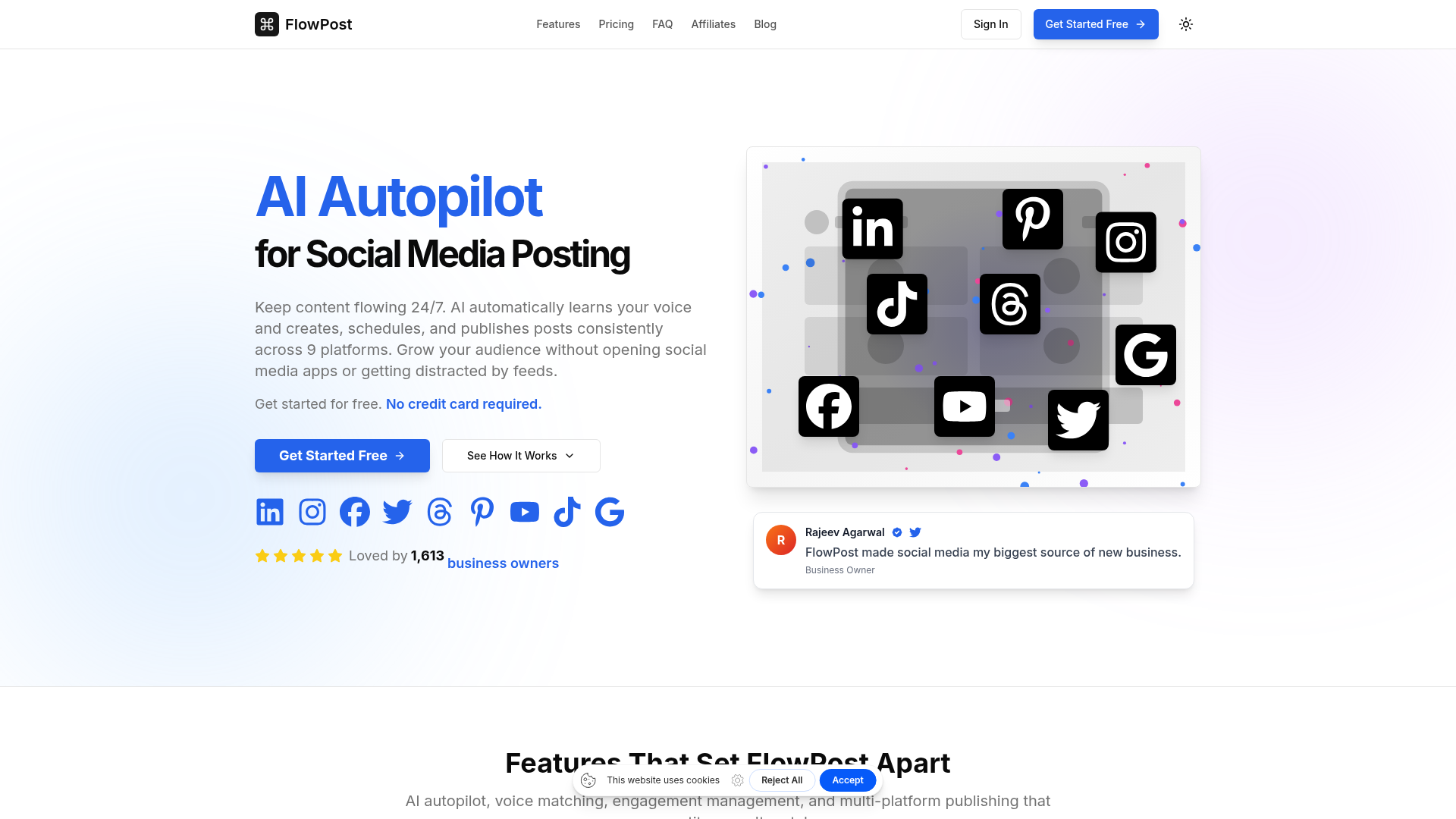
AI autopilot for social media that creates, schedules, and publishes posts consistently across nine platforms.
Turn every blog post or newsletter into 8+ social posts automatically.
Pricing, in their words: “$0 (7 days free, then $29/month)
- 100 AI credits” (pricing)
Subscription terms they state: cancel in-app (source)
No usage limits stated on the pages we read.
FAQ
Is there a free tool to repurpose content?
Yes — OpusClip, Fliki, ClipFinder, Vizard, FlowPost offer a free tier.
What is the cheapest paid option to repurpose content?
Vizard starts at $14.50/month.
Which of these have an API?
OpusClip, Fliki, Vizard document a developer API.
How do I cancel these subscriptions?
OpusClip: cancel in-app; Fliki: cancel in-app; ClipFinder: cancel in-app; Vizard: cancel in-app; FlowPost: cancel in-app.
Can I get a refund?
ClipFinder states it does not offer refunds; Vizard states a 7-day refund window. The others (OpusClip, Fliki, FlowPost) do not state a refund policy on the pages we read.
Do these subscriptions auto-renew?
Fliki, ClipFinder, Vizard state that paid plans renew automatically. Check the billing page before subscribing; the rest do not state it either way.
Sources
Every fact above was read from the vendors' own pages: