
Best AI tools to remove background from video
Top picks at a glance:
- Pollo AI — Users needing a multimodal content creation workspace with API access.
- Picsart — Creative individuals needing cross-platform flexibility including mobile devices.
- Kapwing — Online creators looking for a browser-based video editing platform.
- HitPaw VikPea — Editors requiring high-end video quality enhancement alongside background removal.
- Descript — Editors who want to manage video projects by editing text.
| Tool | What it does | Pricing | Free tier | Refunds |
|---|---|---|---|---|
| Pollo AI | Multimodal content creation platform for generating videos, images, avatars, and audio in one creative workspace. | Free tier | Yes | 3 days |
| Picsart | An AI creative platform for generating and editing images, videos, and audio assets. | Free tier; paid from $10.50/mo | Yes | — |
| Kapwing | An online content creation platform for editing videos, GIFs, images, and audio. | Free tier; paid from $16/mo | Yes | None stated |
| HitPaw VikPea | AI-powered software that enhances video quality, including upscaling to 8K, colorization, noise removal, and stabilization. | Free tier; paid from $43.19/mo | Yes | 30 days |
| Descript | An all-in-one audio and video editing app that allows you to edit video by editing text. | Free tier; paid from $16/mo | Yes | — |
— means the vendor does not state it on the pages we read.
Pollo AI
Visit Pollo AIpollo.ai
Best for: Users needing a multimodal content creation workspace with API access.
This platform functions as a comprehensive creative workspace for generating videos, images, avatars, and audio. It allows you to remove background from video and offers an API. Be mindful that there is no refund after hitting a credit usage threshold and subscription credits do not rollover.
Video Background Remover
— pollo.ai
Pricing, in their words: “For Free and Lite users: You can upgrade your plan to get more credits. For Pro users: You can easily slide the credit bar below the Pro plan to purchase extra credits” (pricing)
Subscription terms they state: cancel by email · 3-day refund window (source)
Limits the vendor states:
- No refund for add-on credits
- No refund after credit usage threshold
- No rollover of subscription credits
Picsart
Visit Picsartpicsart.com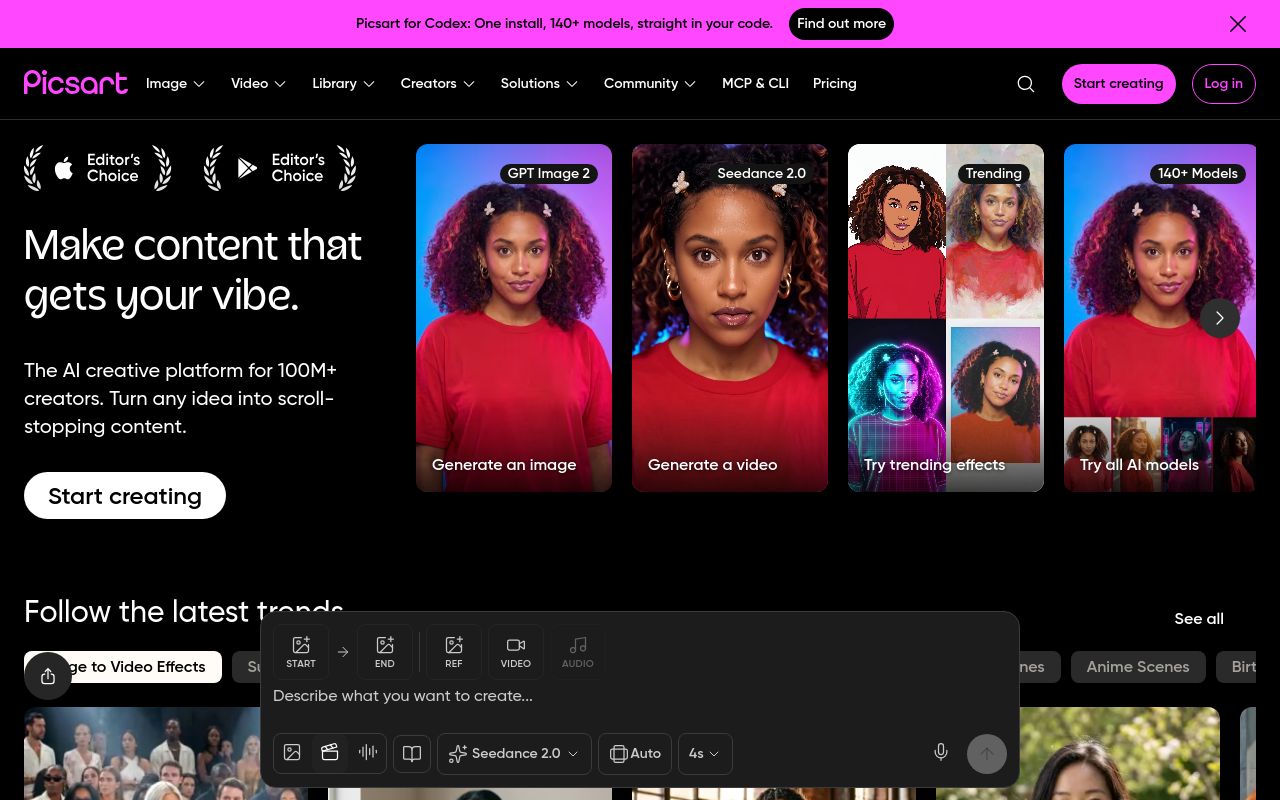
Best for: Creative individuals needing cross-platform flexibility including mobile devices.
This AI creative platform facilitates the generation and editing of various media assets. You can remove background from video across web, desktop, and mobile platforms. It offers a free tier and paid subscriptions starting from $10.50 per month, with cancellations managed in-app.
1-step background & object removers for videos
Pricing, in their words: “Choose the plan that fits how you create” (pricing)
Subscription terms they state: cancel in-app (source)
No usage limits stated on the pages we read.
Kapwing
Visit Kapwingkapwing.comCancellation & refund terms for Kapwing
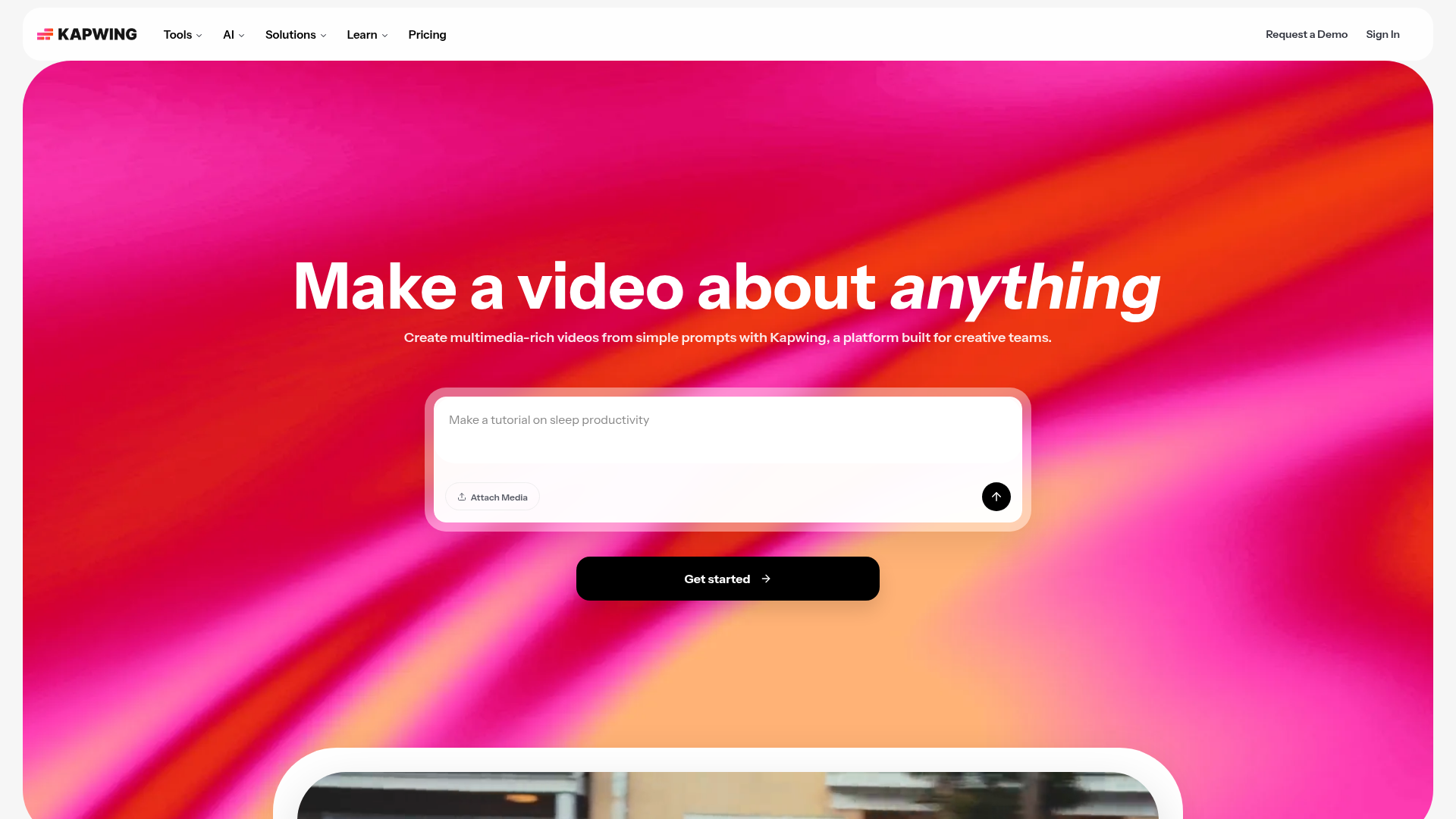
Best for: Online creators looking for a browser-based video editing platform.
Kapwing is an online platform for editing videos, GIFs, images, and audio. It supports the task to remove background from video directly in your web browser. Note that paid plans start at $16 per month and the service does not offer refunds.
Create videos with transparent backgrounds in one click
Pricing, in their words: “Kapwing Pro is available for $16/month billed annually or $192/year. Kapwing Business can supercharge your content creation and is available for $50/month billed annually or $600/year.” (pricing)
Subscription terms they state: cancel in-app · auto-renews · states no refunds (source)
Limits the vendor states:
- No free trial for paid plans
- No refunds
HitPaw VikPea
Visit HitPaw VikPeahitpaw.com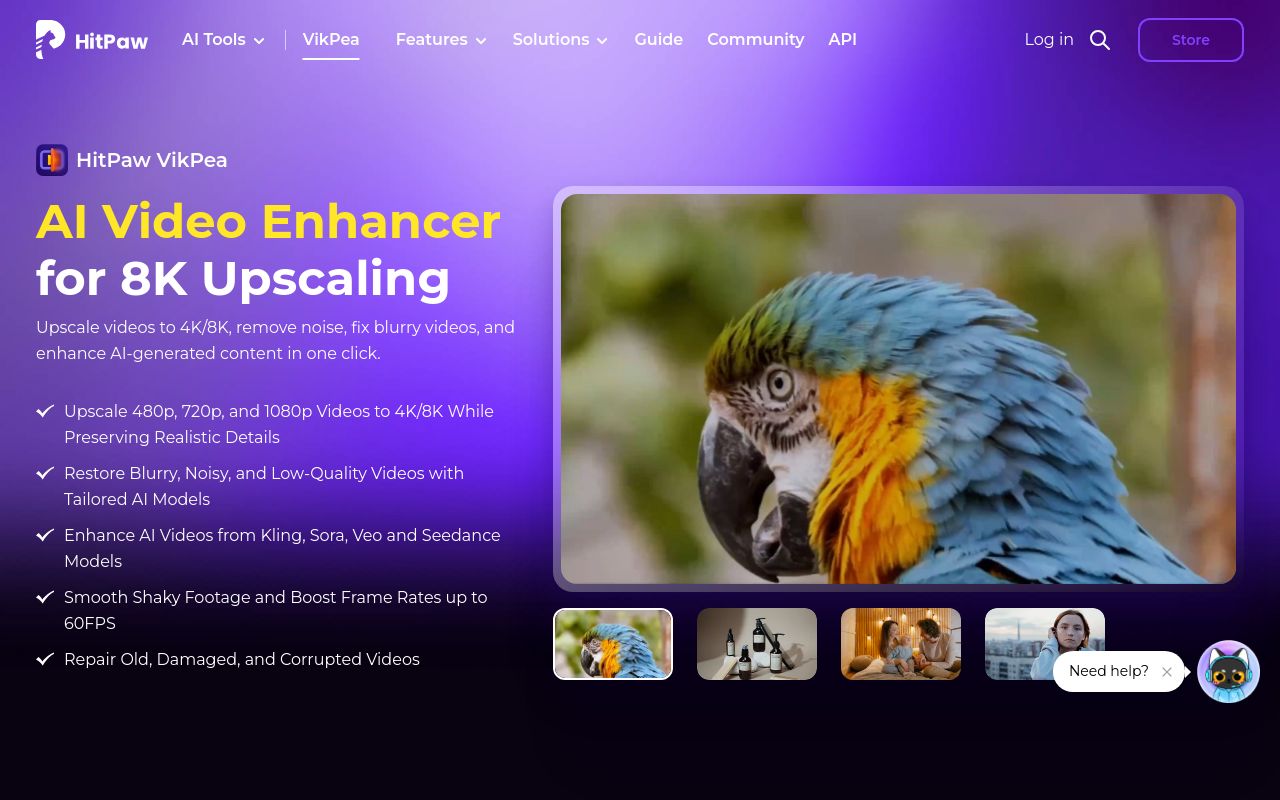
Best for: Editors requiring high-end video quality enhancement alongside background removal.
This AI-powered software enhances video quality through features like 8K upscaling, colorization, and stabilization. It allows you to remove video background using desktop applications for Windows or Mac. Licenses are platform-specific, and the service provides a 30-day refund window.
Remove video background
— hitpaw.com/hitpaw-video-enhancer.html
Pricing, in their words: “Try 7 days for free, then auto-renew at US$22.39/month (20% off). You can cancel it anytime.” (pricing)
Subscription terms they state: cancel in-app · auto-renews · 30-day refund window (source)
Limits the vendor states:
- Cannot use Windows license on Mac and vice-versa
Descript
Visit Descriptdescript.com
Best for: Editors who want to manage video projects by editing text.
Descript is an all-in-one app that simplifies the editing process by allowing you to edit video by editing text. You can remove background from video within this interface. It is available on web, Mac, and Windows, with paid plans starting at $16 per month.
Descript's AI will scrub out your background. You pick a new one.
Pricing, in their words: “Monthly
Annual
Save up to 35% with annual billing” (pricing)
No usage limits stated on the pages we read.
Which one for your situation?
- You are a developer building an automated video processing pipeline. → Pollo AI: It is a multimodal content creation platform that offers an API for your technical needs.
- You are a social media influencer editing content on your phone. → Picsart: It is an AI creative platform that provides mobile applications for iOS and Android alongside web and desktop versions.
- You are a student on a strict budget who cannot risk losing money on a subscription. → Kapwing: While it offers a free tier, be aware it has a strict no-refund policy for paid plans.
- You are a video editor working on high-quality professional footage on a Mac. → HitPaw VikPea: It provides desktop software for Mac users that focuses on enhancement features like upscaling and stabilization.
- You are a podcaster who prefers editing video by manipulating text. → Descript: It is an all-in-one audio and video editing app specifically designed to allow video editing through text modification.
FAQ
Is there a free tool to remove background from video?
Yes — Pollo AI, Picsart, Kapwing, HitPaw VikPea, Descript offer a free tier.
What is the cheapest paid option to remove background from video?
Picsart starts at $10.50/month.
Which of these have an API?
Pollo AI, Picsart, HitPaw VikPea document a developer API.
How do I cancel these subscriptions?
Pollo AI: cancel by email; Picsart: cancel in-app; Kapwing: cancel in-app; HitPaw VikPea: cancel in-app. Descript does not state a cancellation route on the pages we read.
Can I get a refund?
Pollo AI states a 3-day refund window; Kapwing states it does not offer refunds; HitPaw VikPea states a 30-day refund window. The others (Picsart, Descript) do not state a refund policy on the pages we read.
Do these subscriptions auto-renew?
Kapwing, HitPaw VikPea state that paid plans renew automatically. Check the billing page before subscribing; the rest do not state it either way.
Sources
Every fact above was read from the vendors' own pages: