
Best AI tools to record screen
Top picks at a glance:
- TheySaid — User researchers conducting large-scale testing and feedback collection.
- ScreenApp — Professionals needing cross-platform meeting assistance and structured note-taking.
- Vidnoz — Users needing a comprehensive platform for AI-powered video creation and editing.
- Synthesia — Businesses focused on generating high-quality video content from text.
- FlexClip — Casual creators requiring a simple, web-based recording and editing workflow.
| Tool | What it does | Pricing | Free tier | Refunds |
|---|---|---|---|---|
| TheySaid | AI user testing, interviews, and surveys to understand user feedback and behavior at scale. | Free tier | Yes | None stated |
| ScreenApp | AI-powered meeting assistant that transforms recordings into structured notes, summaries, and actionable insights. | Free tier; paid from $19/mo * | Yes | — |
| Vidnoz | An AI-powered platform for video creation, offering tools for AI avatars, voice generation, and video editing. | Free tier * | Yes | — |
| Synthesia | AI video platform for business that generates videos from text using AI avatars and voices. | Free tier; paid from $19/mo | Yes | — |
| FlexClip | FlexClip is a simple yet powerful video maker and editor for everyone. | Free tier * | Yes | — |
— means the vendor does not state it on the pages we read.
* pricing not verified against the vendor's pricing page.
TheySaid
Visit TheySaidtheysaid.io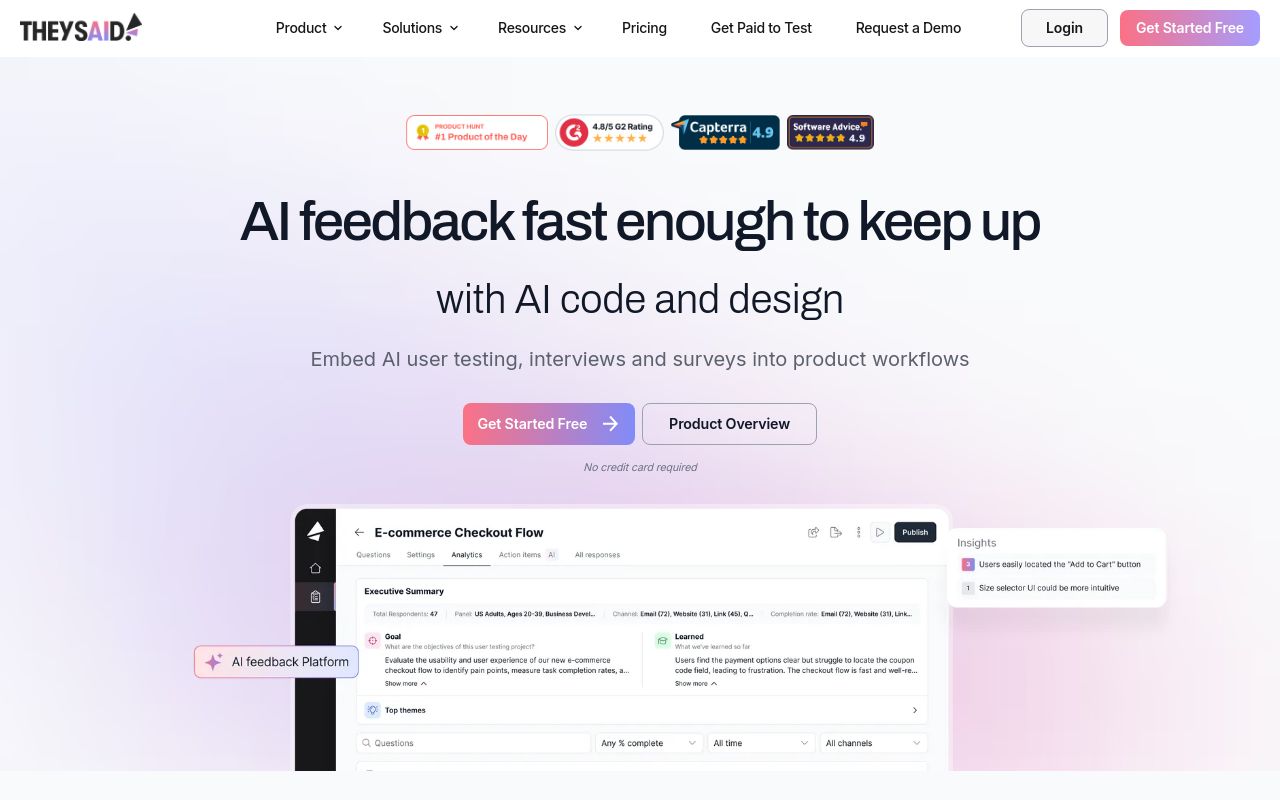
Best for: User researchers conducting large-scale testing and feedback collection.
This platform specializes in AI user testing and interviews to help you understand user behavior. It provides the ability to capture screen and voice feedback in a web-based environment. Please note that they state no refunds are available.
Record video and audio of users doing tasks while moderated by AI.
Pricing, in their words: “All plans are billed annually by default. Monthly billing is available but costs 33% more.” (pricing)
Subscription terms they state: states no refunds (source)
Limits the vendor states:
- no collection of sensitive data without consent
ScreenApp
Visit ScreenAppscreenapp.io
Best for: Professionals needing cross-platform meeting assistance and structured note-taking.
This AI-powered assistant records your screen and webcam meetings, transforming them into summaries and actionable insights. It is highly accessible across web, browser extensions, desktop, and mobile. Note that subscriptions auto-renew and must be managed in-app.
Screen, webcam, in-person meetings (mobile audio), and more — all plans
Pricing: Free tier; paid from $19/mo (pricing)
Subscription terms they state: cancel in-app · auto-renews (source)
No usage limits stated on the pages we read.
Vidnoz
Visit Vidnozvidnoz.comBest for: Users needing a comprehensive platform for AI-powered video creation and editing.
Vidnoz offers an all-in-one approach for recording your screen and webcam combined with AI avatar and voice generation. It operates via the web and provides an API for additional functionality. All tools are accessible through their free tier.
Vidnoz Flex is a one-stop online screen recorder and editor that is easy to navigate and use for novices. By using it, you can record windows, webcam, and audio
Pricing: Free tier (pricing)
No usage limits stated on the pages we read.
Synthesia
Visit Synthesiasynthesia.io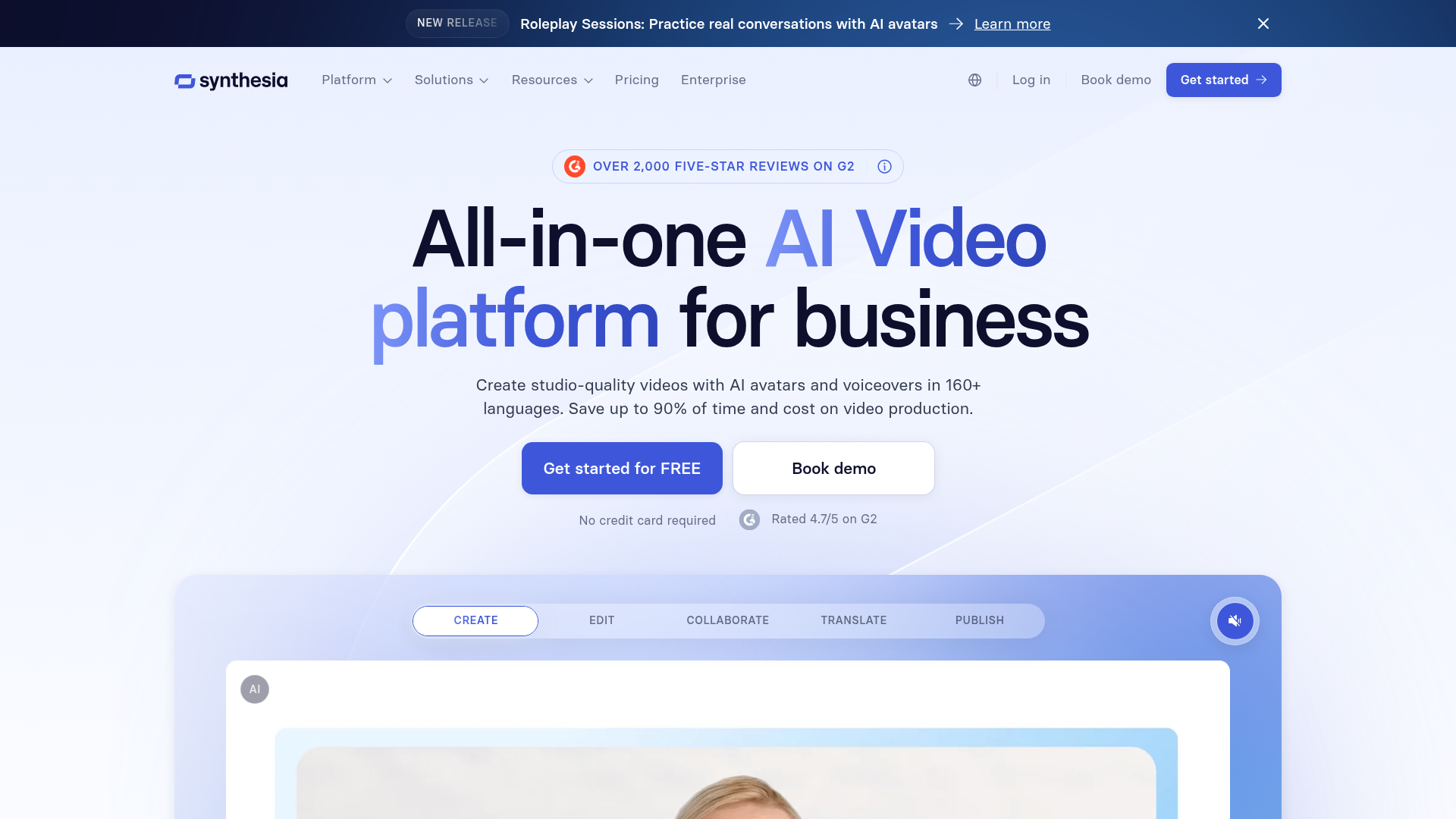
Best for: Businesses focused on generating high-quality video content from text.
Synthesia uses AI avatars and voices to turn text into video content while also providing screen recording capabilities. While it offers a powerful business solution, the AI avatars cannot be exported. Subscriptions are set to auto-renew.
Source: synthesia.io
Pricing, in their words: “Plans now starting from $14/month - Save 34%” (pricing)
Subscription terms they state: auto-renews (source)
Limits the vendor states:
- Avatars cannot be exported
FlexClip
Visit FlexClipflexclip.comBest for: Casual creators requiring a simple, web-based recording and editing workflow.
FlexClip serves as a simple yet powerful video maker and editor for various creative projects. It allows you to record screen directly through your browser. The platform is designed for ease of use without complex integration requirements.
Source: flexclip.com
Pricing: Free tier (pricing)
No usage limits stated on the pages we read.
Which one for your situation?
- You are a product researcher analyzing how users interact with your new interface. → TheySaid: It is specifically designed for user testing and surveys, allowing you to capture screen and voice feedback at scale while respecting user consent.
- You work in a fast-paced environment and need to organize meeting insights across multiple devices. → ScreenApp: Its versatility across web, desktop, and mobile platforms makes it ideal for consistent meeting documentation and transforming recordings into structured, actionable insights.
- You need a straightforward tool to create professional marketing videos with AI avatars and voice generation. → Vidnoz: It combines screen recording capabilities with a comprehensive suite of AI video creation tools on a web-based platform.
- You are building high-end corporate training modules that require consistent, scripted AI-generated speakers. → Synthesia: It excels at generating professional videos from text using AI avatars, though note that these avatars cannot be exported.
- You are a content creator looking for a simple, all-in-one web solution to record and edit videos. → FlexClip: It functions as a simple, powerful video maker and editor, providing a direct way to record screen without the complexity of enterprise platforms.
FAQ
Is there a free tool to record screen?
Yes — TheySaid, ScreenApp, Vidnoz, Synthesia, FlexClip offer a free tier.
What is the cheapest paid option to record screen?
ScreenApp starts at $19/month.
Which of these have an API?
TheySaid, ScreenApp, Vidnoz, Synthesia document a developer API.
How do I cancel these subscriptions?
ScreenApp: cancel in-app. TheySaid, Vidnoz, Synthesia, FlexClip do not state a cancellation route on the pages we read.
Can I get a refund?
TheySaid states it does not offer refunds. The others (ScreenApp, Vidnoz, Synthesia, FlexClip) do not state a refund policy on the pages we read.
Do these subscriptions auto-renew?
ScreenApp, Synthesia state that paid plans renew automatically. Check the billing page before subscribing; the rest do not state it either way.
Sources
Every fact above was read from the vendors' own pages: