
Best AI tools to edit video using text
| Tool | What it does | Pricing | Free tier | Refunds |
|---|---|---|---|---|
| LTX Studio | An all-in-one generative AI platform that turns creative ideas into professional videos. | Free tier; paid from $12/mo | Yes | 14 days |
| BeatViz | AI platform that transforms music and text prompts into synchronized, cinematic music videos. | Free tier; paid from $20.70/mo | Yes | None stated |
| Vizard | An AI-powered video editing and repurposing tool designed to help creators turn long videos into social-ready clips. | Free tier; paid from $14.50/mo | Yes | 7 days |
| Veo | A video generation model that creates high-quality cinematic video with native audio from text. | Not stated on site * | — | — |
| Wan | Turn your ideas into high-quality images and videos using multimodal input and precise instruction-based editing. | Free tier; paid from $5/mo | Yes | None stated |
— means the vendor does not state it on the pages we read.
* pricing not verified against the vendor's pricing page.
LTX Studio
Visit LTX Studioltx.studioCancellation & refund terms for LTX Studio
An all-in-one generative AI platform that turns creative ideas into professional videos.
From scripting to post-production editing, create videos with tools built to simplify your workflow.
Pricing, in their words: “We offer monthly and annual plans with different levels of access.” (pricing)
Subscription terms they state: cancel in-app · auto-renews · 14-day refund window (source)
Limits the vendor states:
- Not for mobile use
- Personal use license excludes commercial work
BeatViz
Visit BeatVizbeatviz.aiCancellation & refund terms for BeatViz
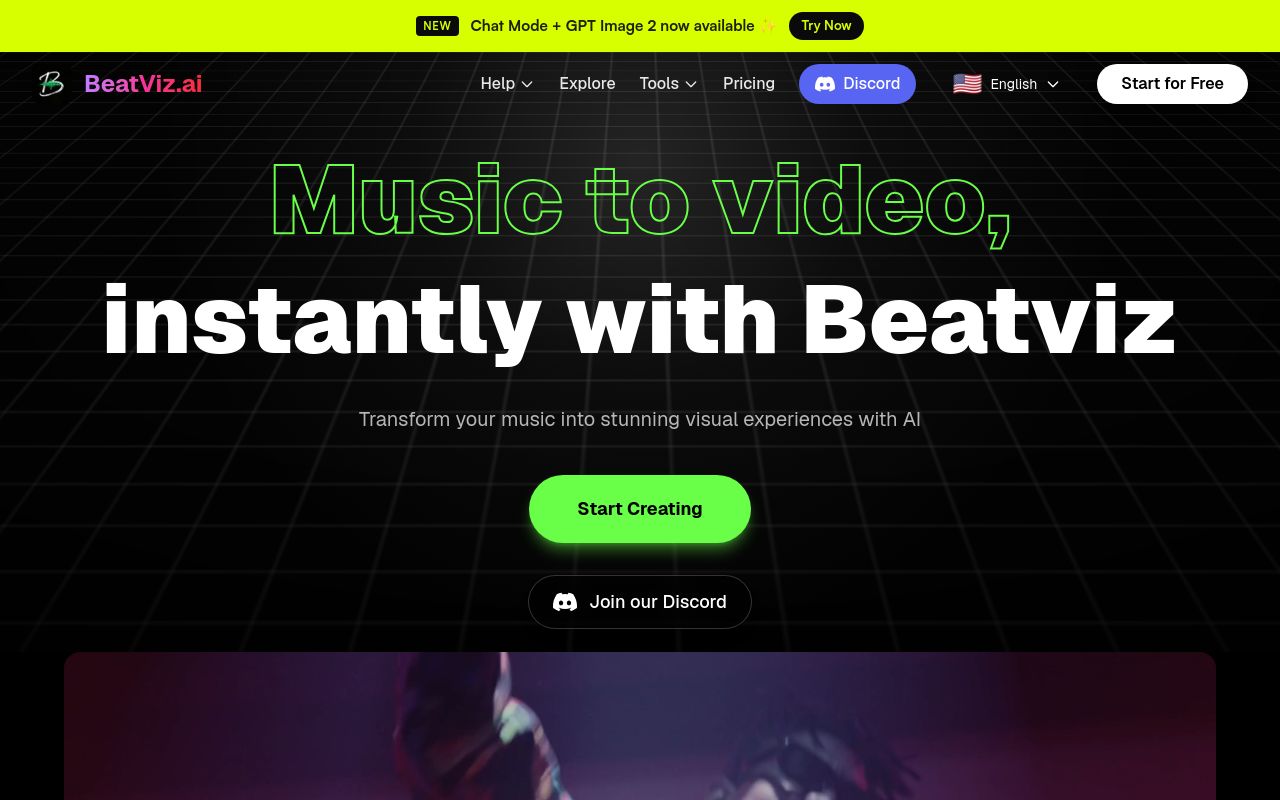
AI platform that transforms music and text prompts into synchronized, cinematic music videos.
Combine AI-powered generation with professional timeline editing to shape every scene, sequence, and detail
Pricing, in their words: “Billed annually” (pricing)
Subscription terms they state: cancel in-app · auto-renews · states no refunds (source)
No usage limits stated on the pages we read.
Vizard
Visit Vizardvizard.aiCancellation & refund terms for Vizard

An AI-powered video editing and repurposing tool designed to help creators turn long videos into social-ready clips.
Trim videos by deleting the corresponding video transcription. Edit videos as easy as a doc.
Pricing, in their words: “Subscriptions to the Creator and Business plan renew automatically at the end of each billing cycle unless duly terminated” (pricing)
Subscription terms they state: cancel in-app · auto-renews · 7-day refund window (source)
No usage limits stated on the pages we read.
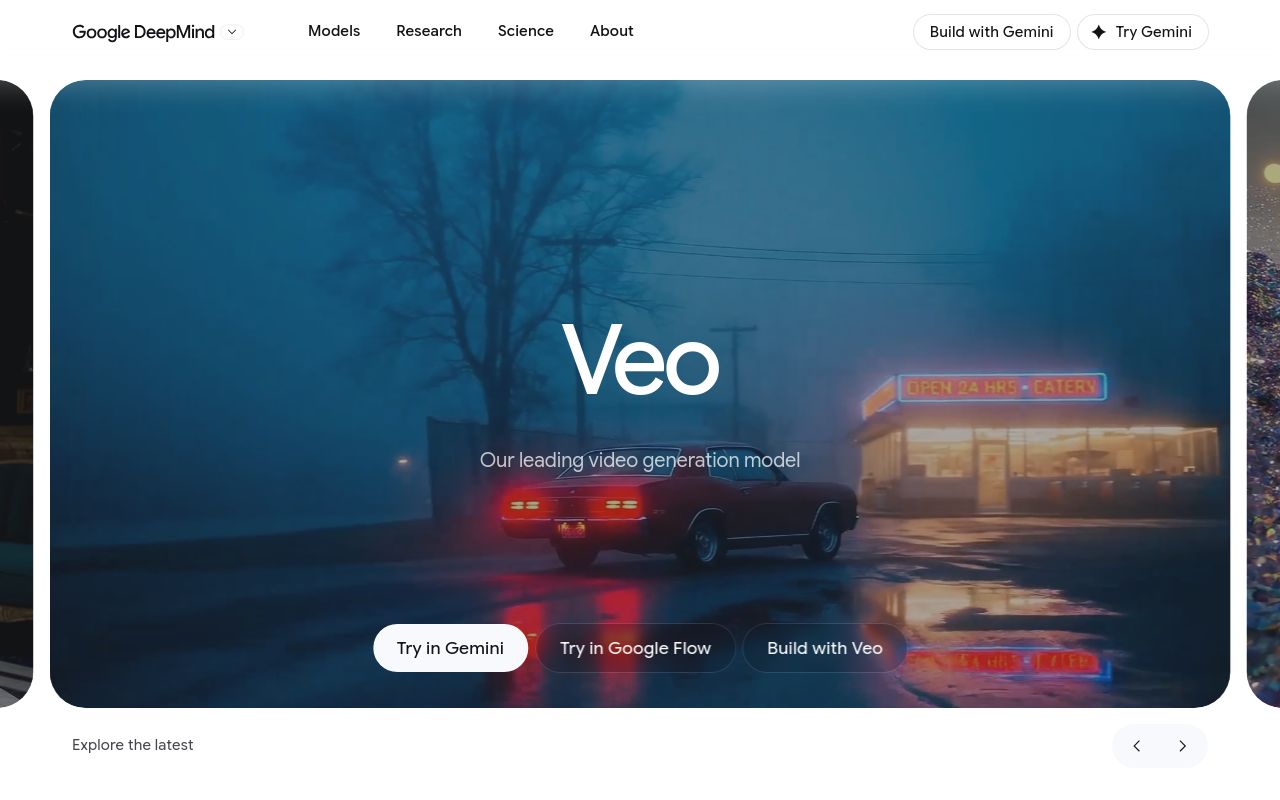
A video generation model that creates high-quality cinematic video with native audio from text.
Greater control, consistency, and creativity than ever before.
— deepmind.google/technologies/veo
No usage limits stated on the pages we read.
Cancellation & refund terms for Wan
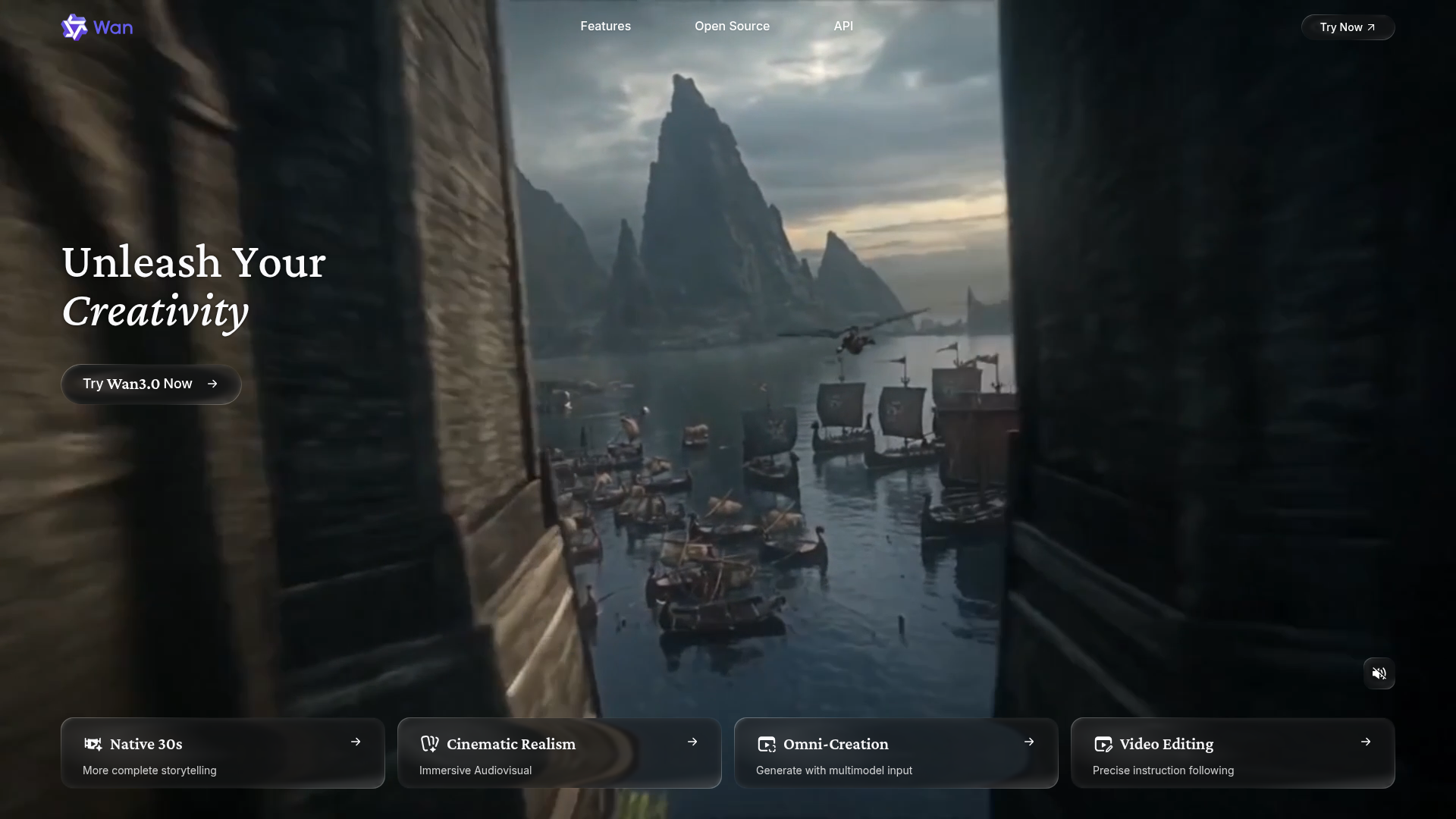
Turn your ideas into high-quality images and videos using multimodal input and precise instruction-based editing.
Source: wan.video
Pricing, in their words: “Monthly/Yearly subscription auto-renews. You can cancel anytime. However, the first month/year is non-refundable after activation.” (pricing)
Subscription terms they state: cancel in-app · auto-renews · states no refunds (source)
No usage limits stated on the pages we read.
FAQ
Is there a free tool to edit video using text?
Yes — LTX Studio, BeatViz, Vizard, Wan offer a free tier.
What is the cheapest paid option to edit video using text?
Wan starts at $5/month.
Which of these have an API?
LTX Studio, Vizard, Wan document a developer API.
How do I cancel these subscriptions?
LTX Studio: cancel in-app; BeatViz: cancel in-app; Vizard: cancel in-app; Wan: cancel in-app. Veo does not state a cancellation route on the pages we read.
Can I get a refund?
LTX Studio states a 14-day refund window; BeatViz states it does not offer refunds; Vizard states a 7-day refund window; Wan states it does not offer refunds. The other (Veo) do not state a refund policy on the pages we read.
Do these subscriptions auto-renew?
LTX Studio, BeatViz, Vizard, Wan state that paid plans renew automatically. Check the billing page before subscribing; the rest do not state it either way.
Sources
Every fact above was read from the vendors' own pages: