
Best AI tools to edit video
| Tool | What it does | Pricing | Free tier | Refunds |
|---|---|---|---|---|
| Kapwing | An online content creation platform for editing videos, GIFs, images, and audio. | Free tier; paid from $16/mo | Yes | None stated |
| WUI.AI | AI production engine for story shorts that generates storyboarded, voiced, and subtitled videos from ideas. | Free tier; paid from $12/mo | Yes | — |
| CrazyFaceAI | AI tool for changing and editing facial expressions in photos and videos. | Free tier; paid from $3.99/mo | Yes | — |
| Higgsfield | An AI-powered creative studio for generating cinematic-quality video and visuals at scale. | Not stated on site | — | — |
| Filmora | A complete video editing tool for desktop and mobile platforms. | Free tier; paid from $4.17/mo * | Yes | 30 days |
— means the vendor does not state it on the pages we read.
* pricing not verified against the vendor's pricing page.
Kapwing
Visit Kapwingkapwing.comCancellation & refund terms for Kapwing
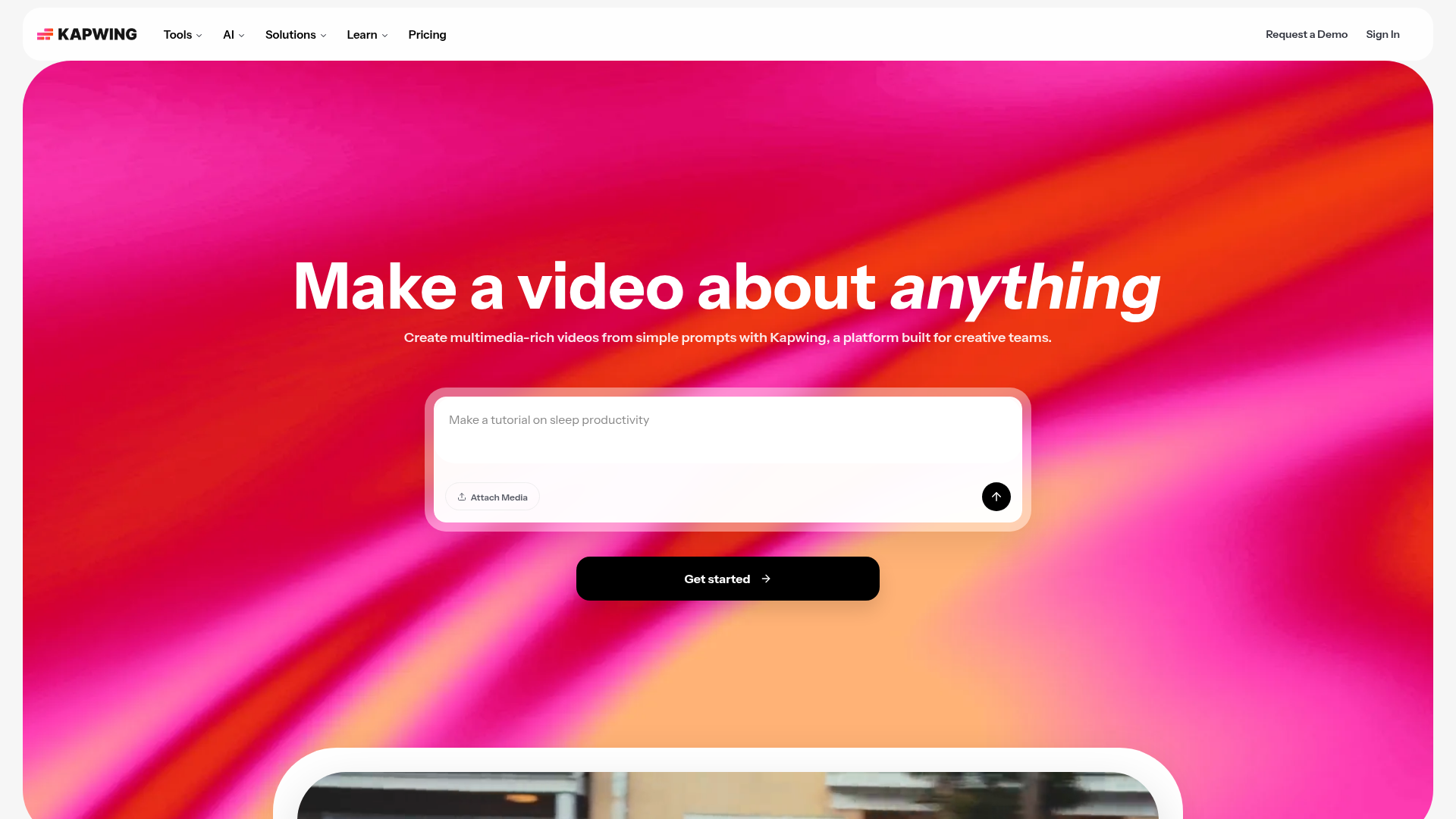
An online content creation platform for editing videos, GIFs, images, and audio.
Edit video clips, combine tracks together, and add effects all in one place
Pricing, in their words: “Kapwing Pro is available for $16/month billed annually or $192/year. Kapwing Business can supercharge your content creation and is available for $50/month billed annually or $600/year.” (pricing)
Subscription terms they state: cancel in-app · auto-renews · states no refunds (source)
Limits the vendor states:
- No free trial for paid plans
- No refunds
WUI.AI
Visit WUI.AIwui.ai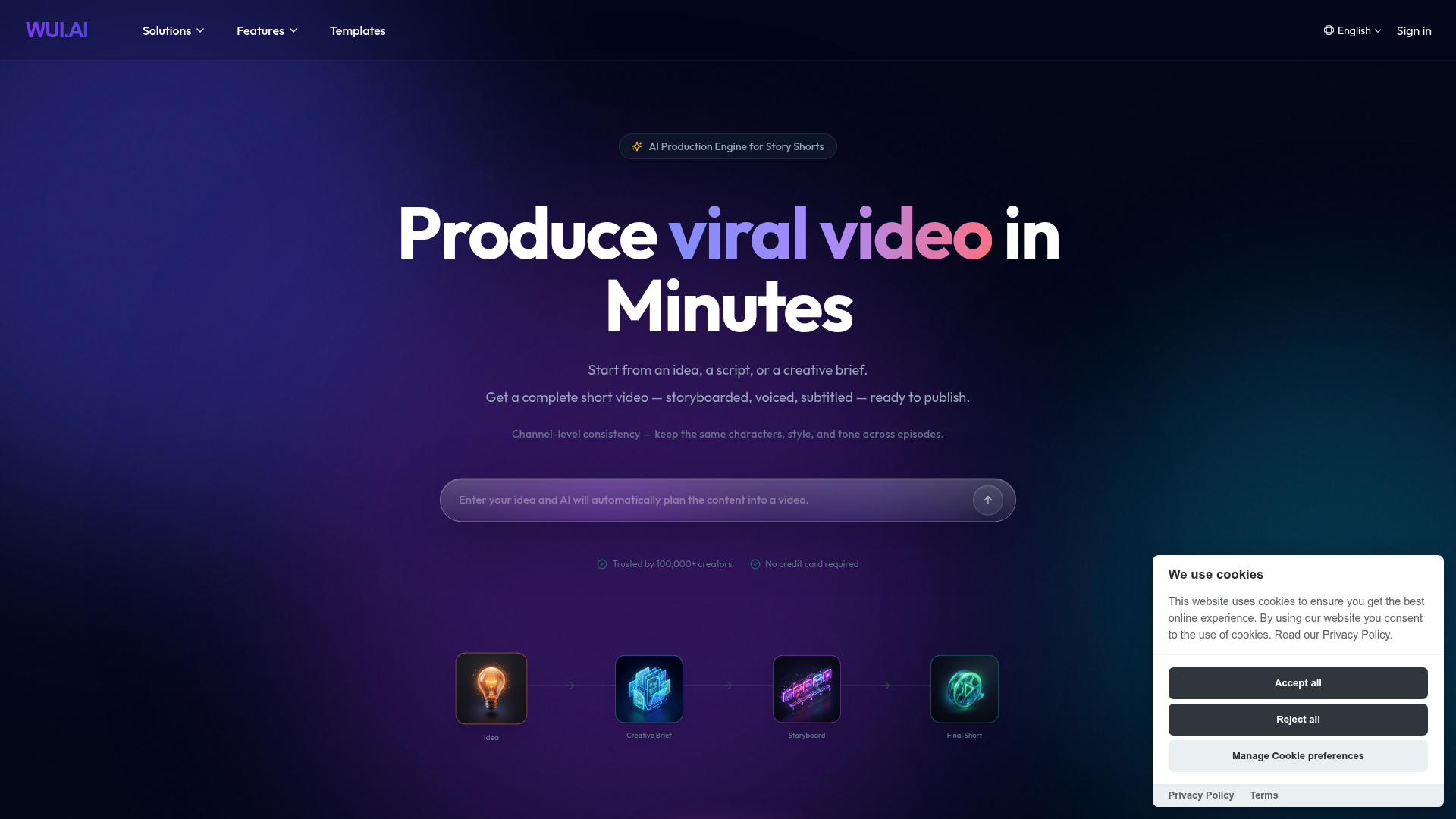
AI production engine for story shorts that generates storyboarded, voiced, and subtitled videos from ideas.
Channel-level consistency — keep the same characters, style, and tone across episodes.
— wui.ai
Pricing, in their words: “Credits renew monthly. Use credits to generate and export videos.” (pricing)
Subscription terms they state: cancel in-app (source)
No usage limits stated on the pages we read.
CrazyFaceAI
Visit CrazyFaceAIcrazyfaceai.com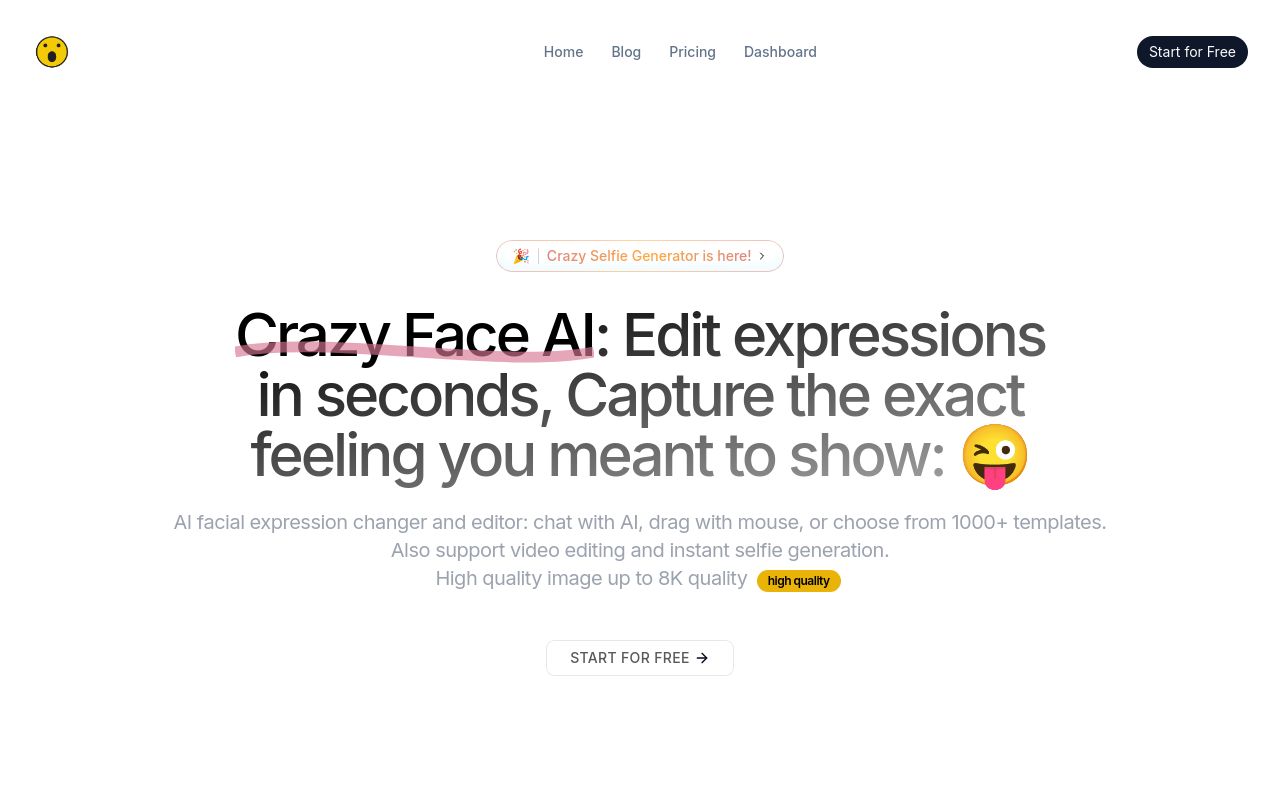
AI tool for changing and editing facial expressions in photos and videos.
Facial expression editor to control all the details in real-time
Pricing, in their words: “Free 3-day trial. Cancel for free within 3 days. $3.99 / month” (pricing)
Subscription terms they state: cancel in-app (source)
No usage limits stated on the pages we read.
Higgsfield
Visit Higgsfieldhiggsfield.ai
An AI-powered creative studio for generating cinematic-quality video and visuals at scale.
Higgsfield supports the full creative workflow – from social media content for TikTok, Reels, and Shorts, to product video ads
Pricing, in their words: “Run the Supercomputer LLM without spending credits” (pricing)
No usage limits stated on the pages we read.
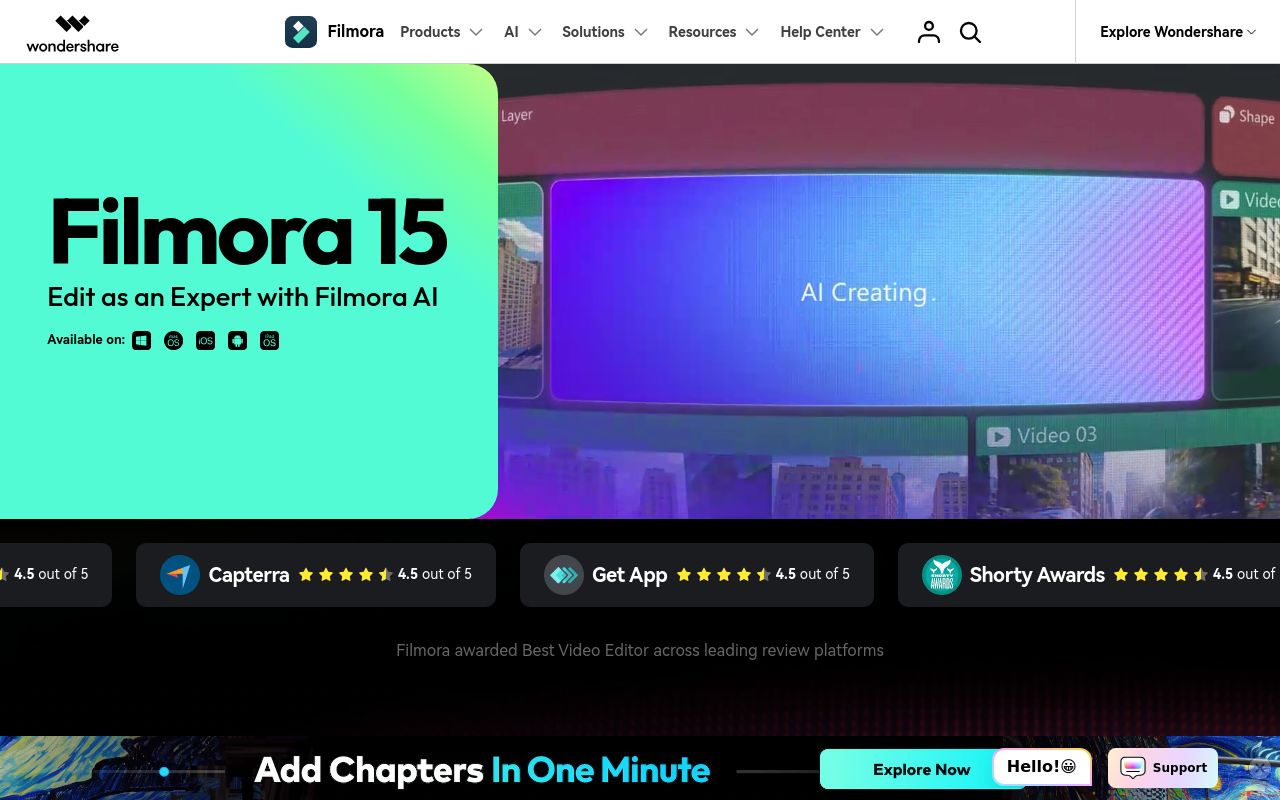
A complete video editing tool for desktop and mobile platforms.
Complete Video Editing Tool.
Pricing: Free tier; paid from $4.17/mo (pricing)
Subscription terms they state: cancel in-app · auto-renews · 30-day refund window (source)
Limits the vendor states:
- AI-generated resources like AI stickers and text to video are for non-commercial use.
FAQ
Is there a free tool to edit video?
Yes — Kapwing, WUI.AI, CrazyFaceAI, Filmora offer a free tier.
What is the cheapest paid option to edit video?
CrazyFaceAI starts at $3.99/month.
Which of these have an API?
CrazyFaceAI document a developer API.
How do I cancel these subscriptions?
Kapwing: cancel in-app; WUI.AI: cancel in-app; CrazyFaceAI: cancel in-app; Filmora: cancel in-app. Higgsfield does not state a cancellation route on the pages we read.
Can I get a refund?
Kapwing states it does not offer refunds; Filmora states a 30-day refund window. The others (WUI.AI, CrazyFaceAI, Higgsfield) do not state a refund policy on the pages we read.
Do these subscriptions auto-renew?
Kapwing, Filmora state that paid plans renew automatically. Check the billing page before subscribing; the rest do not state it either way.
Sources
Every fact above was read from the vendors' own pages: