
Best AI tools to remove watermarks from video
Top picks at a glance:
- WatermarkRemover.io — Developers requiring a budget-friendly API for non-commercial video processing tasks.
- Digen AI — Users seeking web-based AI tools for motion editing and video upscaling.
- Dewatermark.AI — Users needing a versatile tool across desktop and mobile operating systems.
- Vmake Labs — Small businesses focused on social media video optimization and generation.
- Picsman — Creators requiring professional AI models across all major computing platforms.
| Tool | What it does | Pricing | Free tier | Refunds |
|---|---|---|---|---|
| WatermarkRemover.io | AI-powered tool that removes watermarks, logos, and overlays from images, videos, and PDFs. | Free tier; paid from $3.75/mo | Yes | None stated |
| Digen AI | A suite of AI tools for visual processing, including video generation, upscaling, and motion editing. | Free tier | Yes | None stated |
| Dewatermark.AI | An AI tool that makes erasing watermarks from photos easier and automated. | Free tier; paid from $10/mo | Yes | — |
| Vmake Labs | An AI social video studio that helps small businesses generate, enhance, and optimize videos. | Free tier; paid from $9.99/mo * | Yes | — |
| Picsman | Edit, enhance, and generate stunning images and videos with powerful AI models. | Free tier; paid from $9.99/mo | Yes | — |
— means the vendor does not state it on the pages we read.
* pricing not verified against the vendor's pricing page.
WatermarkRemover.io
Visit WatermarkRemover.iowatermarkremover.ioCancellation & refund terms for WatermarkRemover.io
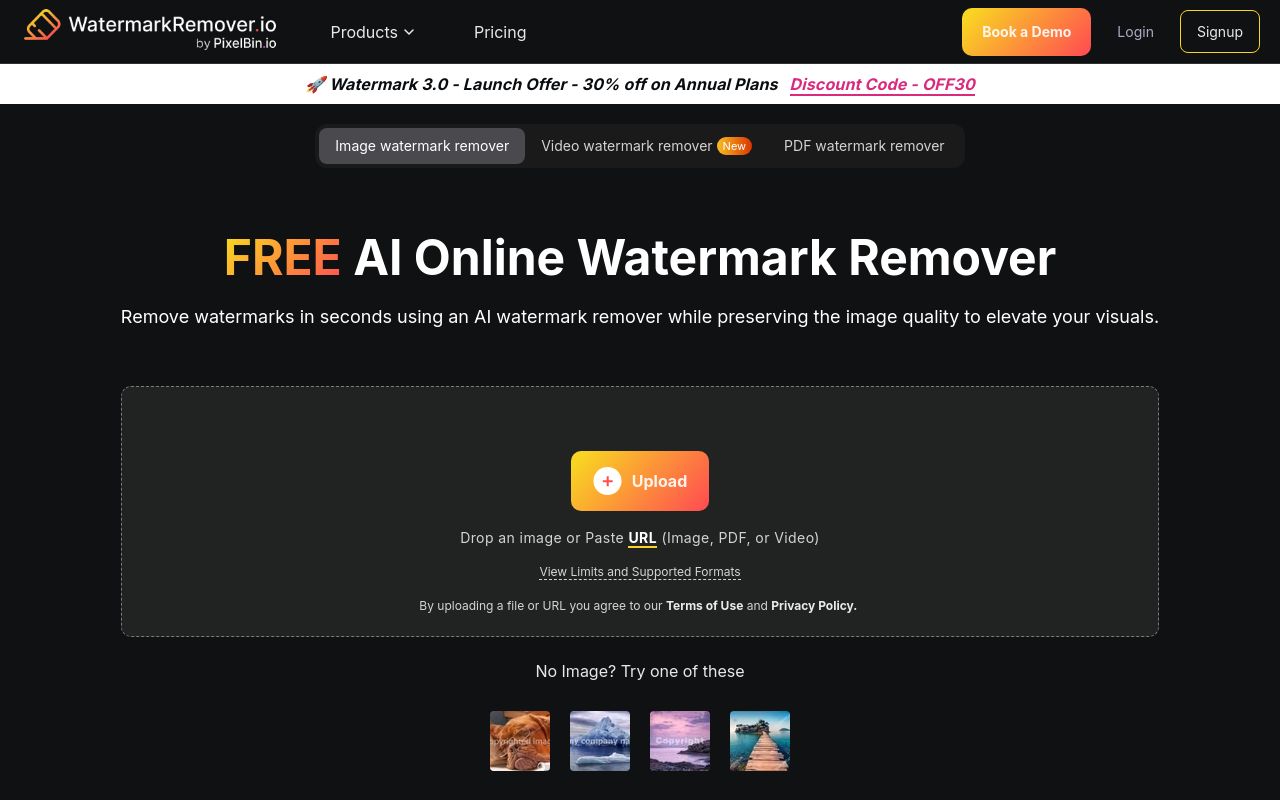
Best for: Developers requiring a budget-friendly API for non-commercial video processing tasks.
This AI-powered tool extracts overlays and logos from PDFs, images, and videos. While it provides an API and a free tier, it explicitly prohibits commercial use. Users should note that subscriptions auto-renew and the service states no refunds are available.
Remove the watermarks from your images, videos, and PDFs using our powerful AI technology
Pricing, in their words: “Most Popular Subscription Plan $0.03 / credit $69.99 billed yearly” (pricing)
Subscription terms they state: cancel by email · auto-renews · states no refunds (source)
Limits the vendor states:
- no commercial use
Digen AI
Visit Digen AIdigen.aiCancellation & refund terms for Digen AI
Best for: Users seeking web-based AI tools for motion editing and video upscaling.
Digen AI functions as a suite of visual processing tools that include video generation and motion editing capabilities. It offers a free tier and manages subscriptions with an in-app cancellation process. Be aware that the service auto-renews and does not offer refunds.
Remove Video Watermark
Clean, watermark-free.
— digen.ai
Pricing, in their words: “DIGEN offers both free and paid Services.” (pricing)
Subscription terms they state: cancel in-app · auto-renews · states no refunds (source)
No usage limits stated on the pages we read.
Dewatermark.AI
Visit Dewatermark.AIdewatermark.aiBest for: Users needing a versatile tool across desktop and mobile operating systems.
This tool provides automated erasure of watermarks from photos and videos. It features extensive cross-platform support, including mobile and desktop versions, and includes API access. Note that the tool identifies specific limitations regarding the processing of copyright-protected images.
Dewatermark video watermark remover is similarly powerful and capable with advanced AI model that can removes watermarks from each video frame accurately.
Pricing, in their words: “Pay Yearly -50% $10 /month 1.2K credits” (pricing)
Limits the vendor states:
- copyright-protected images
Vmake Labs
Visit Vmake Labsvmake.aiBest for: Small businesses focused on social media video optimization and generation.
Vmake Labs operates as an AI social video studio to help businesses enhance their content. It offers a free tier and a paid subscription model starting at $9.99 per month. This platform is accessible via web, iOS, and Android without an API.
Video watermark remover Remove AI watermarks, logos, text, and other unwanted elements.
— vmake.ai
Pricing: Free tier; paid from $9.99/mo (pricing)
No usage limits stated on the pages we read.
Picsman
Visit Picsmanpicsman.aiBest for: Creators requiring professional AI models across all major computing platforms.
Picsman uses powerful AI models to help users edit and generate images and videos. It supports a wide range of platforms including mobile and desktop, and provides an API for advanced users. A free tier is available, with paid plans starting at $9.99 per month.
Source: picsman.ai
Pricing, in their words: “PROUS$9.99/moUS$9.99 billed monthly. Cancel anytime” (pricing)
No usage limits stated on the pages we read.
Which one for your situation?
- You are a freelance developer building an automated video processing pipeline. → WatermarkRemover.io: It offers an API and a cost-effective starting price of $3.75 per month for your integration needs.
- You are a casual user needing to process videos quickly on your mobile device. → Digen AI: It is a web-based tool for visual processing, though for mobile-native apps, you may prefer others.
- You need a cross-platform solution that works on your Mac, PC, and phone. → Dewatermark.AI: It is compatible with web, iOS, Android, desktop-mac, and desktop-windows, ensuring consistent access across all your hardware.
- You run a small business and need a studio-like environment to optimize social media clips. → Vmake Labs: It acts as a social video studio designed to help small businesses generate and enhance their video content.
- You need a robust tool that supports API access and runs on desktop and mobile devices. → Picsman: It provides versatile platform support and API access, making it suitable for both direct editing and automated workflows.
FAQ
Is there a free tool to remove watermarks from video?
Yes — WatermarkRemover.io, Digen AI, Dewatermark.AI, Vmake Labs, Picsman offer a free tier.
What is the cheapest paid option to remove watermarks from video?
WatermarkRemover.io starts at $3.75/month.
Which of these have an API?
WatermarkRemover.io, Dewatermark.AI, Picsman document a developer API.
How do I cancel these subscriptions?
WatermarkRemover.io: cancel by email; Digen AI: cancel in-app. Dewatermark.AI, Vmake Labs, Picsman do not state a cancellation route on the pages we read.
Can I get a refund?
WatermarkRemover.io states it does not offer refunds; Digen AI states it does not offer refunds. The others (Dewatermark.AI, Vmake Labs, Picsman) do not state a refund policy on the pages we read.
Do these subscriptions auto-renew?
WatermarkRemover.io, Digen AI state that paid plans renew automatically. Check the billing page before subscribing; the rest do not state it either way.
Sources
Every fact above was read from the vendors' own pages: