
Best AI tools to export data
Top picks at a glance:
- PPT.AI — Users needing to convert various content types into professional presentation formats.
- Tactiq — Professionals managing high volumes of virtual meetings across multiple communication platforms.
- Thunderbit — Data analysts seeking to automate browser-based information gathering and spreadsheet updates.
- Glasp — Students and academics building a repository of insights from online reading.
- InstaWebAI — Entrepreneurs needing to generate a functional business website quickly.
| Tool | What it does | Pricing | Free tier | Refunds |
|---|---|---|---|---|
| PPT.AI | AI-powered platform that automatically generates professional presentations from your content, documents, or topics. | Free tier; paid from $6.90/mo | Yes | 3 days |
| Tactiq | Transcription tool for Zoom, Google Meet and MS Teams | Free tier; paid from $8/mo | Yes | None stated |
| Thunderbit | AI tool that extracts data from websites and automates browser tasks via natural language instructions. | Free tier; paid from $9/mo | Yes | — |
| Glasp | Social web and PDF highlighter that helps you organize and build an AI-powered memory of your reading. | Free tier; paid from $12.50/mo | Yes | None stated |
| InstaWebAI | Builds a professional, conversion-ready website with lead forms, contact capture, and booking from a business description. | Free tier; paid from $25/mo | Yes | 14 days |
— means the vendor does not state it on the pages we read.
PPT.AI
Visit PPT.AIppt.aiCancellation & refund terms for PPT.AI
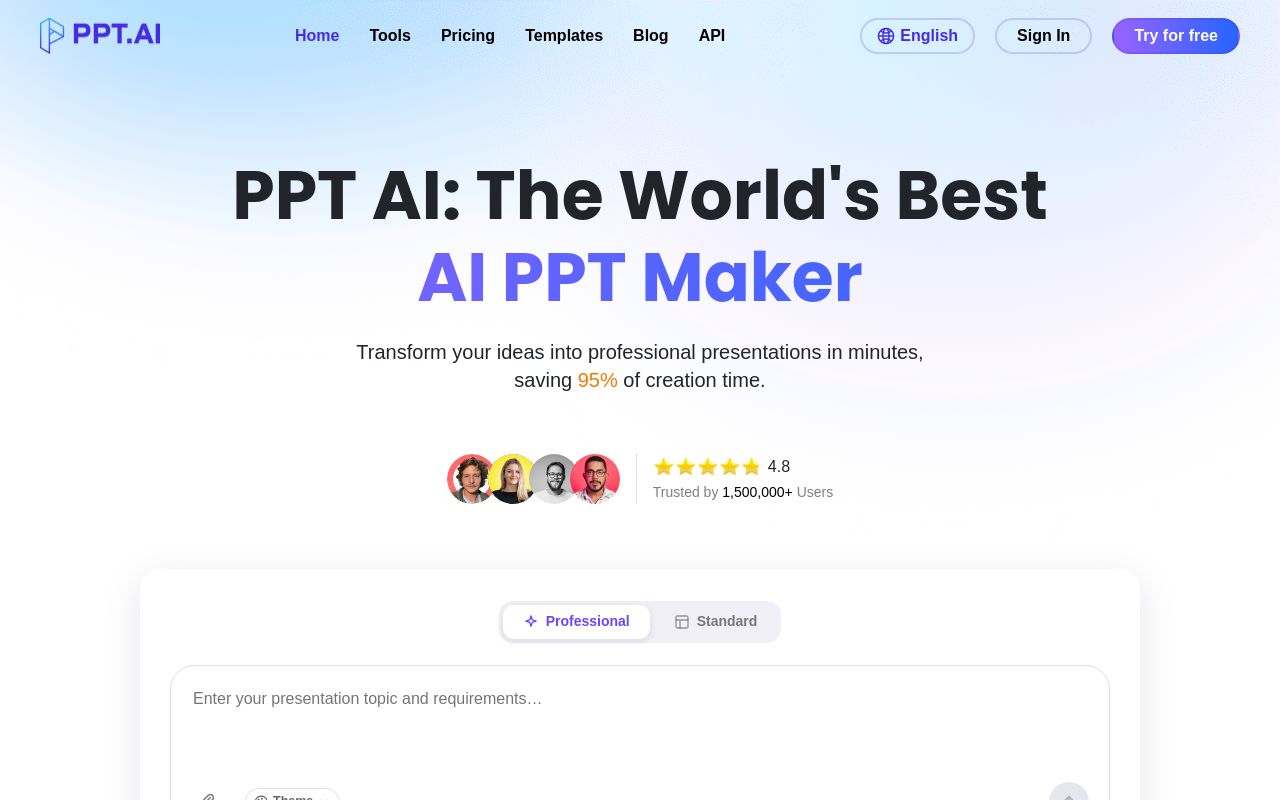
Best for: Users needing to convert various content types into professional presentation formats.
This platform creates professional presentations automatically from your topics or documents. It offers a free tier and supports a web interface or chrome-extension for ease of use. It is designed to export powerpoint to pdf for your distribution needs.
Export your PPT as clear PDF files that are simple to share.
— ppt.ai
Pricing, in their words: “PPT AI offers three plans: - Free: 3 presentations/month - Plus: $9.9/month or $7.9/month annually (save 20%), up to 50 presentations/month - Pro: $19.9/month or $13.9/month annually (save 30%), up to 200 presentations/month” (pricing)
Subscription terms they state: cancel by email · auto-renews · 3-day refund window (source)
No usage limits stated on the pages we read.
Tactiq
Visit Tactiqtactiq.ioCancellation & refund terms for Tactiq
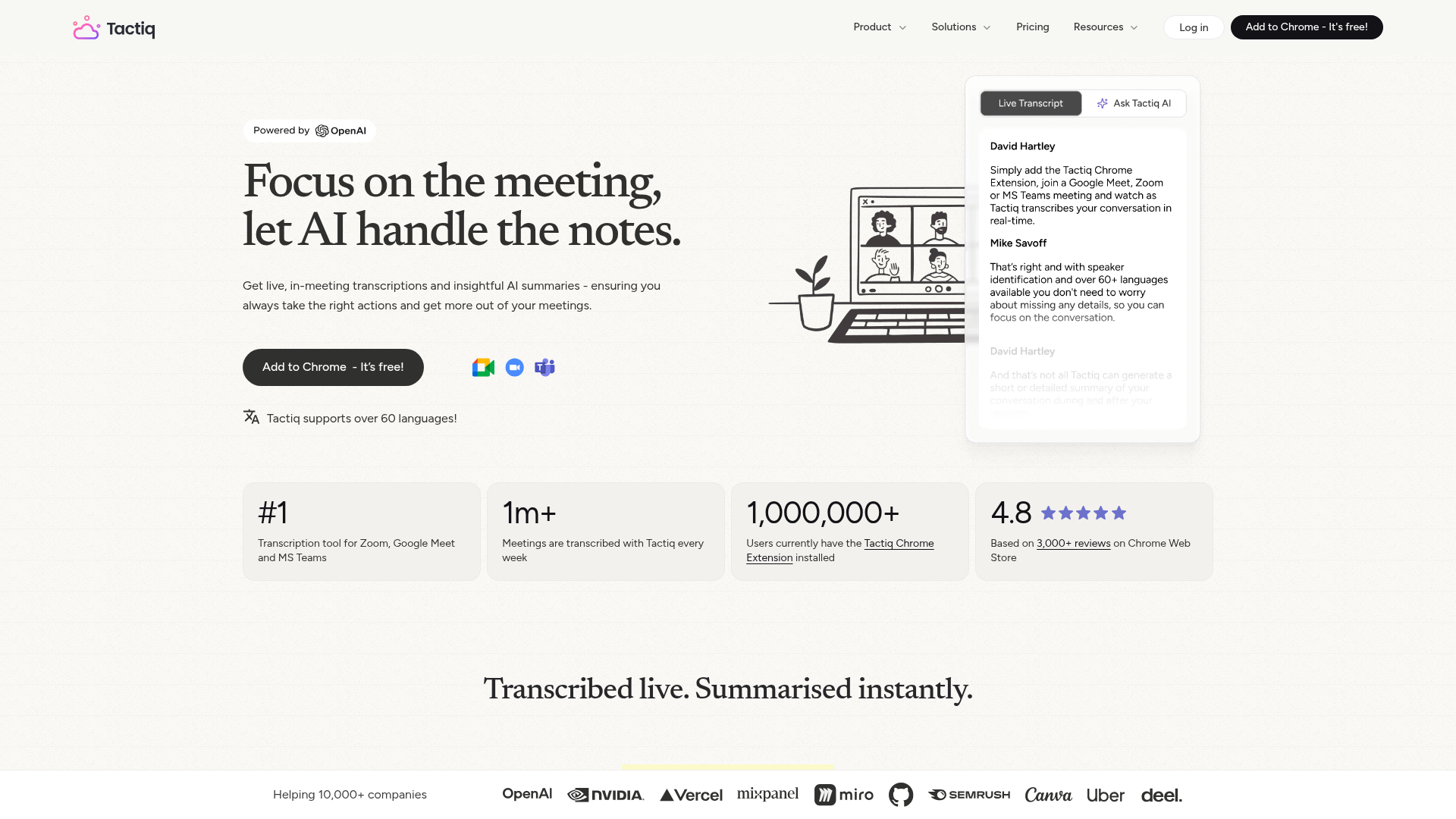
Best for: Professionals managing high volumes of virtual meetings across multiple communication platforms.
Tactiq serves as a transcription tool for Zoom, Google Meet, and MS Teams. While it can export meeting transcripts, it does not record or store audio from your sessions. It is available as a web tool or chrome-extension.
Share & export transcripts
Pricing, in their words: “Simple pricing — start free, cancel anytime.” (pricing)
Subscription terms they state: cancel in-app · auto-renews · states no refunds (source)
Limits the vendor states:
- Tactiq does not record or store the audio from your meetings.
Thunderbit
Visit Thunderbitthunderbit.com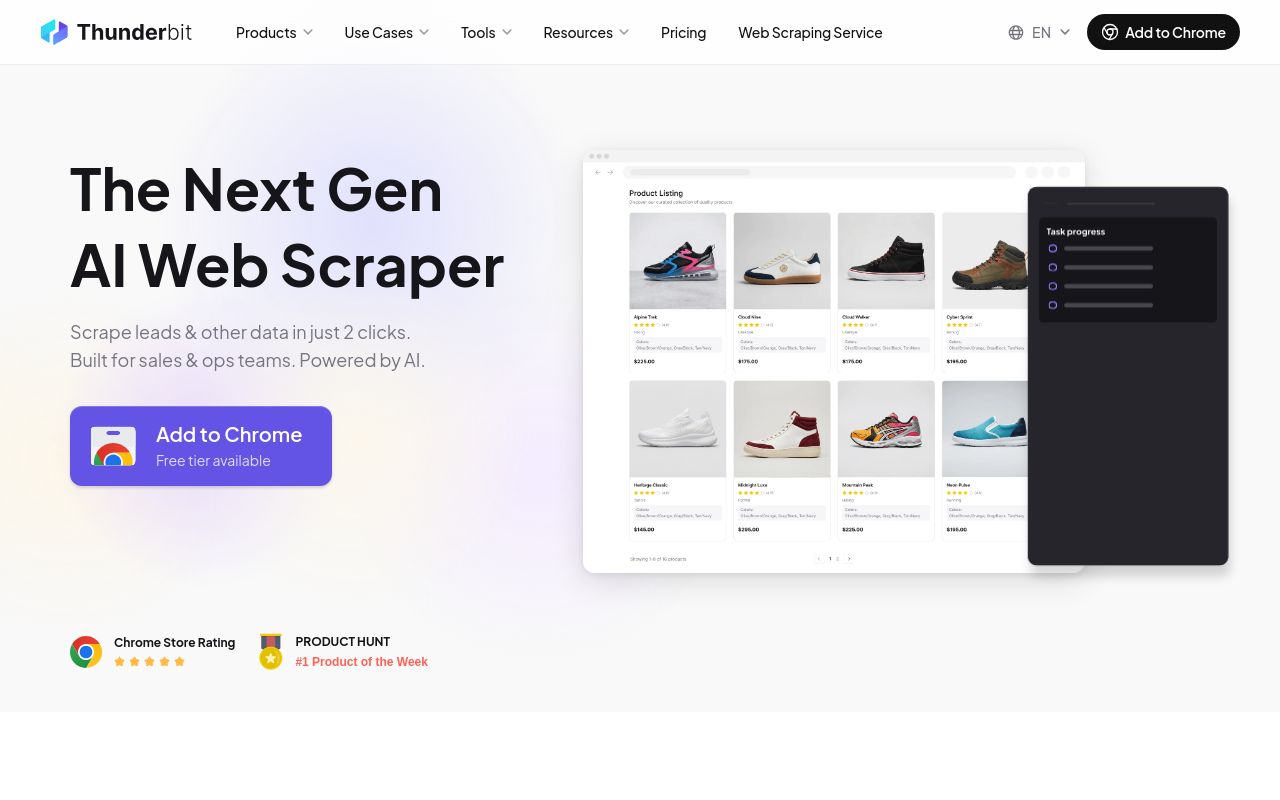
Best for: Data analysts seeking to automate browser-based information gathering and spreadsheet updates.
This tool uses natural language instructions to extract data from websites and automate tasks. It supports an extensive range of platforms including web, chrome-extension, and desktop applications. It facilitates the ability to export data to google sheets while observing strict authentication limits.
Every extraction delivers clean, column-structured data you can send directly to Google Sheets, Airtable, or Notion.
Pricing, in their words: “Starter $9/month Billed yearly. All credits upfront. 5,000 credits/year” (pricing)
Subscription terms they state: cancel in-app · auto-renews (source)
Limits the vendor states:
- Cannot access content protected by authentication without credentials
- No usage of AI Agent for unauthorized actions
Glasp
Visit Glaspglasp.coCancellation & refund terms for Glasp
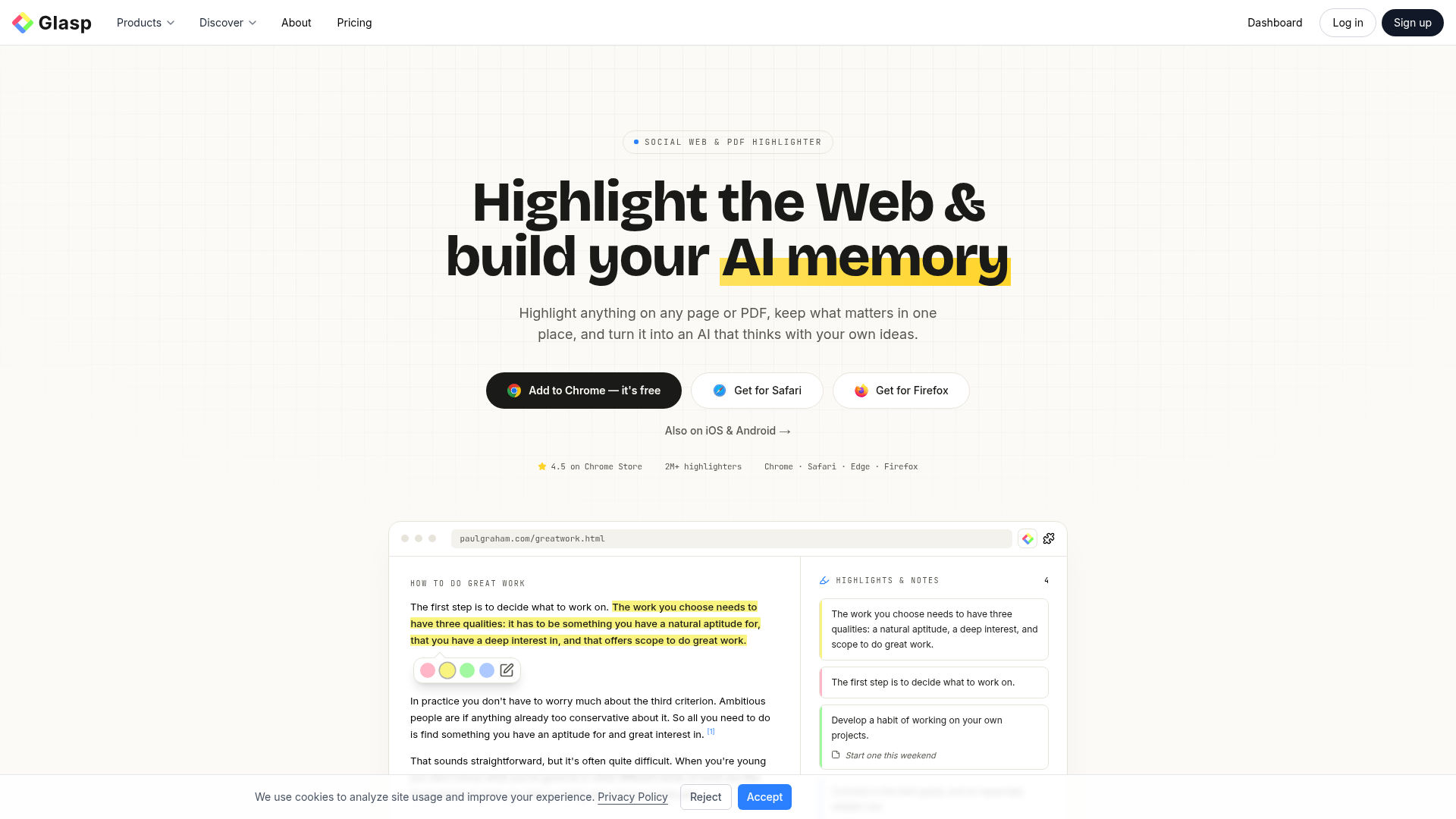
Best for: Students and academics building a repository of insights from online reading.
Glasp functions as a social web and PDF highlighter to build an AI-powered memory of your reading. You can use it to export highlights to obsidian to keep your notes organized. The service is available via web, chrome-extension, and mobile apps.
Export your highlights and notes to Obsidian
— glasp.co
Pricing, in their words: “$12.50 USD/month” (pricing)
Subscription terms they state: cancel in-app · auto-renews · states no refunds (source)
No usage limits stated on the pages we read.
InstaWebAI
Visit InstaWebAIinstawebai.com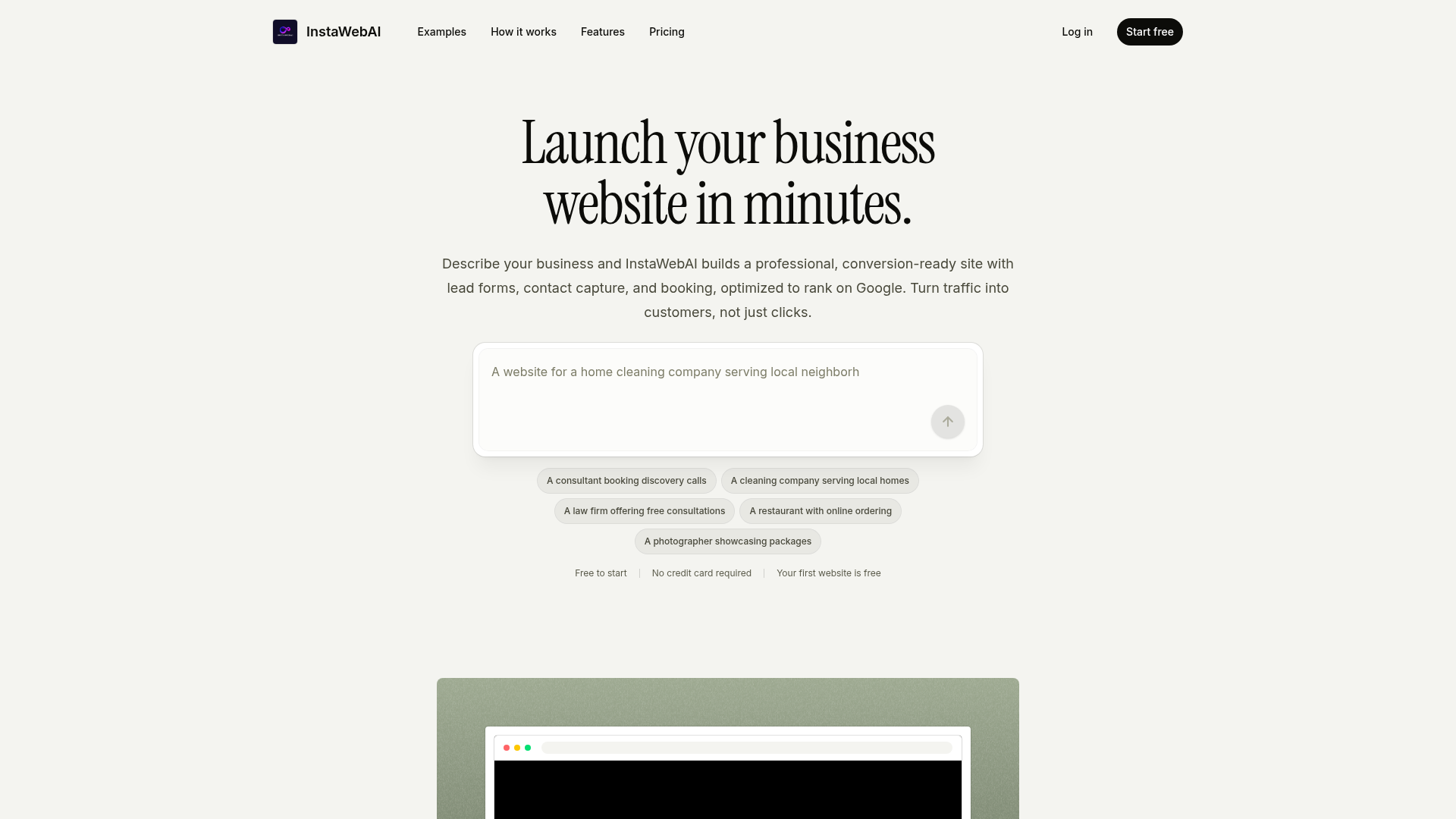
Best for: Entrepreneurs needing to generate a functional business website quickly.
InstaWebAI builds conversion-ready websites featuring lead forms and booking systems based on your business description. It provides the option to export website code for your projects. This web-only tool offers a 14-day refund window for users.
Export your full site code at any time
Pricing, in their words: “14-day money-back guaranteeNo credit card to startCancel or downgrade any timeExport your full site code at any time” (pricing)
Subscription terms they state: cancel in-app · 14-day refund window (source)
No usage limits stated on the pages we read.
Which one for your situation?
- You are a consultant preparing a pitch deck and need to share it as a document. → PPT.AI: It generates presentations from your documents and supports the task to export powerpoint to pdf.
- You lead remote team meetings and require a searchable text record of the discussion. → Tactiq: It provides a transcription tool for virtual meetings and allows you to export meeting transcripts directly.
- You perform repetitive market research and need to pull information from various websites into a spreadsheet. → Thunderbit: It extracts data from websites using natural language instructions and enables you to export data to google sheets.
- You are a researcher who consumes heavy amounts of online content and needs to archive key findings. → Glasp: It organizes your web and PDF highlights, enabling you to export highlights to obsidian for better memory building.
- You are a business owner building a professional online presence from scratch. → InstaWebAI: It constructs a full website with lead forms and booking, allowing you to export website code.
FAQ
Is there a free tool to export data?
Yes — PPT.AI, Tactiq, Thunderbit, Glasp, InstaWebAI offer a free tier.
What is the cheapest paid option to export data?
PPT.AI starts at $6.90/month.
Which of these have an API?
PPT.AI, Tactiq, Thunderbit document a developer API.
How do I cancel these subscriptions?
PPT.AI: cancel by email; Tactiq: cancel in-app; Thunderbit: cancel in-app; Glasp: cancel in-app; InstaWebAI: cancel in-app.
Can I get a refund?
PPT.AI states a 3-day refund window; Tactiq states it does not offer refunds; Glasp states it does not offer refunds; InstaWebAI states a 14-day refund window. The other (Thunderbit) do not state a refund policy on the pages we read.
Do these subscriptions auto-renew?
PPT.AI, Tactiq, Thunderbit, Glasp state that paid plans renew automatically. Check the billing page before subscribing; the rest do not state it either way.
Sources
Every fact above was read from the vendors' own pages: