
Best AI tools to convert document to presentation
Top picks at a glance:
- PPT.AI — Users needing a Chrome-extension and API support for PDF-to-PowerPoint tasks.
- NextDocs — Professional teams requiring in-app subscription control and extended refund policies.
- Prezi — Individuals who prioritize a free tier for diverse file format compatibility.
- AI PPT Maker — Creators requiring support for diverse inputs like voice recordings and websites.
- Presentations.AI — Enterprises needing robust API integration for document-to-presentation workflows.
| Tool | What it does | Pricing | Free tier | Refunds |
|---|---|---|---|---|
| PPT.AI | AI-powered platform that automatically generates professional presentations from your content, documents, or topics. | Free tier; paid from $6.90/mo | Yes | 3 days |
| NextDocs | Create polished docs and slides from prompts, then refine, brand, and export them from one workspace. | Free tier; paid from $16/mo | Yes | 30 days |
| Prezi | Create a custom presentation in seconds with AI by entering ideas or uploading files. | Free tier | Yes | — |
| AI PPT Maker | Turns text, PDFs, websites, and voice recordings into professional presentations in seconds. | Free tier * | Yes | None stated |
| Presentations.AI | An AI presentation platform that turns ideas, documents, and URLs into professional slide decks in minutes. | Free tier; paid from $20/mo * | Yes | — |
— means the vendor does not state it on the pages we read.
* pricing not verified against the vendor's pricing page.
PPT.AI
Visit PPT.AIppt.aiCancellation & refund terms for PPT.AI
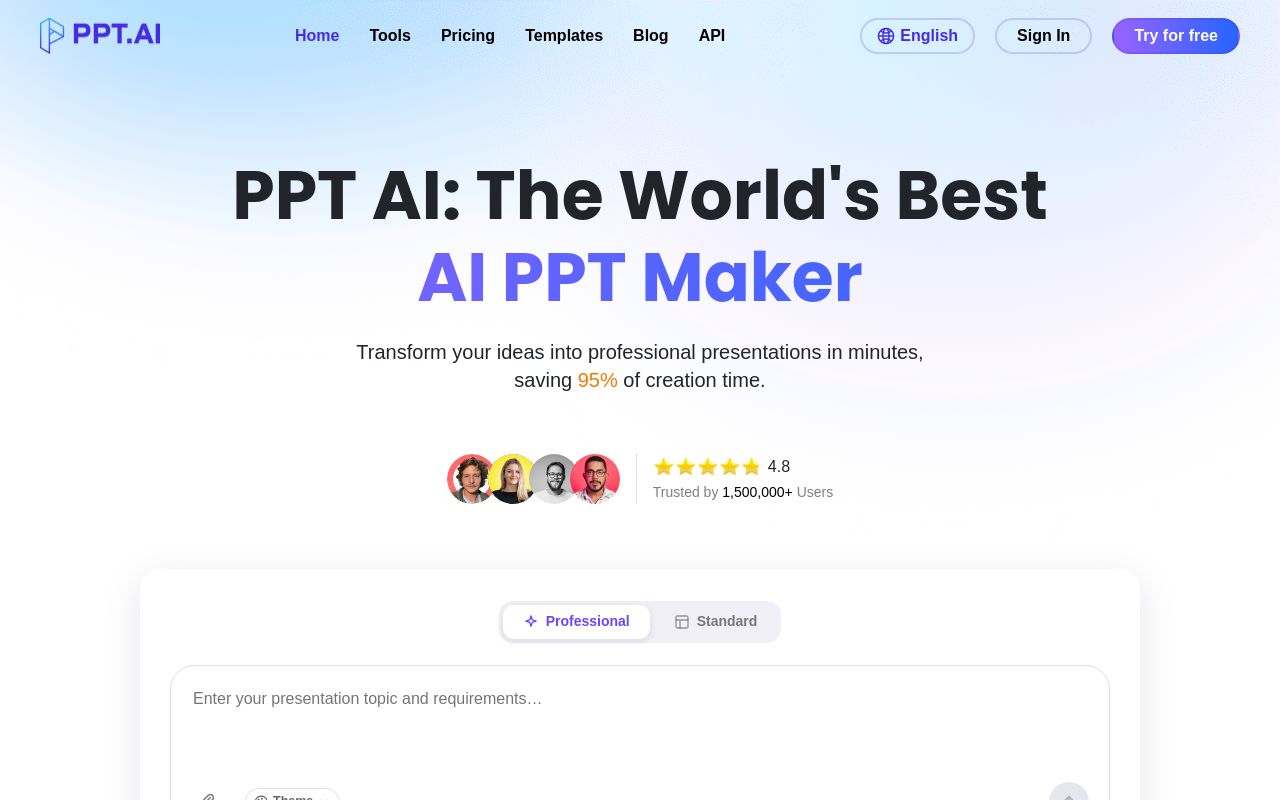
Best for: Users needing a Chrome-extension and API support for PDF-to-PowerPoint tasks.
This AI-powered platform generates professional presentations from your content or documents. It specifically allows users to convert pdf to powerpoint using either the web interface or a Chrome extension. Paid plans start at $6.90 per month.
Turn PDFs into clear, editable slides easily.
— ppt.ai
Pricing, in their words: “PPT AI offers three plans: - Free: 3 presentations/month - Plus: $9.9/month or $7.9/month annually (save 20%), up to 50 presentations/month - Pro: $19.9/month or $13.9/month annually (save 30%), up to 200 presentations/month” (pricing)
Subscription terms they state: cancel by email · auto-renews · 3-day refund window (source)
No usage limits stated on the pages we read.
NextDocs
Visit NextDocsnextdocs.io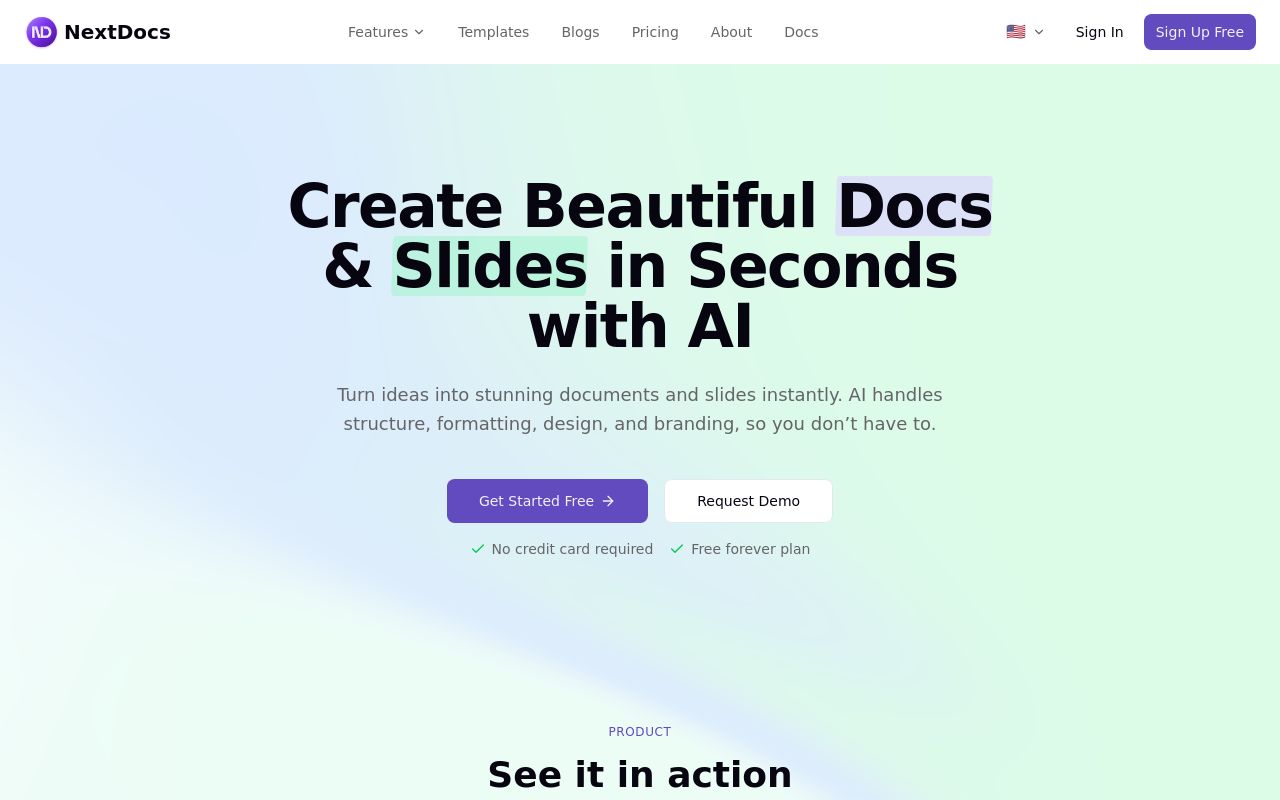
Best for: Professional teams requiring in-app subscription control and extended refund policies.
This tool helps you create polished documents and slides from prompts within one workspace. It enables you to export documents to powerpoint and provides a 30-day refund window. Paid subscriptions start from $16 per month.
Export to Slides, PowerPoint, Docs
Pricing, in their words: “Simple, transparent pricing Start free, upgrade when you need to. No hidden fees.” (pricing)
Subscription terms they state: cancel in-app · 30-day refund window (source)
No usage limits stated on the pages we read.
Prezi
Visit Preziprezi.comBest for: Individuals who prioritize a free tier for diverse file format compatibility.
Prezi allows you to create custom presentations by entering ideas or uploading existing files. It is specifically designed to convert pdf docx and pptx files into presentations. The service is available via the web with no API provided.
Yes. Upload PDF, DOCX, and PPTX files and Prezi AI turns them into engaging, dynamic presentations in seconds.
Pricing, in their words: “You can explore every feature of Prezi AI for free with AI credits. Upgrade any time for unlimited Prezi AI use and infinite presentations.” (pricing)
No usage limits stated on the pages we read.
AI PPT Maker
Visit AI PPT Makeraipptmaker.ai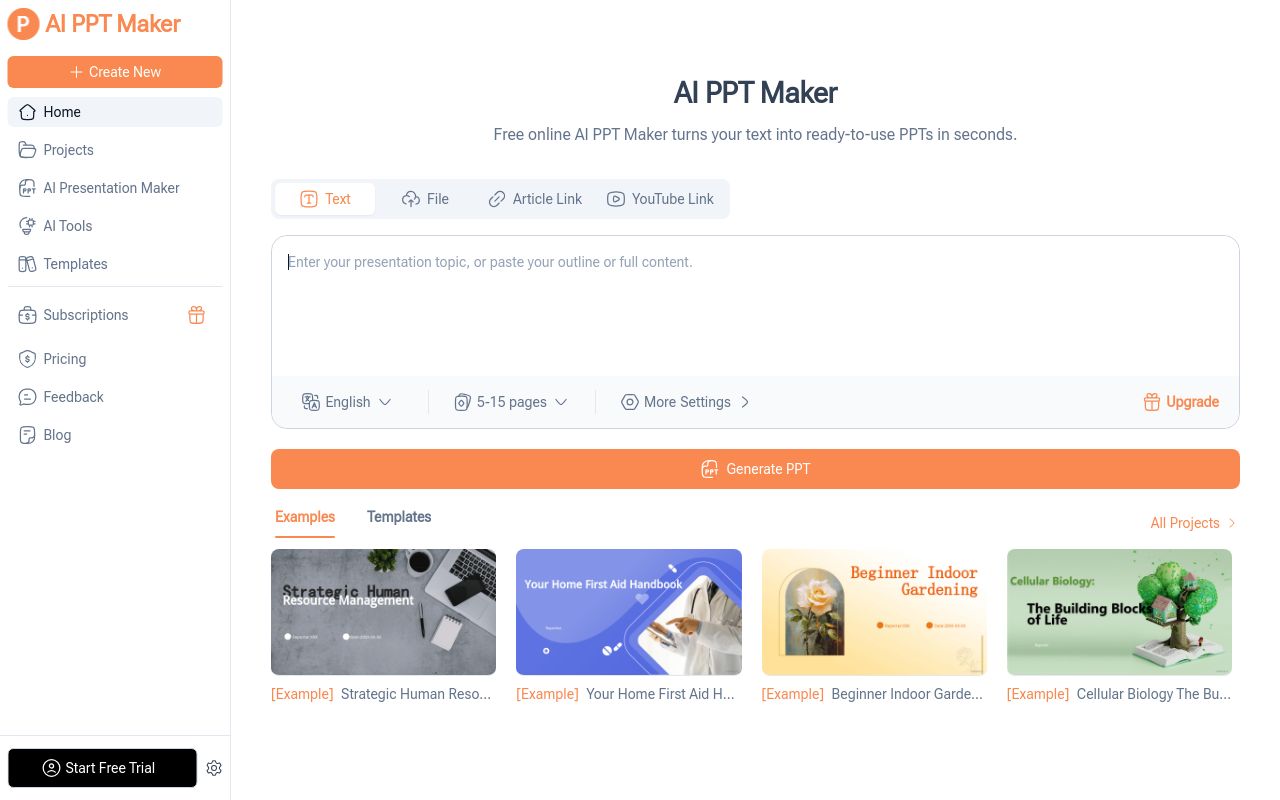
Best for: Creators requiring support for diverse inputs like voice recordings and websites.
This platform turns text, PDFs, websites, and voice recordings into presentations in seconds. It is specifically used to transform word documents into presentations. Users should note that the service offers no refunds.
Transform your Word documents into professional presentations.
Pricing: Free tier (pricing)
Subscription terms they state: cancel in-app · auto-renews · states no refunds (source)
Limits the vendor states:
- no refunds
Presentations.AI
Visit Presentations.AIpresentations.aiBest for: Enterprises needing robust API integration for document-to-presentation workflows.
This AI platform turns ideas, documents, and URLs into professional slide decks in minutes. It supports API integration for those who need to convert documents to presentations. Paid plans begin at $20 per month.
Turn Ideas, Documents, and Data Into Presentation-Ready Decks
Pricing: Free tier; paid from $20/mo (pricing)
No usage limits stated on the pages we read.
Which one for your situation?
- You are a researcher who needs to automate the conversion of large batches of PDF data into slides via code. → PPT.AI: It offers API integration, a web and Chrome-extension interface, and a free-signup option for those who need to convert pdf to powerpoint.
- You are a corporate manager who needs a secure, flexible platform that offers a longer trial period for refunds. → NextDocs: It provides a 30-day refund window and an in-app cancellation process, which is useful for teams that need to export documents to powerpoint.
- You are a student looking for a completely free tool to quickly turn your research documents into visual presentations. → Prezi: It offers a free tier and allows you to convert pdf docx and pptx files into presentations without needing a paid subscription.
- You are a content creator needing a fast, automated way to turn text and voice notes into professional decks without technical setups. → AI PPT Maker: It supports text, PDFs, websites, and voice recordings, making it highly versatile for those needing to transform word documents into presentations.
- You are a business owner who needs an enterprise-grade solution that integrates with your existing company software ecosystem. → Presentations.AI: It offers API support and an AI platform capable of turning documents, ideas, and URLs into professional slide decks.
FAQ
Is there a free tool to convert document to presentation?
Yes — PPT.AI, NextDocs, Prezi, AI PPT Maker, Presentations.AI offer a free tier.
What is the cheapest paid option to convert document to presentation?
PPT.AI starts at $6.90/month.
Which of these have an API?
PPT.AI, NextDocs, Presentations.AI document a developer API.
How do I cancel these subscriptions?
PPT.AI: cancel by email; NextDocs: cancel in-app; AI PPT Maker: cancel in-app. Prezi, Presentations.AI do not state a cancellation route on the pages we read.
Can I get a refund?
PPT.AI states a 3-day refund window; NextDocs states a 30-day refund window; AI PPT Maker states it does not offer refunds. The others (Prezi, Presentations.AI) do not state a refund policy on the pages we read.
Do these subscriptions auto-renew?
PPT.AI, AI PPT Maker state that paid plans renew automatically. Check the billing page before subscribing; the rest do not state it either way.
Sources
Every fact above was read from the vendors' own pages: