
Best AI tools to create presentations
Top picks at a glance:
- Napkin — Visual thinkers needing to convert written ideas into effective slide graphics.
- Runable — Users needing a cross-platform AI agent for diverse generation tasks.
- PPT.AI — Creators who want to turn existing video content into presentation decks.
- PrometAI — Entrepreneurs building structured business plans and financial strategies.
- NextDocs — Professionals who need a unified workspace for branding and refining documents.
| Tool | What it does | Pricing | Free tier | Refunds |
|---|---|---|---|---|
| Napkin | Napkin turns your text into visuals so sharing your ideas is quick and effective. | Free tier; paid from $9/mo | Yes | 14 days |
| Runable | A general AI agent that reasons, adapts and routes through whatever capabilities are needed to deliver your outcome. | Free tier; paid from $15/mo | Yes | None stated |
| PPT.AI | AI-powered platform that automatically generates professional presentations from your content, documents, or topics. | Free tier; paid from $6.90/mo | Yes | 3 days |
| PrometAI | An AI business plan generator that provides structure, strategy, and financials for entrepreneurs. | Free tier; paid from $55/mo | Yes | — |
| NextDocs | Create polished docs and slides from prompts, then refine, brand, and export them from one workspace. | Free tier; paid from $16/mo | Yes | 30 days |
— means the vendor does not state it on the pages we read.
Napkin
Visit Napkinnapkin.aiCancellation & refund terms for Napkin
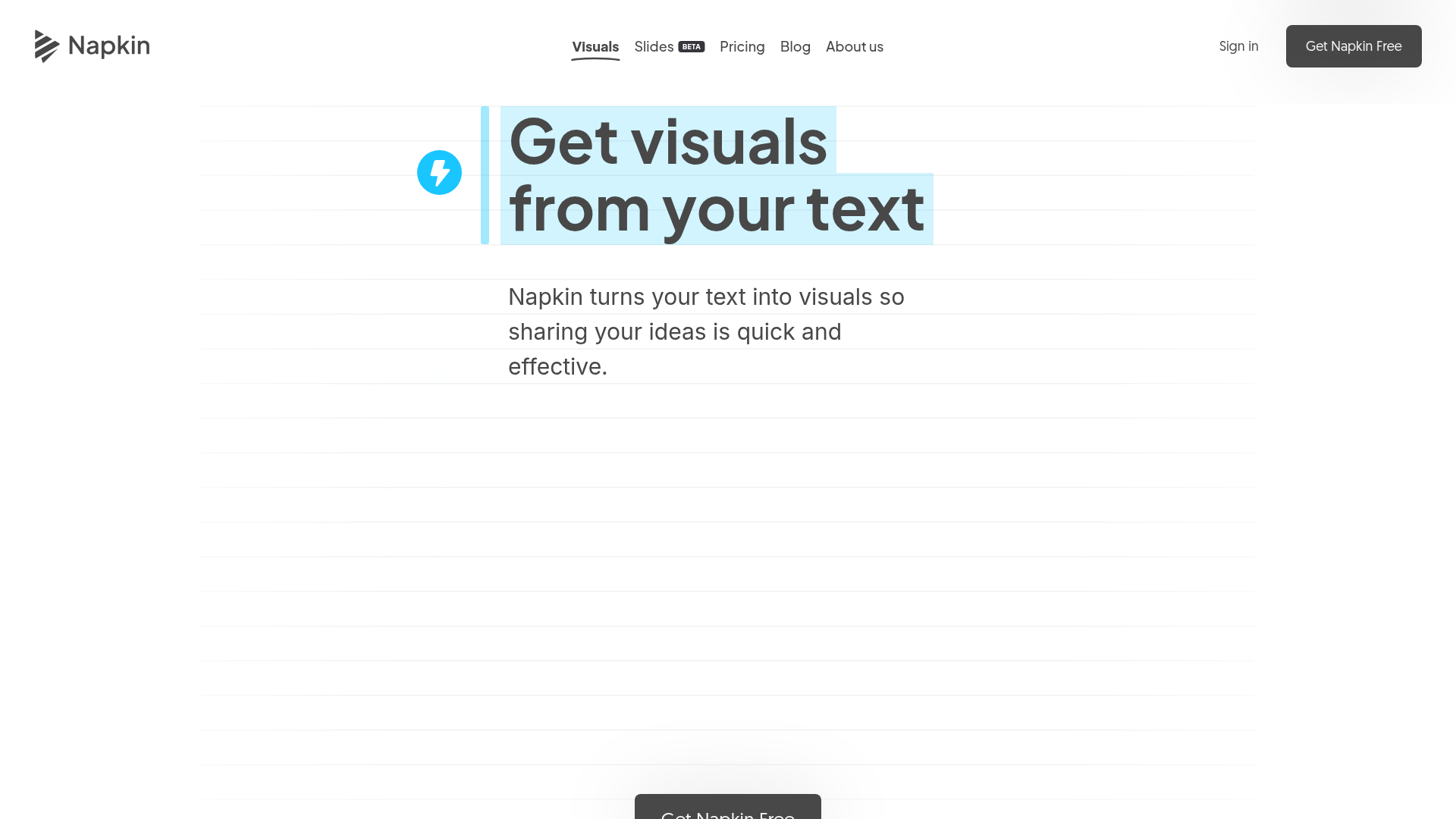
Best for: Visual thinkers needing to convert written ideas into effective slide graphics.
This tool excels at turning your text into visuals to ensure your ideas are shared effectively. It operates through a web platform with a free tier available. Note that no refunds are provided if your usage exceeds 20% of your credit allocation.
Napkin Slides turns your ideas into complete, ready-to-present decks.
Pricing, in their words: “$9per person / month” (pricing)
Subscription terms they state: cancel in-app · auto-renews · 14-day refund window (source)
Limits the vendor states:
- No refunds if usage exceeds 20% of credit allocation
Runable
Visit Runablerunable.com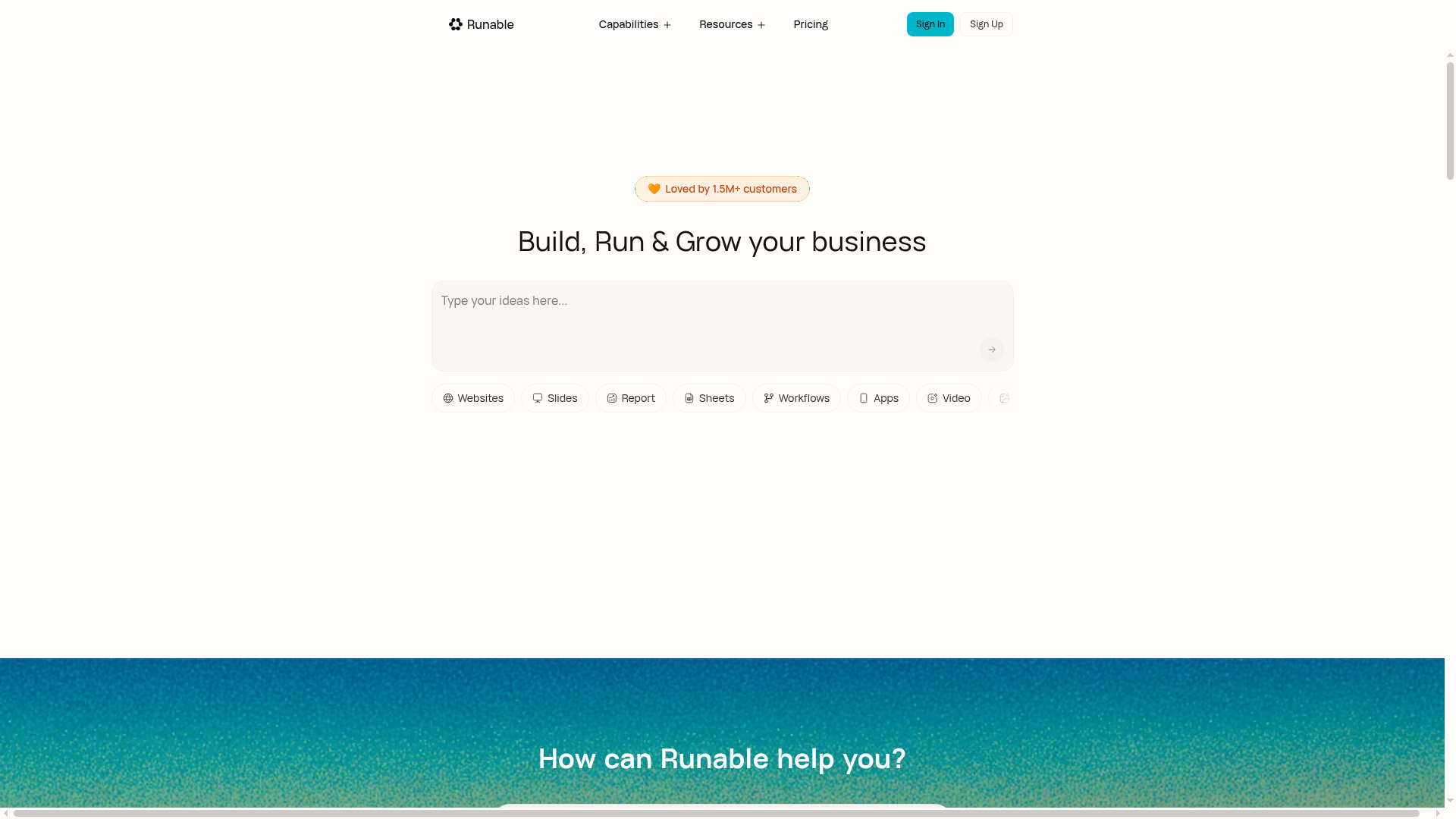
Best for: Users needing a cross-platform AI agent for diverse generation tasks.
As a general AI agent, this tool reasons and adapts to provide the necessary capabilities for your slide deck outcome. It is accessible across web, iOS, Android, and desktop-mac. Be aware that the service states no refunds are available.
Transform simple prompts into stunning slide decks. Runable's AI presentation generator brings your ideas to life.
Pricing, in their words: “MonthlyAnnually · Save 25%” (pricing)
Subscription terms they state: states no refunds (source)
No usage limits stated on the pages we read.
PPT.AI
Visit PPT.AIppt.aiCancellation & refund terms for PPT.AI
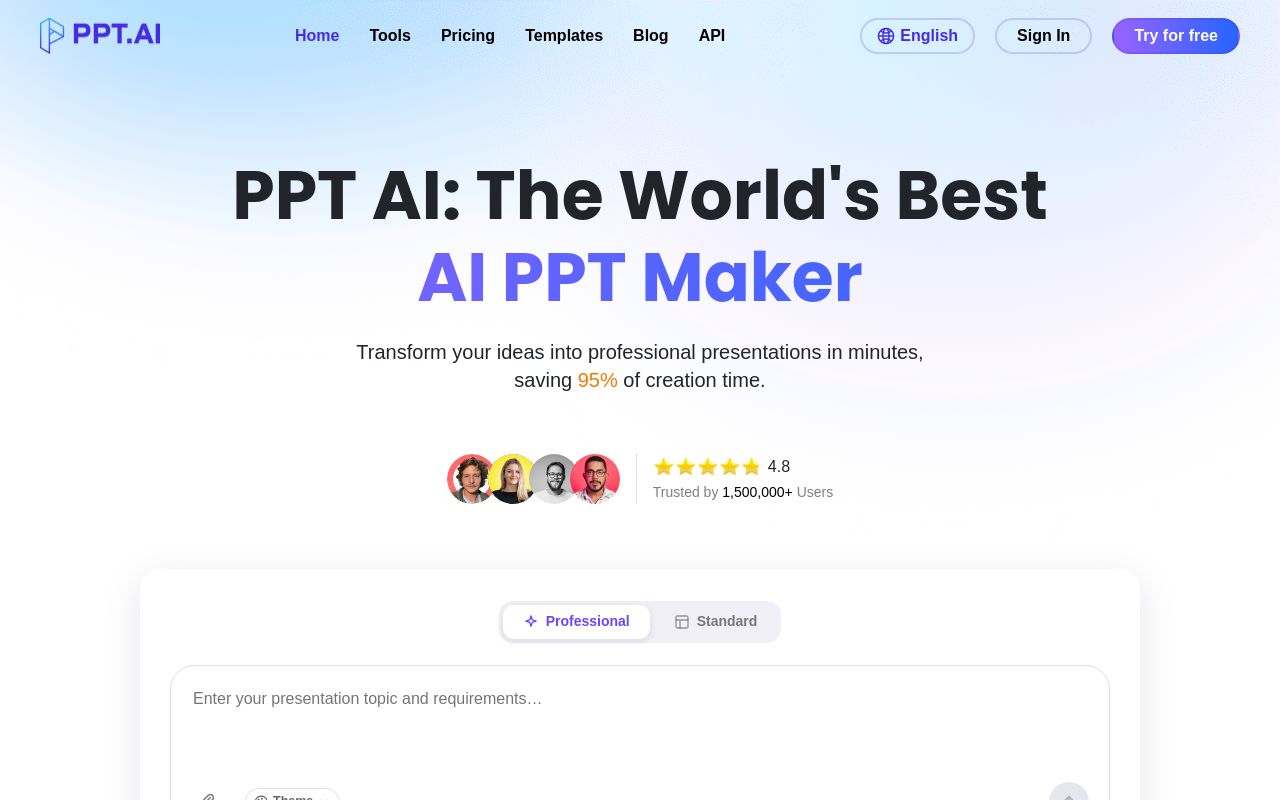
Best for: Creators who want to turn existing video content into presentation decks.
This platform automatically generates professional presentations from your content, including the ability to create presentations from YouTube videos. It is available on the web and as a Chrome extension with API support. You may cancel your subscription via email.
Extract key insights from videos and create dynamic slides.
— ppt.ai
Pricing, in their words: “PPT AI offers three plans: - Free: 3 presentations/month - Plus: $9.9/month or $7.9/month annually (save 20%), up to 50 presentations/month - Pro: $19.9/month or $13.9/month annually (save 30%), up to 200 presentations/month” (pricing)
Subscription terms they state: cancel by email · auto-renews · 3-day refund window (source)
No usage limits stated on the pages we read.
PrometAI
Visit PrometAIprometai.app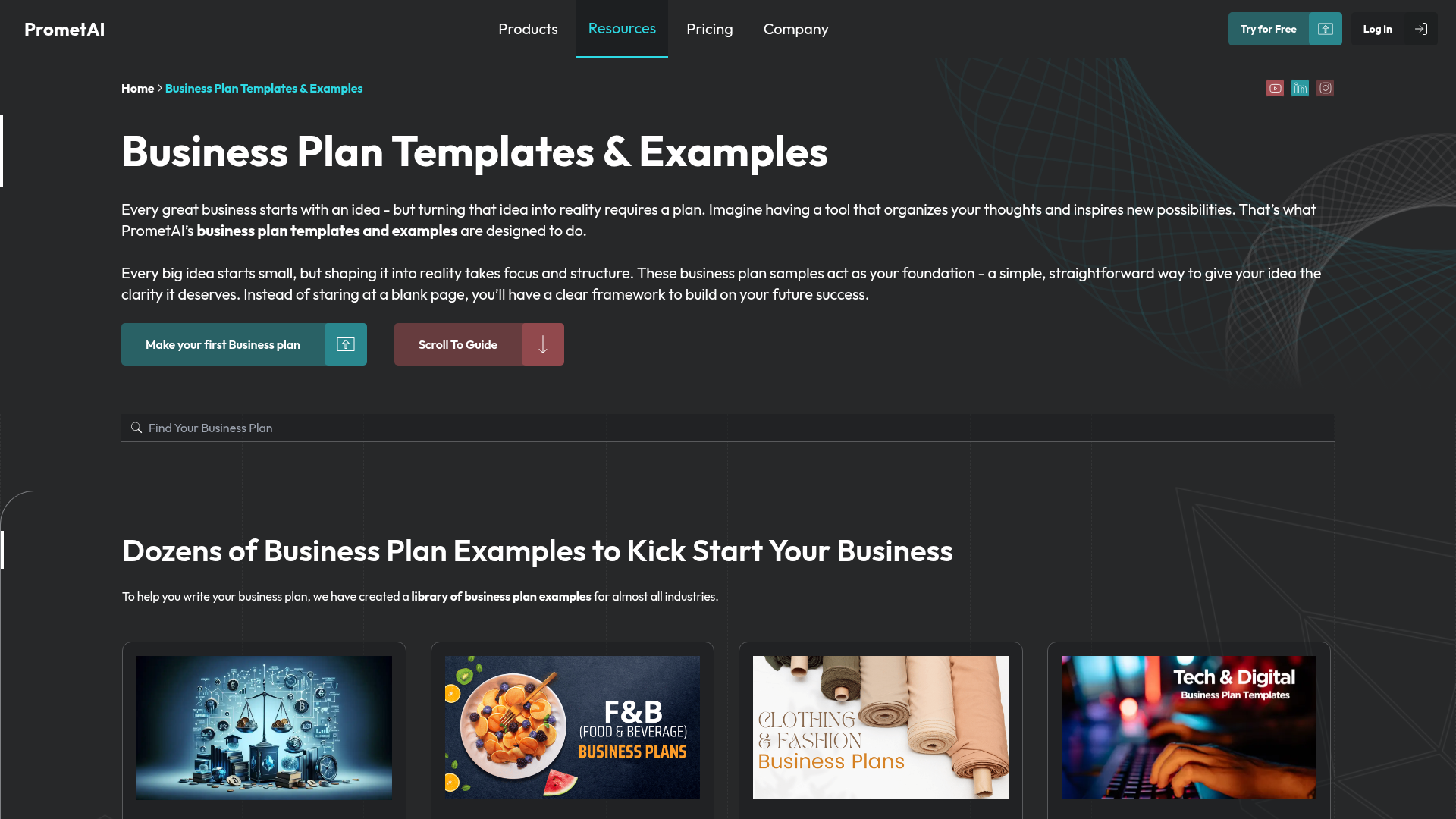
Best for: Entrepreneurs building structured business plans and financial strategies.
This tool serves as an AI business plan generator to provide structure, strategy, and financials for your business. It is a web-based service. Users are subject to specific limits regarding the repurposing of regeneration credits when changing industries.
PowerPoint export
Pricing, in their words: “Explore is free forever. Application-Ready costs $55 per month, and Investor-Grade costs $145 per month.” (pricing)
Subscription terms they state: cancel in-app · auto-renews (source)
Limits the vendor states:
- Generating a new business plan by repurposing regeneration credits for a different industry
NextDocs
Visit NextDocsnextdocs.io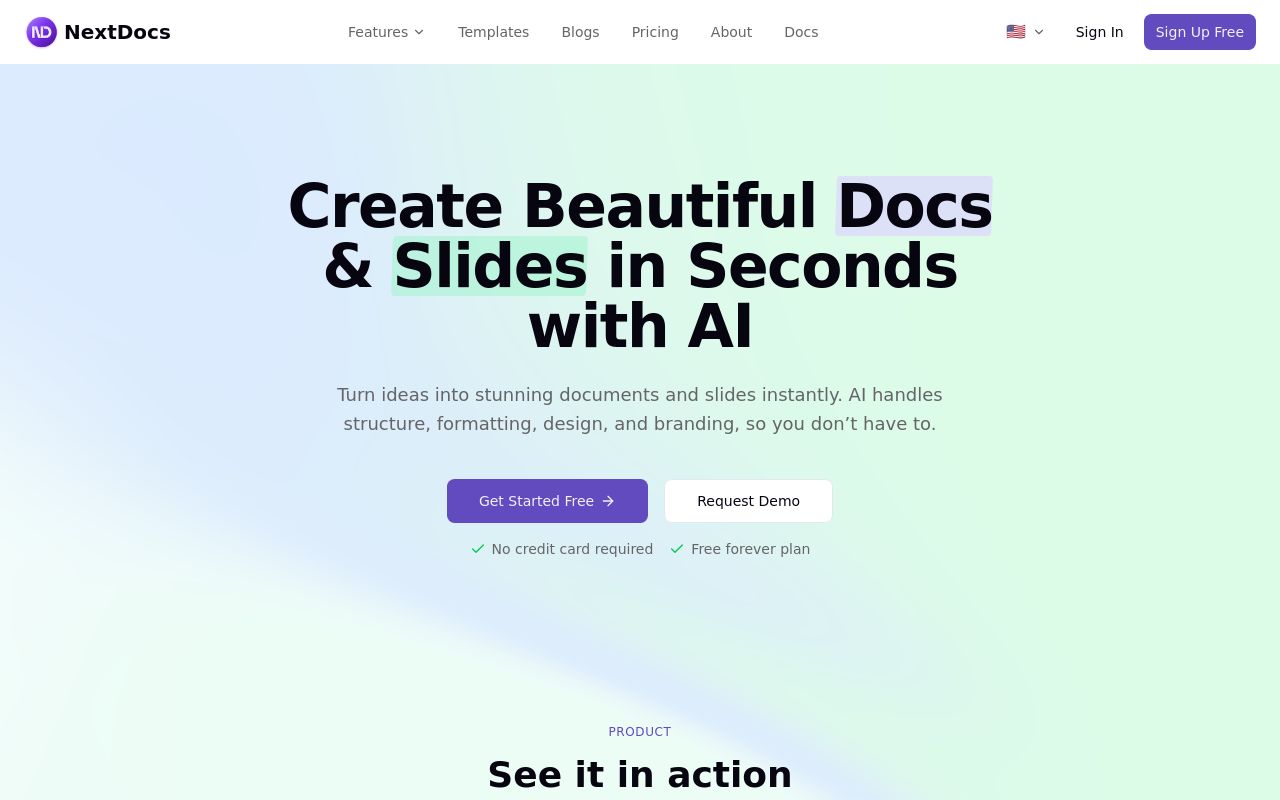
Best for: Professionals who need a unified workspace for branding and refining documents.
This service allows you to create polished slides from prompts and then refine or brand them before exporting. It supports API integration and is accessed via the web. It offers a 30-day refund window for subscriptions.
Create polished docs and slides from prompts
Pricing, in their words: “Simple, transparent pricing Start free, upgrade when you need to. No hidden fees.” (pricing)
Subscription terms they state: cancel in-app · 30-day refund window (source)
No usage limits stated on the pages we read.
Which one for your situation?
- You are a visual thinker who needs to quickly turn written concepts into slide-ready graphics. → Napkin: It is designed to turn your text into visuals, making it effective for those who need to communicate ideas quickly.
- You need a versatile AI assistant that works across mobile devices and desktop computers. → Runable: It is a general AI agent that reasons and adapts across web, iOS, Android, and desktop-mac platforms.
- You have a collection of YouTube videos that you need to convert into a slide deck. → PPT.AI: It is specifically capable of creating presentations from YouTube video content and includes a Chrome extension.
- You are an entrepreneur in the middle of drafting a comprehensive strategy and financial outlook for a new venture. → PrometAI: It provides structure, strategy, and financials specifically for creating business plan presentations.
- You need to manage your branding and slides in a single workspace with a long refund trial period. → NextDocs: It allows you to refine, brand, and export slides from one workspace and offers a 30-day refund window.
FAQ
Is there a free tool to create presentations?
Yes — Napkin, Runable, PPT.AI, PrometAI, NextDocs offer a free tier.
What is the cheapest paid option to create presentations?
PPT.AI starts at $6.90/month.
Which of these have an API?
PPT.AI, NextDocs document a developer API.
How do I cancel these subscriptions?
Napkin: cancel in-app; PPT.AI: cancel by email; PrometAI: cancel in-app; NextDocs: cancel in-app. Runable does not state a cancellation route on the pages we read.
Can I get a refund?
Napkin states a 14-day refund window; Runable states it does not offer refunds; PPT.AI states a 3-day refund window; NextDocs states a 30-day refund window. The other (PrometAI) do not state a refund policy on the pages we read.
Do these subscriptions auto-renew?
Napkin, PPT.AI, PrometAI state that paid plans renew automatically. Check the billing page before subscribing; the rest do not state it either way.
Sources
Every fact above was read from the vendors' own pages: