
Best AI tools to draft sales follow-up emails
Top picks at a glance:
- SheetAI — Spreadsheet-heavy workflows requiring simple email generation via formulas.
- Expertise AI — Businesses needing revenue-focused automation and API-driven conversation workflows.
- Supernormal — Teams seeking cross-platform meeting transcription and context-aware deliverable generation.
- Stella — Sales teams needing mobile coaching, CRM updates, and meeting-based email drafting.
| Tool | What it does | Pricing | Free tier | Refunds |
|---|---|---|---|---|
| SheetAI | Google Sheets add-on that enables AI formulas for text, images, video, and music generation inside spreadsheets. | Free tier; paid from $12/mo | Yes | 30 days |
| Expertise AI | Automate conversations and drive revenue growth with AI that evolves with your business needs. | Free tier; paid from $40/mo * | Yes | — |
| Supernormal | AI agents that transcribe meetings and generate work deliverables based on meeting context. | Free tier; paid from $20/mo | Yes | None stated |
| Stella | An AI assistant for sales teams that analyzes meetings to provide coaching, CRM updates, and follow-up emails. | Free tier; paid from $9/mo * | Yes | — |
— means the vendor does not state it on the pages we read.
* pricing not verified against the vendor's pricing page.
SheetAI
Visit SheetAIsheetai.app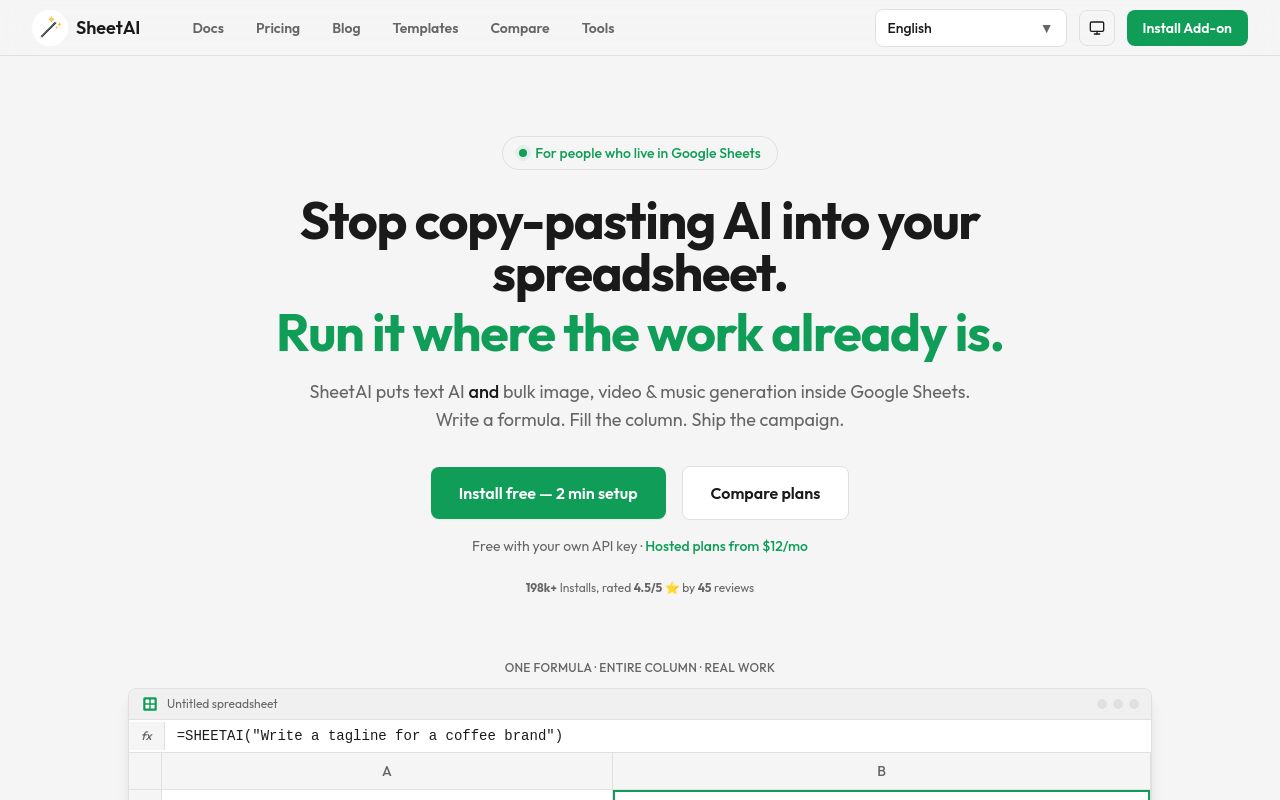
Best for: Spreadsheet-heavy workflows requiring simple email generation via formulas.
This Google Sheets add-on enables AI formulas for text, images, video, and music generation within your spreadsheets. It allows you to draft follow-up emails in a web-based environment. You can access a free tier or paid plans starting at $12 per month, featuring a 30-day refund window.
Draft follow-up emails, personalize outreach, and track leads.
Pricing, in their words: “Hosted usage without managing keys — light daily use $12/month” (pricing)
Subscription terms they state: cancel in-app · 30-day refund window (source)
No usage limits stated on the pages we read.
Expertise AI
Visit Expertise AIchatsimple.ai
Best for: Businesses needing revenue-focused automation and API-driven conversation workflows.
This tool automates conversations and evolves with your business needs to draft sales follow-up emails. It offers an API and functions on the web, with pricing starting at $40 per month. Note that it is prohibited from identifying individual natural persons using visitor identification data.
Generate a concise sales follow-up email free. Pick the touch (1st, 2nd, or breakup) and get a subject line plus a body
Pricing: Free tier; paid from $40/mo (pricing)
Subscription terms they state: cancel in-app · auto-renews (source)
Limits the vendor states:
- Prohibited from identifying individual natural persons using visitor identification data
Supernormal
Visit Supernormalsupernormal.comBest for: Teams seeking cross-platform meeting transcription and context-aware deliverable generation.
Supernormal uses AI agents to transcribe meetings and generate work deliverables, including the ability to generate follow-up emails. It supports web, desktop, and mobile platforms. The tool offers a free tier, but it is not for commercial use; paid plans start at $20 per month with no refunds.
Source: supernormal.com
Pricing, in their words: “Only pay for the credits your team needs.” (pricing)
Subscription terms they state: cancel in-app · states no refunds (source)
Limits the vendor states:
- not for commercial use with free tier
Best for: Sales teams needing mobile coaching, CRM updates, and meeting-based email drafting.
Stella acts as an AI assistant that analyzes meetings to provide coaching, CRM updates, and draft follow-up emails. It is available on web, iOS, and Android with API support included. Paid plans for this tool begin at $9 per month.
Source: nonverbia.com
Pricing: Free tier; paid from $9/mo (pricing)
No usage limits stated on the pages we read.
Which one for your situation?
- You manage a high volume of leads within Google Sheets and want to streamline your outreach workflow. → SheetAI: It functions as a Google Sheets add-on, enabling you to use AI formulas to draft follow-up emails directly inside your existing spreadsheets.
- You are a sales manager looking for a scalable, automated system that evolves with your business revenue goals. → Expertise AI: It is designed to automate conversations and drive revenue growth, providing an API for your technical infrastructure.
- You host frequent client meetings and need an agent to document key details to fuel your follow-up process. → Supernormal: It uses AI agents to transcribe meetings and generate work deliverables based on the specific context of your conversations.
- You require a mobile-friendly sales assistant that provides coaching and updates your CRM automatically after meetings. → Stella: It analyzes meetings to provide coaching, CRM updates, and draft follow-up emails across web, iOS, and Android platforms.
FAQ
Is there a free tool to draft sales follow-up emails?
Yes — SheetAI, Expertise AI, Supernormal, Stella offer a free tier.
What is the cheapest paid option to draft sales follow-up emails?
Stella starts at $9/month.
Which of these have an API?
Expertise AI, Stella document a developer API.
How do I cancel these subscriptions?
SheetAI: cancel in-app; Expertise AI: cancel in-app; Supernormal: cancel in-app. Stella does not state a cancellation route on the pages we read.
Can I get a refund?
SheetAI states a 30-day refund window; Supernormal states it does not offer refunds. The others (Expertise AI, Stella) do not state a refund policy on the pages we read.
Do these subscriptions auto-renew?
Expertise AI states that paid plans renew automatically. Check the billing page before subscribing; the rest do not state it either way.
Sources
Every fact above was read from the vendors' own pages: