
Best AI tools to update crm records
| Tool | What it does | Pricing | Free tier | Refunds |
|---|---|---|---|---|
| Lindy | An AI teammate that connects to your tools and performs tasks across your workspace. | From $29.99/mo | No | None stated |
| Notis | An AI assistant that turns voice notes, emails, and chats into finished work across your existing tools. | From $13/mo | No | — |
| Needle | Proactive AI agents for revenue teams that update your CRM, prep calls, enrich deals, and handle pipeline busywork. | From $199/mo | No | — |
| Stella | An AI assistant for sales teams that analyzes meetings to provide coaching, CRM updates, and follow-up emails. | Free tier; paid from $9/mo * | Yes | — |
| Otter.ai | AI tool that transcribes meetings, interviews, and everyday discussions, turning them into structured, searchable, and actionable knowledge. | Free tier; paid from $8.33/mo | Yes | None stated |
— means the vendor does not state it on the pages we read.
* pricing not verified against the vendor's pricing page.
Lindy
Visit Lindylindy.aiCancellation & refund terms for Lindy
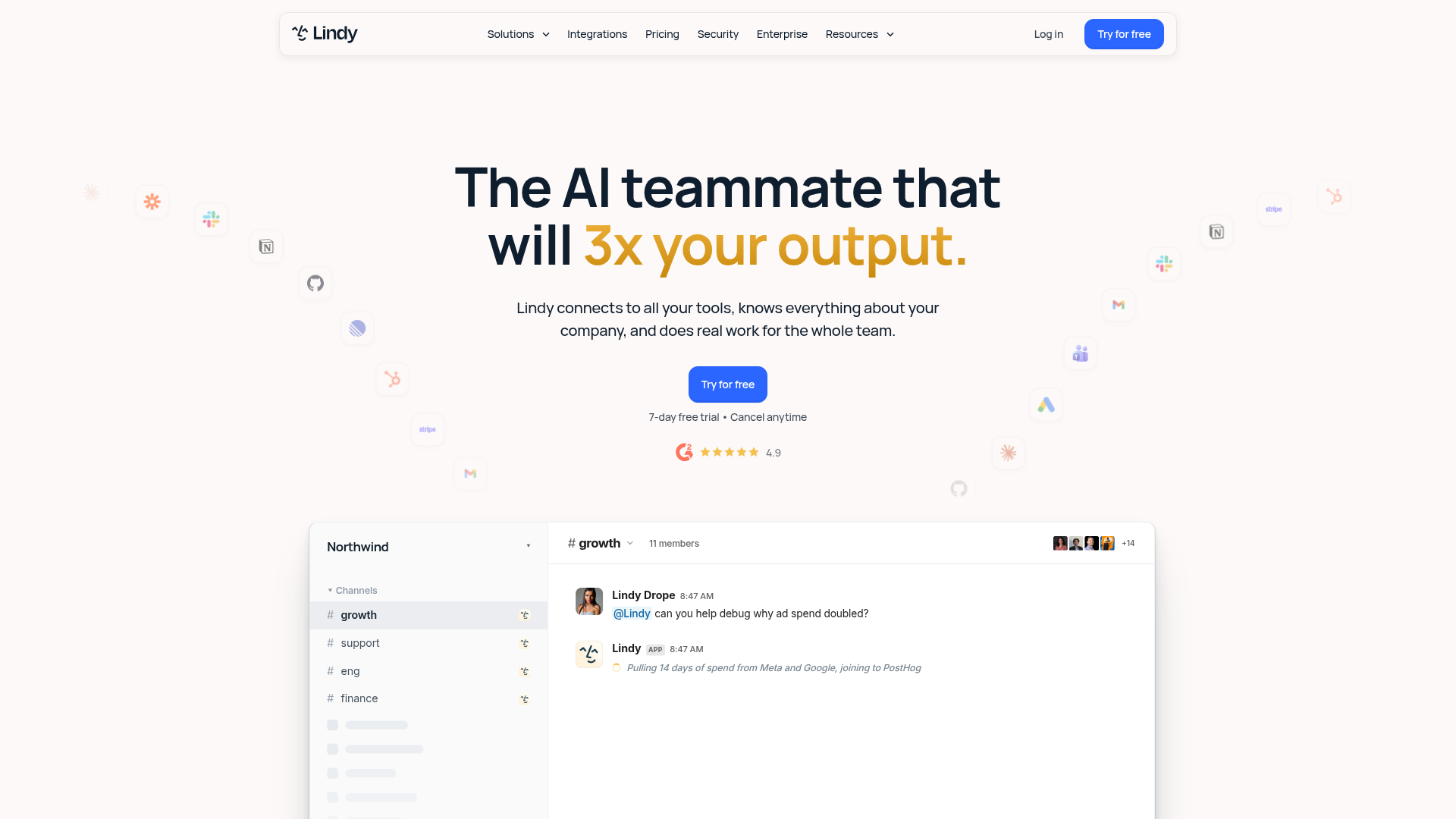
An AI teammate that connects to your tools and performs tasks across your workspace.
Monitors your Slack, meetings, and email, then updates your CRM exactly the way you want.
— lindy.ai
Pricing, in their words: “$29.99 /mo per user” (pricing)
Subscription terms they state: cancel in-app · auto-renews · states no refunds (source)
Limits the vendor states:
- HIPAA/industry-specific compliance
Notis
Visit Notisnotis.ai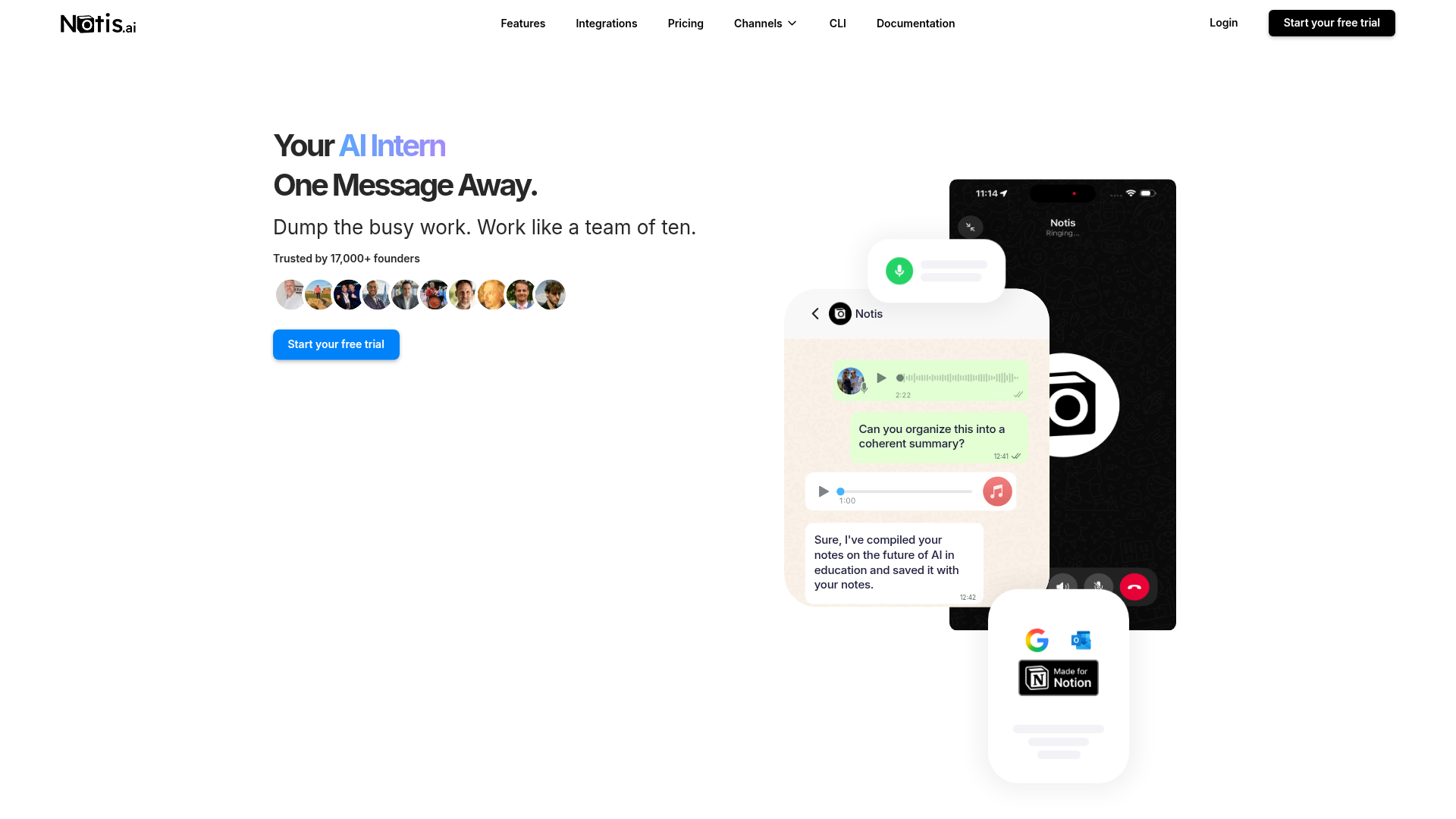
An AI assistant that turns voice notes, emails, and chats into finished work across your existing tools.
Log calls, notes and plan follow-ups to your existing CRM from a single voice message.
— notis.ai
Pricing, in their words: “Every plan starts with a 7-day free trial and $20 of usage on us.” (pricing)
No usage limits stated on the pages we read.
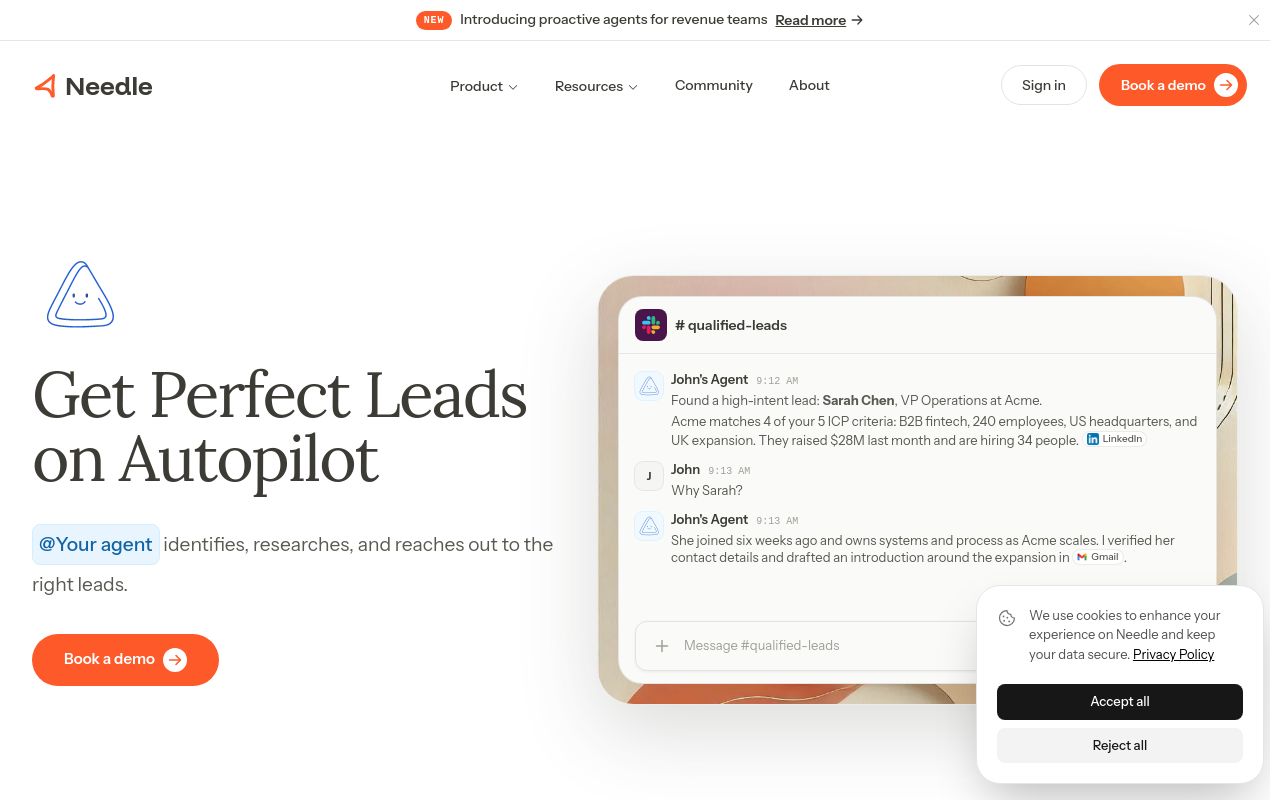
Proactive AI agents for revenue teams that update your CRM, prep calls, enrich deals, and handle pipeline busywork.
CRM updated, stalled deal flagged, and next step drafted for review.
Pricing, in their words: “Needle Pro One plan scaling with credit packs. All models, all features included. Pay as you go. $199/agent/mo” (pricing)
No usage limits stated on the pages we read.
An AI assistant for sales teams that analyzes meetings to provide coaching, CRM updates, and follow-up emails.
One-click CRM field update Push a suggested value to your CRM in one click
Pricing: Free tier; paid from $9/mo (pricing)
No usage limits stated on the pages we read.
Otter.ai
Visit Otter.aiotter.aiCancellation & refund terms for Otter.ai
AI tool that transcribes meetings, interviews, and everyday discussions, turning them into structured, searchable, and actionable knowledge.
Source: otter.ai
Pricing, in their words: “Pro For individuals and small teams $8.33 /user/month” (pricing)
Subscription terms they state: cancel in-app · auto-renews · states no refunds (source)
Limits the vendor states:
- commercial use restrictions
FAQ
Is there a free tool to update crm records?
Yes — Stella, Otter.ai offer a free tier.
What is the cheapest paid option to update crm records?
Otter.ai starts at $8.33/month.
Which of these have an API?
Stella, Otter.ai document a developer API.
How do I cancel these subscriptions?
Lindy: cancel in-app; Otter.ai: cancel in-app. Notis, Needle, Stella do not state a cancellation route on the pages we read.
Can I get a refund?
Lindy states it does not offer refunds; Otter.ai states it does not offer refunds. The others (Notis, Needle, Stella) do not state a refund policy on the pages we read.
Do these subscriptions auto-renew?
Lindy, Otter.ai state that paid plans renew automatically. Check the billing page before subscribing; the rest do not state it either way.
Sources
Every fact above was read from the vendors' own pages: