
Best AI tools to analyze document content
| Tool | What it does | Pricing | Free tier | Refunds |
|---|---|---|---|---|
| Gizmo | AI-powered learning tool to create personalized flashcards and quizzes from PDFs, YouTube videos, and notes. | Free tier | Yes | None stated |
| docAnalyzer | A source-grounded AI workspace for expert practitioners. | Free tier; paid from $8/mo | Yes | — |
| GPT-trainer | Build AI agents with a multi-agent framework, no-code UI, and versatile API for voice and text automation. | Free tier; paid from $150/mo | Yes | None stated |
| LightPDF | An all-in-one AI-powered PDF solution to edit, convert, annotate, sign, organize, and summarize documents. | Free tier | Yes | 30 days |
| MindMap AI | An AI-powered tool to create and publish mind maps from thoughts, documents, audio, video, and webpages. | Free tier; paid from $4.99/mo | Yes | 7 days |
— means the vendor does not state it on the pages we read.
Gizmo
Visit Gizmogizmo.aiCancellation & refund terms for Gizmo
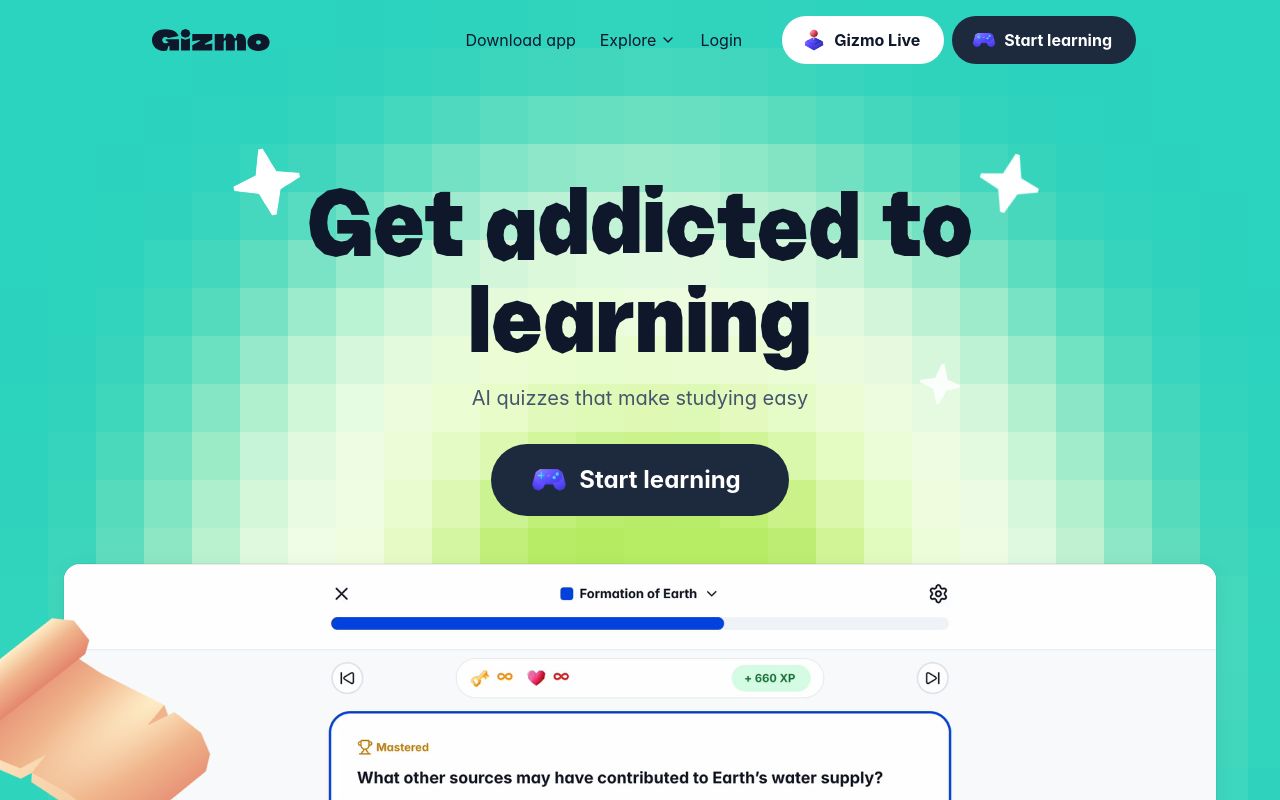
AI-powered learning tool to create personalized flashcards and quizzes from PDFs, YouTube videos, and notes.
PDF Summarizer
— gizmo.ai
Pricing, in their words: “We offer some of our premium Services for a fee. If you choose to purchase applicable Services, we will collect payment information, such as credit card, billing address and other financial account information.”
Subscription terms they state: cancel in-app · auto-renews · states no refunds (source)
Limits the vendor states:
- no commercial use
- cannot be used to develop competitive products
docAnalyzer
Visit docAnalyzerdocanalyzer.ai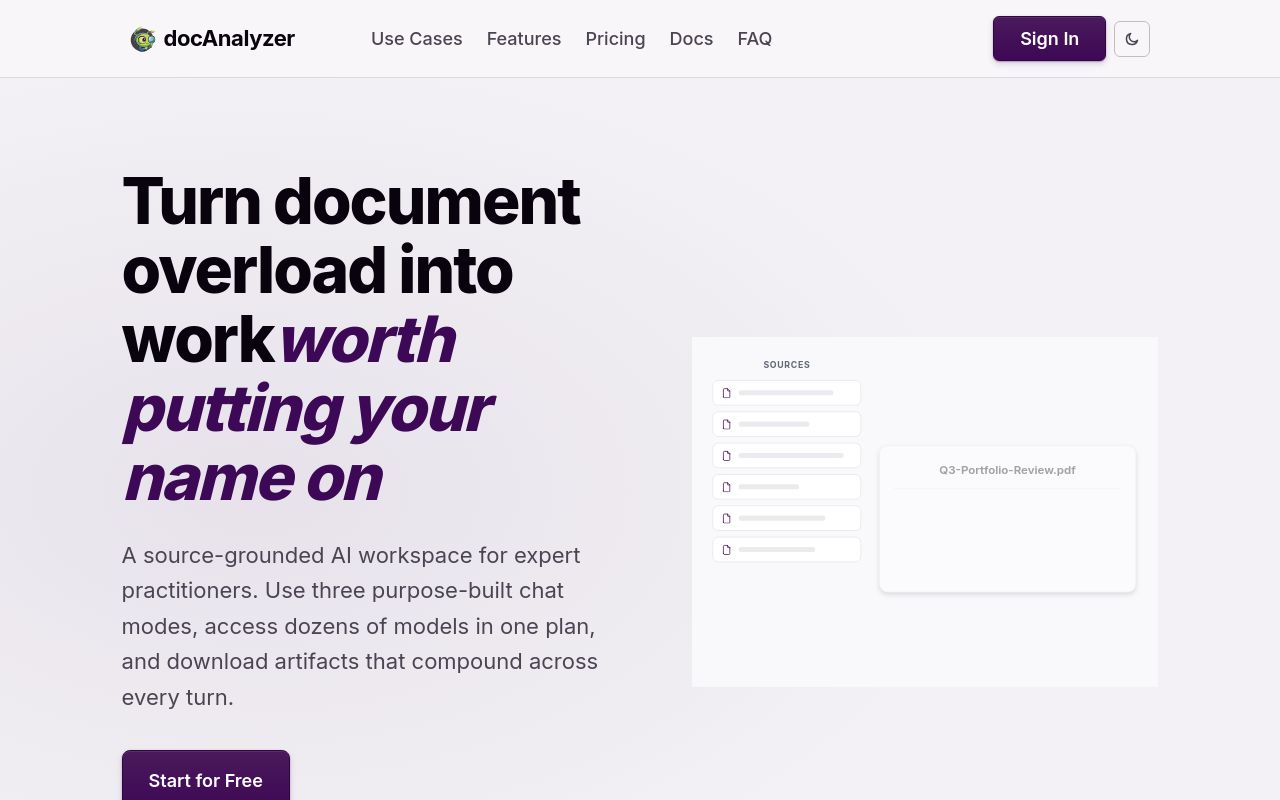
A source-grounded AI workspace for expert practitioners.
I use docAnalyzer every damn day, to compare résumés to job postings, review contracts, ask questions about terms of service, summarize, and a lot more.
Pricing, in their words: “Billed monthly Billed yearly Save two months on annual plans” (pricing)
Subscription terms they state: cancel in-app · auto-renews (source)
Limits the vendor states:
- Standalone image, audio, and video files are not supported
GPT-trainer
Visit GPT-trainergpt-trainer.com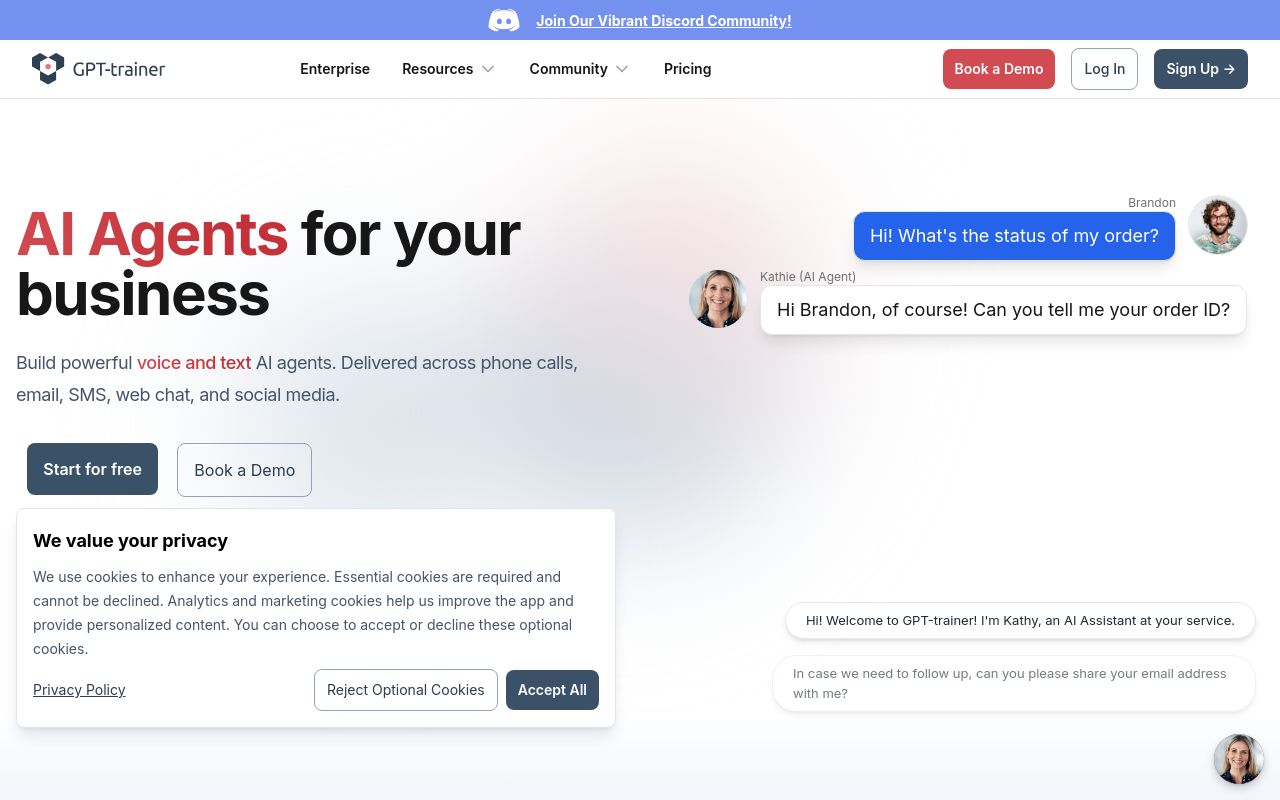
Build AI agents with a multi-agent framework, no-code UI, and versatile API for voice and text automation.
Parse and extract insights from complex documents
Pricing, in their words: “Self-Serve $150 USD Billed monthly” (pricing)
Subscription terms they state: states no refunds (source)
Limits the vendor states:
- no refunds
LightPDF
Visit LightPDFlightpdf.comCancellation & refund terms for LightPDF
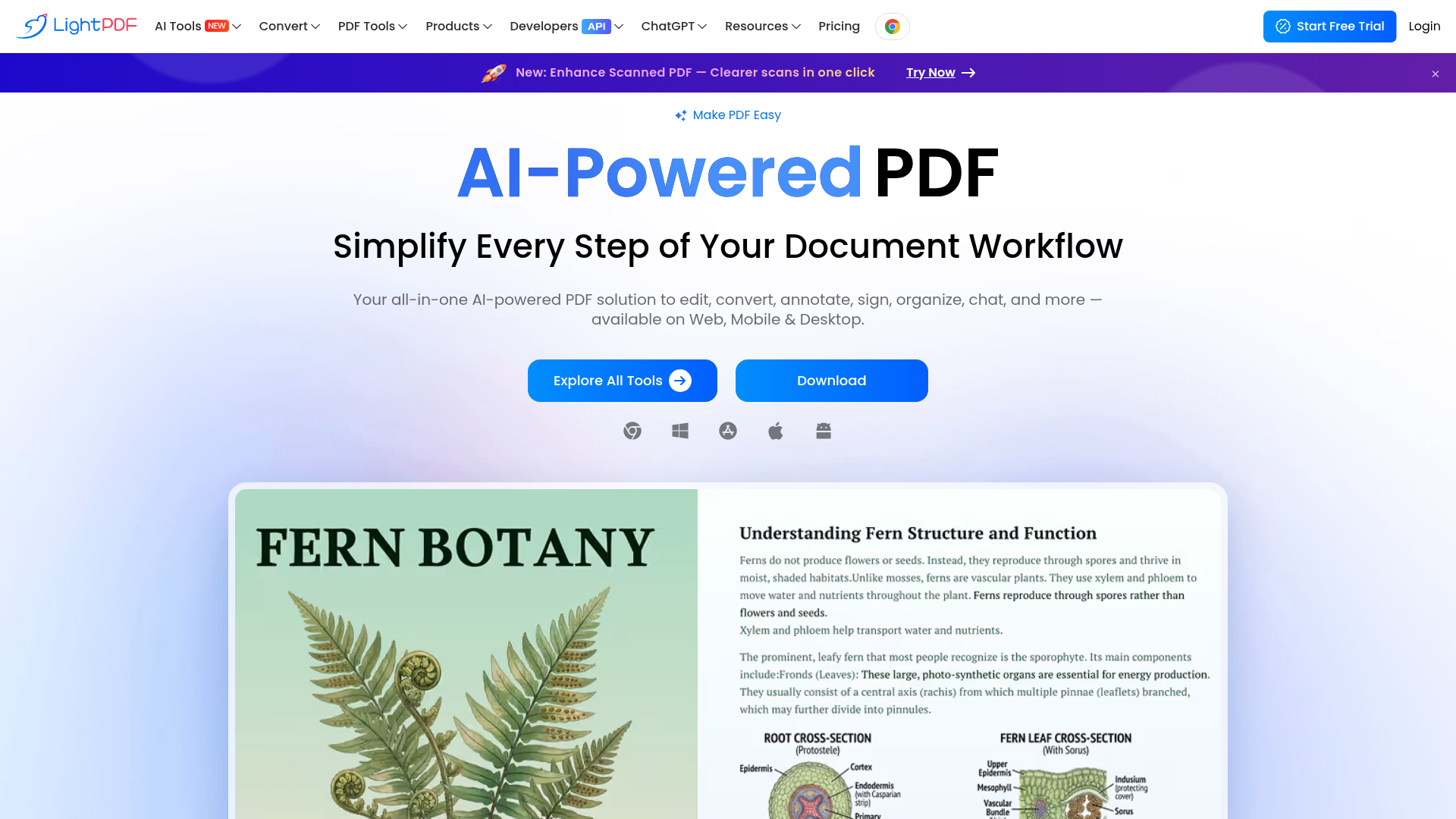
An all-in-one AI-powered PDF solution to edit, convert, annotate, sign, organize, and summarize documents.
Document Data Extractor
Pricing, in their words: “3 Days of Full Access, Completely Free – Start Your LightPDF Trial Now” (pricing)
Subscription terms they state: cancel via a form · auto-renews · 30-day refund window (source)
Limits the vendor states:
- Cannot sign in to multiple Windows devices at once
MindMap AI
Visit MindMap AImindmapai.appCancellation & refund terms for MindMap AI
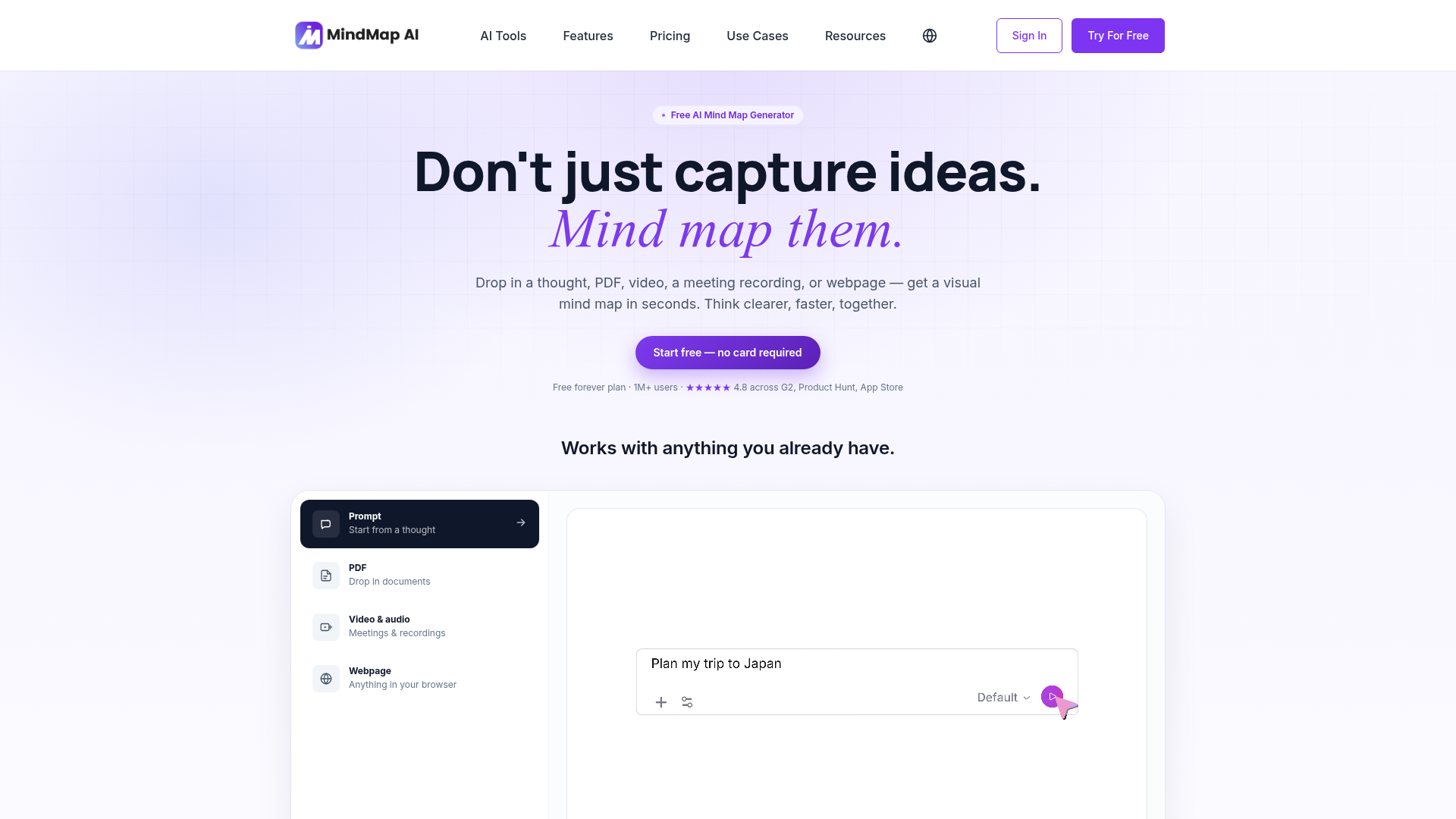
An AI-powered tool to create and publish mind maps from thoughts, documents, audio, video, and webpages.
Any PDF — research, contracts, notes. Structure in minutes.
Pricing, in their words: “Free forever plan” (pricing)
Subscription terms they state: cancel in-app · auto-renews · 7-day refund window (source)
Limits the vendor states:
- cannot upload copyrighted, paid, or proprietary works without authorization
FAQ
Is there a free tool to analyze document content?
Yes — Gizmo, docAnalyzer, GPT-trainer, LightPDF, MindMap AI offer a free tier.
What is the cheapest paid option to analyze document content?
MindMap AI starts at $4.99/month.
Which of these have an API?
docAnalyzer, GPT-trainer, LightPDF document a developer API.
How do I cancel these subscriptions?
Gizmo: cancel in-app; docAnalyzer: cancel in-app; LightPDF: cancel via a form; MindMap AI: cancel in-app. GPT-trainer does not state a cancellation route on the pages we read.
Can I get a refund?
Gizmo states it does not offer refunds; GPT-trainer states it does not offer refunds; LightPDF states a 30-day refund window; MindMap AI states a 7-day refund window. The other (docAnalyzer) do not state a refund policy on the pages we read.
Do these subscriptions auto-renew?
Gizmo, docAnalyzer, LightPDF, MindMap AI state that paid plans renew automatically. Check the billing page before subscribing; the rest do not state it either way.
Sources
Every fact above was read from the vendors' own pages: