
Best AI tools to resize images
Top picks at a glance:
- Photoroom — E-commerce merchants requiring professional product visuals.
- AdsCreator — Marketers needing to generate and resize on-brand ad creatives.
- getimg.ai — Users needing a wide array of AI generation and editing models.
- BeFunky — Users seeking a broad creative suite for collages and design.
- DaVinci — Social media content creators using diverse generative AI models.
| Tool | What it does | Pricing | Free tier | Refunds |
|---|---|---|---|---|
| Photoroom | The future-ready product visual solution for e‑commerce. | Free tier; paid from $7.50/mo | Yes | 7 days |
| AdsCreator | AI-powered ad creative generator. Paste any URL, extract brand DNA, and generate on-brand ad creatives in seconds. | Free tier; paid from $24/mo | Yes | 7 days |
| getimg.ai | A platform integrating multiple AI models for image, video, and audio generation and editing. | Free tier; paid from $8/mo | Yes | — |
| BeFunky | An online creative platform for photo editing, collage making, and graphic design. | Free tier; paid from $6.99/mo * | Yes | None stated |
| DaVinci | A generative AI suite for creating and editing images and videos using various AI models. | Free tier; paid from $39.99/mo * | Yes | None stated |
— means the vendor does not state it on the pages we read.
* pricing not verified against the vendor's pricing page.
Photoroom
Visit Photoroomphotoroom.com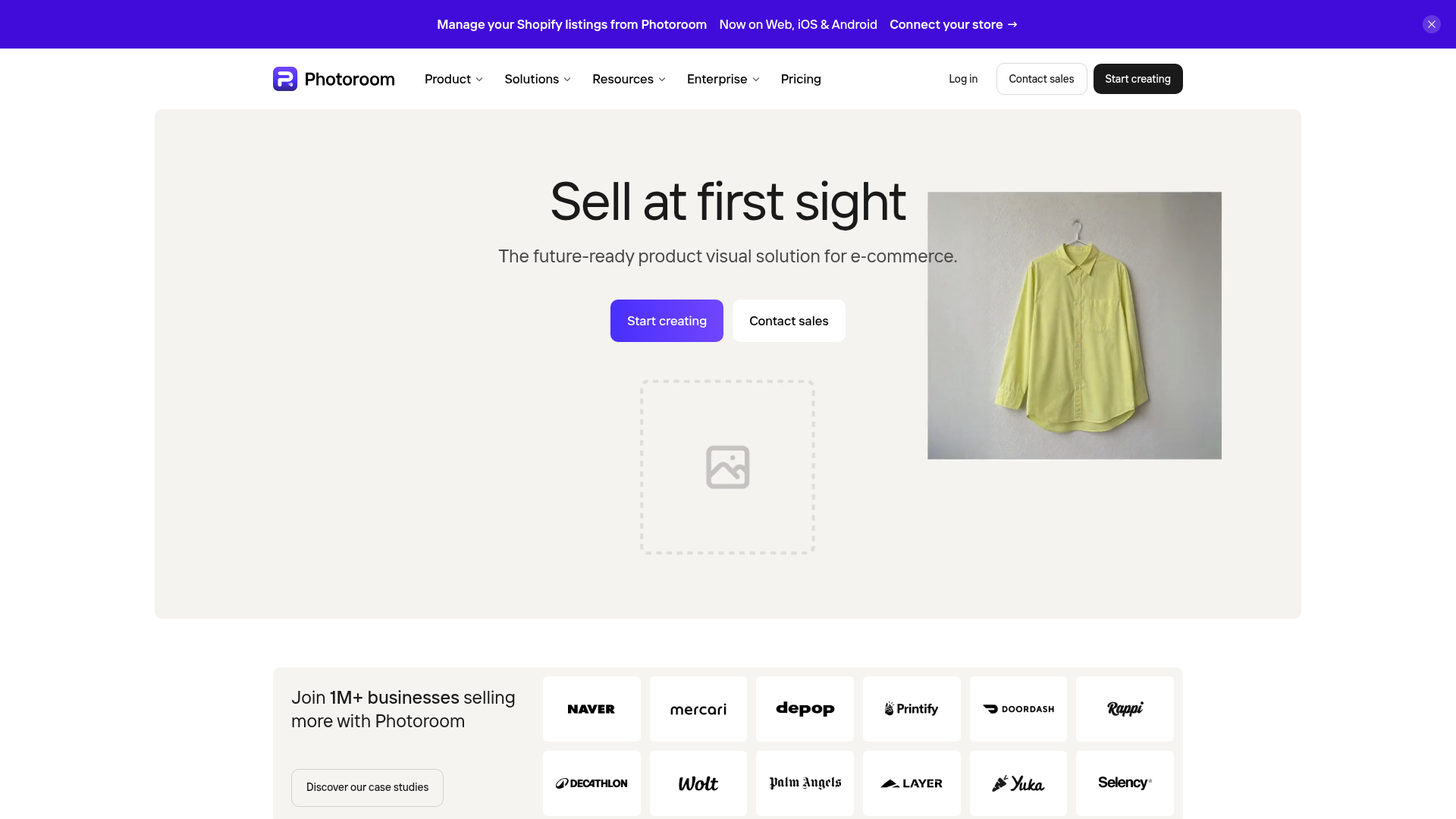
Best for: E-commerce merchants requiring professional product visuals.
This platform functions as a product visual solution built for e-commerce. It allows users to resize product images through web, iOS, and Android apps or an API. Users can cancel their subscription in-app and benefit from a 7-day refund window.
One image, every format. Resize for Instagram, Amazon, Shopify, and more.
Pricing, in their words: “$12.99$7.50Per month, billed yearly” (pricing)
Subscription terms they state: cancel in-app · 7-day refund window (source)
No usage limits stated on the pages we read.
AdsCreator
Visit AdsCreatoradscreator.com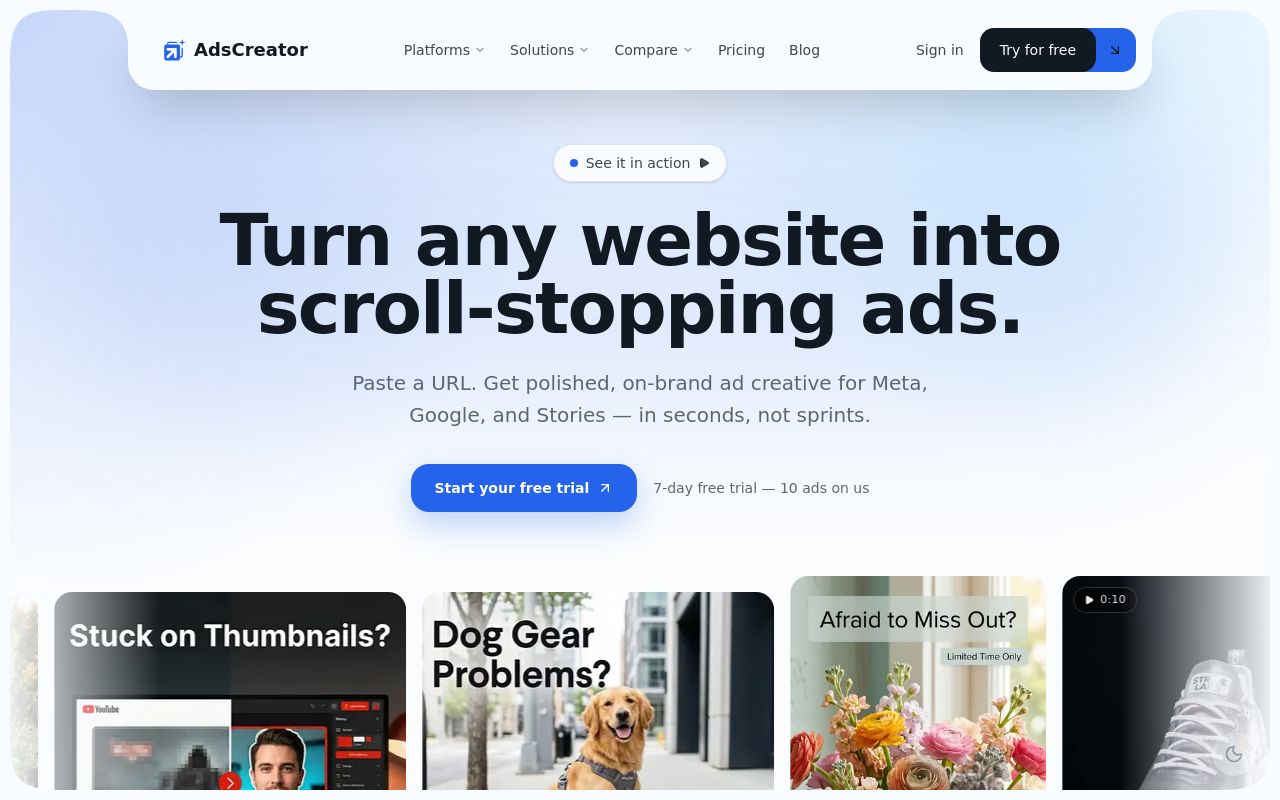
Best for: Marketers needing to generate and resize on-brand ad creatives.
This AI-powered tool extracts brand DNA from URLs to create ad assets. It supports the ability to resize ad images and provides API access. Note that the service auto-renews and does not allow refunds after credit usage.
Resize any image to standard ad sizes for every platform.
Pricing, in their words: “AnnualSave 2 monthsMonthly Instant access to all credits 7-day money-back guarantee” (pricing)
Subscription terms they state: cancel by email · auto-renews · 7-day refund window (source)
Limits the vendor states:
- cannot refund after usage of credit purchases
getimg.ai
Visit getimg.aigetimg.ai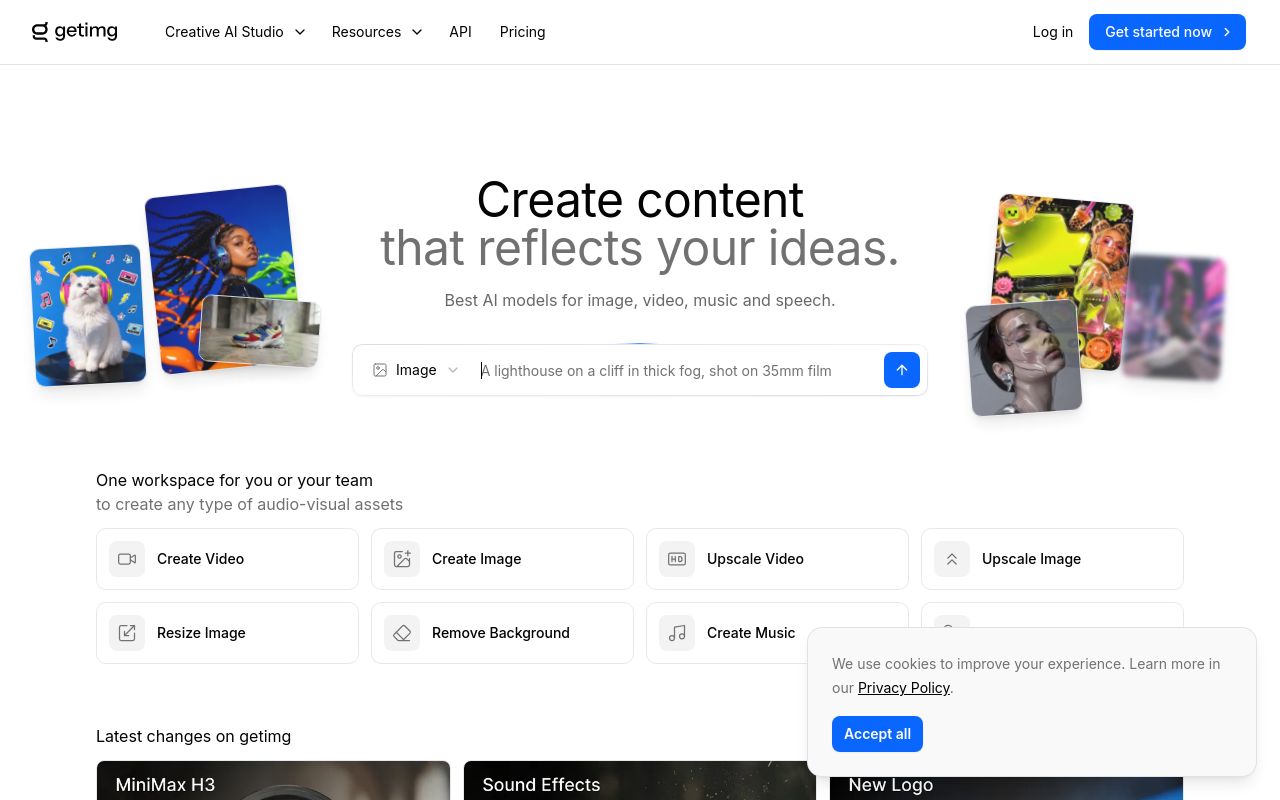
Best for: Users needing a wide array of AI generation and editing models.
This platform integrates various models for image, video, and audio tasks. While it allows you to resize images on the web, it does not provide API access through its subscription. Unused credits do not roll over.
AI Editing Image Upscaler Video Upscaler Smart Image Resizer Background Remover
Pricing, in their words: “Monthly YearlySave 20% on yearly plans” (pricing)
Limits the vendor states:
- unused credits do not roll over
- no API access via subscription
BeFunky
Visit BeFunkybefunky.com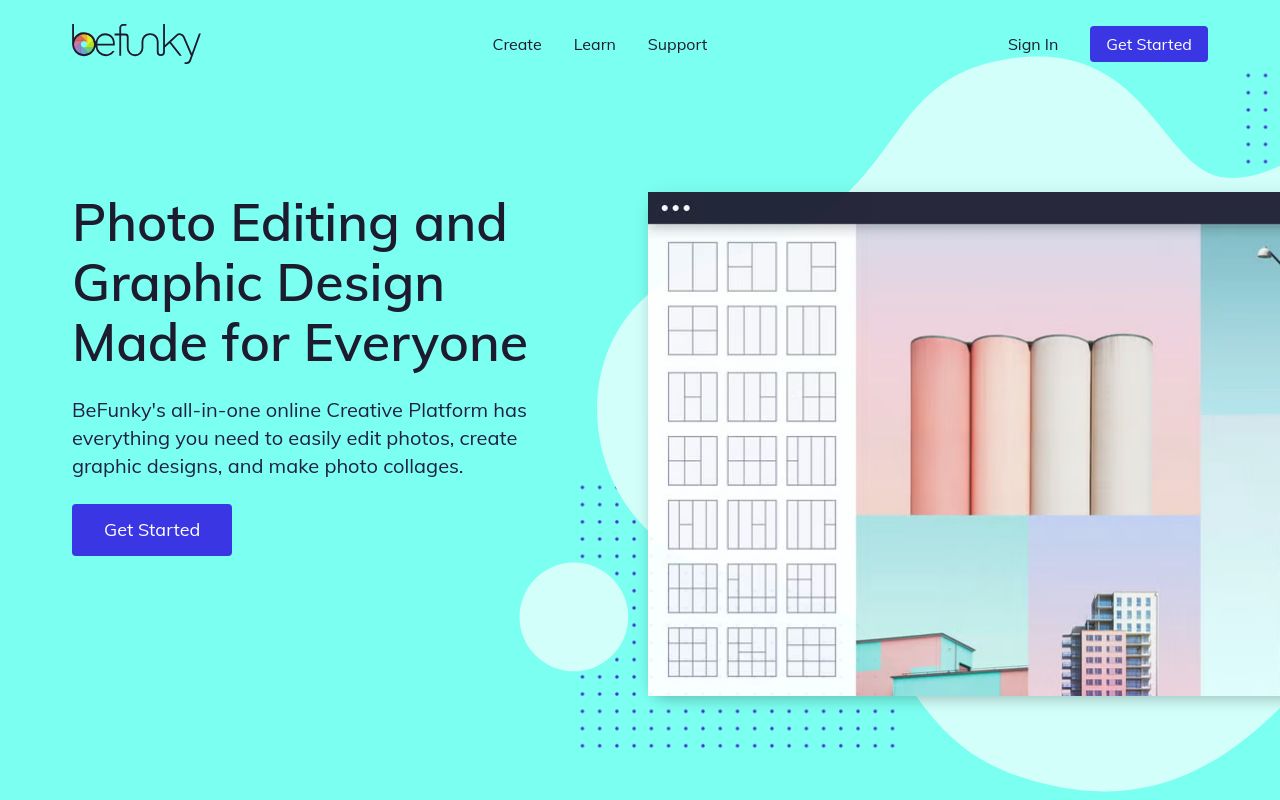
Best for: Users seeking a broad creative suite for collages and design.
BeFunky is an online creative platform for graphic design and photo editing. It is available on the web, iOS, and Android for those looking to resize images. The service auto-renews and states that no refunds are provided.
The Resize tool lets you quickly resize images while maintaining high quality resolution.
Pricing: Free tier; paid from $6.99/mo (pricing)
Subscription terms they state: cancel in-app · auto-renews · states no refunds (source)
No usage limits stated on the pages we read.
DaVinci
Visit DaVincidavinci.ai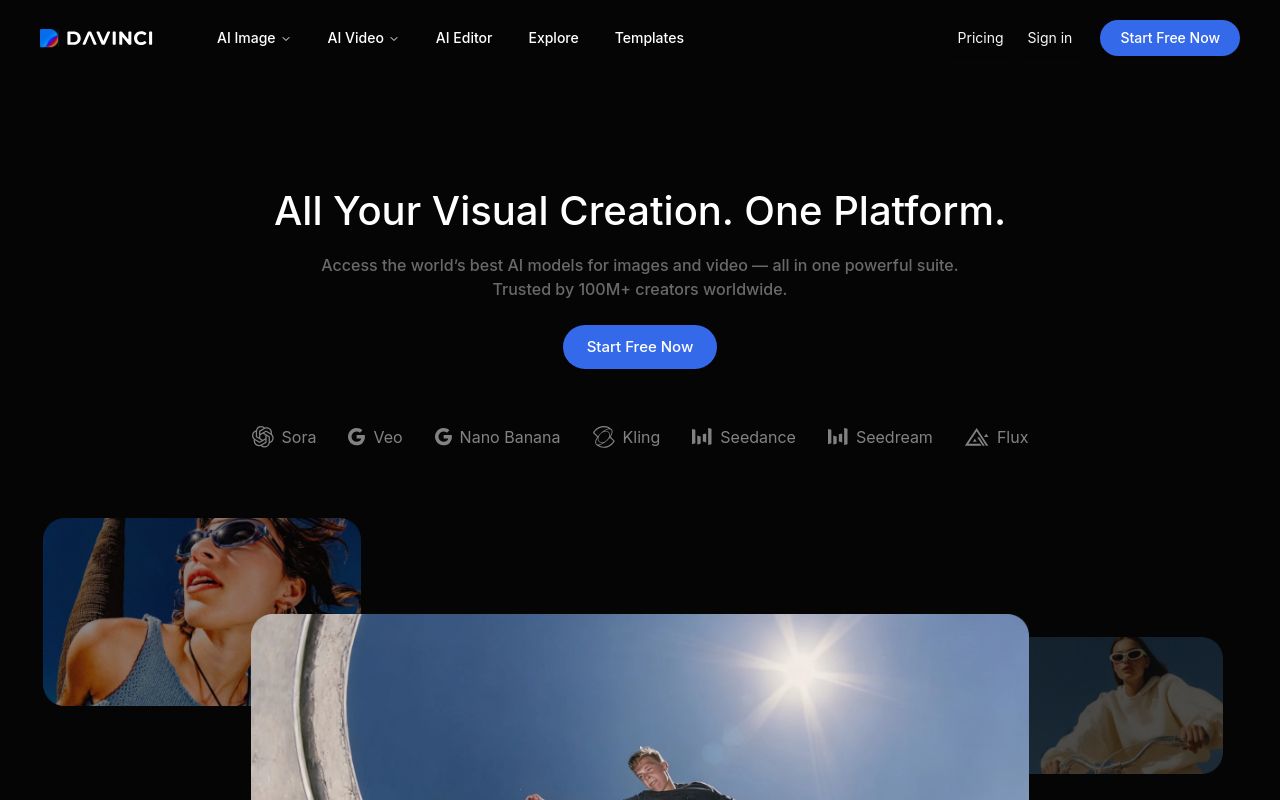
Best for: Social media content creators using diverse generative AI models.
This generative suite is designed for editing images and videos using various AI models. It supports the ability to resize images for social media on web, iOS, and Android. The subscription auto-renews, and the company states no refunds.
Source: davinci.ai
Pricing: Free tier; paid from $39.99/mo (pricing)
Subscription terms they state: cancel in-app · auto-renews · states no refunds (source)
No usage limits stated on the pages we read.
Which one for your situation?
- You run an online clothing store and need a consistent look for your catalog. → Photoroom: It is a future-ready product visual solution specifically designed to resize product images for e-commerce with API support.
- You manage a marketing agency that produces high-volume performance campaigns. → AdsCreator: This tool generates on-brand ad creatives and allows you to resize ad images via the web or their API.
- You are a creative professional requiring access to multiple AI models for varied projects. → getimg.ai: This platform integrates multiple AI models for generation and editing, though note that unused credits do not roll over.
- You are a casual user wanting a versatile tool for quick edits and collages. → BeFunky: It is an online creative platform accessible via web, iOS, and Android that provides a free tier for general editing needs.
- You are a social media influencer needing a high-end suite for platform-specific content. → DaVinci: It is a generative suite for editing images and videos, helping you resize images for social media across web and mobile.
FAQ
Is there a free tool to resize images?
Yes — Photoroom, AdsCreator, getimg.ai, BeFunky, DaVinci offer a free tier.
What is the cheapest paid option to resize images?
BeFunky starts at $6.99/month.
Which of these have an API?
Photoroom, AdsCreator, getimg.ai document a developer API.
How do I cancel these subscriptions?
Photoroom: cancel in-app; AdsCreator: cancel by email; BeFunky: cancel in-app; DaVinci: cancel in-app. getimg.ai does not state a cancellation route on the pages we read.
Can I get a refund?
Photoroom states a 7-day refund window; AdsCreator states a 7-day refund window; BeFunky states it does not offer refunds; DaVinci states it does not offer refunds. The other (getimg.ai) do not state a refund policy on the pages we read.
Do these subscriptions auto-renew?
AdsCreator, BeFunky, DaVinci state that paid plans renew automatically. Check the billing page before subscribing; the rest do not state it either way.
Sources
Every fact above was read from the vendors' own pages: