
Best AI tools to batch edit photos
| Tool | What it does | Pricing | Free tier | Refunds |
|---|---|---|---|---|
| Photoroom | The future-ready product visual solution for e‑commerce. | Free tier; paid from $7.50/mo | Yes | 7 days |
| ImgUpscaler | An online AI image upscaler to enlarge and enhance images by 2x or 4x. | Free tier; paid from $9.90/mo | Yes | 7 days |
| Upscayl | An AI image upscaler that turns fuzzy photos into clear works of art. | Free tier; paid from $24.99/mo | Yes | — |
| Removal.AI | An online image background remover and photo editor software. | Free tier; paid from $5.99/mo | Yes | 14 days |
| VSCO | A connected system for photographers with editing tools, business management, portfolio sites, and a creative community. | Free tier; paid from $2.49/mo | Yes | 30 days |
— means the vendor does not state it on the pages we read.
Photoroom
Visit Photoroomphotoroom.com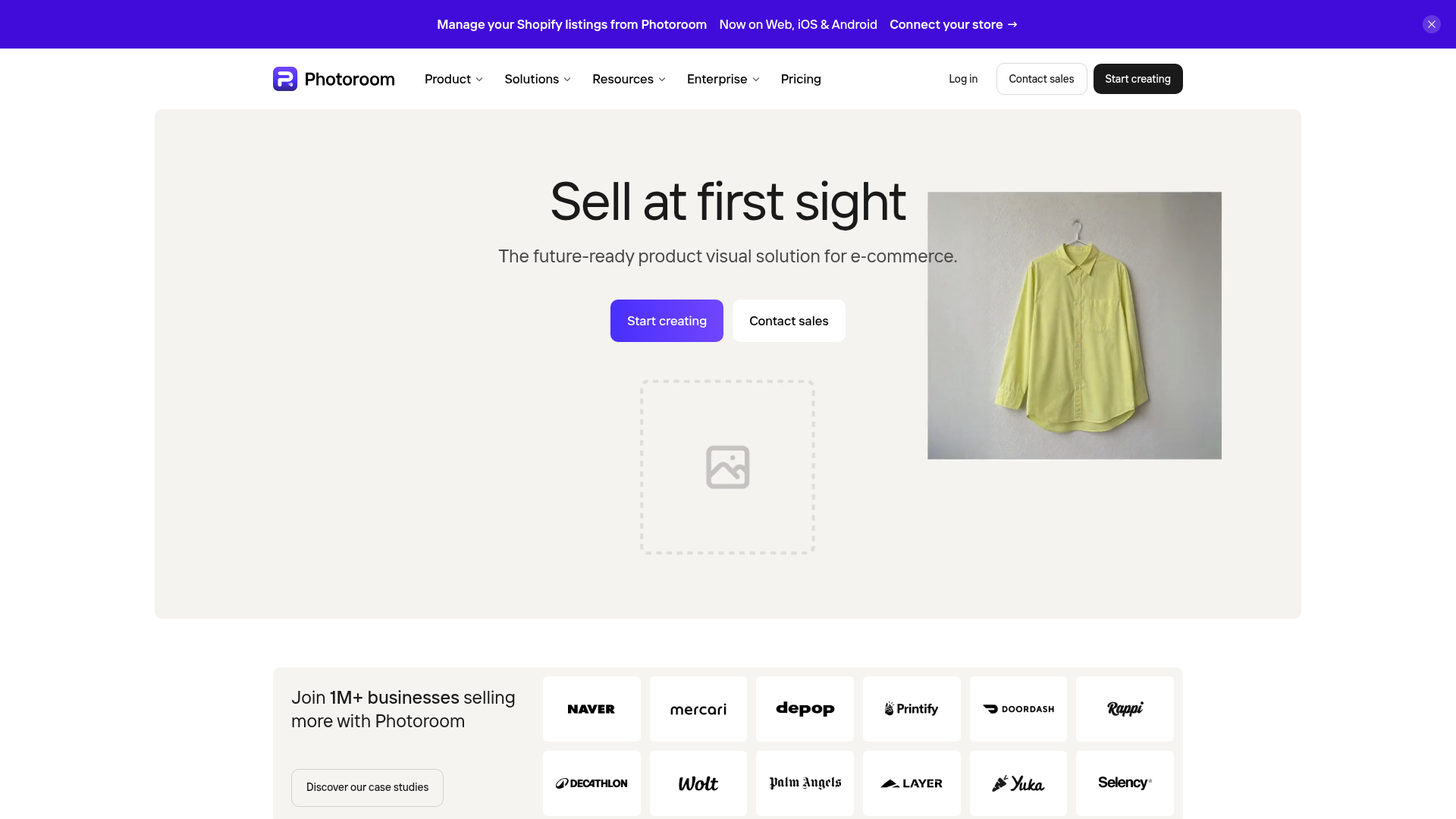
The future-ready product visual solution for e‑commerce.
Run AI edits across thousands of images in one pass
Pricing, in their words: “$12.99$7.50Per month, billed yearly” (pricing)
Subscription terms they state: cancel in-app · 7-day refund window (source)
No usage limits stated on the pages we read.
ImgUpscaler
Visit ImgUpscalerimgupscaler.comCancellation & refund terms for ImgUpscaler
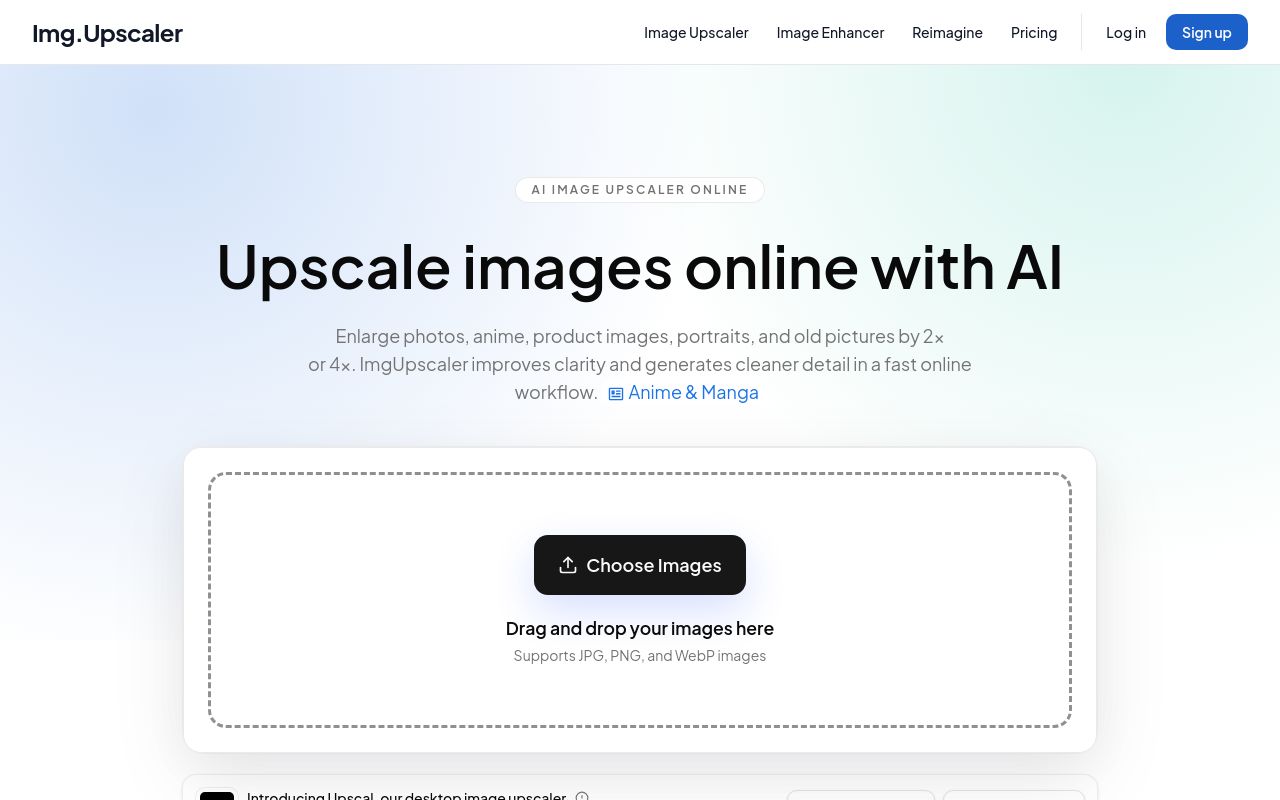
An online AI image upscaler to enlarge and enhance images by 2x or 4x.
Paid plans unlock batch processing so you can upscale multiple images without repeating the same upload and export steps.
Pricing, in their words: “Choose the plan that fits your image workflow” (pricing)
Subscription terms they state: cancel in-app · auto-renews · 7-day refund window (source)
No usage limits stated on the pages we read.
Upscayl
Visit Upscaylupscayl.orgAn AI image upscaler that turns fuzzy photos into clear works of art.
Upscayl all your images in one go.
Pricing, in their words: “Upscayl Cloud offers a range of pricing options to suit your needs.” (pricing)
Subscription terms they state: cancel in-app · auto-renews (source)
Limits the vendor states:
- no refunds for unused credits
- no refunds for model output dissatisfaction
Removal.AI
Visit Removal.AIremoval.aiCancellation & refund terms for Removal.AI
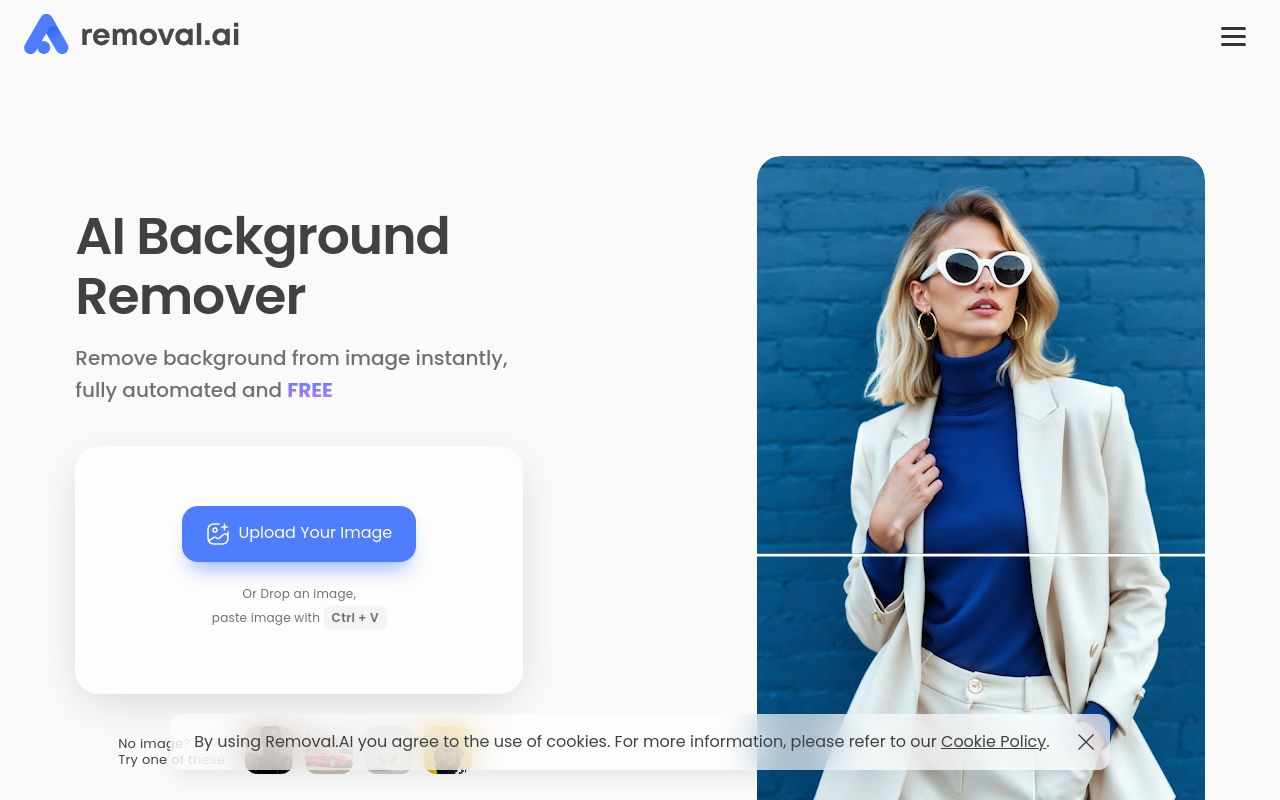
An online image background remover and photo editor software.
Processes over 1,000 images in a single upload.
Pricing, in their words: “All subscriptions are covered by a 14-Day money-back Guarantee: You get a full refund within 14 days if you are unsatisfied with the results.” (pricing)
Subscription terms they state: cancel in-app · auto-renews · 14-day refund window (source)
Limits the vendor states:
- maximum image resolution
- file size limit
Cancellation & refund terms for VSCO

A connected system for photographers with editing tools, business management, portfolio sites, and a creative community.
Batch edit with 200+ presets and tools.
— vsco.co
Pricing, in their words: “With plans for all photography skills levels, interests, and needs, find the VSCO membership right for you.” (pricing)
Subscription terms they state: cancel in-app · auto-renews · 30-day refund window (source)
Limits the vendor states:
- AI credits do not roll over
- Pro features limited to specific platforms
FAQ
Is there a free tool to batch edit photos?
Yes — Photoroom, ImgUpscaler, Upscayl, Removal.AI, VSCO offer a free tier.
What is the cheapest paid option to batch edit photos?
VSCO starts at $2.49/month.
Which of these have an API?
Photoroom, Removal.AI document a developer API.
How do I cancel these subscriptions?
Photoroom: cancel in-app; ImgUpscaler: cancel in-app; Upscayl: cancel in-app; Removal.AI: cancel in-app; VSCO: cancel in-app.
Can I get a refund?
Photoroom states a 7-day refund window; ImgUpscaler states a 7-day refund window; Removal.AI states a 14-day refund window; VSCO states a 30-day refund window. The other (Upscayl) do not state a refund policy on the pages we read.
Do these subscriptions auto-renew?
ImgUpscaler, Upscayl, Removal.AI, VSCO state that paid plans renew automatically. Check the billing page before subscribing; the rest do not state it either way.
Sources
Every fact above was read from the vendors' own pages: