
Best AI tools to remove watermarks from image
Top picks at a glance:
- PixelBin — Enterprises requiring a robust multimedia transformation and delivery platform.
- PicWish — Users needing a versatile tool across mobile, desktop, and web platforms.
- Cleanup.pictures — Web-based users requiring high-quality object removal at a low entry price.
- AIEASE — Casual users seeking a dedicated web suite for creative AI tasks.
- WaveSpeedAI — Technical users and developers requiring cross-platform and command-line capabilities.
| Tool | What it does | Pricing | Free tier | Refunds |
|---|---|---|---|---|
| PixelBin | Multimedia transformation platform providing AI tools to store, transform, optimize, and deliver digital assets. | Free tier; paid from $15/mo | Yes | — |
| PicWish | An AI-powered photo editor designed to simplify image processing tasks for personal and business use. | Free tier | Yes | 7 days |
| Cleanup.pictures | Remove objects, people, text and defects from any picture. | Free tier; paid from $3/mo | Yes | 14 days |
| AIEASE | An AI-powered suite of tools for generating and editing images and videos. | Free tier | Yes | None stated |
| WaveSpeedAI | A platform for AI image, video, audio, and large language model generation and processing. | Free tier | Yes | — |
— means the vendor does not state it on the pages we read.
PixelBin
Visit PixelBinpixelbin.io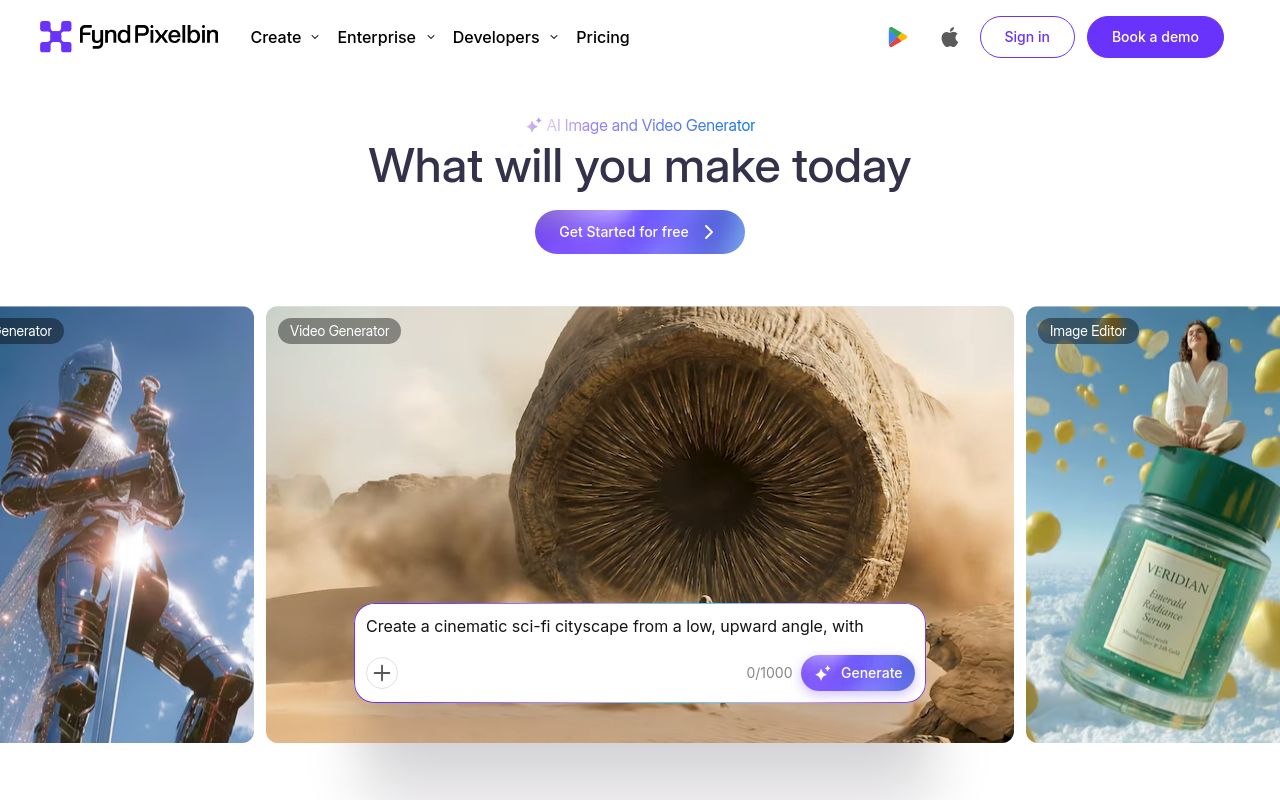
Best for: Enterprises requiring a robust multimedia transformation and delivery platform.
PixelBin functions as a comprehensive multimedia transformation platform. It provides specialized AI tools designed to store, transform, optimize, and deliver your digital assets. You can utilize this service via their web interface or their API.
Automatically and accurately remove watermarks from images with our AI-backed transformation.
Pricing, in their words: “150 credits/month $15.00Billed monthly” (pricing)
Subscription terms they state: cancel in-app (source)
No usage limits stated on the pages we read.
PicWish
Visit PicWishpicwish.com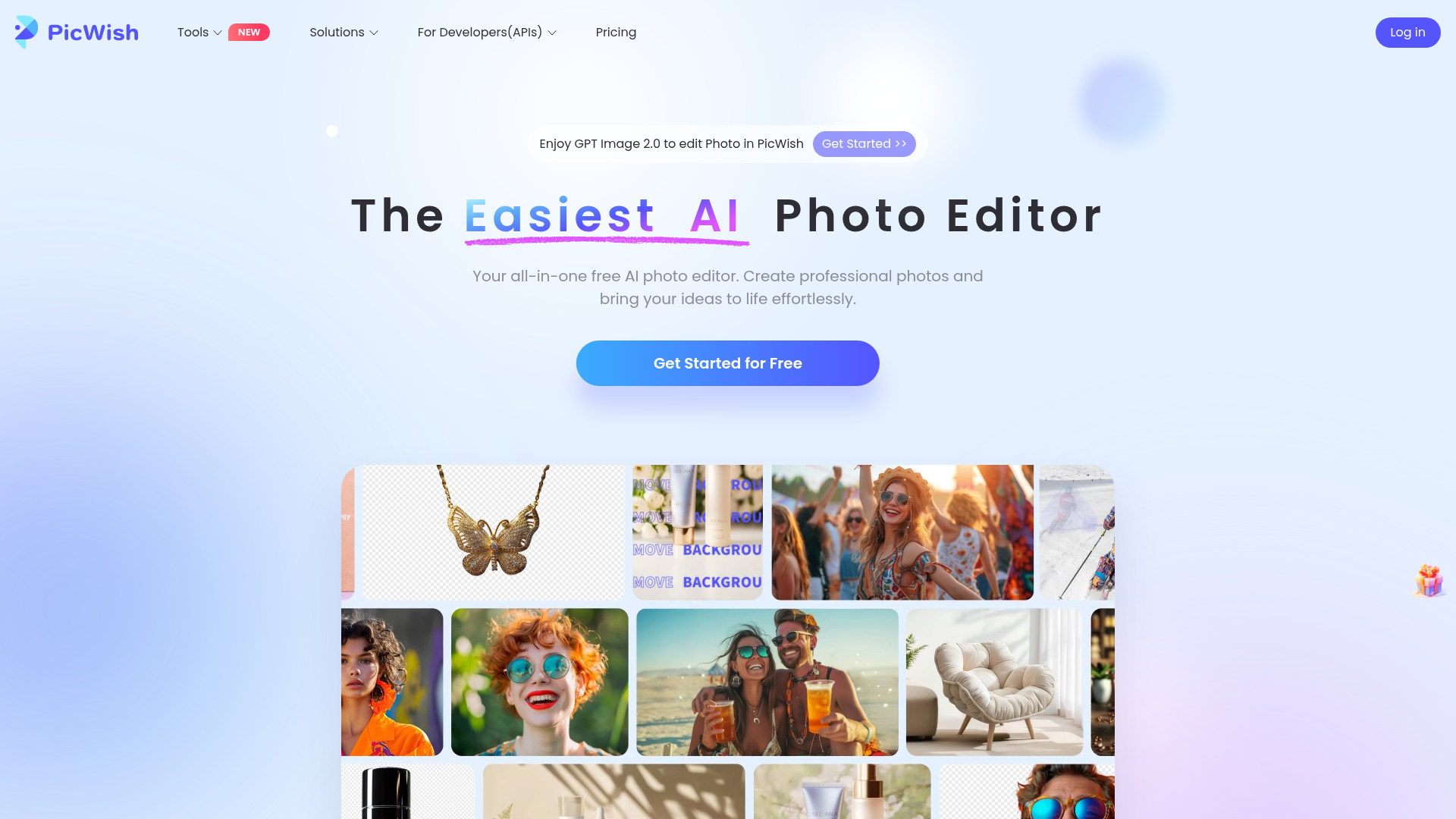
Best for: Users needing a versatile tool across mobile, desktop, and web platforms.
PicWish is an AI-powered photo editor built for both personal and business image processing. It supports a wide array of devices including web, desktop-windows, iOS, and Android. The service also includes API access for automated workflows.
PicWish AI automatically detects and removes the text watermarks from your photo.
Pricing, in their words: “The Pro plan offers daily HD downloads for most online features and extra credits.” (pricing)
Subscription terms they state: cancel in-app · 7-day refund window (source)
Limits the vendor states:
- Orders purchased through third-party platforms such as App Store and Google Play cannot be refunded directly by our company.
Cleanup.pictures
Visit Cleanup.picturescleanup.pictures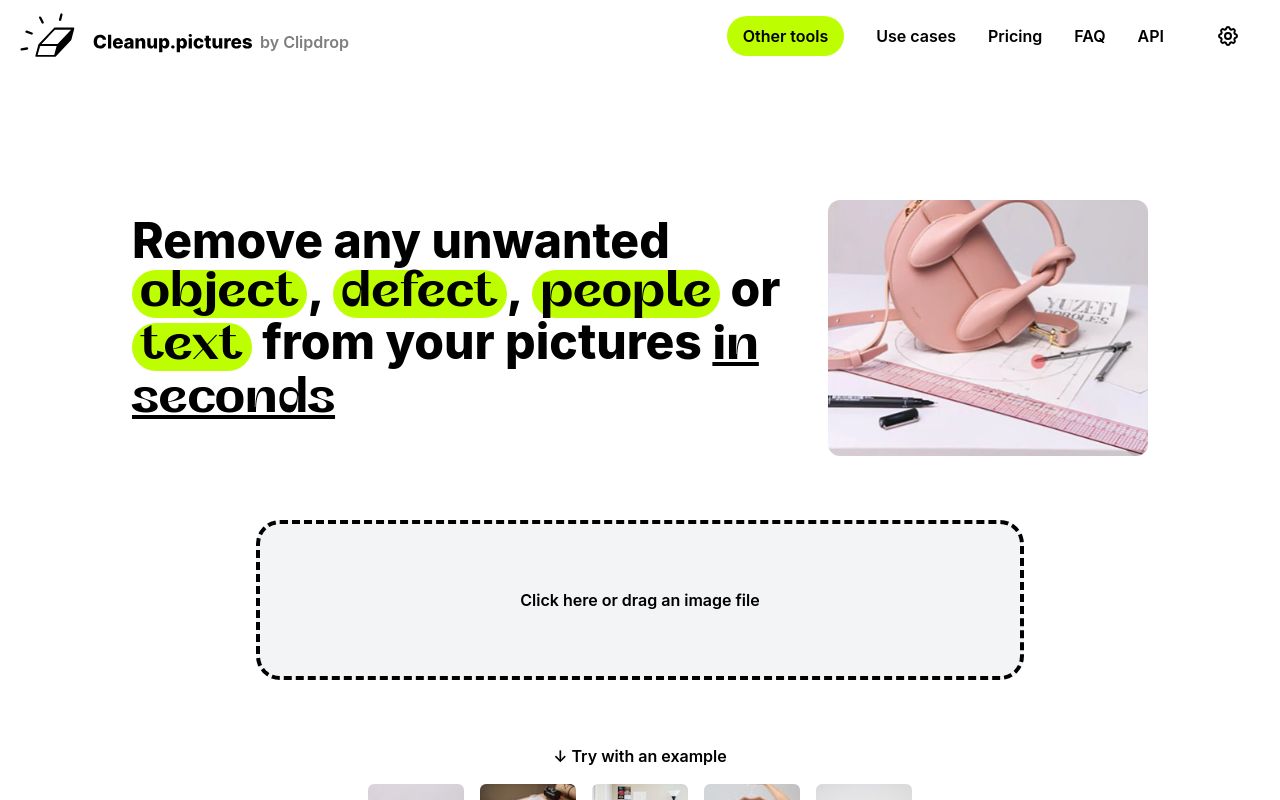
Best for: Web-based users requiring high-quality object removal at a low entry price.
Cleanup.pictures allows you to remove objects, people, text, and defects from any picture. It operates exclusively through a web interface and provides API access for integration. Note that the free tier includes resolution limits for your images.
Cleanup.pictures is also useful to remove any unwanted text, logo, date stamp, or watermark.
Pricing, in their words: “The price is then $5 per month or $36 per year ($3 per month) for processing images of any size.” (pricing)
Subscription terms they state: cancel in-app · 14-day refund window (source)
Limits the vendor states:
- Free tier resolution limit
AIEASE
Visit AIEASEaiease.ai
Best for: Casual users seeking a dedicated web suite for creative AI tasks.
AIEASE is an AI-powered suite focused on generating and editing various image and video content. It is accessible through a web platform. The company does not offer refunds on their services.
Watermark Remover
Pricing, in their words: “Purchased credits are valid for one year.” (pricing)
Subscription terms they state: cancel in-app · states no refunds (source)
No usage limits stated on the pages we read.
WaveSpeedAI
Visit WaveSpeedAIwavespeed.ai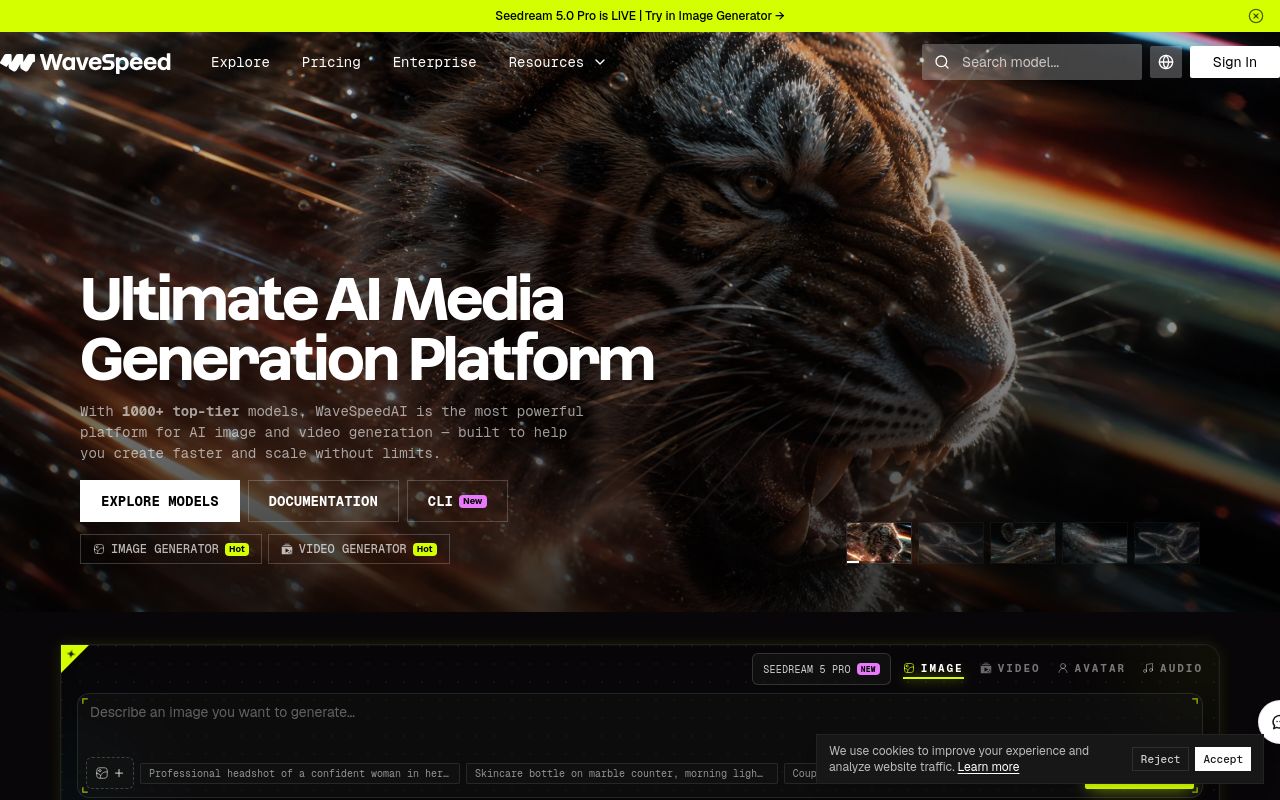
Best for: Technical users and developers requiring cross-platform and command-line capabilities.
WaveSpeedAI provides a platform for AI image, video, audio, and large language model generation and processing. It offers broad accessibility across web, desktop-mac, desktop-windows, and CLI environments. The service also features an available API.
Remove text and logo watermarks from images while preserving texture and background.
Pricing, in their words: “WaveSpeed uses a pay-per-use model. You only pay for what you generate. There are no monthly fees or commitments.” (pricing)
No usage limits stated on the pages we read.
Which one for your situation?
- You run a digital asset library and need to programmatically clean thousands of files. → PixelBin: It is a dedicated multimedia transformation platform with API support, making it suitable for managing and delivering large volumes of digital assets.
- You need a mobile-friendly editor that offers a clear refund policy if the tool doesn't meet your expectations. → PicWish: It supports iOS and Android platforms and offers a 7-day refund window for users, excluding those purchased through third-party app stores.
- You need a simple web-based tool for occasional use but want a path to paid features with a risk-free trial period. → Cleanup.pictures: It offers a 14-day refund window on paid plans starting at $3/month, though you should account for potential resolution limits on the free tier.
- You are looking for a straightforward, web-only tool and are certain about your purchase since you do not need refund options. → AIEASE: This web-based suite is designed for image and video editing, though users should be aware that the company states no refunds are available.
- You are a power user needing maximum flexibility across various operating systems and development environments. → WaveSpeedAI: It provides extensive platform support including web, desktop-mac, desktop-windows, CLI, and API access for diverse image and video processing tasks.
FAQ
Is there a free tool to remove watermarks from image?
Yes — PixelBin, PicWish, Cleanup.pictures, AIEASE, WaveSpeedAI offer a free tier.
What is the cheapest paid option to remove watermarks from image?
Cleanup.pictures starts at $3/month.
Which of these have an API?
PixelBin, PicWish, Cleanup.pictures, WaveSpeedAI document a developer API.
How do I cancel these subscriptions?
PixelBin: cancel in-app; PicWish: cancel in-app; Cleanup.pictures: cancel in-app; AIEASE: cancel in-app. WaveSpeedAI does not state a cancellation route on the pages we read.
Can I get a refund?
PicWish states a 7-day refund window; Cleanup.pictures states a 14-day refund window; AIEASE states it does not offer refunds. The others (PixelBin, WaveSpeedAI) do not state a refund policy on the pages we read.
Sources
Every fact above was read from the vendors' own pages: