
Best AI tools to merge pdf files
Top picks at a glance:
- PDFgear — Users needing a free, cross-platform tool without signups.
- Surmado — Small businesses requiring integrated AI support and API access.
- TinyWow — Users needing quick online tools with automatic privacy deletion.
- PDF Guru — Individuals wanting an online platform with a set refund period.
| Tool | What it does | Pricing | Free tier | Refunds |
|---|---|---|---|---|
| PDFgear | Free PDF editor software and online tools to read, edit, convert, merge, and sign PDF files. | Free tier | Yes | — |
| Surmado | Managed website creation, migration, and maintenance service for small businesses with integrated AI analysis and support. | Free tier; paid from $99/mo * | Yes | 7 days |
| TinyWow | Online tools for file conversion, PDF editing, image processing, video editing, and AI text generation. | Free tier; paid from $15/mo * | Yes | — |
| PDF Guru | An online platform for file management, including editing, converting, compressing, signing, and summarizing PDF documents. | Free tier * | Yes | 14 days |
— means the vendor does not state it on the pages we read.
* pricing not verified against the vendor's pricing page.
PDFgear
Visit PDFgearpdfgear.com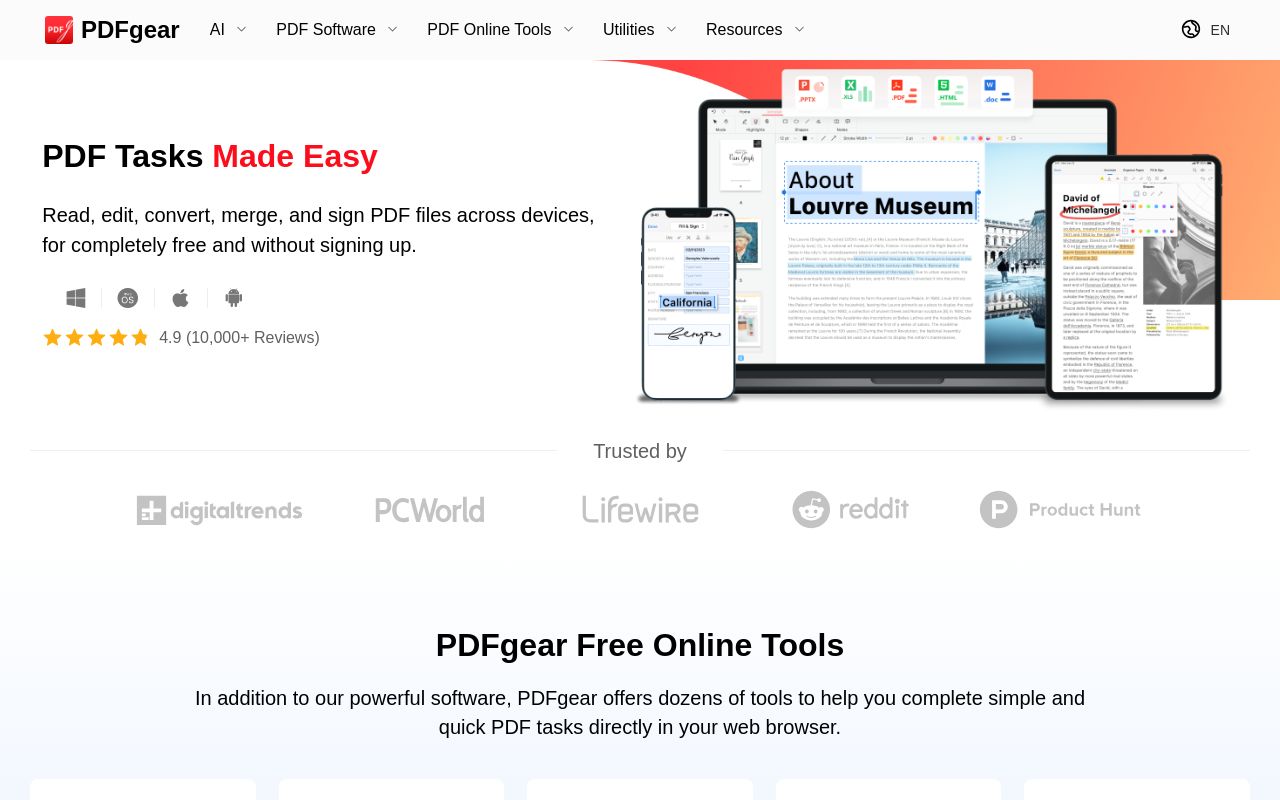
Best for: Users needing a free, cross-platform tool without signups.
This software provides free tools to read, edit, convert, and sign PDF files. It operates across web, desktop, and mobile platforms. It is the only option that functions without requiring a user to sign up.
It merges, it edits, it converts, and it even signs PDF documents
Pricing, in their words: “designed to empower everyone to manage their PDFs - easily and without cost.” (pricing)
No usage limits stated on the pages we read.
Surmado
Visit Surmadosurmado.com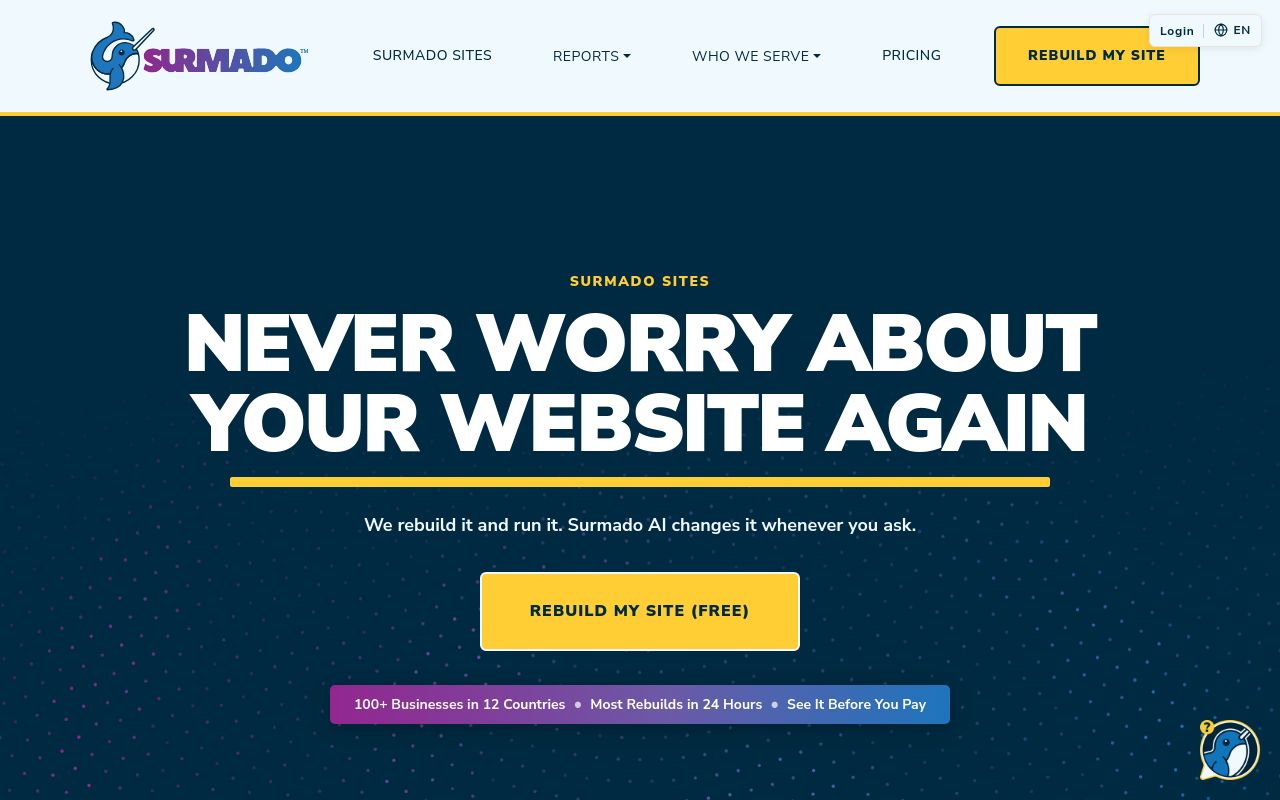
Best for: Small businesses requiring integrated AI support and API access.
This service focuses on managed website creation and maintenance, including the ability to merge multiple pdf files. It offers a free tier and a paid subscription that requires a signup. The platform includes API access but is not intended for safety-critical uses.
Combine multiple PDFs into one file. Drag to reorder. One-click download.
Pricing: Free tier; paid from $99/mo (pricing)
Subscription terms they state: cancel in-app · auto-renews · 7-day refund window (source)
Limits the vendor states:
- Online stores
- High-risk or safety-critical uses
TinyWow
Visit TinyWowtinywow.com
Best for: Users needing quick online tools with automatic privacy deletion.
TinyWow offers various online tools for file conversion, image processing, and video editing. It allows you to merge two or more pdf files after a free signup. All uploaded files are deleted from their servers after one hour.
Merge PDF Merge 2 or more PDF files into a single PDF file
Pricing: Free tier; paid from $15/mo (pricing)
Limits the vendor states:
- Files are deleted after 1 hour
PDF Guru
Visit PDF Gurupdfguru.com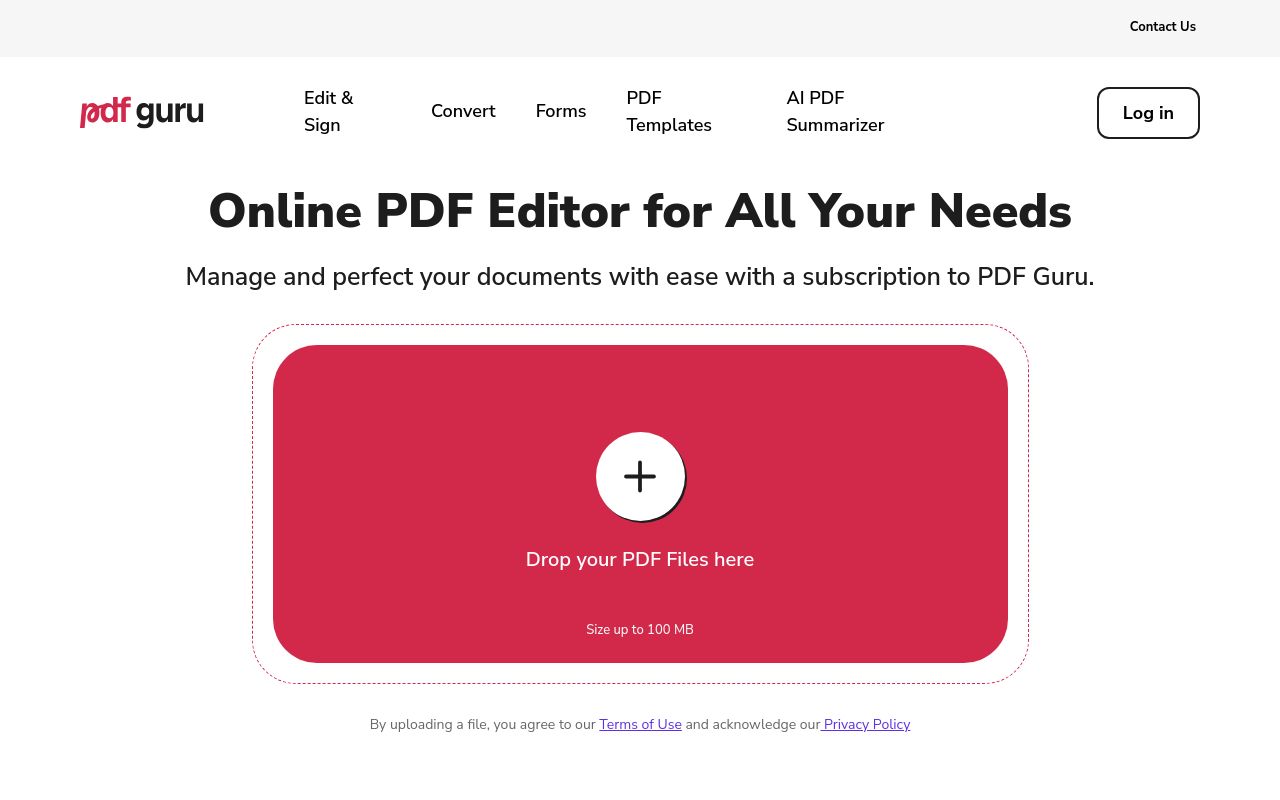
Best for: Individuals wanting an online platform with a set refund period.
PDF Guru is an online platform that provides services for editing, converting, compressing, and signing documents. It enables you to merge pdf files after completing a free signup. The service provides a 14-day refund window for its paid subscription plans.
Source: pdfguru.com
Pricing: Free tier (pricing)
Subscription terms they state: cancel by email · 14-day refund window (source)
No usage limits stated on the pages we read.
Which one for your situation?
- You need a free, multi-platform solution for simple document organization on both your desktop and your smartphone. → PDFgear: It supports web, desktop, and mobile platforms, requires no signup, and is completely free for users.
- You run a small business and need a platform that offers both file management and integrated API support. → Surmado: It provides a paid tier starting at $99 per month and is the only tool listed with API availability.
- You want to quickly combine documents online and prefer that your files are automatically deleted after an hour. → TinyWow: It is a web-based tool that ensures file privacy by deleting all processed files one hour after use.
- You are looking for an online document platform that offers a clear 14-day refund window for its paid services. → PDF Guru: It features an online platform for file management and explicitly provides a 14-day refund window for subscriptions.
FAQ
Is there a free tool to merge pdf files?
Yes — PDFgear, Surmado, TinyWow, PDF Guru offer a free tier.
What is the cheapest paid option to merge pdf files?
TinyWow starts at $15/month.
Which of these have an API?
Surmado document a developer API.
How do I cancel these subscriptions?
Surmado: cancel in-app; PDF Guru: cancel by email. PDFgear, TinyWow do not state a cancellation route on the pages we read.
Can I get a refund?
Surmado states a 7-day refund window; PDF Guru states a 14-day refund window. The others (PDFgear, TinyWow) do not state a refund policy on the pages we read.
Do these subscriptions auto-renew?
Surmado states that paid plans renew automatically. Check the billing page before subscribing; the rest do not state it either way.
Sources
Every fact above was read from the vendors' own pages: