
Best AI tools to convert pdf to word
| Tool | What it does | Pricing | Free tier | Refunds |
|---|---|---|---|---|
| LightPDF | An all-in-one AI-powered PDF solution to edit, convert, annotate, sign, organize, and summarize documents. | Free tier | Yes | 30 days |
| PDFgear | Free PDF editor software and online tools to read, edit, convert, merge, and sign PDF files. | Free tier | Yes | — |
| Toolsmart | A hub providing over 50 free AI tools for working with text, images, PDFs, and videos. | Free tier | Yes | — |
| TinyWow | Online tools for file conversion, PDF editing, image processing, video editing, and AI text generation. | Free tier; paid from $15/mo * | Yes | — |
| PDF Guru | An online platform for file management, including editing, converting, compressing, signing, and summarizing PDF documents. | Free tier * | Yes | 14 days |
— means the vendor does not state it on the pages we read.
* pricing not verified against the vendor's pricing page.
LightPDF
Visit LightPDFlightpdf.comCancellation & refund terms for LightPDF
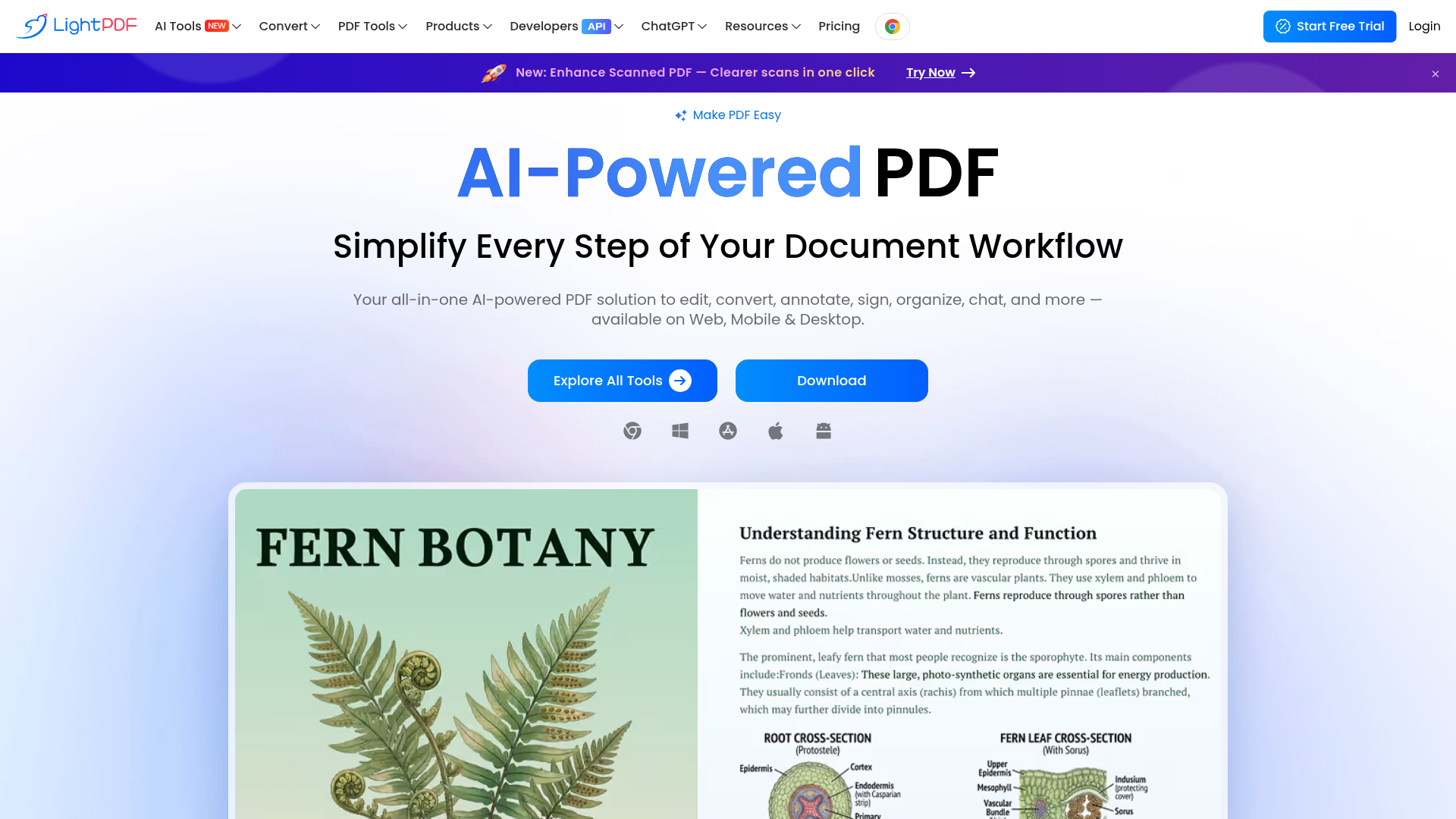
An all-in-one AI-powered PDF solution to edit, convert, annotate, sign, organize, and summarize documents.
We began to study the conversion technology between PDF and Office document format
Pricing, in their words: “3 Days of Full Access, Completely Free – Start Your LightPDF Trial Now” (pricing)
Subscription terms they state: cancel via a form · auto-renews · 30-day refund window (source)
Limits the vendor states:
- Cannot sign in to multiple Windows devices at once
PDFgear
Visit PDFgearpdfgear.com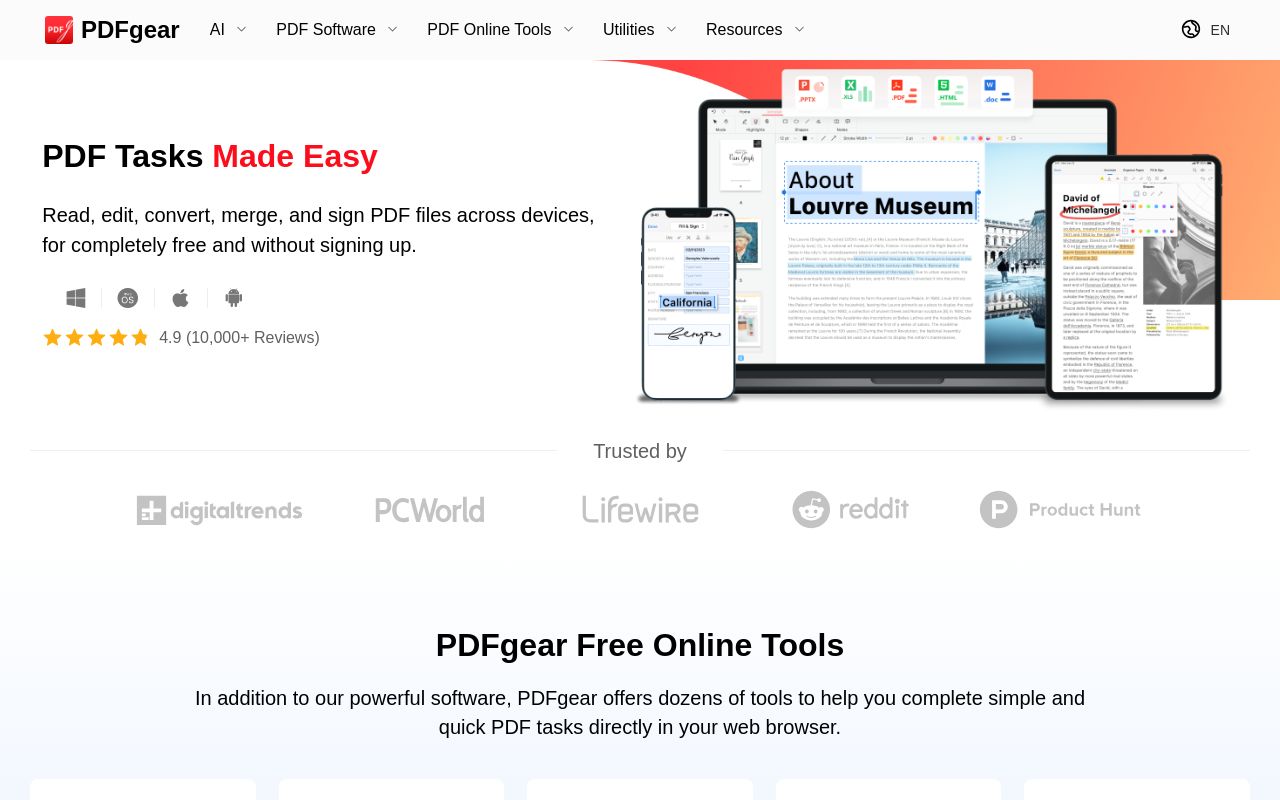
Free PDF editor software and online tools to read, edit, convert, merge, and sign PDF files.
Convert between PDF, Word, TXT, JPG, Excel, PPT, and more
Pricing, in their words: “designed to empower everyone to manage their PDFs - easily and without cost.” (pricing)
No usage limits stated on the pages we read.
Toolsmart
Visit Toolsmarttoolsmart.ai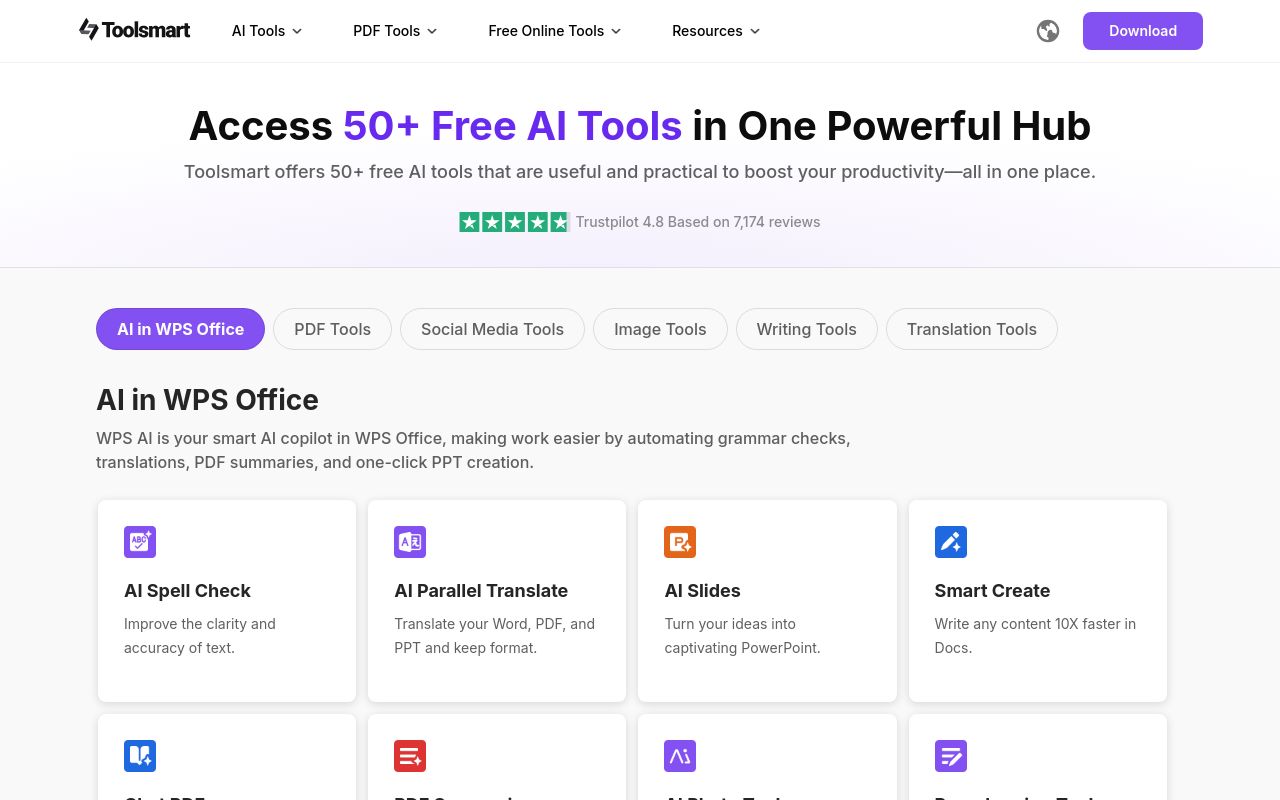
A hub providing over 50 free AI tools for working with text, images, PDFs, and videos.
Word to PDF
Pricing, in their words: “Free and Unlimited”
No usage limits stated on the pages we read.
TinyWow
Visit TinyWowtinywow.com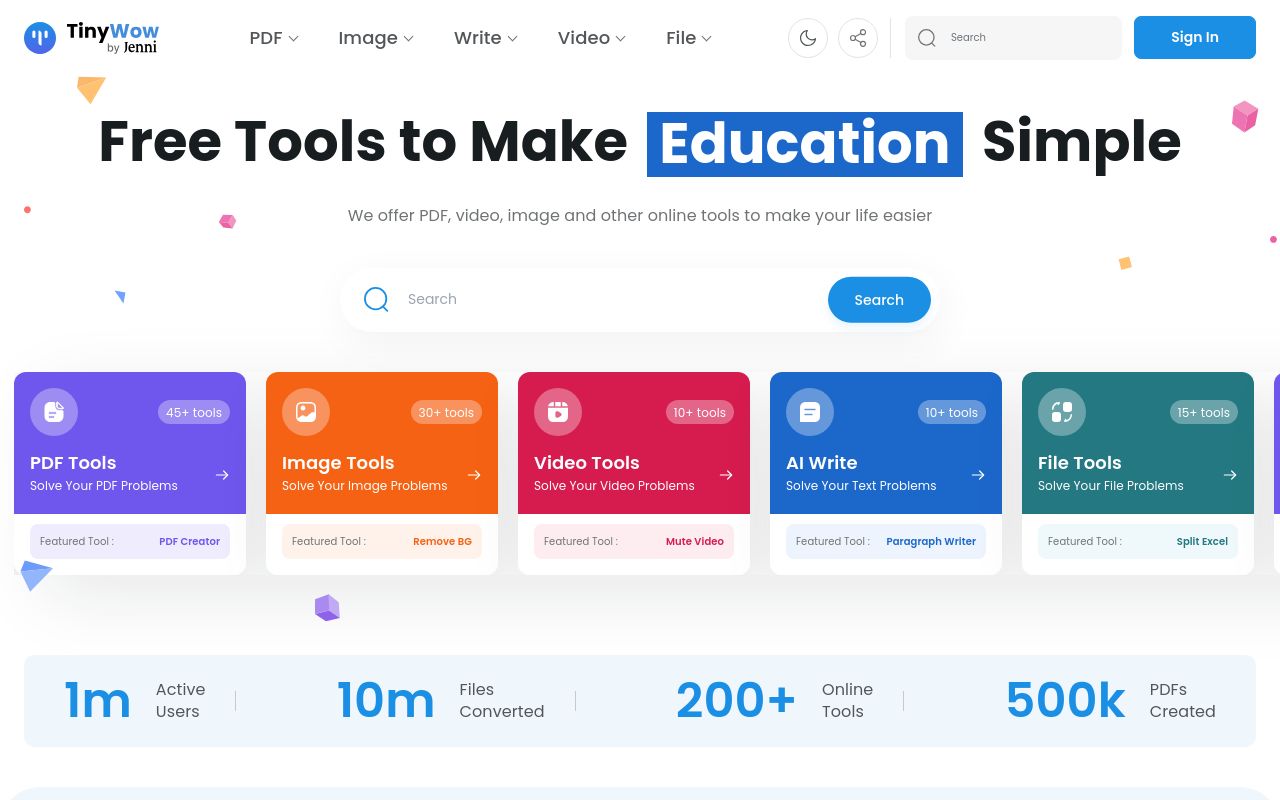
Online tools for file conversion, PDF editing, image processing, video editing, and AI text generation.
PDF to Word Convert a PDF to Word Document
Pricing: Free tier; paid from $15/mo (pricing)
Limits the vendor states:
- Files are deleted after 1 hour
PDF Guru
Visit PDF Gurupdfguru.com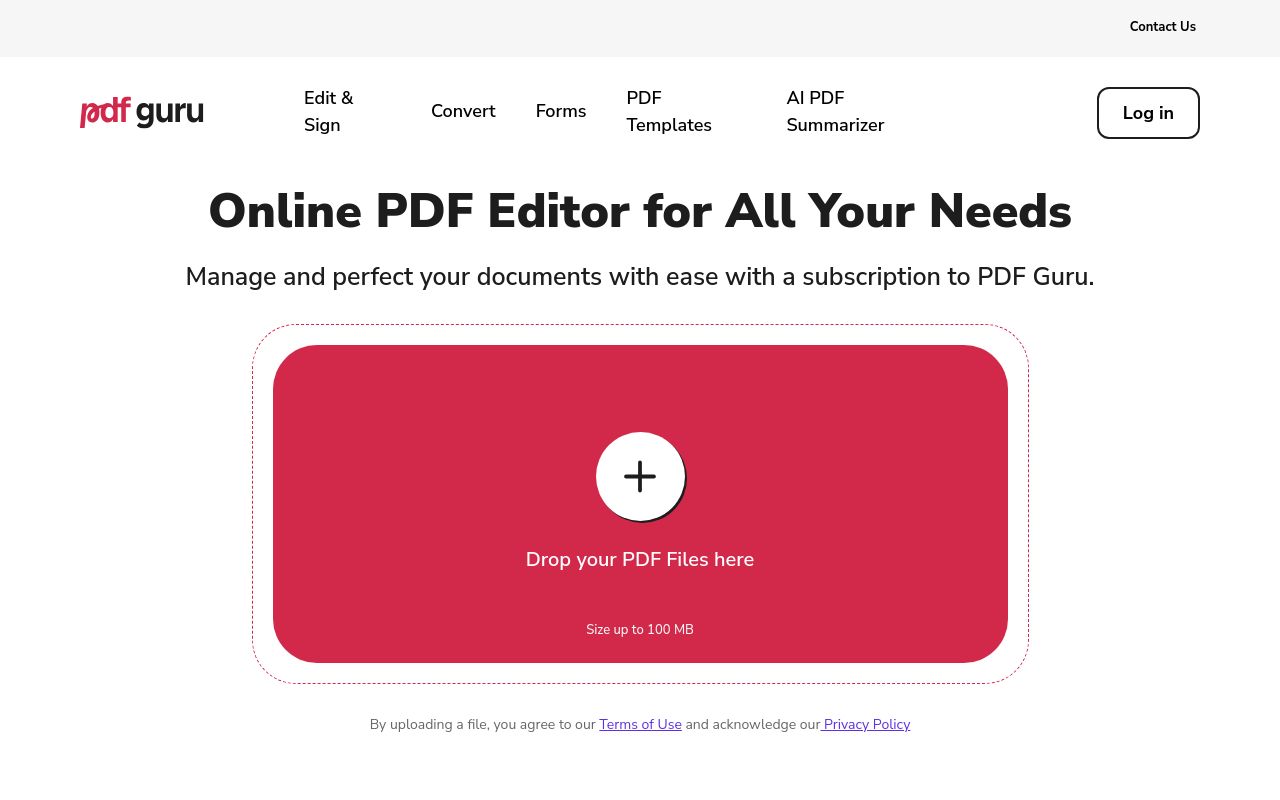
An online platform for file management, including editing, converting, compressing, signing, and summarizing PDF documents.
Source: pdfguru.com
Pricing: Free tier (pricing)
Subscription terms they state: cancel by email · 14-day refund window (source)
No usage limits stated on the pages we read.
FAQ
Is there a free tool to convert pdf to word?
Yes — LightPDF, PDFgear, Toolsmart, TinyWow, PDF Guru offer a free tier.
What is the cheapest paid option to convert pdf to word?
TinyWow starts at $15/month.
Which of these have an API?
LightPDF document a developer API.
How do I cancel these subscriptions?
LightPDF: cancel via a form; PDF Guru: cancel by email. PDFgear, Toolsmart, TinyWow do not state a cancellation route on the pages we read.
Can I get a refund?
LightPDF states a 30-day refund window; PDF Guru states a 14-day refund window. The others (PDFgear, Toolsmart, TinyWow) do not state a refund policy on the pages we read.
Do these subscriptions auto-renew?
LightPDF states that paid plans renew automatically. Check the billing page before subscribing; the rest do not state it either way.
Sources
Every fact above was read from the vendors' own pages: