
Best AI tools to expand images
Top picks at a glance:
- SellerPic — International e-commerce sellers needing to standardize product visuals.
- insMind — Users needing a versatile creative platform across mobile and web.
- Picsman — Professional users requiring API access and cross-platform desktop support.
- Pixlr — Casual users wanting a browser-based editor for quick transformations.
| Tool | What it does | Pricing | Free tier | Refunds |
|---|---|---|---|---|
| SellerPic | AI-powered image creation tool designed for international e-commerce sellers to generate product images and shoppable videos. | Free tier; paid from $14.50/mo | Yes | — |
| insMind | An AI creative platform for video creation, image generation, and smart visual editing. | Free tier * | Yes | — |
| Picsman | Edit, enhance, and generate stunning images and videos with powerful AI models. | Free tier; paid from $9.99/mo | Yes | — |
| Pixlr | A browser-based AI photo editor, image generator, video maker, and design platform for creating and transforming media. | Free tier * | Yes | — |
— means the vendor does not state it on the pages we read.
* pricing not verified against the vendor's pricing page.
SellerPic
Visit SellerPicsellerpic.ai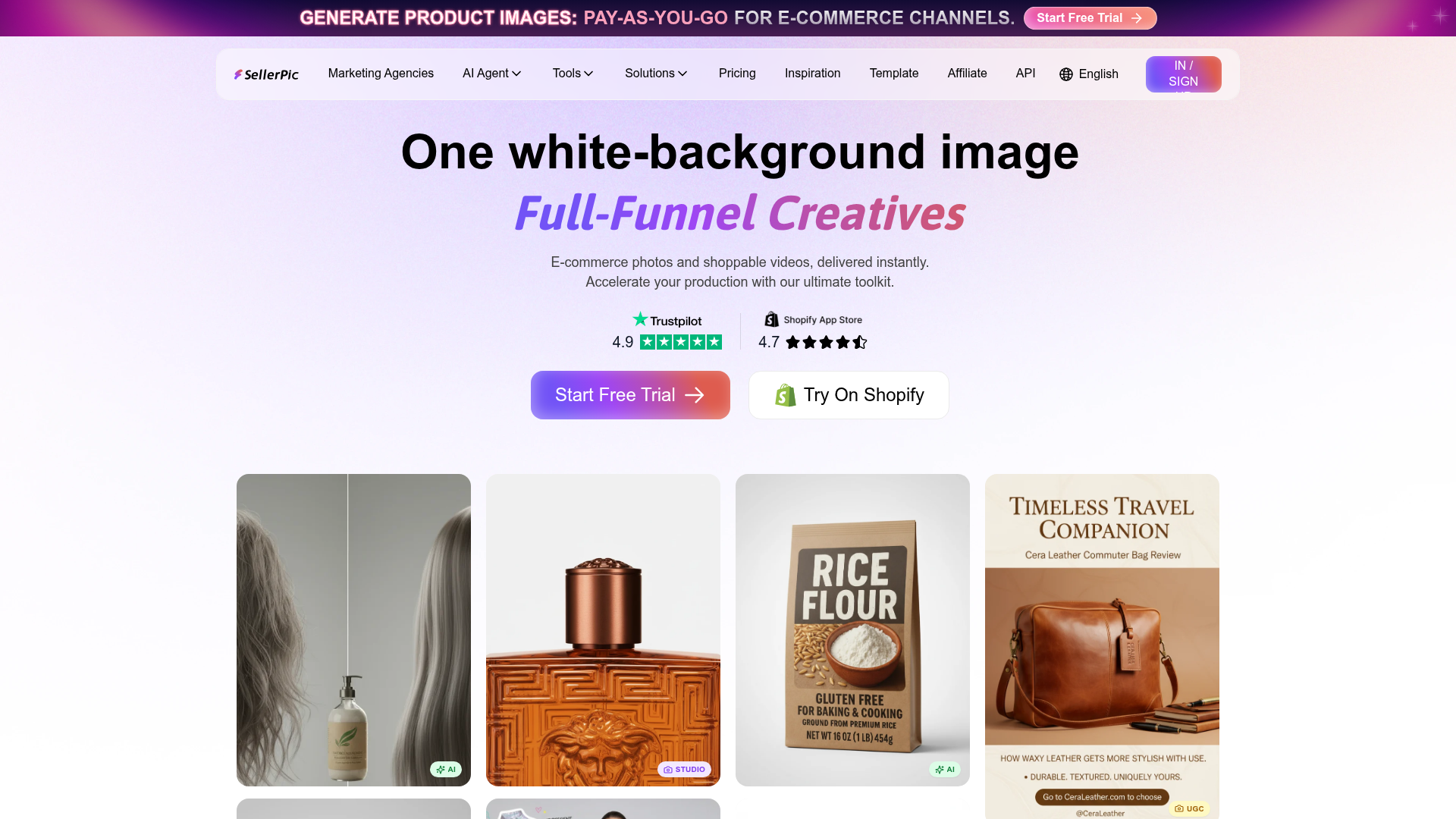
Best for: International e-commerce sellers needing to standardize product visuals.
This tool is an AI-powered image creation solution tailored for the specific needs of e-commerce sellers. It allows users to extend product image canvas and generate shoppable videos, though users should note that unused credits do not roll over.
Image Extender
Pricing, in their words: “Yearly Plan 50% OFF Monthly Plan Free $0” (pricing)
Limits the vendor states:
- unused credits do not roll over
insMind
Visit insMindinsmind.com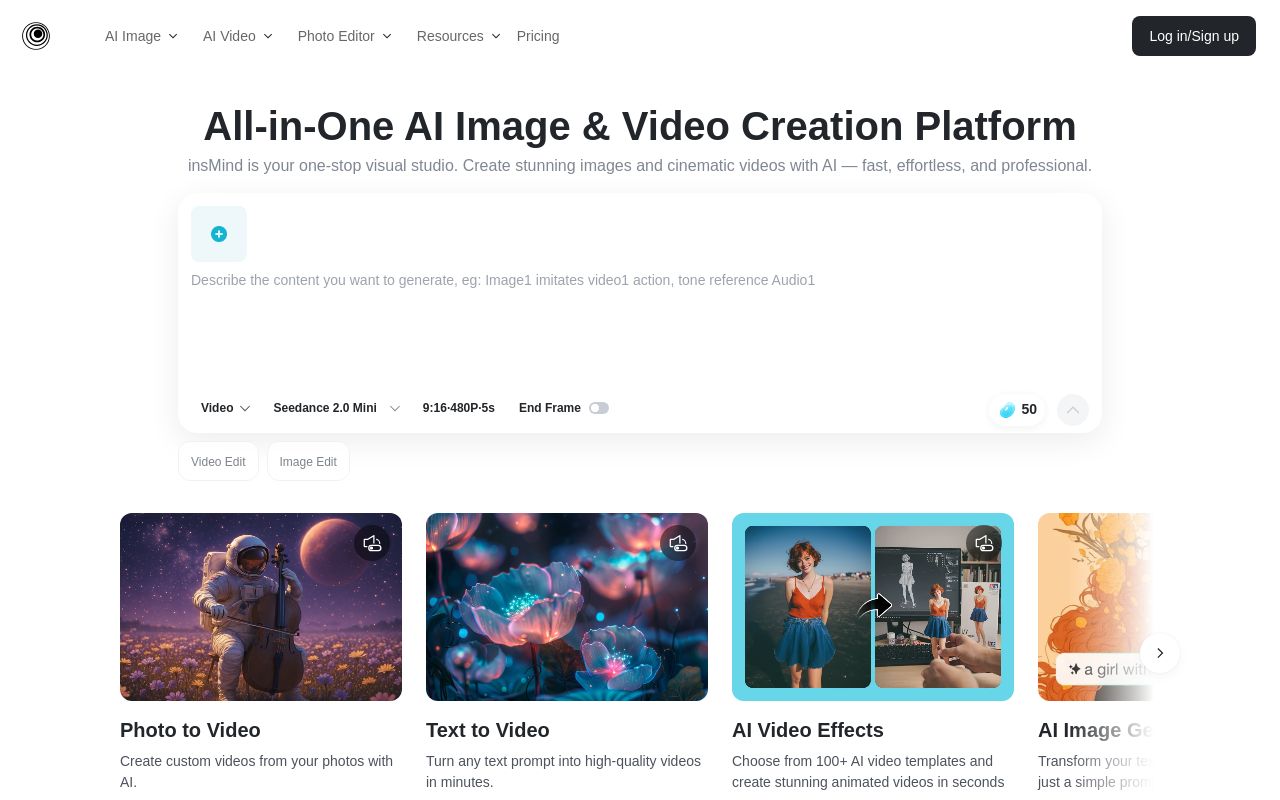
Best for: Users needing a versatile creative platform across mobile and web.
This platform provides smart visual editing, image generation, and video creation. It gives users the ability to expand image boundaries and is accessible via web, iOS, and Android.
AI Expand allowed us to create stunning visuals by expanding image boundaries seamlessly.
Pricing: Free tier (pricing)
No usage limits stated on the pages we read.
Picsman
Visit Picsmanpicsman.aiBest for: Professional users requiring API access and cross-platform desktop support.
Picsman provides powerful AI models to edit, enhance, and generate media. It allows you to expand images without stretching and offers compatibility for web, mobile, and desktop-windows or desktop-mac systems with API support.
Source: picsman.ai
Pricing, in their words: “PROUS$9.99/moUS$9.99 billed monthly. Cancel anytime” (pricing)
No usage limits stated on the pages we read.
Pixlr
Visit Pixlrpixlr.com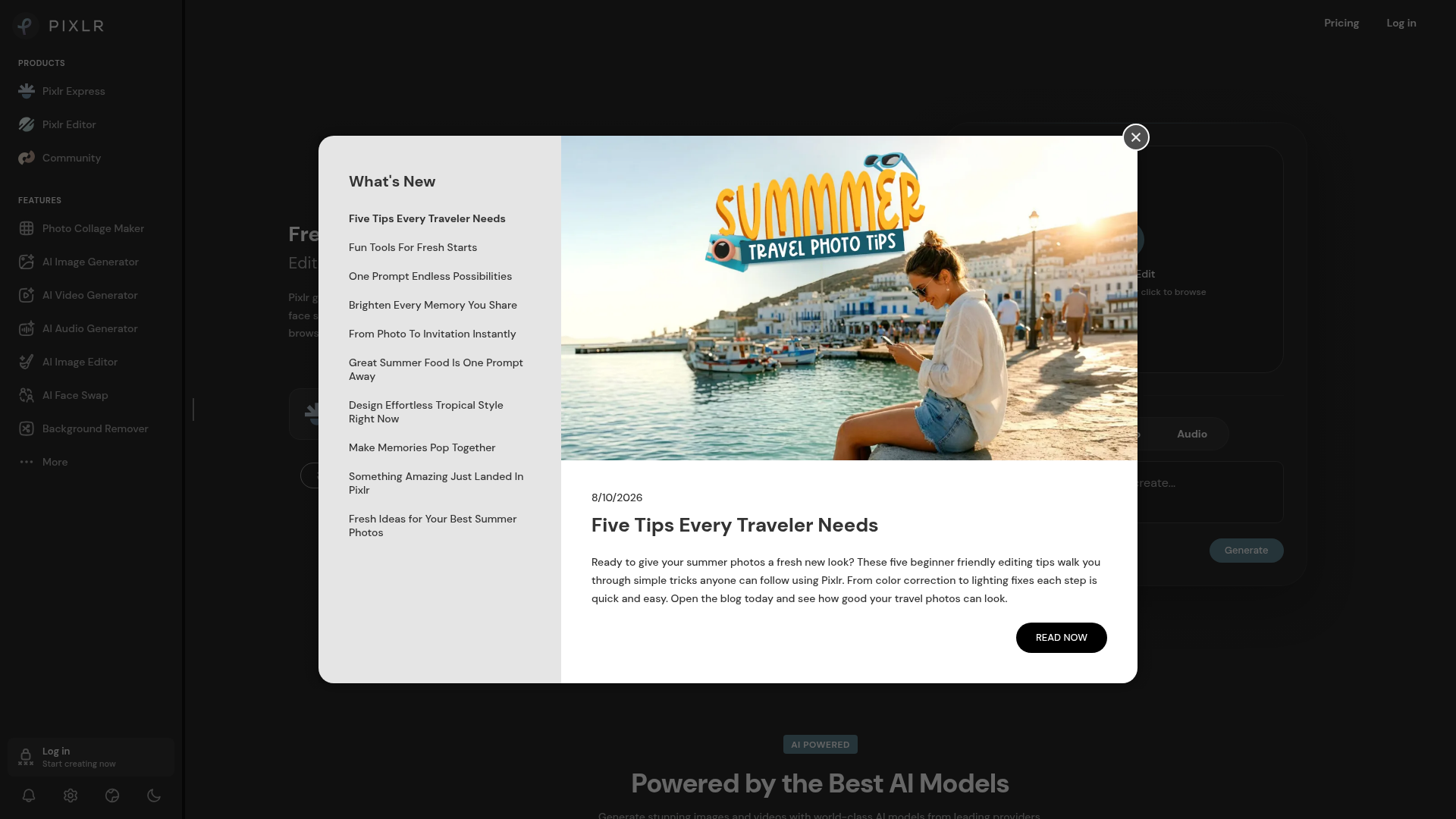
Best for: Casual users wanting a browser-based editor for quick transformations.
Pixlr functions as a browser-based AI photo editor and design platform. It helps users expand image boundaries while also offering features for image generation and video making.
Source: pixlr.com
Pricing: Free tier (pricing)
No usage limits stated on the pages we read.
Which one for your situation?
- You run a global online store and need to standardize your product display aesthetics. → SellerPic: It is specifically designed for international e-commerce sellers to extend product image canvas, though you must consider that unused credits do not roll over.
- You are a social media creator needing to quickly edit content on your phone while traveling. → insMind: It supports both iOS and Android platforms, allowing you to expand image boundaries easily on the go.
- You are a professional designer who needs an automated workflow via API for your studio. → Picsman: It is the only tool listed that offers an API and works across desktop, mobile, and web environments.
- You are a hobbyist who prefers editing directly in a browser without installing software. → Pixlr: It is a browser-based platform, making it a convenient choice to expand image boundaries without requiring specific OS installations.
FAQ
Is there a free tool to expand images?
Yes — SellerPic, insMind, Picsman, Pixlr offer a free tier.
What is the cheapest paid option to expand images?
Picsman starts at $9.99/month.
Which of these have an API?
Picsman document a developer API.
Sources
Every fact above was read from the vendors' own pages: