
Best AI tools to automate meeting bookings
Top picks at a glance:
- Fillout — Users needing dynamic, custom forms for gathering meeting information.
- GPT-trainer — Developers and teams needing custom AI agents for voice and text.
- Littlebird — Individuals wanting a cross-platform AI assistant that remembers work context.
- Waveloom — Users seeking a calm, background-focused approach to task management.
- Motion — Professionals needing AI to manage projects and daily schedules simultaneously.
| Tool | What it does | Pricing | Free tier | Refunds |
|---|---|---|---|---|
| Fillout | A platform for building dynamic, multi-step web forms, surveys, and quizzes with workflow automation and data integrations. | Free tier; paid from $15/mo | Yes | None stated |
| GPT-trainer | Build AI agents with a multi-agent framework, no-code UI, and versatile API for voice and text automation. | Free tier; paid from $150/mo | Yes | None stated |
| Littlebird | An AI assistant that remembers your work, sits in on your meetings, and acts when it matters. | Free tier; paid from $17/mo | Yes | None stated |
| Waveloom | A background AI agent that monitors tools, drafts next steps, and surfaces important updates in a calm feed. | Not stated on site | — | — |
| Motion | A productivity platform that uses artificial intelligence to plan your day and manage projects. | From $19/mo * | No | None stated |
— means the vendor does not state it on the pages we read.
* pricing not verified against the vendor's pricing page.
Fillout
Visit Filloutfillout.comCancellation & refund terms for Fillout
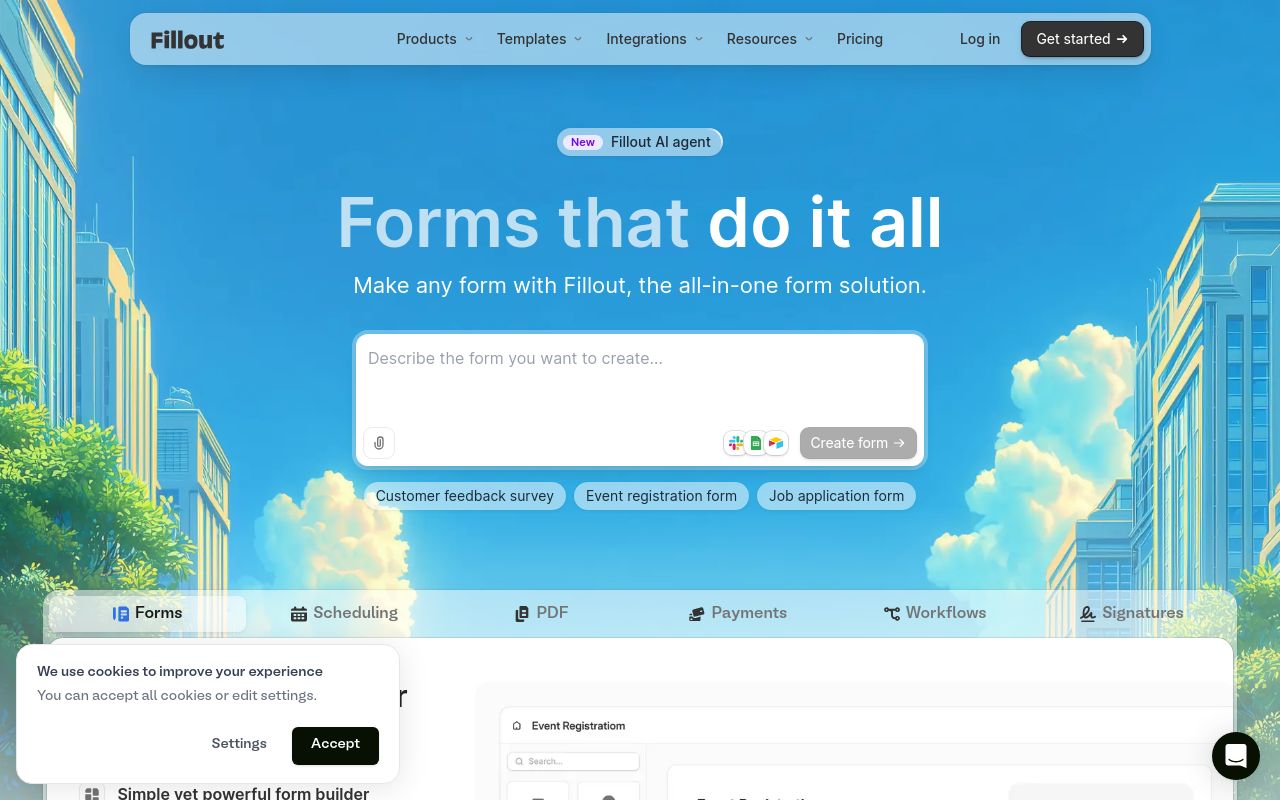
Best for: Users needing dynamic, custom forms for gathering meeting information.
Fillout provides a platform for building multi-step web forms and surveys. It allows you to schedule meetings through these forms while offering data integrations and workflow automation. It includes a free tier and API access for those who need to connect the service to other software.
Scheduling forms
Pricing, in their words: “Pay monthly or save with an annual plan.” (pricing)
Subscription terms they state: cancel in-app · auto-renews · states no refunds (source)
Limits the vendor states:
- Cannot use services for competitive analysis or competing product development.
GPT-trainer
Visit GPT-trainergpt-trainer.com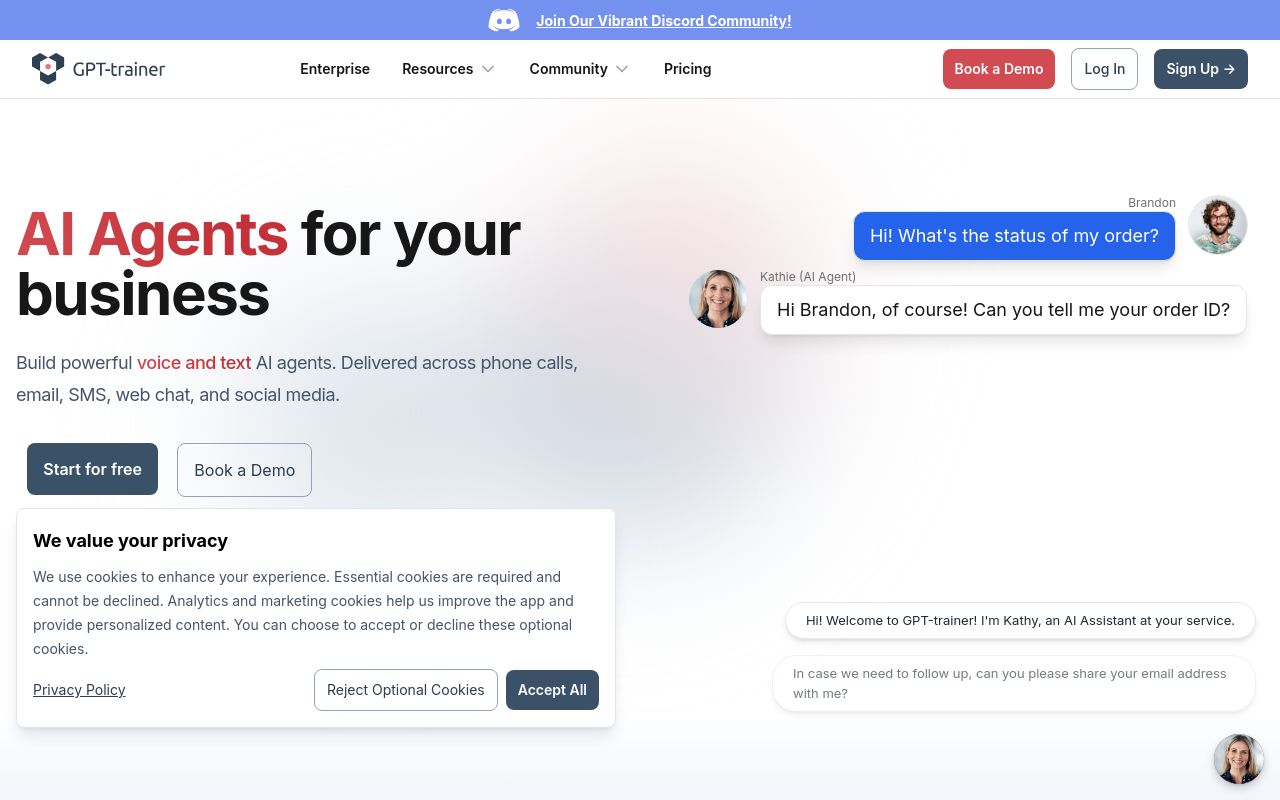
Best for: Developers and teams needing custom AI agents for voice and text.
This platform allows you to build AI agents using a no-code UI and a multi-agent framework. It supports meeting bookings through various channels, including Slack and its versatile API. It is a higher-end option with a starting price of $150 per month.
Automate meeting bookings and receive real-time alerts based on predefined triggers.
Pricing, in their words: “Self-Serve $150 USD Billed monthly” (pricing)
Subscription terms they state: states no refunds (source)
Limits the vendor states:
- no refunds
Littlebird
Visit Littlebirdlittlebird.ai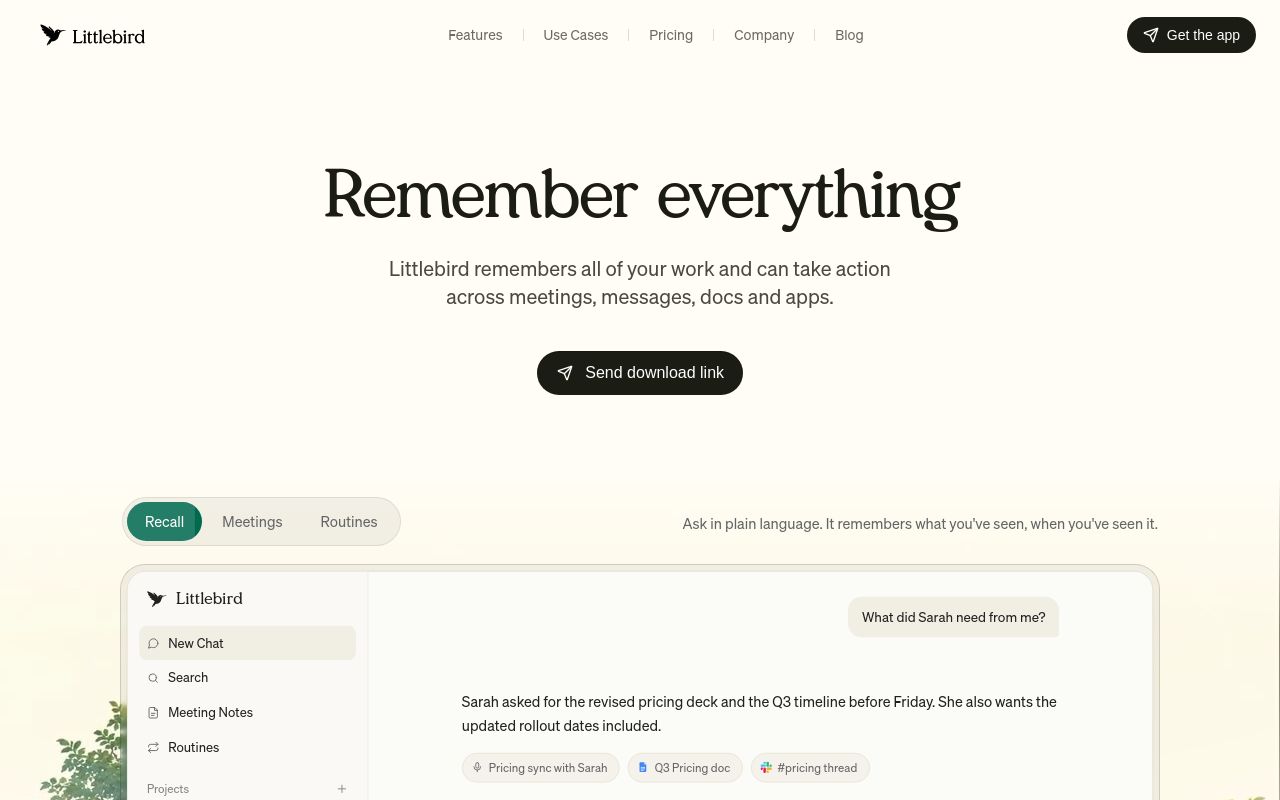
Best for: Individuals wanting a cross-platform AI assistant that remembers work context.
Littlebird acts as an AI assistant that monitors your meetings and remembers your work to take action when needed. It is available across desktop and mobile devices, including iOS and Android. It offers a free tier, but users should note the stated limits regarding PHI.
For example, if you want Littlebird to help schedule meetings, you can integrate with Google Calendar.
Pricing, in their words: “Plus $17/mo with annual subscription ($204 up front). $20 if billed monthly.” (pricing)
Subscription terms they state: cancel in-app · states no refunds (source)
Limits the vendor states:
- Use in account without BAA for PHI
Waveloom
Visit Waveloomwaveloom.dev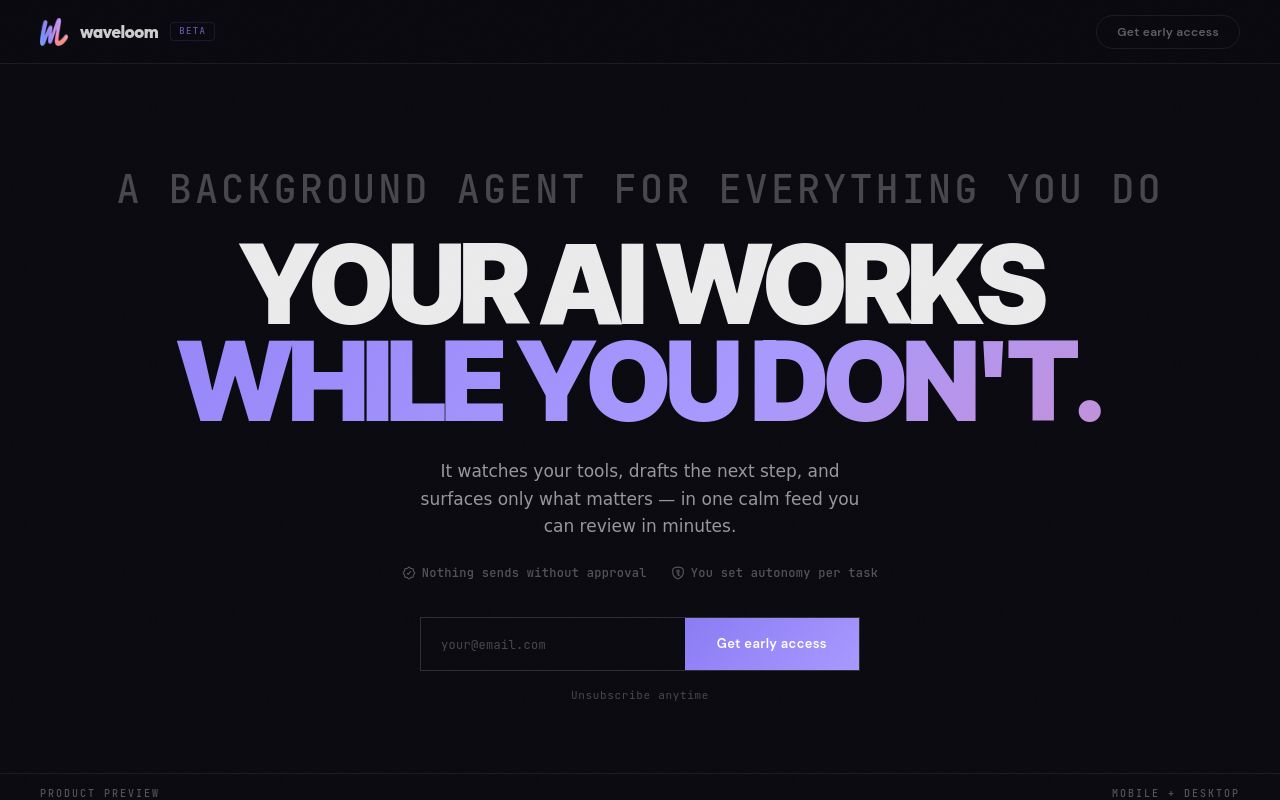
Best for: Users seeking a calm, background-focused approach to task management.
Waveloom functions as a background AI agent that monitors your tools to keep you informed. It surfaces important updates in a calm feed and helps schedule meetings. It is currently available via a waitlist on the web.
Your Waveloom agent may perform actions on your behalf, such as sending emails, scheduling meetings
Pricing, in their words: “Early access features and pricing are subject to change.”
No usage limits stated on the pages we read.
Best for: Professionals needing AI to manage projects and daily schedules simultaneously.
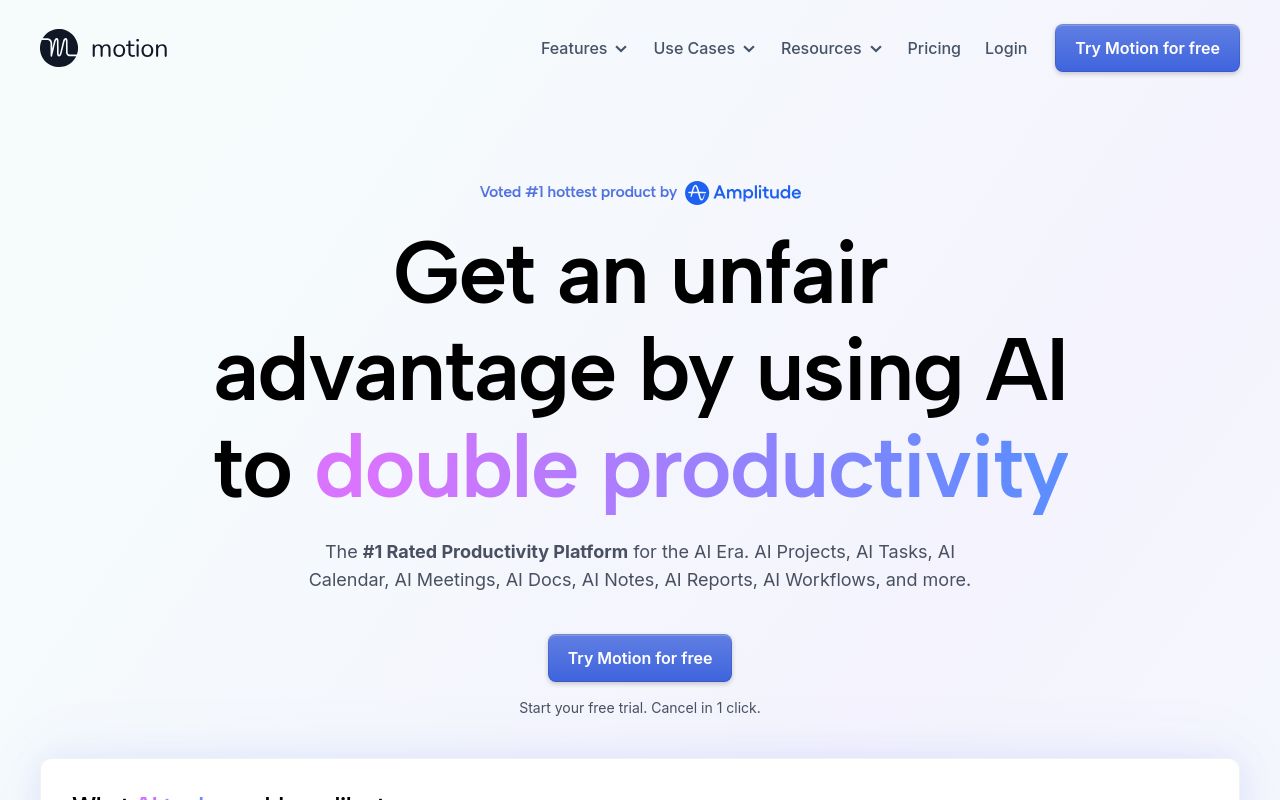
Motion is a productivity platform that uses artificial intelligence to plan your day and manage projects. It features functionality to create meeting booking pages and offers API support. It is available on web, desktop, and mobile platforms, starting at $19 per month.
Motion creates meeting booking pages, shows your availability, and schedules meetings at ideal times that maximize your focus time.
Pricing: From $19/mo (pricing)
Subscription terms they state: cancel in-app · auto-renews · states no refunds (source)
No usage limits stated on the pages we read.
Which one for your situation?
- You need to create complex, multi-step forms to gather information from clients before they book a slot. → Fillout: It is built for creating dynamic, multi-step web forms and surveys with workflow automation specifically for scheduling.
- You want to build custom, voice-enabled AI agents that handle bookings via Slack or a custom interface. → GPT-trainer: It uses a multi-agent framework and a no-code UI to support voice and text automation across web, API, and Slack.
- You are a professional who needs an assistant that tracks your work and manages your calendar on any device. → Littlebird: It functions as an AI assistant across desktop and mobile platforms that actively sits in on meetings and manages scheduling.
- You prefer a calm, hands-off approach where an AI monitors your tools and surfaces updates in a single feed. → Waveloom: It acts as a background agent that monitors your existing tools to draft next steps and surface important updates.
- You want an all-in-one productivity platform that uses AI to plan your entire day alongside your meetings. → Motion: It is a comprehensive productivity platform that uses AI to manage projects and plan your day alongside creating booking pages.
FAQ
Is there a free tool to automate meeting bookings?
Yes — Fillout, GPT-trainer, Littlebird offer a free tier.
What is the cheapest paid option to automate meeting bookings?
Fillout starts at $15/month.
Which of these have an API?
Fillout, GPT-trainer, Motion document a developer API.
How do I cancel these subscriptions?
Fillout: cancel in-app; Littlebird: cancel in-app; Motion: cancel in-app. GPT-trainer, Waveloom do not state a cancellation route on the pages we read.
Can I get a refund?
Fillout states it does not offer refunds; GPT-trainer states it does not offer refunds; Littlebird states it does not offer refunds; Motion states it does not offer refunds. The other (Waveloom) do not state a refund policy on the pages we read.
Do these subscriptions auto-renew?
Fillout, Motion state that paid plans renew automatically. Check the billing page before subscribing; the rest do not state it either way.
Sources
Every fact above was read from the vendors' own pages: