
Best AI tools to search web
Top picks at a glance:
- Kagi — Users prioritizing a clean, private, and ad-free searching experience.
- Mammouth AI — Researchers needing access to diverse AI models and media generation tools.
- Hermes Agent — Users looking for automated, agent-based research and platform-integrated tasks.
- You.com — Developers and power users building custom search-based AI applications.
- TypingMind — Advanced users who want a unified chat interface for multiple LLMs.
| Tool | What it does | Pricing | Free tier | Refunds |
|---|---|---|---|---|
| Kagi | Search without ads, block invasive trackers, and enjoy a noise-free internet on your own terms. | Free tier; paid from $5/mo | Yes | — |
| Mammouth AI | Access multiple generative AI models in a single subscription including LLMs, image, and video generation tools. | From $12/mo | No | — |
| Hermes Agent | An agent that learns projects, auto-generates skills, and runs unattended automation across various platforms. | Free tier | Yes | — |
| You.com | Web search, content extraction, and AI research APIs for building AI agents and LLM applications. | Free tier | Yes | — |
| TypingMind | Advanced chat UI for AI models, allowing connection to multiple LLMs through a single interface. | Not stated on site * | No | 14 days |
— means the vendor does not state it on the pages we read.
* pricing not verified against the vendor's pricing page.
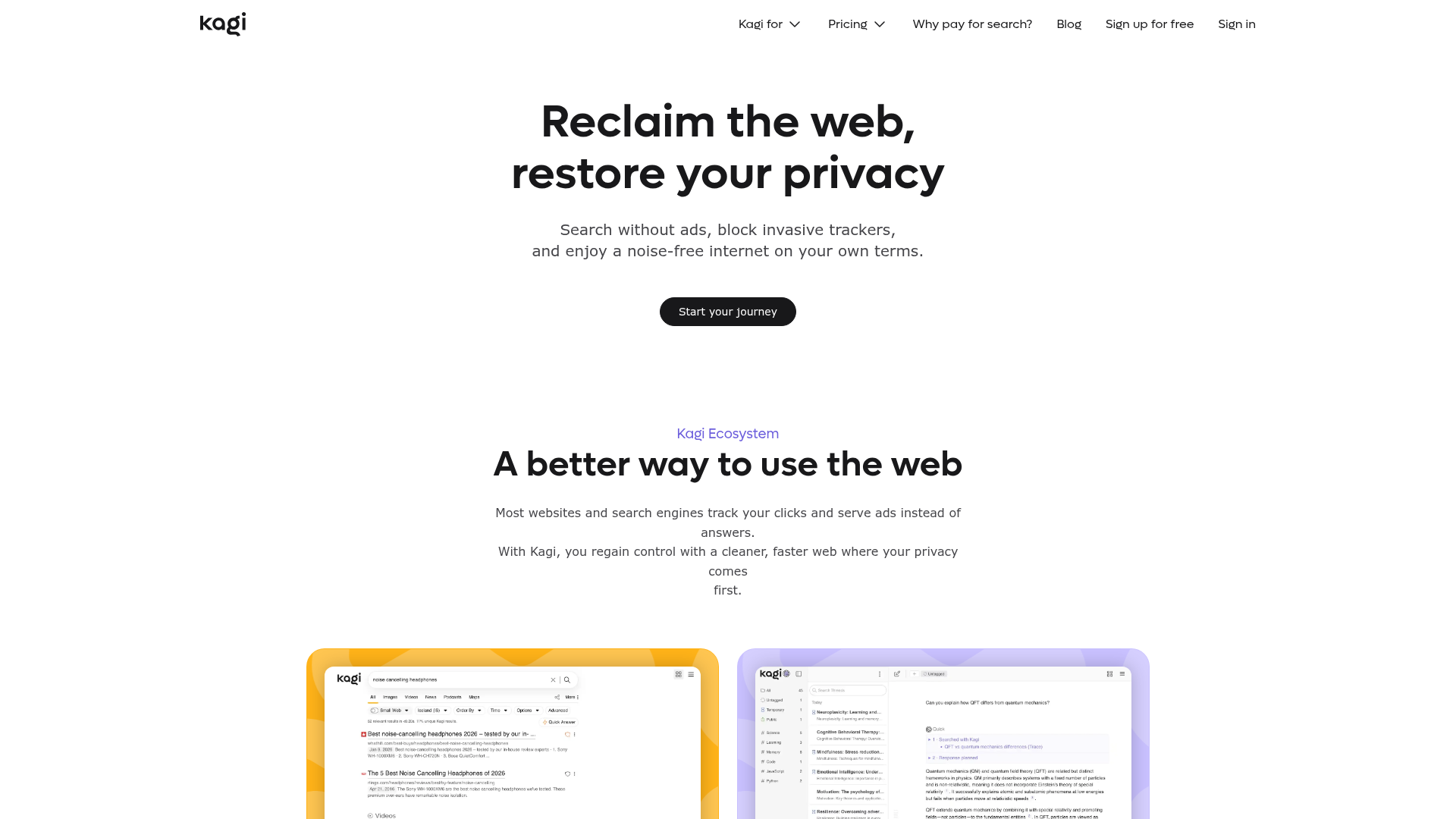
Best for: Users prioritizing a clean, private, and ad-free searching experience.
Kagi enables you to search the web while actively blocking invasive trackers. It ensures a noise-free internet experience across web, desktop, and mobile platforms. The service operates on a subscription model that allows for in-app cancellation.
Search the web and actually find what you're looking for.
— kagi.com
Pricing, in their words: “Plans for individuals and families start at a low monthly rate.” (pricing)
Subscription terms they state: cancel in-app · auto-renews (source)
No usage limits stated on the pages we read.
Mammouth AI
Visit Mammouth AImammouth.ai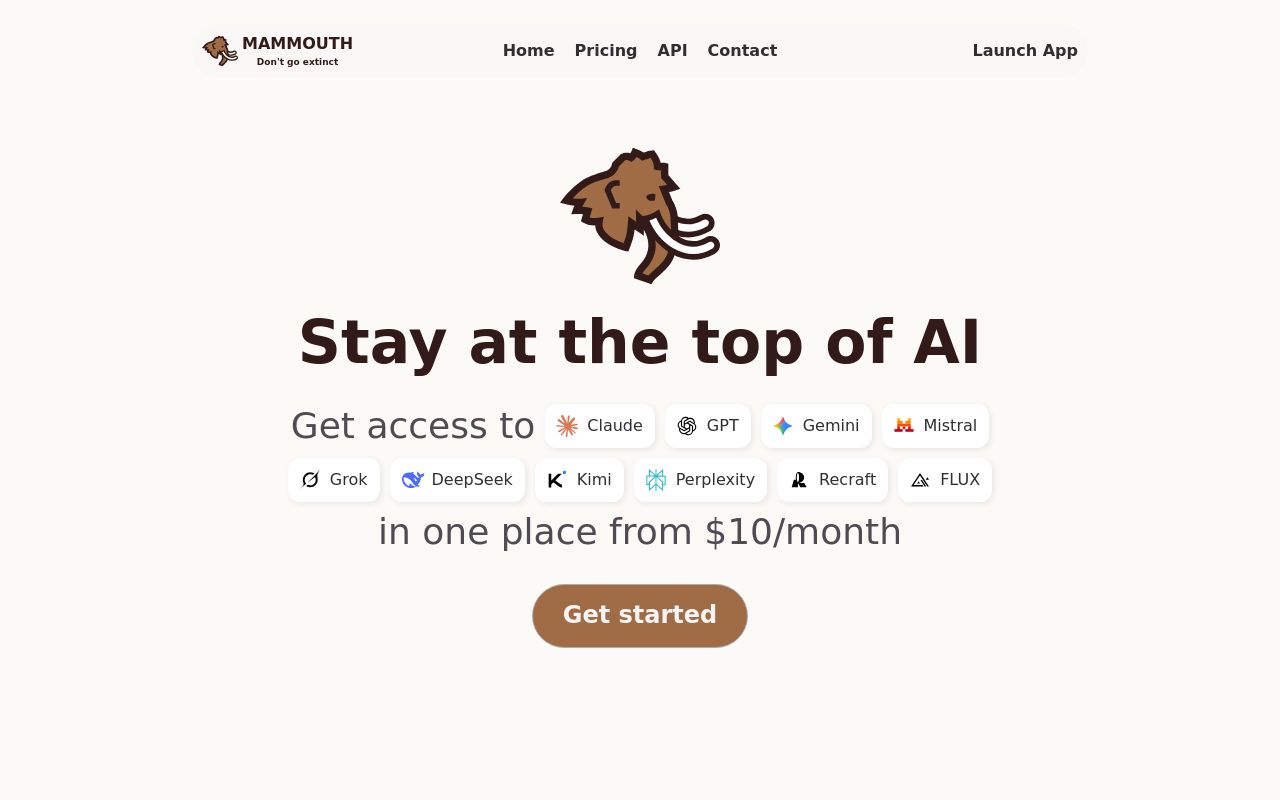
Best for: Researchers needing access to diverse AI models and media generation tools.
This platform lets you research topics online by accessing multiple generative AI models, including video and image tools, in a single subscription. It explicitly states that no model training on user data occurs. You can manage your subscription with in-app cancellation.
Web & Deep Research Perplexity
Pricing, in their words: “starter For regular use $12 / month” (pricing)
Subscription terms they state: cancel in-app
Limits the vendor states:
- no model training on user data
Hermes Agent
Visit Hermes Agentnousresearch.comBest for: Users looking for automated, agent-based research and platform-integrated tasks.
Hermes Agent helps you search the web by learning your projects and auto-generating necessary skills. It runs unattended automation across platforms like Slack, Discord, and desktop environments. A free tier is available for users to get started.
Web search, browser automation, vision, image generation, text-to-speech, and multi-model reasoning.
Pricing, in their words: “Hermes Free • Plus • Super • Ultra Nous Portal All paid tiers include monthly credits” (pricing)
No usage limits stated on the pages we read.
You.com
Visit You.comyou.com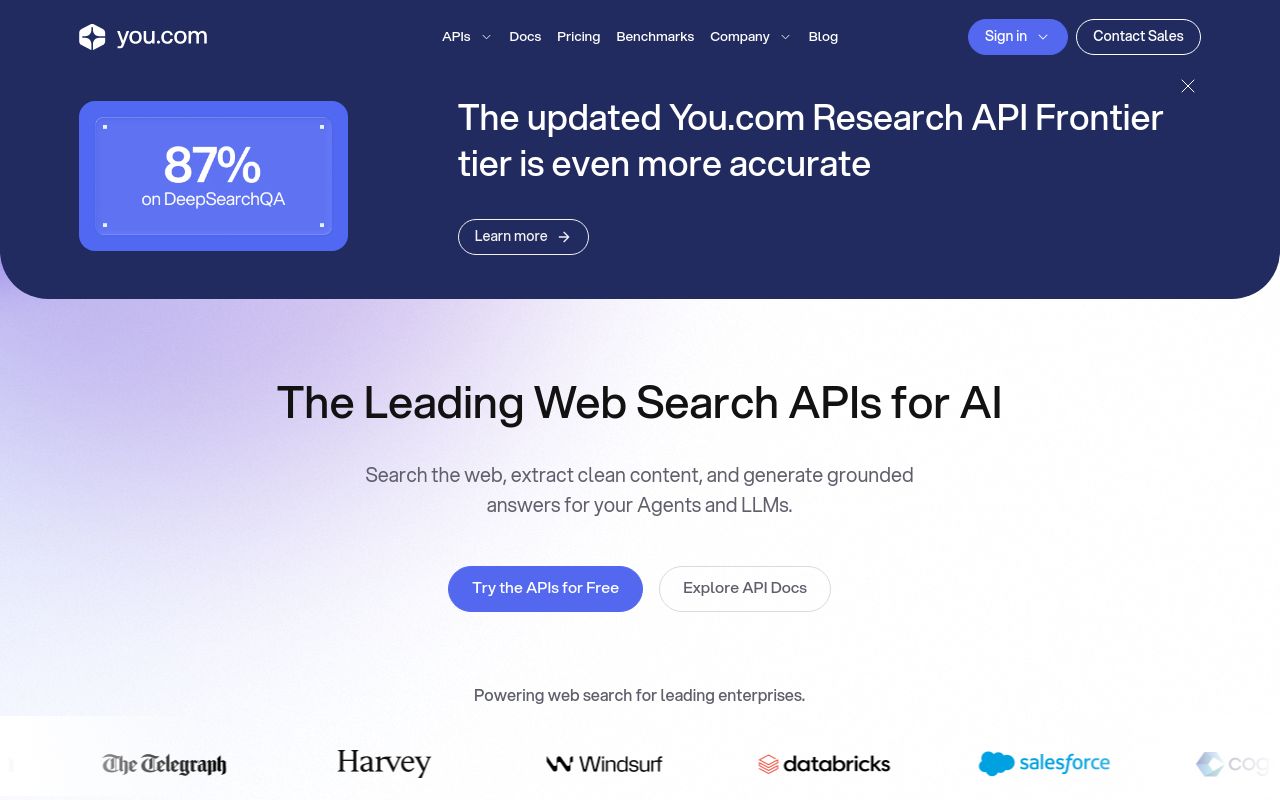
Best for: Developers and power users building custom search-based AI applications.
You.com provides web search and content extraction capabilities. It features AI research APIs, making it a suitable choice for those building their own AI agents or LLM-integrated applications. A free tier is provided.
Research across the open web and return source-backed answers with citations.
— you.com
Pricing, in their words: “$100 free credit to get started” (pricing)
No usage limits stated on the pages we read.
TypingMind
Visit TypingMindtypingmind.com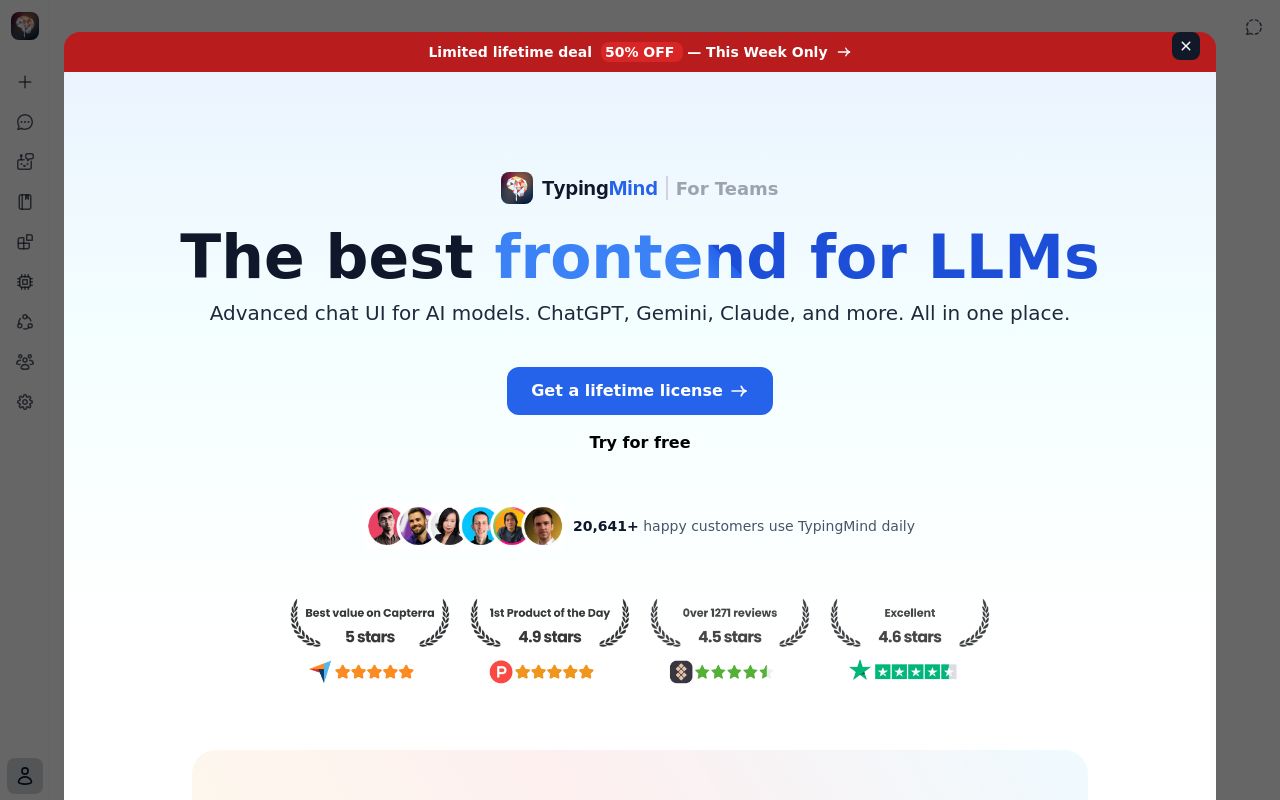
Best for: Advanced users who want a unified chat interface for multiple LLMs.
TypingMind offers an advanced chat UI that allows you to search the web with ai by connecting to various models. It features an API for further integration. The service is paid-only and includes a 14-day refund window.
Source: typingmind.com
Subscription terms they state: cancel in-app · 14-day refund window (source)
No usage limits stated on the pages we read.
Which one for your situation?
- You value privacy and want to avoid ads while browsing. → Kagi: It allows you to search the web without ads or invasive trackers, providing a noise-free experience.
- You need access to a variety of generative models for video and images. → Mammouth AI: It provides a single subscription for LLMs, image, and video generation tools while preventing model training on your data.
- You need to automate recurring research tasks across different platforms. → Hermes Agent: It functions as an agent that learns projects and executes unattended automation across various platforms like Slack and Discord.
- You are a developer building your own AI applications. → You.com: It offers content extraction and research APIs specifically designed for building AI agents and LLM applications.
- You want one interface to connect and manage multiple LLMs. → TypingMind: It provides an advanced chat UI that connects to multiple models through one interface and includes an API.
FAQ
Is there a free tool to search web?
Yes — Kagi, Hermes Agent, You.com offer a free tier.
What is the cheapest paid option to search web?
You.com starts at $0/month.
Which of these have an API?
Mammouth AI, You.com, TypingMind document a developer API.
How do I cancel these subscriptions?
Kagi: cancel in-app; Mammouth AI: cancel in-app; TypingMind: cancel in-app. Hermes Agent, You.com do not state a cancellation route on the pages we read.
Can I get a refund?
TypingMind states a 14-day refund window. The others (Kagi, Mammouth AI, Hermes Agent, You.com) do not state a refund policy on the pages we read.
Do these subscriptions auto-renew?
Kagi states that paid plans renew automatically. Check the billing page before subscribing; the rest do not state it either way.
Sources
Every fact above was read from the vendors' own pages: