
Best AI tools to remove filler words from audio
Top picks at a glance:
- VideoTube — Non-commercial creators seeking to process videos with an easy web interface.
- Descript — Editors who prefer a text-based workflow for video and audio production.
- Captions — Mobile-first creators who need to prepare footage for immediate social sharing.
- Cleanvoice — Podcasters requiring automated cleanup of complex audio artifacts and long silences.
| Tool | What it does | Pricing | Free tier | Refunds |
|---|---|---|---|---|
| VideoTube | AI platform that generates short videos, images, and music from text, images, or long-form videos. | Free tier | Yes | 3 days |
| Descript | An all-in-one audio and video editing app that allows you to edit video by editing text. | Free tier; paid from $16/mo | Yes | — |
| Captions | An AI video editor that transforms footage into a fully edited video ready to share. | Free tier; paid from $24.99/mo | Yes | — |
| Cleanvoice | AI podcast editing app to automatically remove background noise, filler words, long silence, and mouth sounds. | Free tier; paid from $11/mo * | Yes | — |
— means the vendor does not state it on the pages we read.
* pricing not verified against the vendor's pricing page.
VideoTube
Visit VideoTubevideotube.ai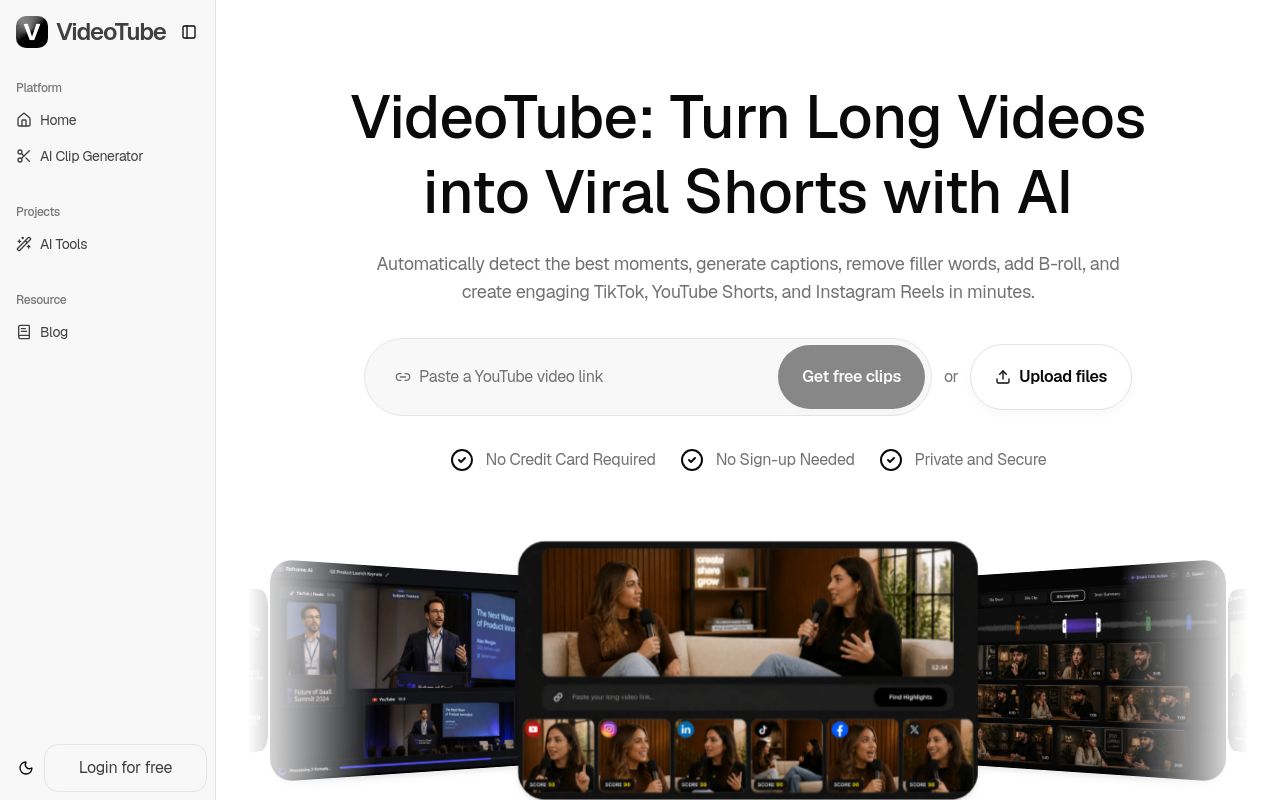
Best for: Non-commercial creators seeking to process videos with an easy web interface.
VideoTube acts as an AI platform capable of generating content from text or long-form videos. It allows users to remove silence and filler words from videos. Please note that this service does not support commercial use.
Silence & Filler Removal Remove pauses and unnecessary words.
Pricing, in their words: “One time Payment All features, one-time payment, no renewal” (pricing)
Subscription terms they state: cancel in-app · auto-renews · 3-day refund window (source)
Limits the vendor states:
- no commercial use
Descript
Visit Descriptdescript.com
Best for: Editors who prefer a text-based workflow for video and audio production.
Descript functions as an all-in-one editing app for both video and audio. It enables you to remove filler words from video by editing the transcript directly. The tool is accessible via web, Mac, and Windows.
Instantly cut all your "ums," "uhs," “likes,” “you knows,” and other filler words.
Pricing, in their words: “Monthly
Annual
Save up to 35% with annual billing” (pricing)
No usage limits stated on the pages we read.
Captions
Visit Captionscaptions.ai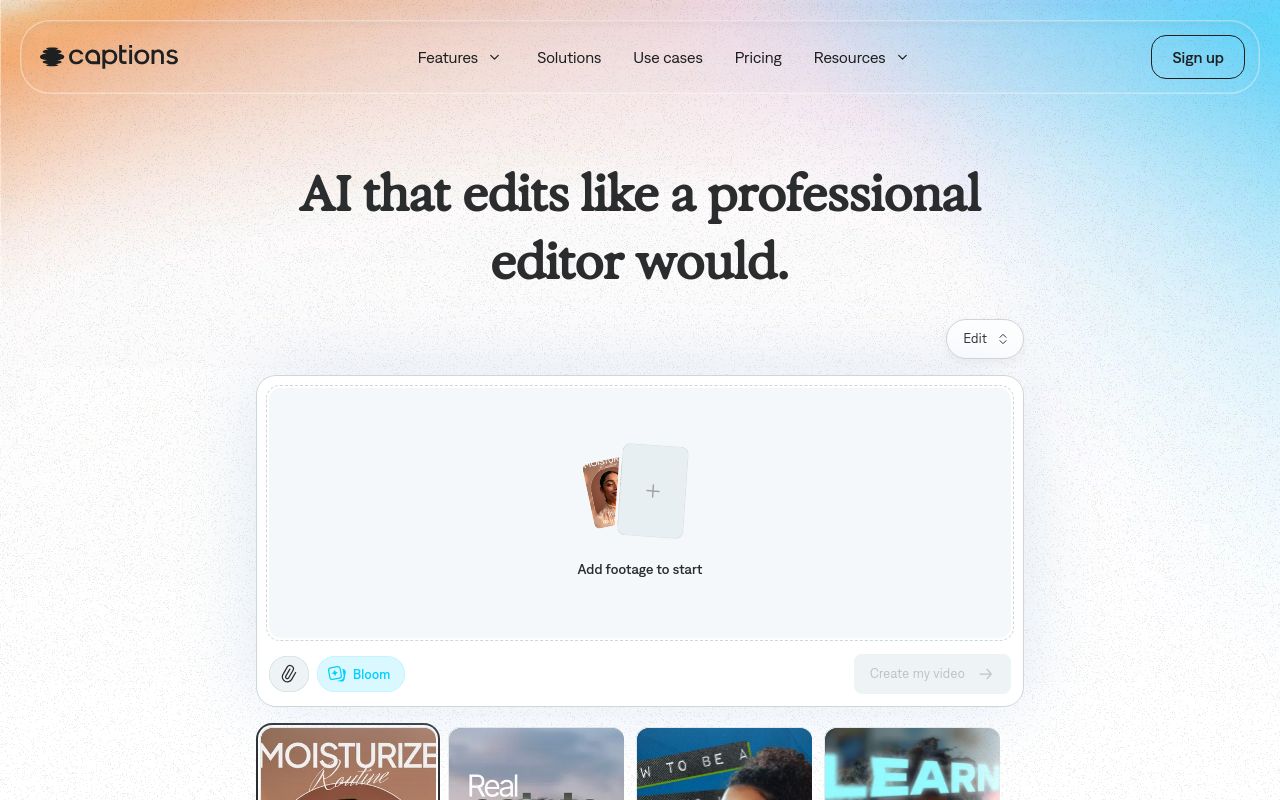
Best for: Mobile-first creators who need to prepare footage for immediate social sharing.
Captions is an AI video editor designed to transform raw footage into ready-to-share content. It specializes in the ability to remove filler words from videos. It is available on web, iOS, and Android platforms, and offers API access.
Source: captions.ai
Pricing, in their words: “Access 500 credits per month” (pricing)
No usage limits stated on the pages we read.
Cleanvoice
Visit Cleanvoicecleanvoice.ai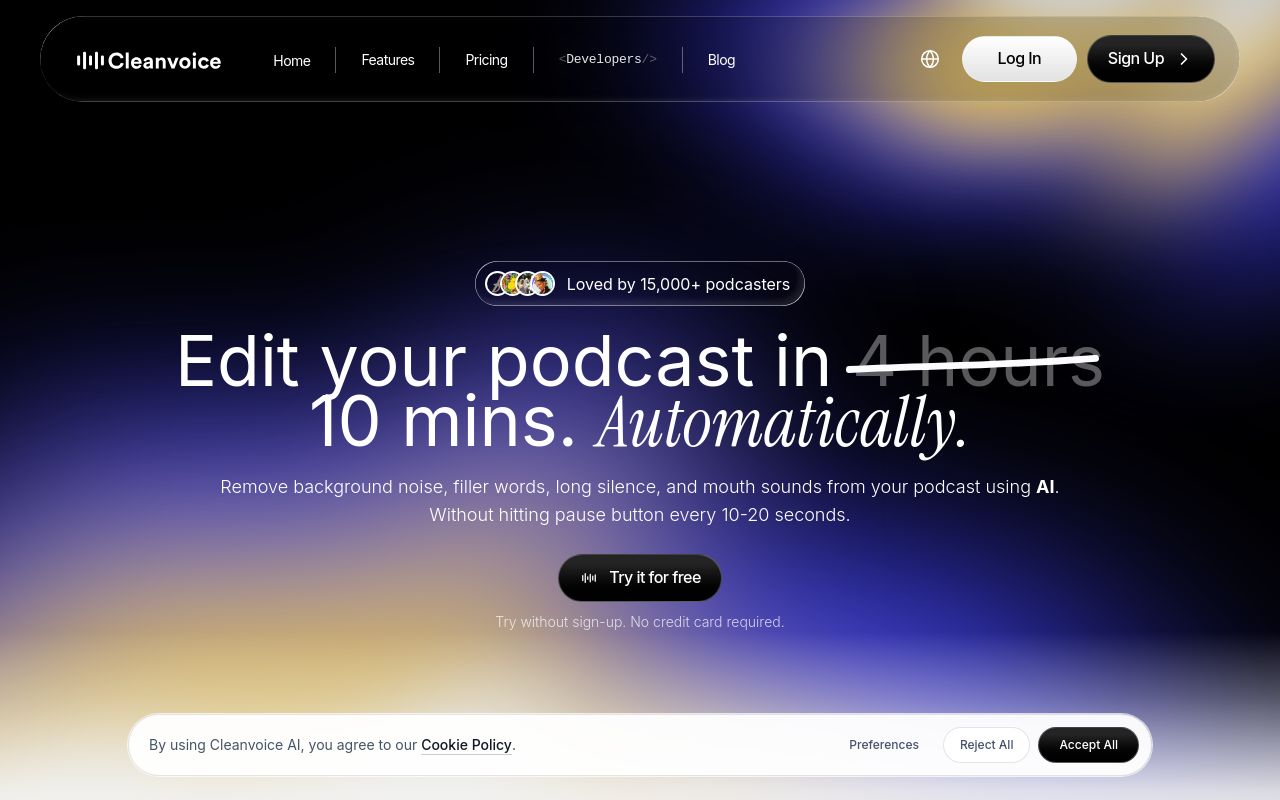
Best for: Podcasters requiring automated cleanup of complex audio artifacts and long silences.
Cleanvoice is an AI podcast editing app built to automatically detect and remove long silences from podcast recordings. It also targets mouth sounds and background noise. It supports web integration and API usage.
Source: cleanvoice.ai
Pricing: Free tier; paid from $11/mo (pricing)
Subscription terms they state: cancel in-app (source)
No usage limits stated on the pages we read.
Which one for your situation?
- You are a casual creator looking to quickly edit personal videos on your computer. → VideoTube: It offers a free tier and a 3-day refund window for users who do not require commercial use rights.
- You need a professional video editing environment that allows you to edit content by manipulating text. → Descript: It functions as an all-in-one desktop and web application for video and audio editing starting at $16 per month.
- You are an influencer who needs to edit and share videos directly from your smartphone. → Captions: It provides an AI video editor compatible with iOS and Android, offering an API for advanced workflows.
- You host a weekly podcast and need to automate the cleanup of background noise and silence. → Cleanvoice: It is an AI podcast editing app with an API, starting at $11 per month with simple in-app cancellation.
FAQ
Is there a free tool to remove filler words from audio?
Yes — VideoTube, Descript, Captions, Cleanvoice offer a free tier.
What is the cheapest paid option to remove filler words from audio?
Cleanvoice starts at $11/month.
Which of these have an API?
Captions, Cleanvoice document a developer API.
How do I cancel these subscriptions?
VideoTube: cancel in-app; Cleanvoice: cancel in-app. Descript, Captions do not state a cancellation route on the pages we read.
Can I get a refund?
VideoTube states a 3-day refund window. The others (Descript, Captions, Cleanvoice) do not state a refund policy on the pages we read.
Do these subscriptions auto-renew?
VideoTube states that paid plans renew automatically. Check the billing page before subscribing; the rest do not state it either way.
Sources
Every fact above was read from the vendors' own pages: