
Best AI tools to manage social media calendars
Top picks at a glance:
- OpusClip — Video content creators looking to repurpose long-form footage into viral clips.
- Taplio — LinkedIn power users wanting an all-in-one engagement and scheduling suite.
- Simplified — Marketing teams needing a unified platform for end-to-end campaign management.
- 2pr.io — Professionals seeking an automated agent to manage their entire LinkedIn workflow.
- FlowPost — Users needing a broad autopilot solution across many social media platforms.
| Tool | What it does | Pricing | Free tier | Refunds |
|---|---|---|---|---|
| OpusClip | AI video editing platform that turns long videos into shorter viral clips for social media. | Free tier; paid from $15/mo | Yes | — |
| Taplio | AI-powered tool for LinkedIn growth to find ideas, write posts, schedule content, and manage engagement. | From $32/mo | No | 30 days |
| Simplified | An AI agent platform for marketing teams to plan, create, and publish campaigns end to end. | Free tier | Yes | — |
| 2pr.io | AI agent to grow on LinkedIn by automating ideas, drafts, visuals, planning, replies, and analytics. | From $17/mo | No | 7 days |
| FlowPost | AI autopilot for social media that creates, schedules, and publishes posts consistently across nine platforms. | Free tier; paid from $29/mo | Yes | — |
— means the vendor does not state it on the pages we read.
OpusClip
Visit OpusClipopus.pro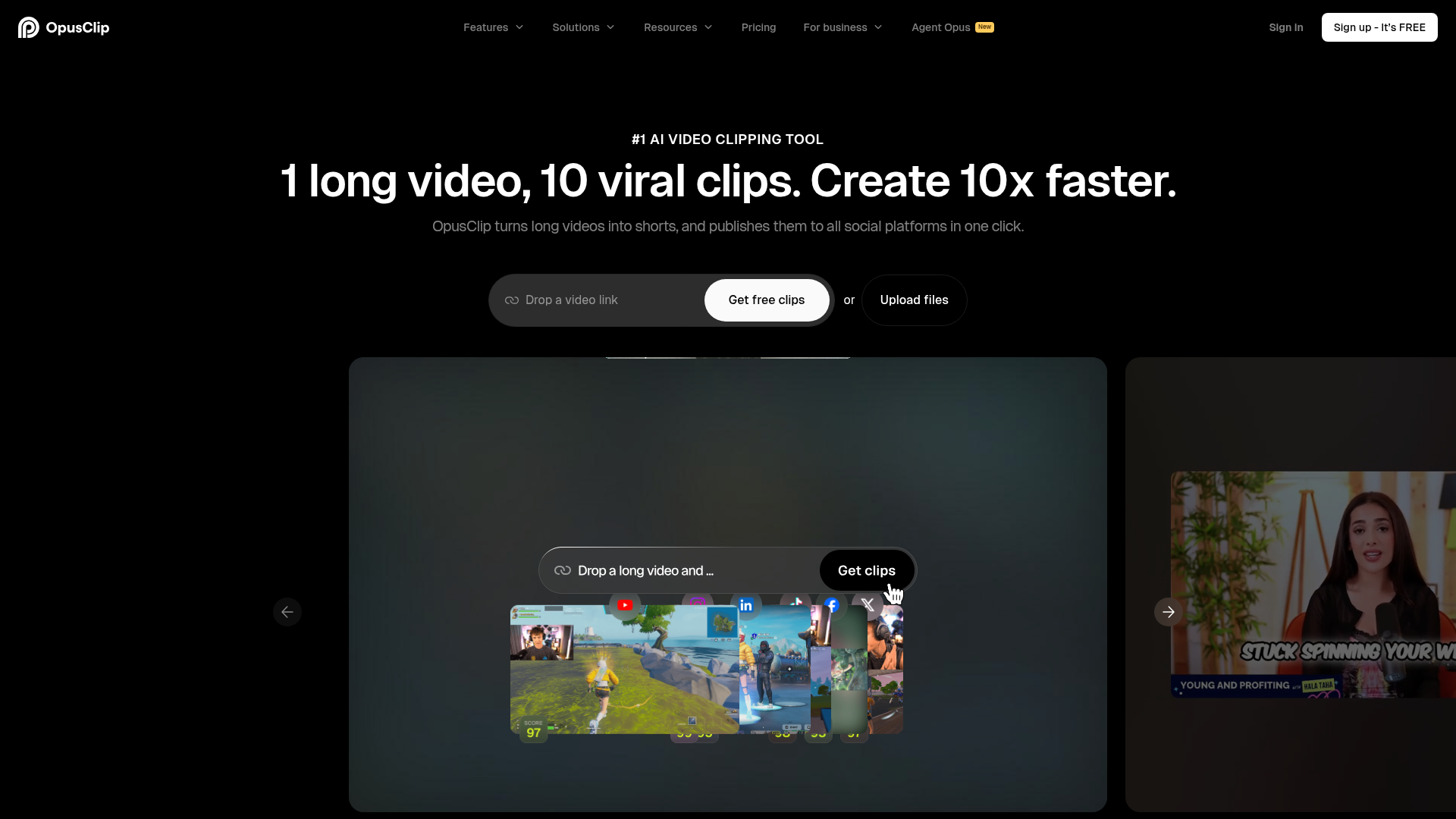
Best for: Video content creators looking to repurpose long-form footage into viral clips.
This AI video editing platform simplifies the process of creating short-form content. It allows you to schedule social media posts directly from your edited video clips.
Schedule a month's posts to all platforms in 10 minutes
— opus.pro
Pricing, in their words: “Free $0 Starter $15/mo Pro $29/mo Business Custom” (pricing)
Subscription terms they state: cancel in-app (source)
No usage limits stated on the pages we read.
Taplio
Visit Tapliotaplio.comCancellation & refund terms for Taplio
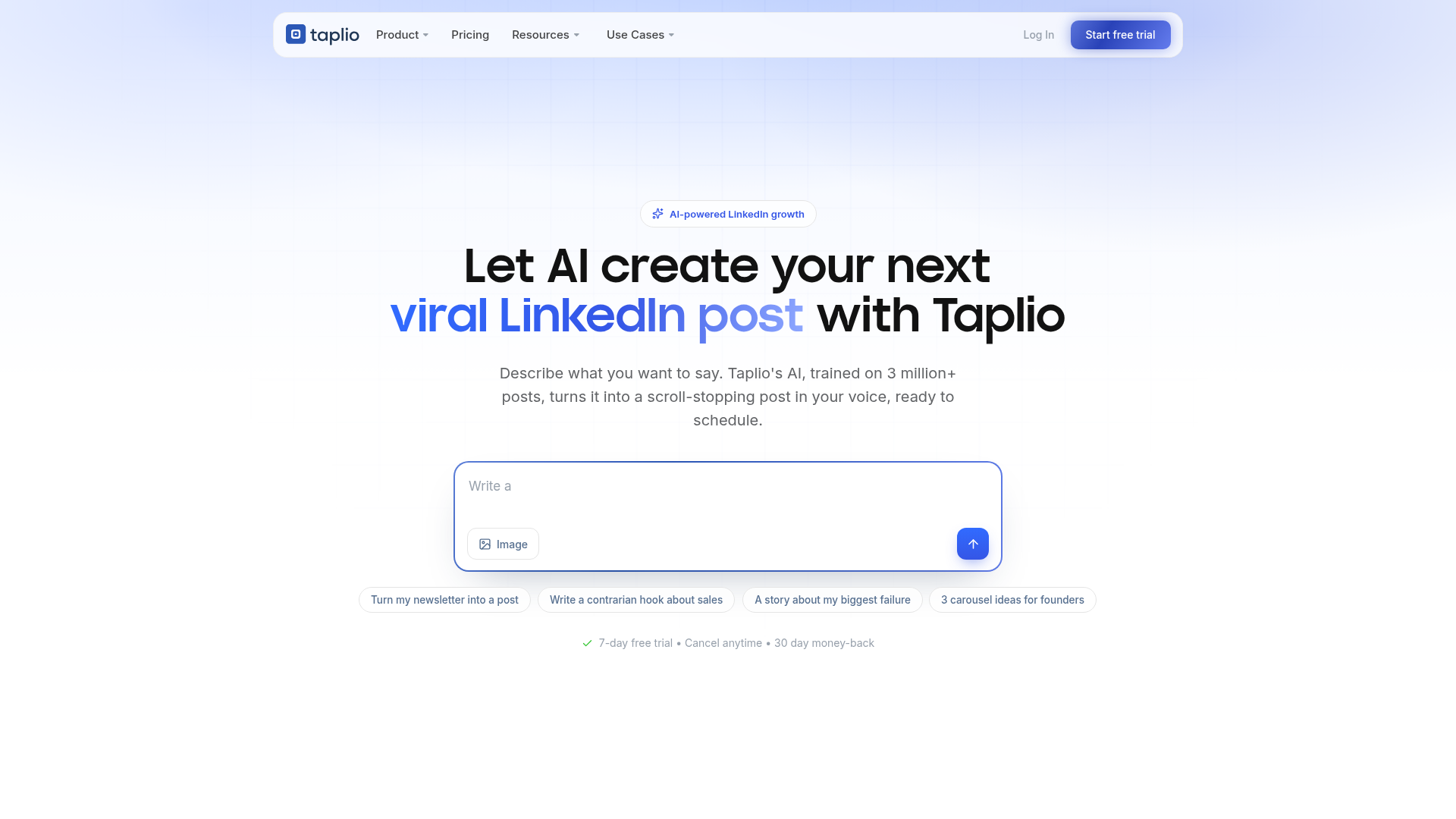
Best for: LinkedIn power users wanting an all-in-one engagement and scheduling suite.
This AI-powered tool is designed to grow your LinkedIn presence. It helps you schedule linkedin posts, manage your engagement, and find new content ideas using a web interface or Chrome extension.
Queue a full week and post automatically at your best times.
Pricing, in their words: “Full app access during the free trial, whichever plan you choose. 30 day money back guarantee.” (pricing)
Subscription terms they state: cancel in-app · auto-renews · 30-day refund window (source)
No usage limits stated on the pages we read.
Simplified
Visit Simplifiedsimplified.com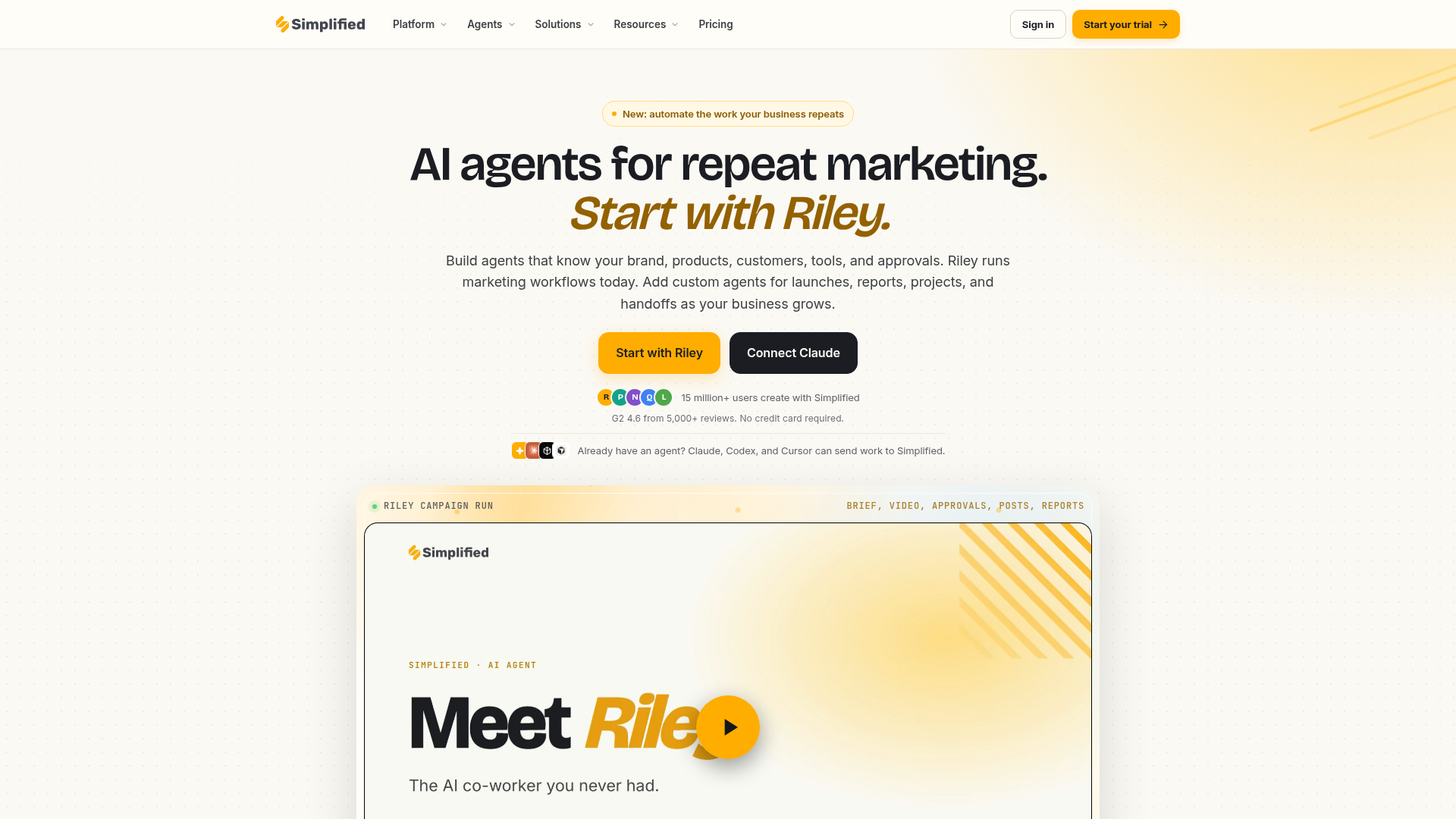
Best for: Marketing teams needing a unified platform for end-to-end campaign management.
This platform serves as an AI agent for teams to plan, create, and publish campaigns. It is built to schedule social media posts and is accessible via web, CLI, or API.
Approved assets move to the right channels with the schedule attached.
Pricing, in their words: “Simplified is free to start with no credit card required. Credit amounts and usage vary by plan” (pricing)
Subscription terms they state: cancel in-app (source)
No usage limits stated on the pages we read.
2pr.io
Visit 2pr.io2pr.ioCancellation & refund terms for 2pr.io
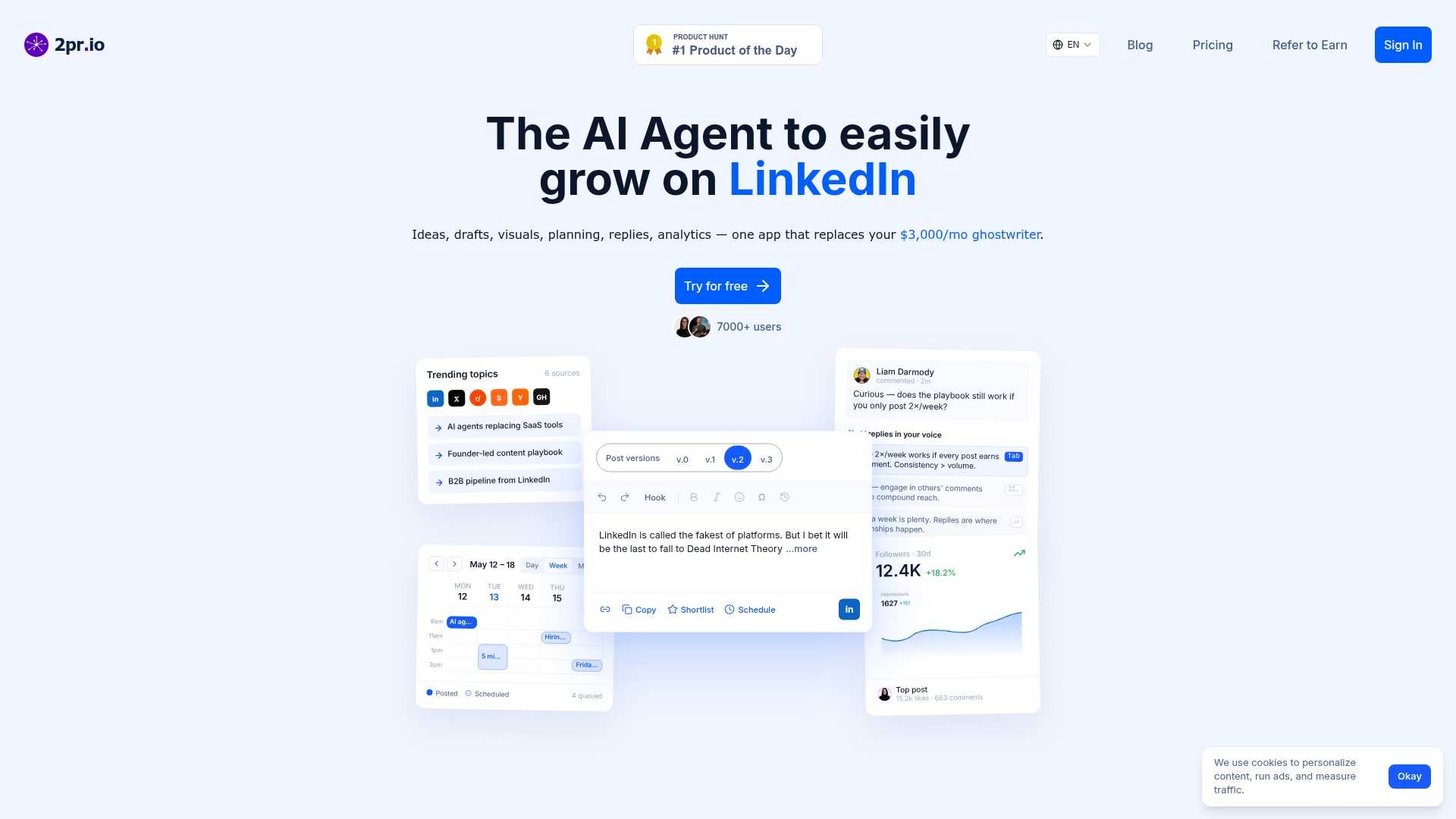
Best for: Professionals seeking an automated agent to manage their entire LinkedIn workflow.
This AI agent automates your LinkedIn strategy by handling ideas, visuals, and planning. It allows you to schedule linkedin posts and manage replies while providing analytics, though it has specific refund and cancellation limitations.
Plan a week in fifteen minutes. Drag-and-drop calendar
— 2pr.io
Pricing, in their words: “The individual plan ("Just for you") is $24/month billed annually, or $49/month billed monthly. The Multi-profile plan for agencies and teams starts at $17/month per profile billed annually” (pricing)
Subscription terms they state: cancel in-app · auto-renews · 7-day refund window (source)
Limits the vendor states:
- cannot refund after specified windows
- cannot cancel via account deletion
FlowPost
Visit FlowPostflowpost.ai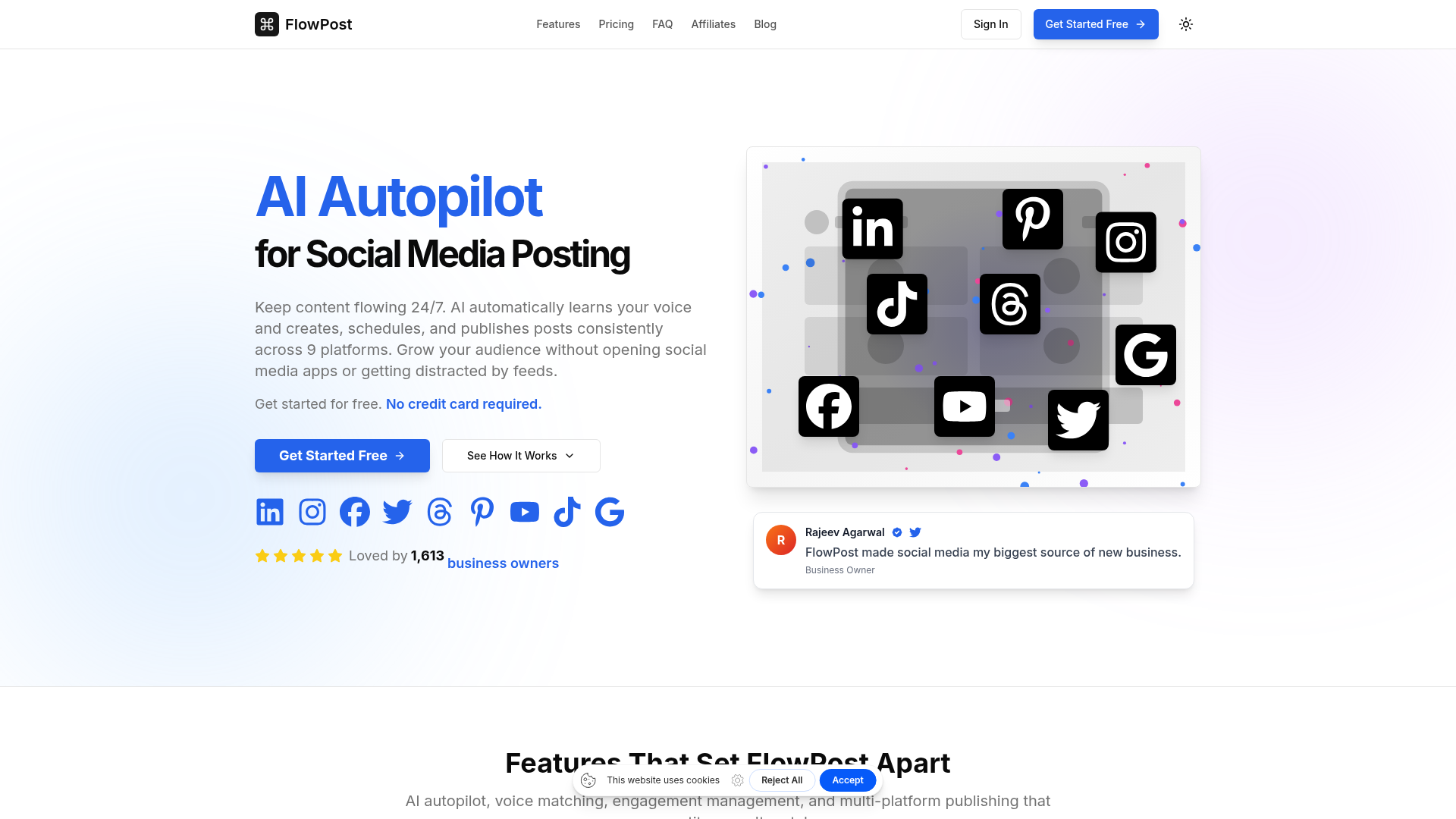
Best for: Users needing a broad autopilot solution across many social media platforms.
This tool functions as an AI autopilot for your social media presence. It creates, schedules, and publishes posts consistently across nine different platforms.
AI automatically learns your voice and creates, schedules, and publishes posts consistently across 9 platforms.
Pricing, in their words: “$0 (7 days free, then $29/month)
- 100 AI credits” (pricing)
Subscription terms they state: cancel in-app (source)
No usage limits stated on the pages we read.
Which one for your situation?
- You are a creator producing long-form video content that needs to be repurposed into viral clips. → OpusClip: It is an AI video editing platform specifically designed to turn long videos into shorter, viral clips for social media.
- You are a professional focused exclusively on building your personal brand and engagement on LinkedIn. → Taplio: It is an AI-powered tool for LinkedIn growth that helps find ideas, write posts, schedule content, and manage engagement.
- You work in a marketing team that requires an end-to-end platform to plan and publish diverse campaigns. → Simplified: It acts as an AI agent platform for marketing teams to plan, create, and publish campaigns from start to finish.
- You need a hands-off automated agent to handle your entire LinkedIn presence including replies and analytics. → 2pr.io: This tool acts as an AI agent for LinkedIn to automate ideas, drafts, visuals, planning, replies, and analytics.
- You need to maintain a consistent presence across nine different social media platforms simultaneously. → FlowPost: It serves as an AI autopilot that creates, schedules, and publishes posts consistently across nine platforms.
FAQ
Is there a free tool to manage social media calendars?
Yes — OpusClip, Simplified, FlowPost offer a free tier.
What is the cheapest paid option to manage social media calendars?
OpusClip starts at $15/month.
Which of these have an API?
OpusClip, Taplio, Simplified, 2pr.io document a developer API.
How do I cancel these subscriptions?
OpusClip: cancel in-app; Taplio: cancel in-app; Simplified: cancel in-app; 2pr.io: cancel in-app; FlowPost: cancel in-app.
Can I get a refund?
Taplio states a 30-day refund window; 2pr.io states a 7-day refund window. The others (OpusClip, Simplified, FlowPost) do not state a refund policy on the pages we read.
Do these subscriptions auto-renew?
Taplio, 2pr.io state that paid plans renew automatically. Check the billing page before subscribing; the rest do not state it either way.
Sources
Every fact above was read from the vendors' own pages: