
Best AI tools to generate data visualizations
| Tool | What it does | Pricing | Free tier | Refunds |
|---|---|---|---|---|
| Julius AI | AI-powered data agents that help knowledge workers analyze data, create visualizations, and generate reports. | Free tier; paid from $16/mo | Yes | — |
| RowSpeak | Turn Excel, CSV, PDF, and image-based tables into graphs, insights, dashboards, and reports using natural language. | Free tier; paid from $8.30/mo | Yes | 7 days |
| DataSquirrel | AI-powered business intelligence platform for cleaning, analyzing, and visualizing data without coding or manual formulas. | Not stated on site | — | None stated |
| GPT for Slides | AI-powered presentations right inside Google Slides. | Free tier; paid from $8/mo | Yes | 5 days |
| Replit | Turn ideas into apps in minutes with an AI agent that writes code and builds infrastructure. | Free tier; paid from $18/mo | Yes | — |
— means the vendor does not state it on the pages we read.
Julius AI
Visit Julius AIjulius.aiAI-powered data agents that help knowledge workers analyze data, create visualizations, and generate reports.
Create sleek looking data visualizations
Pricing, in their words: “Yearly SAVE -20% Monthly” (pricing)
Subscription terms they state: cancel in-app (source)
No usage limits stated on the pages we read.
RowSpeak
Visit RowSpeakrowspeak.ai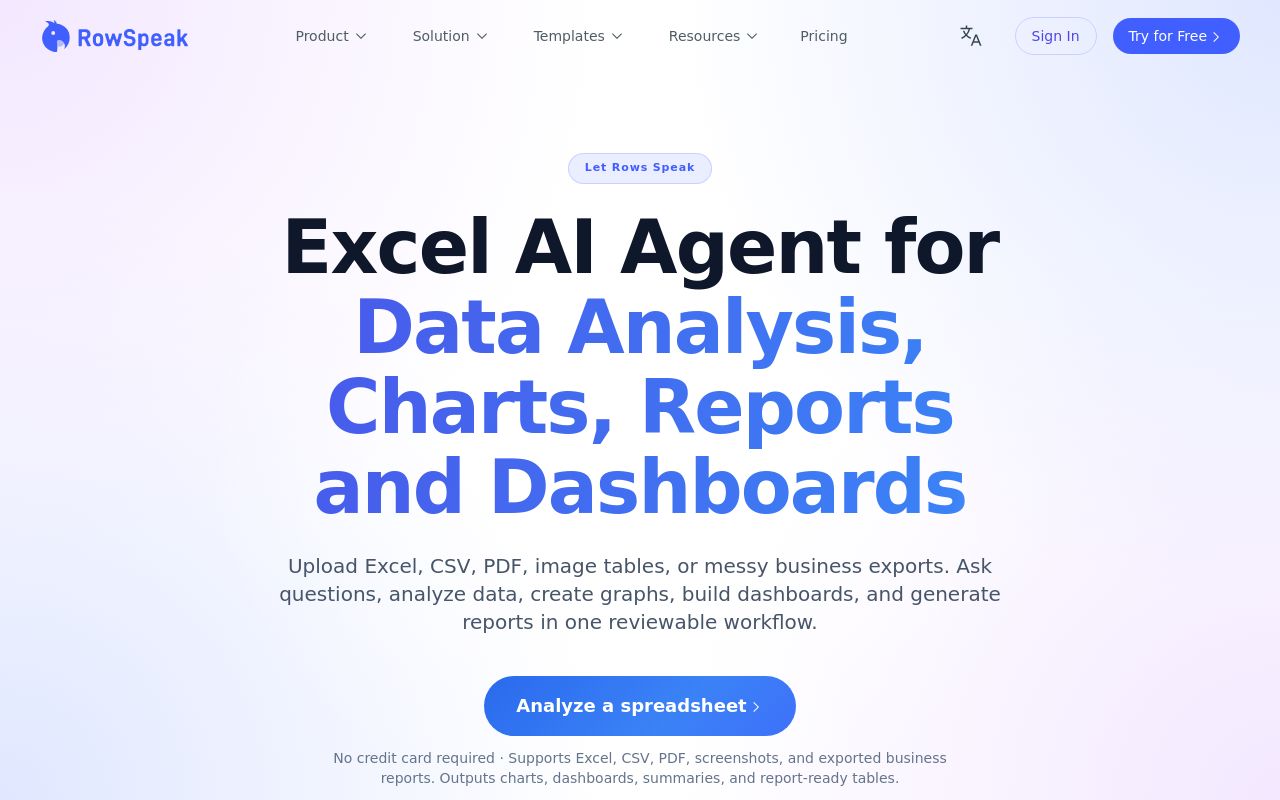
Turn Excel, CSV, PDF, and image-based tables into graphs, insights, dashboards, and reports using natural language.
Create graphs from spreadsheet data with AI
Pricing, in their words: “Billed annually $99 / year” (pricing)
Subscription terms they state: cancel in-app · 7-day refund window (source)
Limits the vendor states:
- not a live real-time dashboard tool
DataSquirrel
Visit DataSquirreldatasquirrel.ai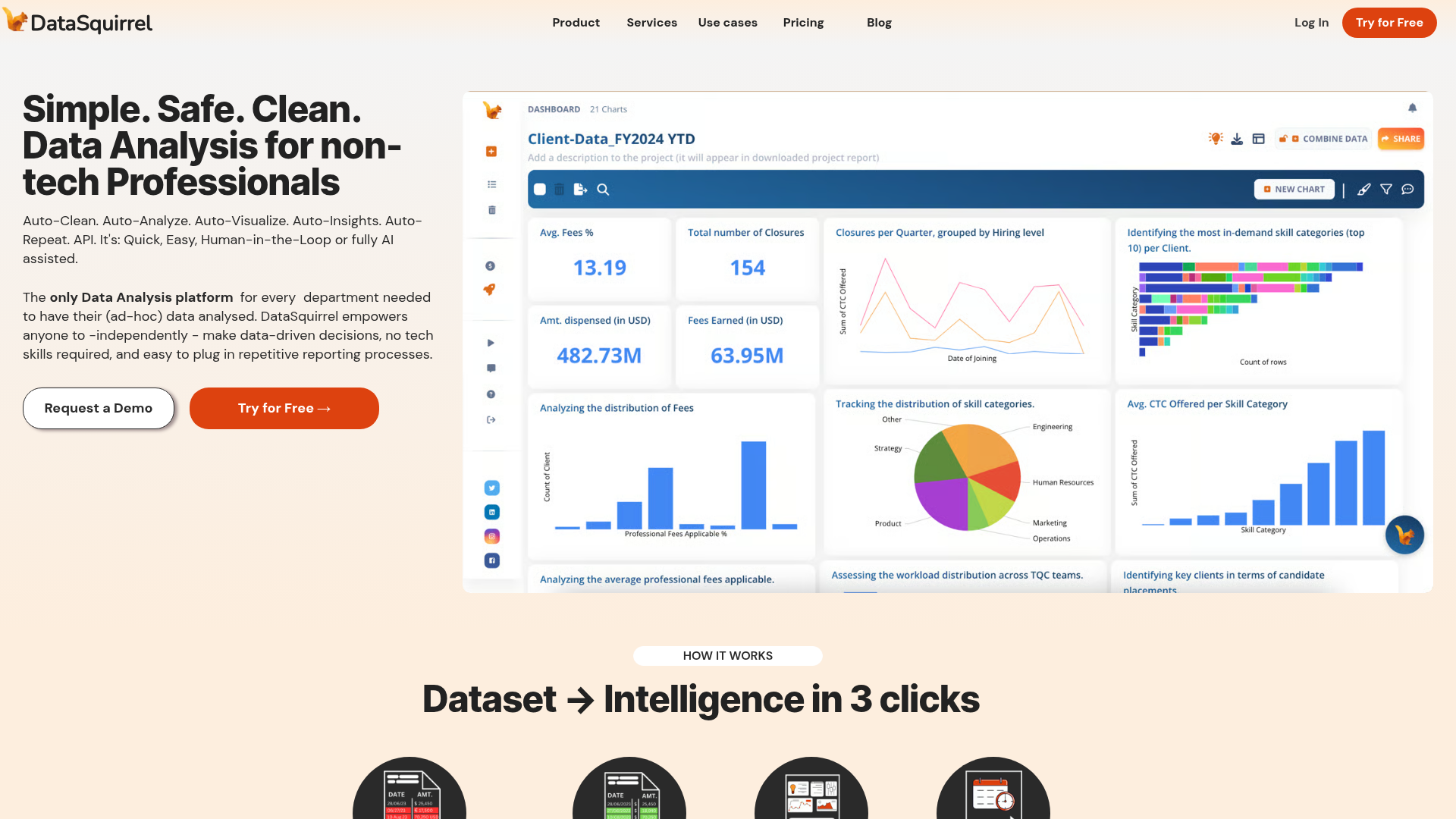
AI-powered business intelligence platform for cleaning, analyzing, and visualizing data without coding or manual formulas.
AI data analysis automates the creation of visually compelling charts and graphs
Pricing, in their words: “Flexible Limited period discounted plans for your team & you” (pricing)
Subscription terms they state: cancel by email · states no refunds (source)
No usage limits stated on the pages we read.
GPT for Slides
Visit GPT for Slidesgptforslides.app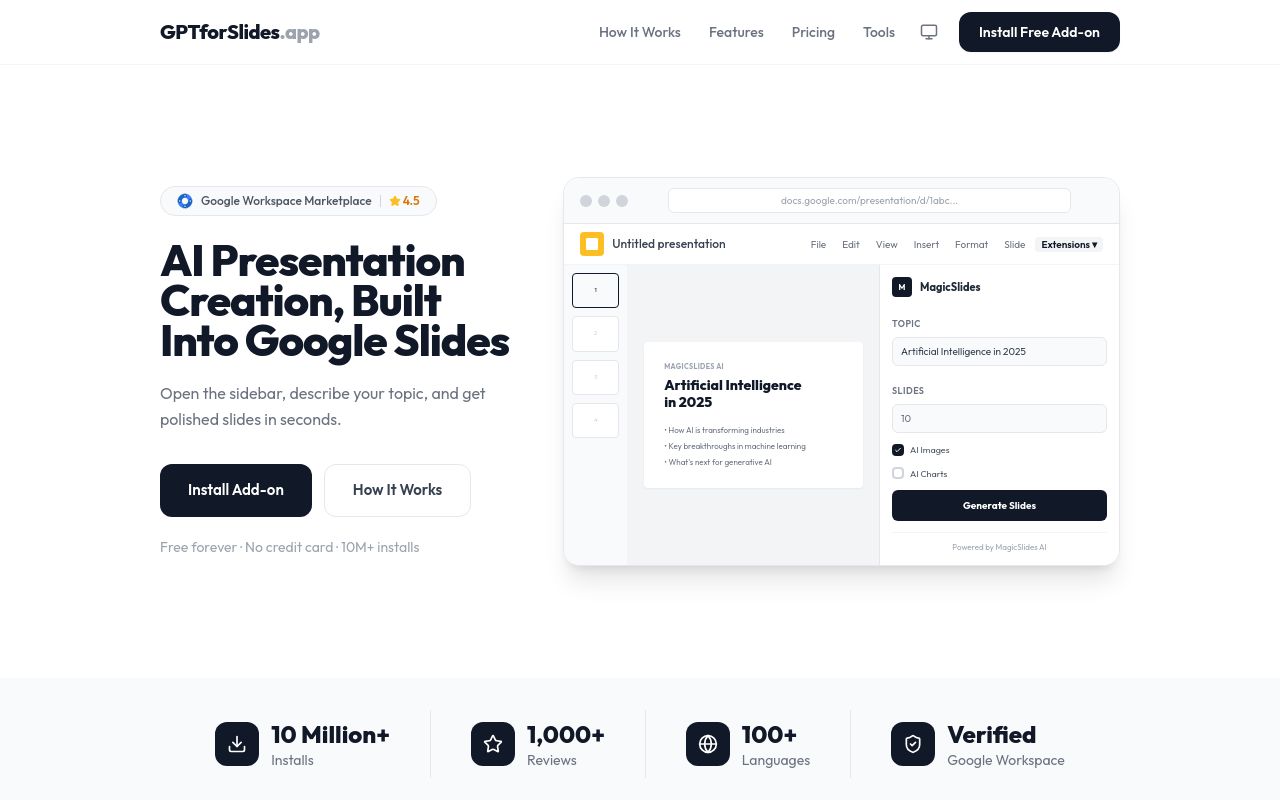
AI-powered presentations right inside Google Slides.
Describe your data in plain English — "sales grew from $2M to $5M over 4 quarters" — and get a professional bar chart
Pricing, in their words: “Monthly AnnualSave 17% Free $0/mo 3 presentations/month 10 slides per presentation 2,500 character input Watermark on slides” (pricing)
Subscription terms they state: cancel by email · 5-day refund window (source)
No usage limits stated on the pages we read.
Replit
Visit Replitreplit.com
Turn ideas into apps in minutes with an AI agent that writes code and builds infrastructure.
Data Visualization
Pricing, in their words: “$20$18 per monthbilled annually” (pricing)
No usage limits stated on the pages we read.
FAQ
Is there a free tool to generate data visualizations?
Yes — Julius AI, RowSpeak, GPT for Slides, Replit offer a free tier.
What is the cheapest paid option to generate data visualizations?
GPT for Slides starts at $8/month.
Which of these have an API?
DataSquirrel, Replit document a developer API.
How do I cancel these subscriptions?
Julius AI: cancel in-app; RowSpeak: cancel in-app; DataSquirrel: cancel by email; GPT for Slides: cancel by email. Replit does not state a cancellation route on the pages we read.
Can I get a refund?
RowSpeak states a 7-day refund window; DataSquirrel states it does not offer refunds; GPT for Slides states a 5-day refund window. The others (Julius AI, Replit) do not state a refund policy on the pages we read.
Sources
Every fact above was read from the vendors' own pages: