
Best AI tools to embed chatbots on websites
Top picks at a glance:
- AskYourPDF — Businesses needing to embed AI agents that interact with PDF documents.
- Brainybear — Users seeking no-code automation tools for non-commercial internal projects.
- tawk.to — Teams requiring cross-platform live chat communication tools.
- Invent — Companies requiring AI assistants for payments, bookings, and lead generation.
| Tool | What it does | Pricing | Free tier | Refunds |
|---|---|---|---|---|
| AskYourPDF | An AI platform that helps you chat with documents, auto-fill PDF forms, and embed AI agents. | Free tier; paid from $11.99/mo | Yes | None stated |
| Brainybear | No-code AI agents for chat and real-world automation. | Free tier; paid from $26.67/mo * | Yes | None stated |
| tawk.to | Live chat software for businesses to communicate with website visitors across multiple channels. | Free tier; paid from $29/mo * | Yes | — |
| Invent | Conversational AI assistants for customer service, bookings, payments, and lead generation across multiple communication channels. | Free tier; paid from $29/mo * | Yes | — |
— means the vendor does not state it on the pages we read.
* pricing not verified against the vendor's pricing page.
AskYourPDF
Visit AskYourPDFaskyourpdf.com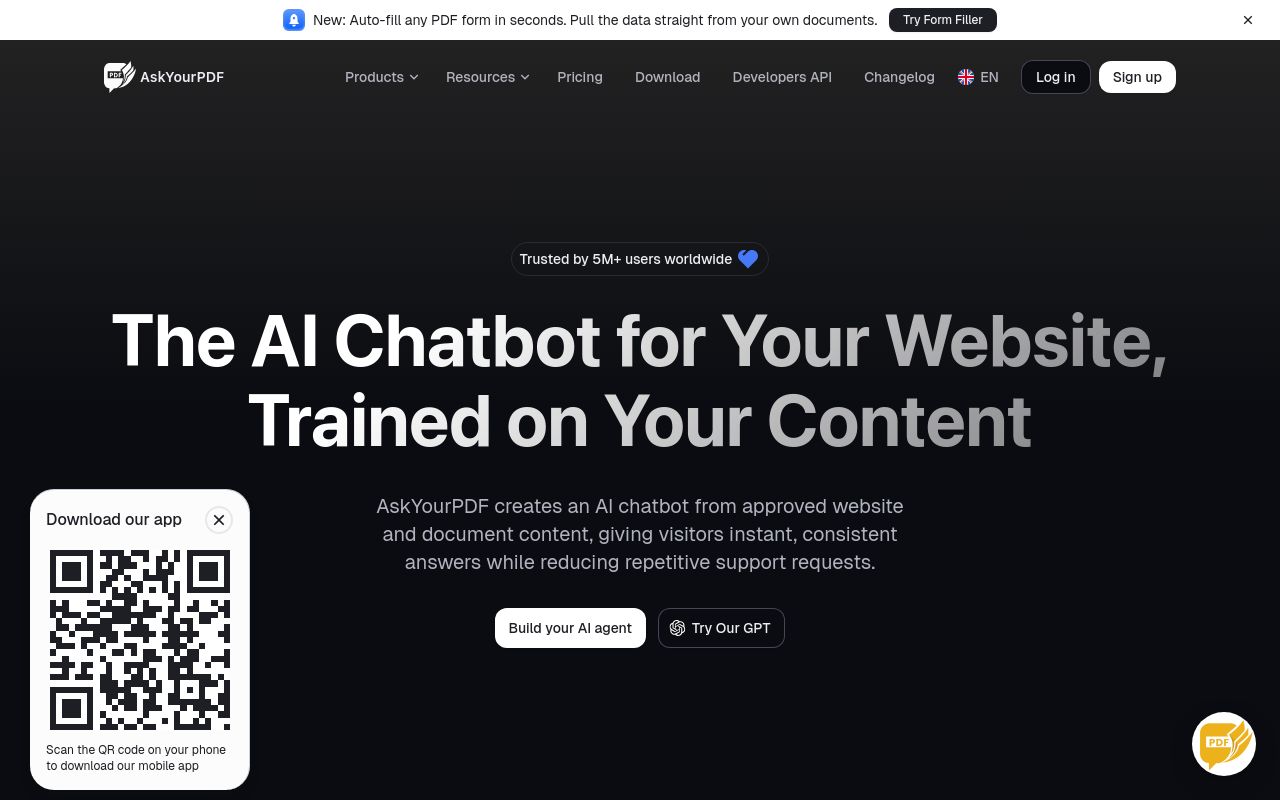
Best for: Businesses needing to embed AI agents that interact with PDF documents.
This platform allows you to chat with documents and auto-fill PDF forms while offering the ability to embed an AI chatbot on your website. It is available on web, Chrome, iOS, and Android. Note that subscriptions auto-renew, require cancellation via email, and include a no-refund policy.
Embed a website agent, auto-fill PDF forms, and chat with any document.
Pricing, in their words: “Annual Billing (25% OFF)” (pricing)
Subscription terms they state: cancel by email · auto-renews · states no refunds (source)
No usage limits stated on the pages we read.
Brainybear
Visit Brainybearbrainybear.ai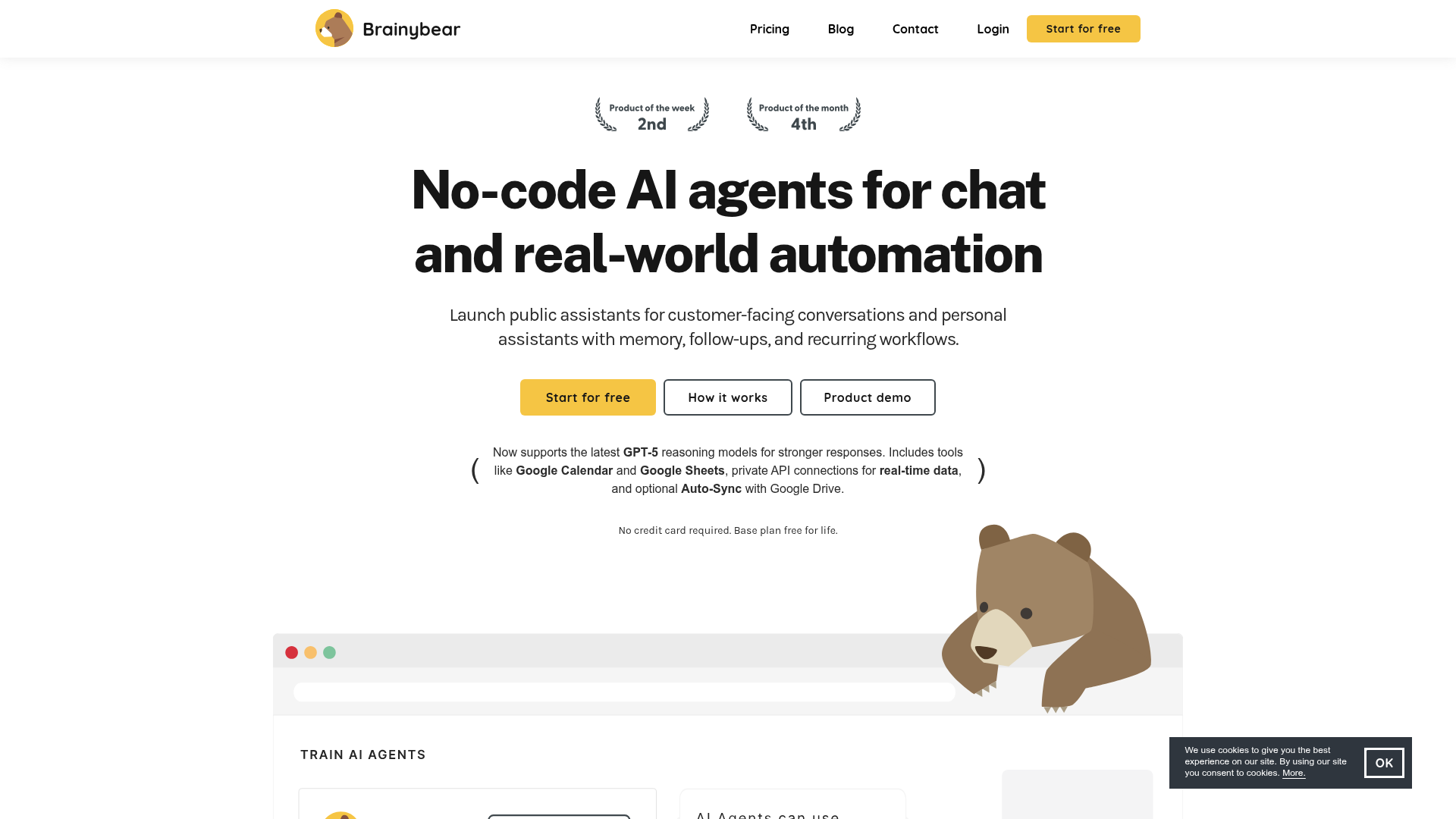
Best for: Users seeking no-code automation tools for non-commercial internal projects.
Brainybear provides no-code AI agents for chat and automation tasks. It is a web-only platform that does not support automated data extraction from websites. Users are prohibited from using the tool for commercial purposes without explicit permission.
Embed your AI agent to your site.
Pricing: Free tier; paid from $26.67/mo (pricing)
Subscription terms they state: cancel in-app · auto-renews · states no refunds (source)
Limits the vendor states:
- No automated extraction of data from website (screen scraping)
- No commercial use without permission
tawk.to
Visit tawk.totawk.toBest for: Teams requiring cross-platform live chat communication tools.
This software facilitates live chat communication between businesses and website visitors across multiple channels. It is the most versatile option for hardware support, featuring applications for desktop, mobile, and web. It includes an API and offers a free tier alongside paid plans.
Paste it and you're live, free. The rest happens in your dashboard: customise the chat, switch on your channels, add your team. No developer needed.
— tawk.to
Pricing: Free tier; paid from $29/mo (pricing)
No usage limits stated on the pages we read.
Best for: Companies requiring AI assistants for payments, bookings, and lead generation.
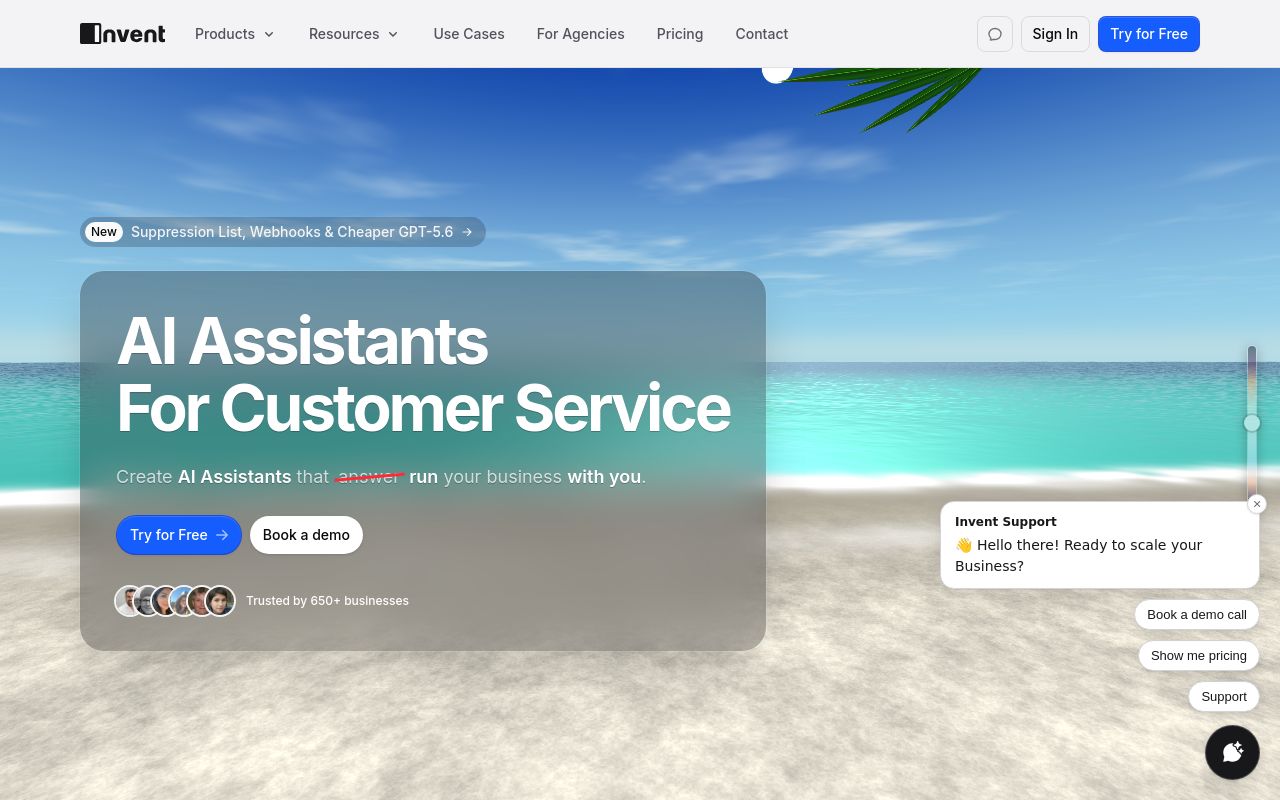
Invent creates conversational AI assistants for customer service, bookings, and payments across various channels. It allows you to embed an AI chat widget on your website. Use of this tool is limited by a requirement for human supervision and a ban on commercial material use without consent.
Engage visitors with AI support for orders and service via menu, bubble button, or hosted link.
Pricing: Free tier; paid from $29/mo (pricing)
Limits the vendor states:
- cannot use AI tools unsupervised
- no commercial use of materials without consent
Which one for your situation?
- You run a small business and need to make internal PDFs searchable for customer support agents. → AskYourPDF: It is specifically designed to help you chat with documents and embed AI agents on your website.
- You want to build an internal automation tool for your private project without external commercial interests. → Brainybear: It offers no-code AI agents for automation but strictly prohibits commercial use without permission.
- You need to manage customer support across various devices including mobile and desktop apps. → tawk.to: It provides live chat software across desktop-mac, desktop-windows, ios, android, and web.
- You need a system for handling client bookings and payments through a conversational AI assistant. → Invent: It is built for conversational AI assistants capable of handling customer service, bookings, and payments.
FAQ
Is there a free tool to embed chatbots on websites?
Yes — AskYourPDF, Brainybear, tawk.to, Invent offer a free tier.
What is the cheapest paid option to embed chatbots on websites?
AskYourPDF starts at $11.99/month.
Which of these have an API?
AskYourPDF, Brainybear, tawk.to, Invent document a developer API.
How do I cancel these subscriptions?
AskYourPDF: cancel by email; Brainybear: cancel in-app. tawk.to, Invent do not state a cancellation route on the pages we read.
Can I get a refund?
AskYourPDF states it does not offer refunds; Brainybear states it does not offer refunds. The others (tawk.to, Invent) do not state a refund policy on the pages we read.
Do these subscriptions auto-renew?
AskYourPDF, Brainybear state that paid plans renew automatically. Check the billing page before subscribing; the rest do not state it either way.
Sources
Every fact above was read from the vendors' own pages: