
Best AI tools to debug code
| Tool | What it does | Pricing | Free tier | Refunds |
|---|---|---|---|---|
| CodeRabbit | AI-powered tool that provides line-by-line feedback on code changes and suggests improvements and corrections to code. | Free tier; paid from $24/mo | Yes | — |
| Coddy | An interactive platform for learning programming languages and building software through gamified lessons and browser-based tools. | Free tier | Yes | 14 days |
| Kilo Code | An open-source platform for AI-powered development across IDEs, CLI, and cloud environments. | Free tier; paid from $15/mo | Yes | — |
| Claude | An AI assistant for collaboration on coding, data analysis, writing, and complex problem-solving tasks. | Free tier; paid from $16.67/mo | Yes | — |
| GlobalGPT | An all-in-one platform providing access to over 100 different AI models for text, image, video, and audio generation. | Free tier; paid from $5.80/mo * | Yes | — |
— means the vendor does not state it on the pages we read.
* pricing not verified against the vendor's pricing page.
CodeRabbit
Visit CodeRabbitcoderabbit.ai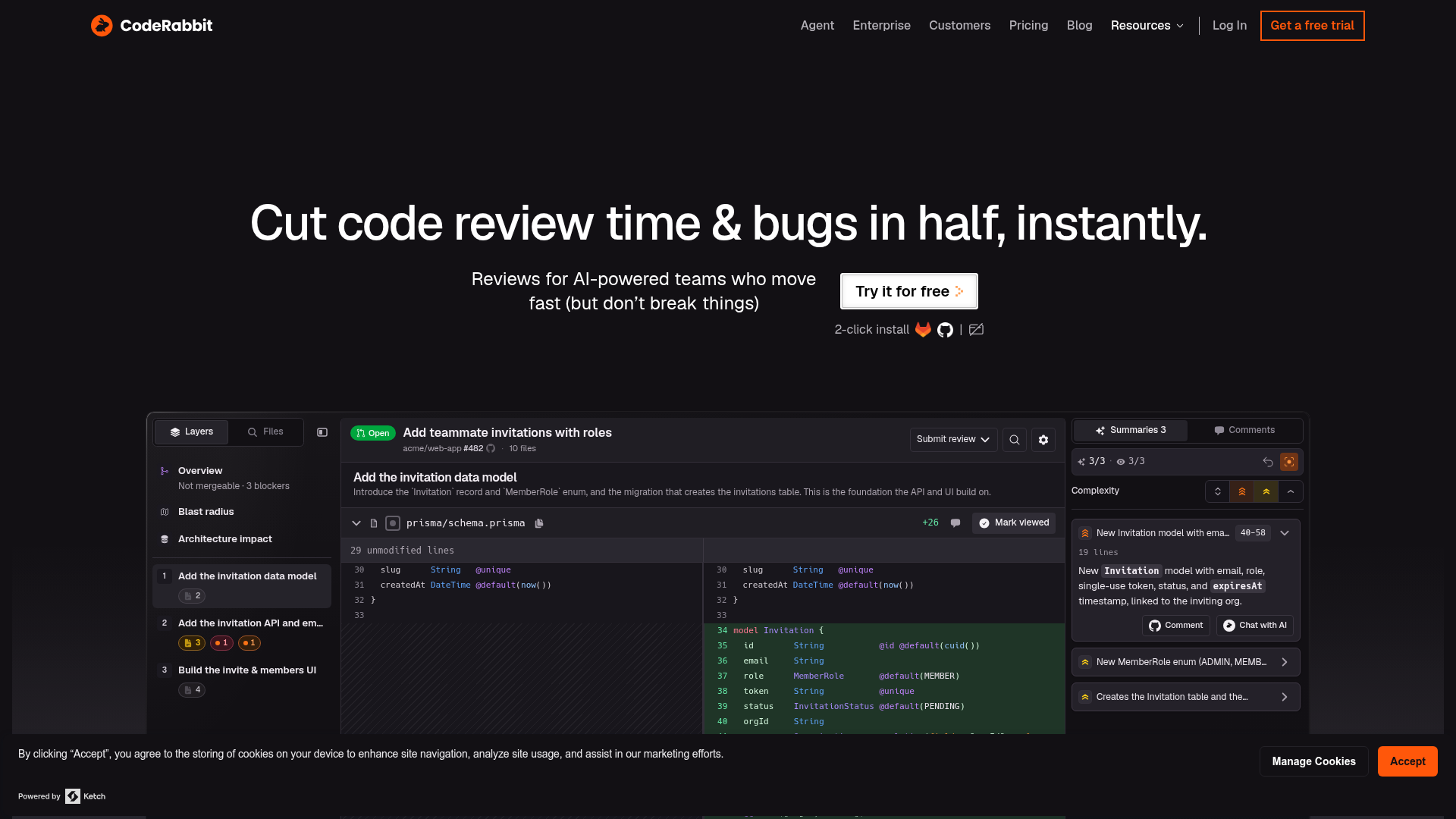
AI-powered tool that provides line-by-line feedback on code changes and suggests improvements and corrections to code.
We find bugs humans miss – & flag the time-consuming and tedious.
Pricing, in their words: “All plans include a 14-day free trial” (pricing)
Subscription terms they state: auto-renews (source)
Limits the vendor states:
- no sensitive data upload
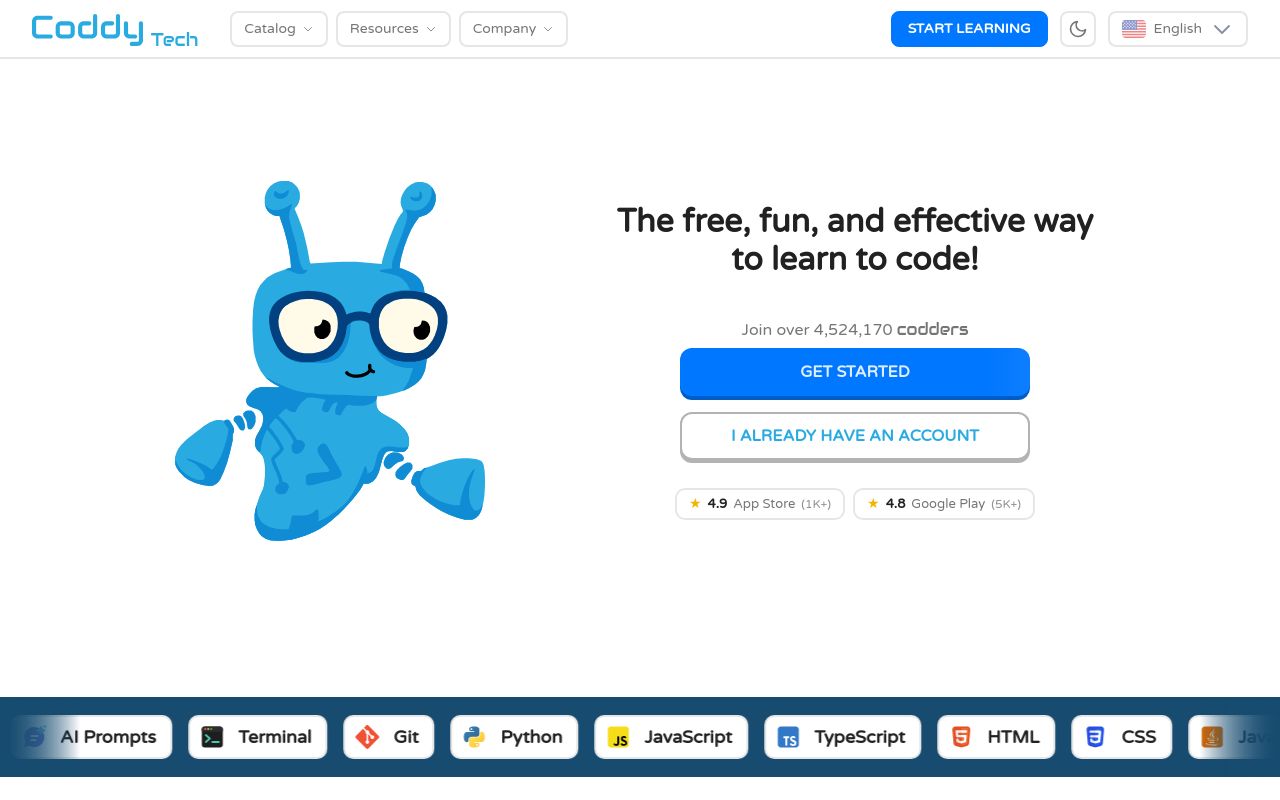
An interactive platform for learning programming languages and building software through gamified lessons and browser-based tools.
Personal AI tutor that explains code, debugs errors, and gives hints.
Pricing, in their words: “Is Coddy free? Yes. Coddy is completely free to start. You can take dozens of interactive courses, build coding streaks, and earn XP without paying anything.” (pricing)
Subscription terms they state: cancel in-app · 14-day refund window (source)
Limits the vendor states:
- Users under 13
Kilo Code
Visit Kilo Codekilocode.ai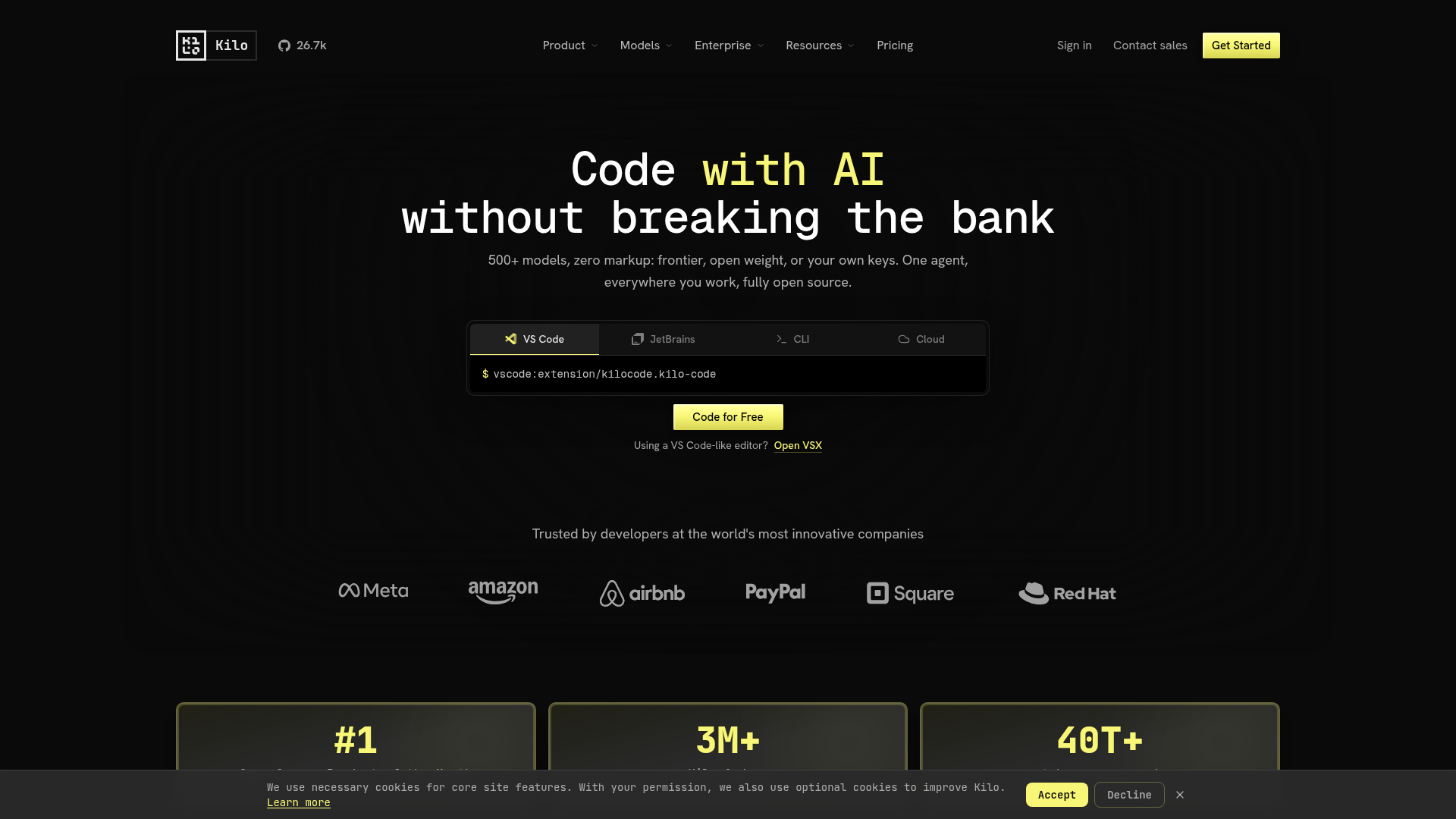
An open-source platform for AI-powered development across IDEs, CLI, and cloud environments.
Debug Mode.Identify and fix bugs fast with an agent that reads errors, traces issues, and suggests fixes.
Pricing, in their words: “Free for individuals. Teams and Enterprise add collaboration, security, governance, and support.” (pricing)
Subscription terms they state: cancel in-app · auto-renews (source)
No usage limits stated on the pages we read.
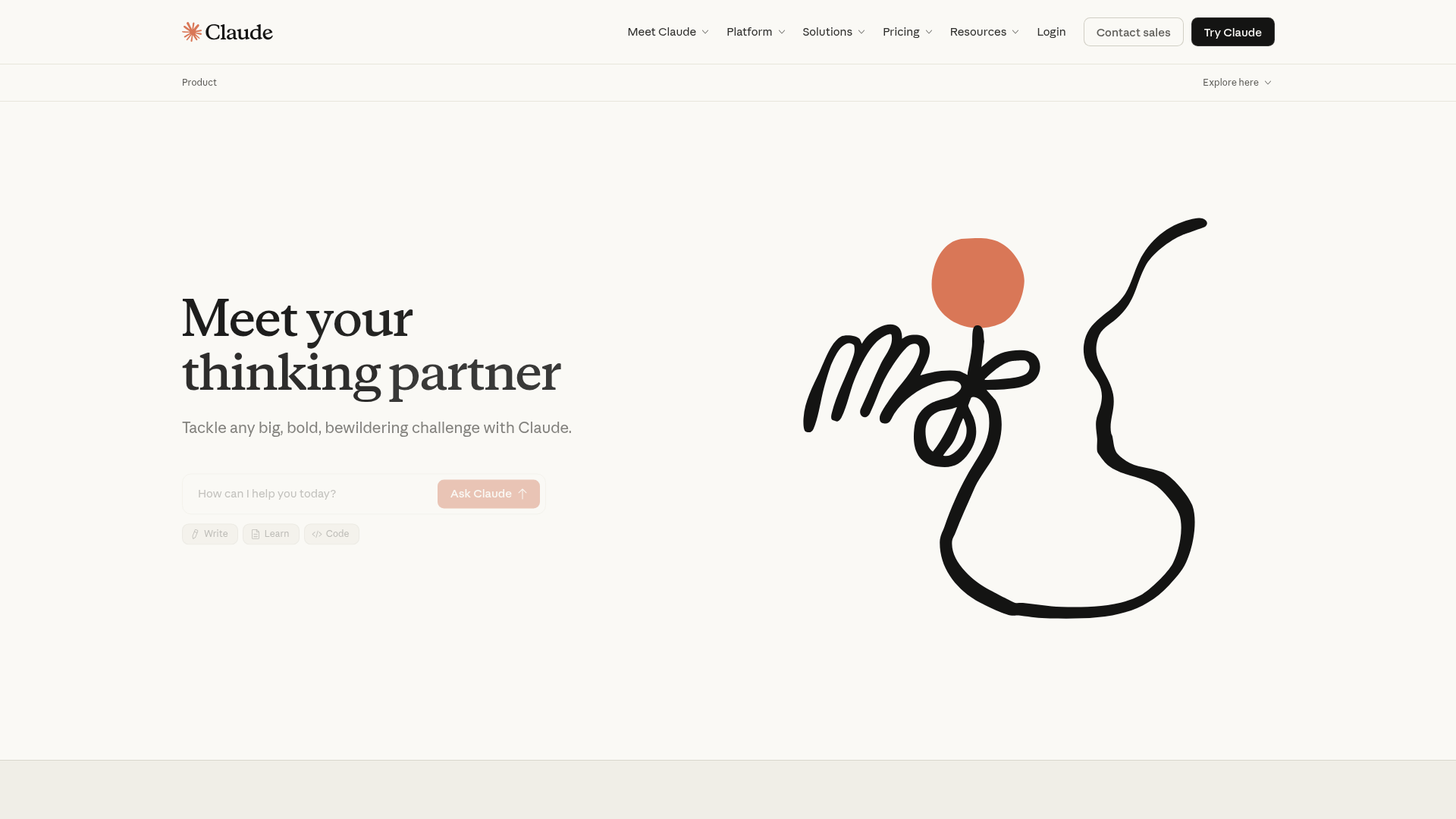
An AI assistant for collaboration on coding, data analysis, writing, and complex problem-solving tasks.
Look over my code and give me tips
Pricing, in their words: “$17 Per month with annual subscription discount ($200 billed up front). $20 if billed monthly.” (pricing)
No usage limits stated on the pages we read.
GlobalGPT
Visit GlobalGPTglbgpt.com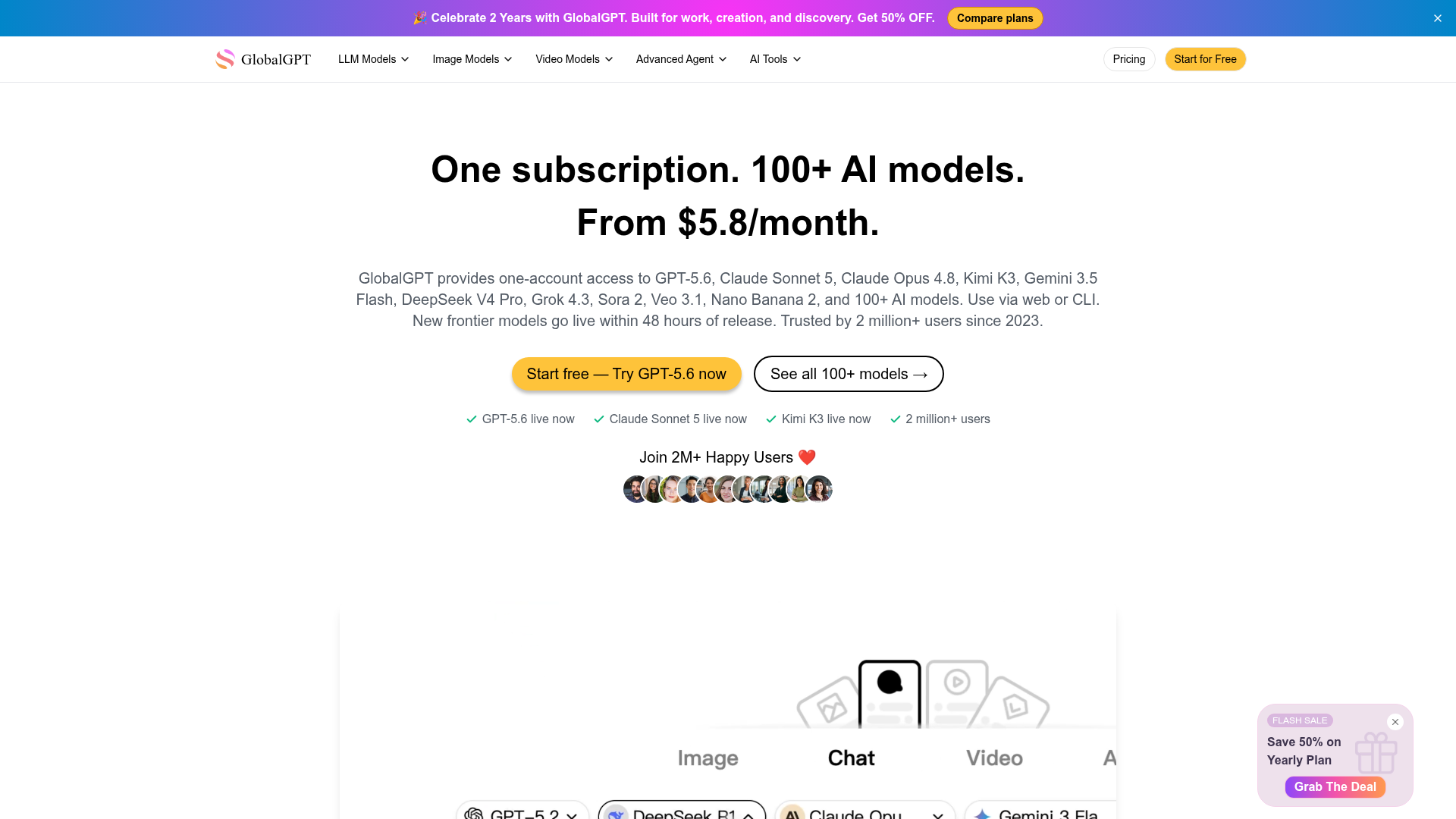
An all-in-one platform providing access to over 100 different AI models for text, image, video, and audio generation.
Use either through GlobalGPT to generate, debug, refactor, and review code across any language.
Pricing: Free tier; paid from $5.80/mo (pricing)
No usage limits stated on the pages we read.
FAQ
Is there a free tool to debug code?
Yes — CodeRabbit, Coddy, Kilo Code, Claude, GlobalGPT offer a free tier.
What is the cheapest paid option to debug code?
GlobalGPT starts at $5.80/month.
Which of these have an API?
CodeRabbit, Kilo Code, Claude document a developer API.
How do I cancel these subscriptions?
Coddy: cancel in-app; Kilo Code: cancel in-app. CodeRabbit, Claude, GlobalGPT do not state a cancellation route on the pages we read.
Can I get a refund?
Coddy states a 14-day refund window. The others (CodeRabbit, Kilo Code, Claude, GlobalGPT) do not state a refund policy on the pages we read.
Do these subscriptions auto-renew?
CodeRabbit, Kilo Code state that paid plans renew automatically. Check the billing page before subscribing; the rest do not state it either way.
Sources
Every fact above was read from the vendors' own pages: